
Get any PDF form from the DocHub library of ready-made templates - Page 1068

UMHS DEPARTMENT OF PATHOLOGY: Specimen To Charge Code Rapid Finder List
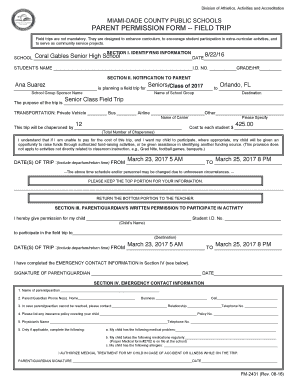
Field trip form - CavsConnect

Official Receipt for Team Hockey Fees - swha
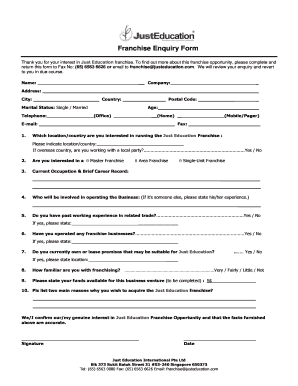
Franchise enquiry form
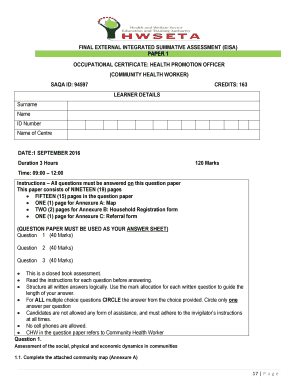
Health promotion questions and answers pdf

Vascular and nonvascular plants worksheet pdf

Key release form
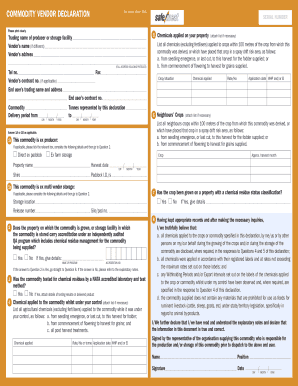
COMMODITY VENDOR DECLARATION SERIAL NUMBER
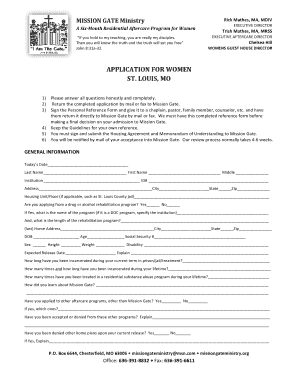
Mission gate application
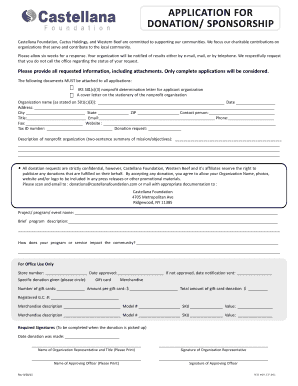
APPLICATION FOR DONATION SPONSORSHIP

Shelter intake form
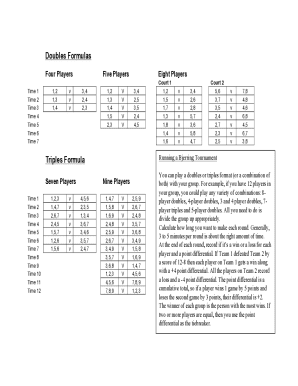
Bjerring tournament generator
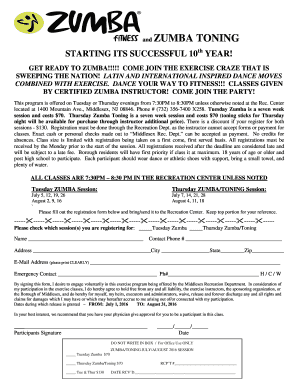
Zumba registration form
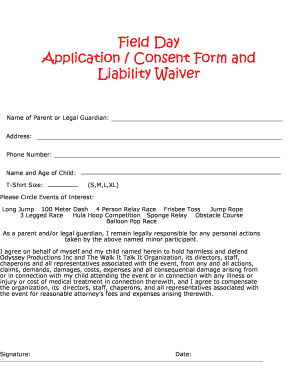
Field Day Application Consent Form and Liability Waiver - odysseyproductionsinc
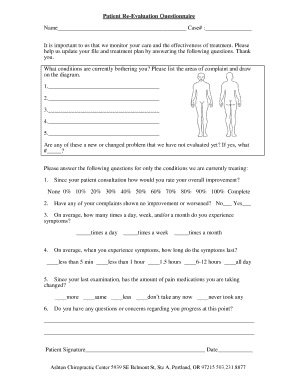
Patient Re-Evaluation Questionnaire - Ashton Chiropractic Center
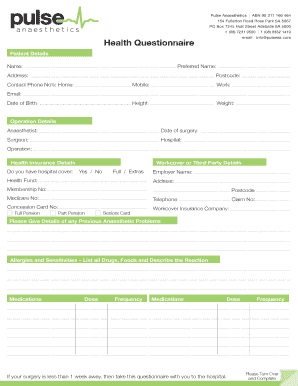
Health Questionnaire - Pulse Anaesthetics
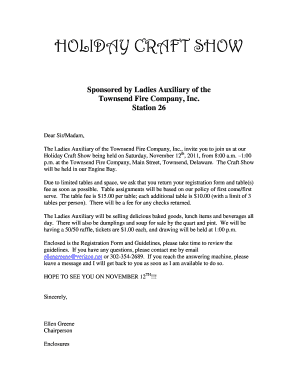
Townsend fire company craft show
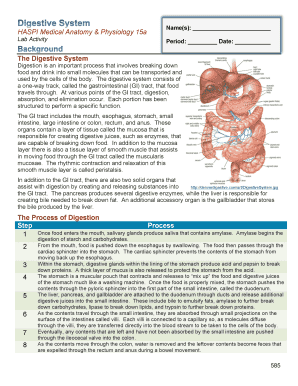
Digestive system haspi answer key

Passenger waiver of liability - 1st Drive Colorado

34 Fundraising Proposal - Grace Prep - graceprep

EUROIMMUN Medizinische Labordiagnostika AG ANAProfil 1 EUROLINE AuswerteProtokoll Evaluation protoco

Tenant key receipt acknowledgement form
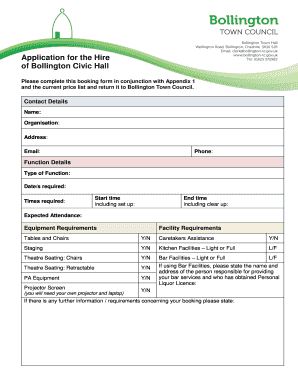
Civic Hall Booking Form
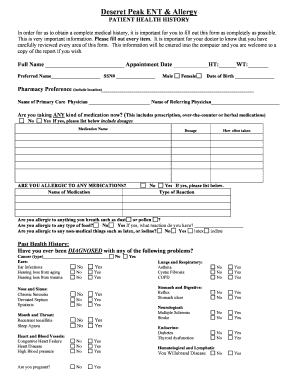
Desert Valley ENT Health History Form

Pickens County Planning Development Department
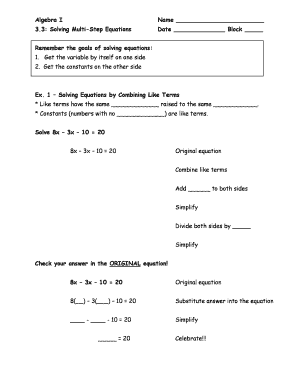
Solving multi step equations notes pdf
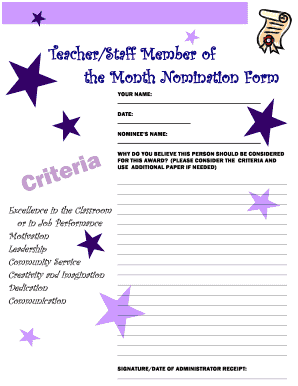
Teacher of the month criteria

Please make a reservation for guaranteed seating
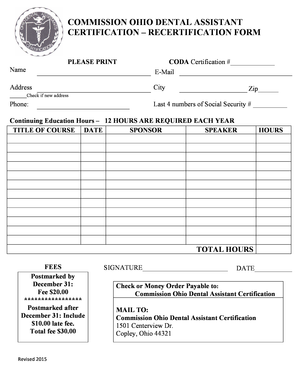
Recertification Form - Commission on Ohio Dental Assistant - codacertification
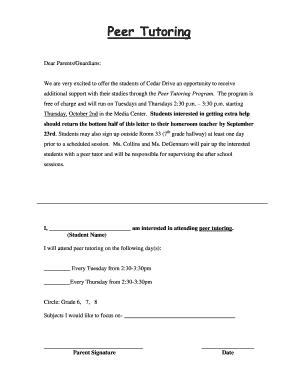
Tutoring letter to parents
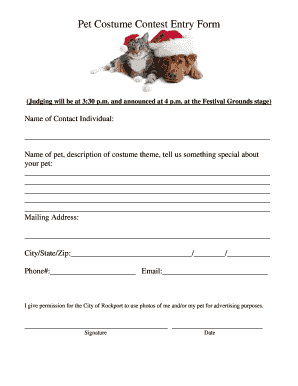
Pet Costume Contest Entry Form - cityofrockportcom
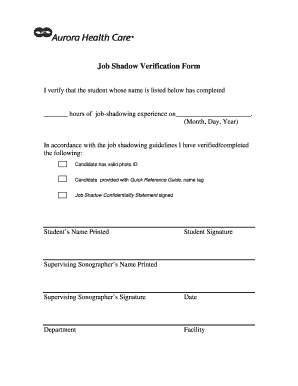
Job Shadow Verification Form 2013 - Aurora Health Care - medicalprofessionals aurorahealthcare
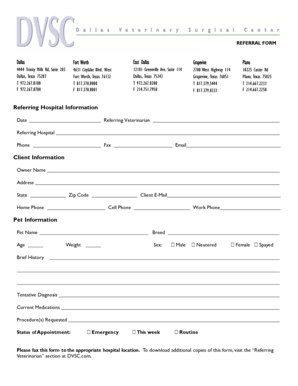
Dvsc referral form

Cameroon passport application form

Reefer trailer rental agreement form

EXCLUSIVE RIGHT TO RENT AGREEMENT
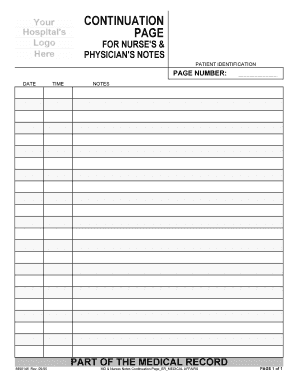
Continuation sheet in hospital

Dental report template
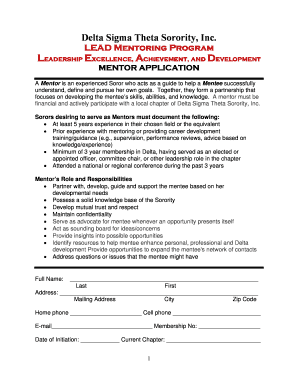
Delta sigma theta mentoring program
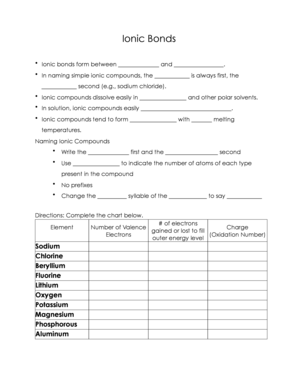
Ionic bonds worksheet answers
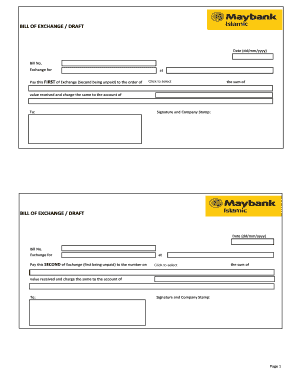
BILL OF EXCHANGE DRAFT

South Charlotte Soccer Association Tryout Registration Form
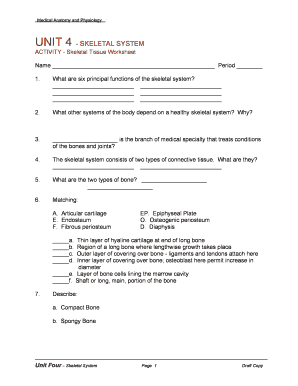
Skeletal tissue worksheet form
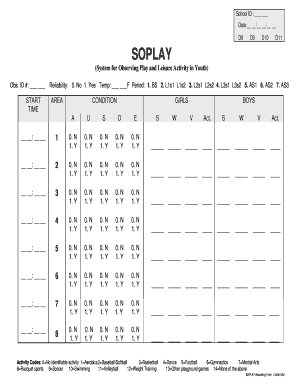
Soplay
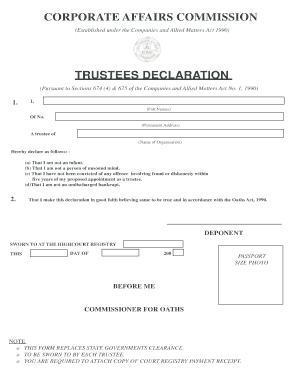
Cac trustee declaration form
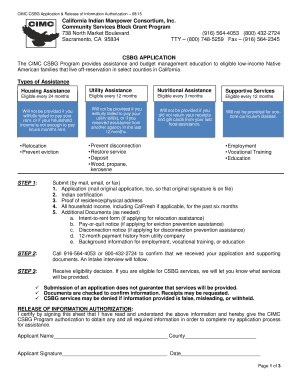
Cimc application
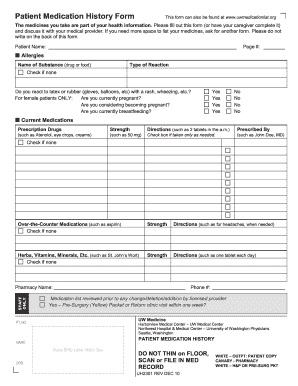
Medication history form
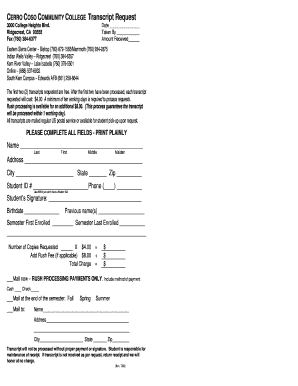
Cerro coso community college transcripts
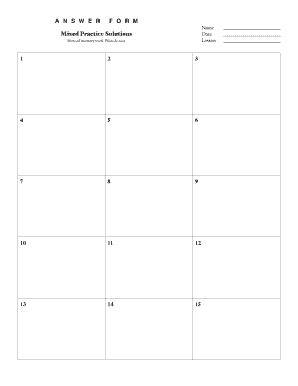
ANSWER FORM Name Mixed Practice Solutions Date Show a

Bill of exchange draft
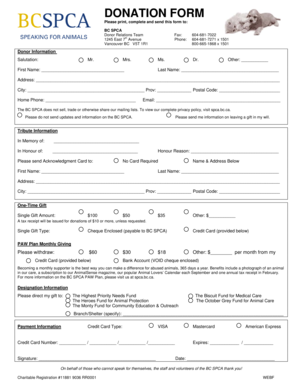
Spca donation receipt
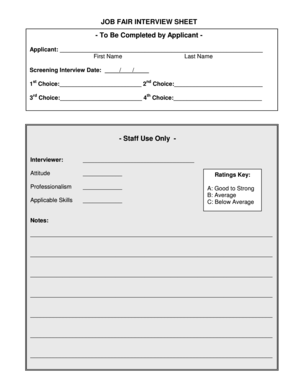
JOB FAIR INTERVIEW SHEET - To Be Completed by Applicant - fremont

Vat 255 form

NEW MEXICO OFFICE OF THE STATE ENGINEER TOTALIZING METER - ose state nm
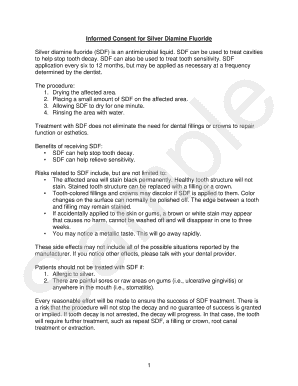
Silver diamine fluoride consent form
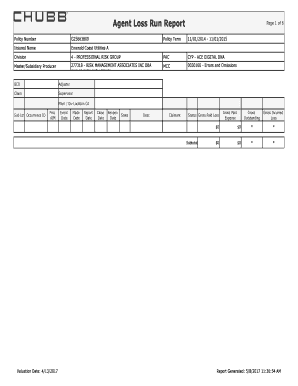
Loss runs report sample
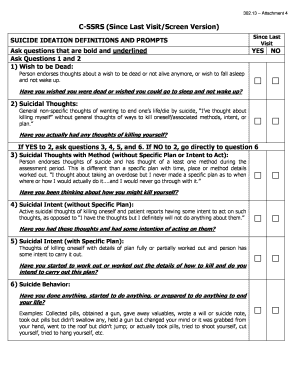
C-SSRS (Since Last Visit Screen Version) - lacdmh lacounty
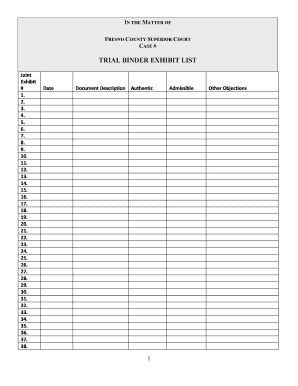
TRIAL BINDER EXHIBIT LIST - fresno courts ca
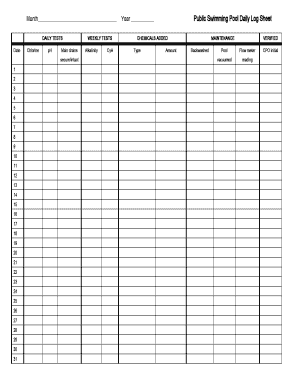
Printable pool log sheet
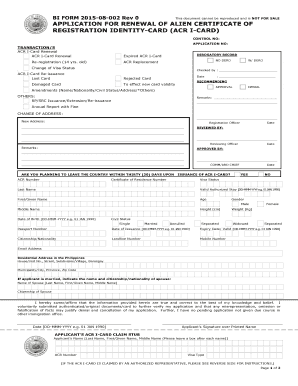
Acr i card application form download
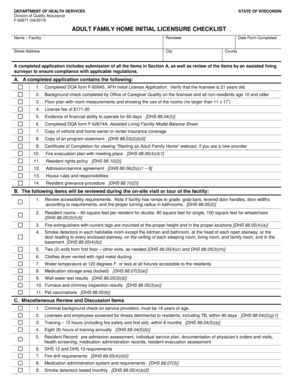
Fillable f62674a
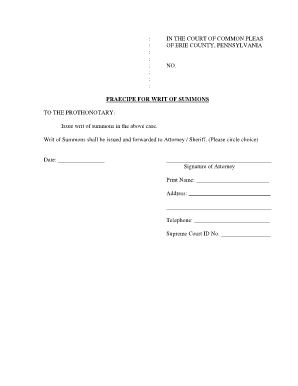
Praecipe for writ of summons pennsylvania form

Letter of direction ontario
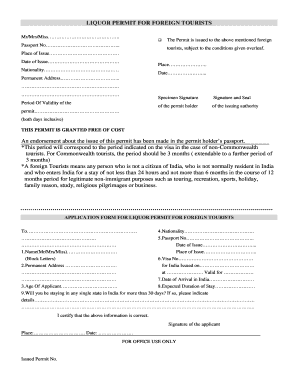
Alcohol permit for india from uk
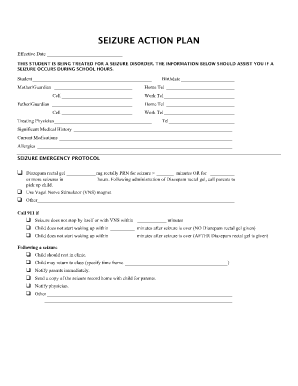
SEIZURE ACTION PLAN
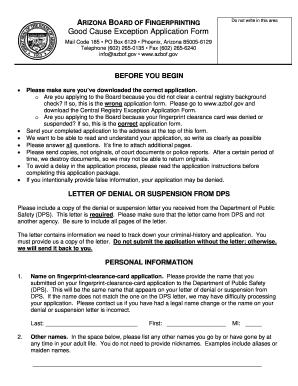
Arizona good cause
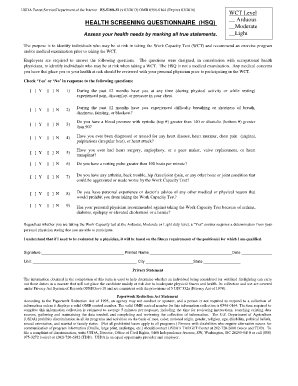
Hsq form

Eviction hold off agreement

Assault Weapon Certificate Application - CT - ct
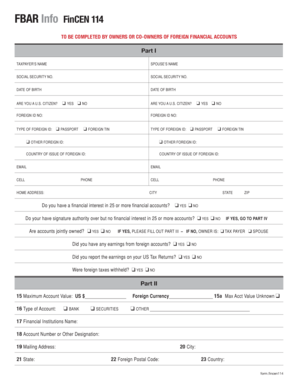
Printable fincen form 114 2017

Wallet size medical information card

Pie order form template

Field sobriety test instructions

190 visa application form pdf

Irs form ssa 1945

Uniform sales and use tax certificate example
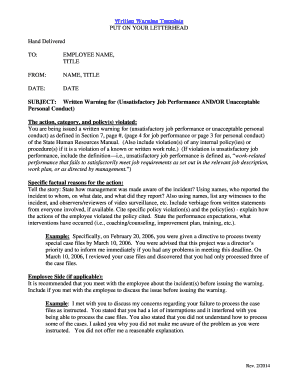
Certified letter template

Wv expungement forms
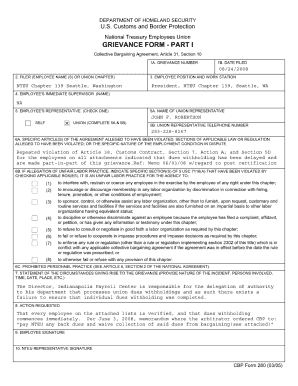
Cbp grievance form 280
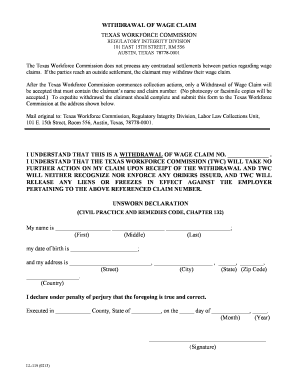
Form LL-119: Withdrawal of Wage Claim - Texas Workforce - twc texas
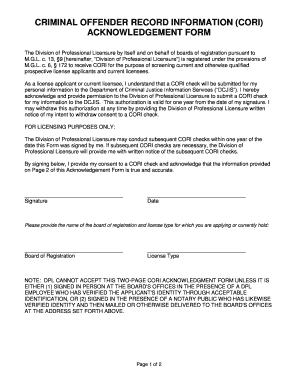
(cori) acknowledgement form - Mass - mass
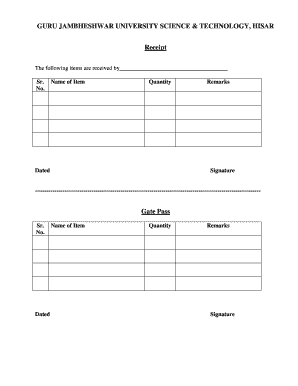
Gate pass format
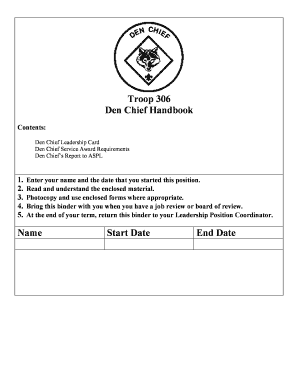
Den chief handbook pdf
Questionario ucla sctc git 20 - UCLA SCTC GIT 20 Questionnaire - uclascleroderma researchcore
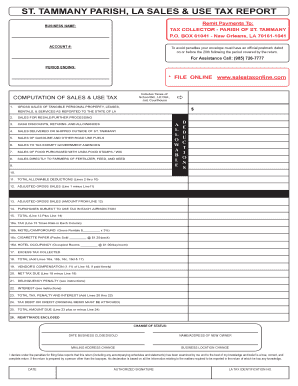
ST TAMMANY PARISH LA SALES USE TAX REPORT
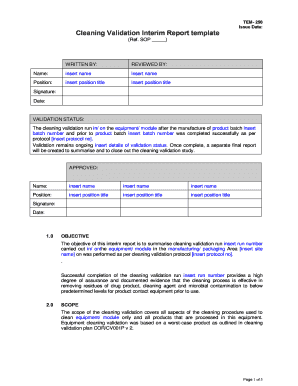
Cleaning validation report template
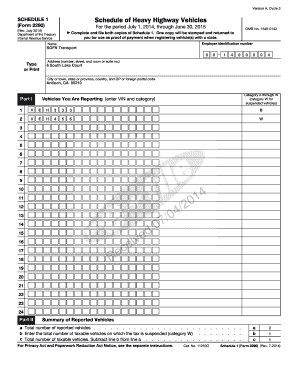
Irs 2290 form 2020 printable
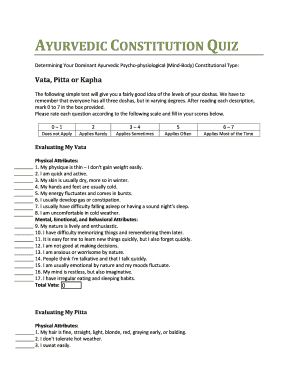
AYURVEDIC CONSTITUTION QUIZ - TouchStone Health - touchstonehealth
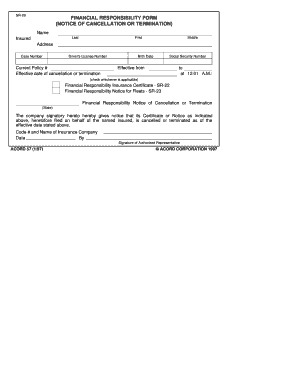
SR-26
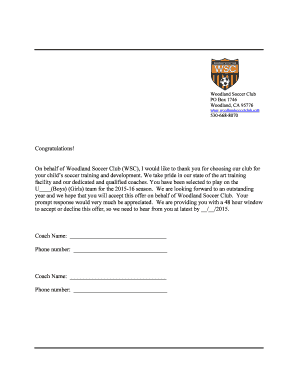
Football clearance letter
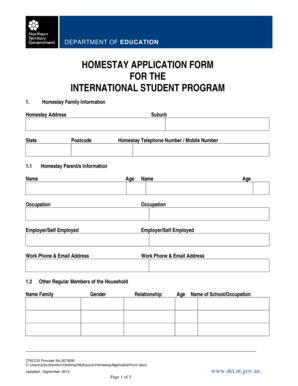
Homestay form
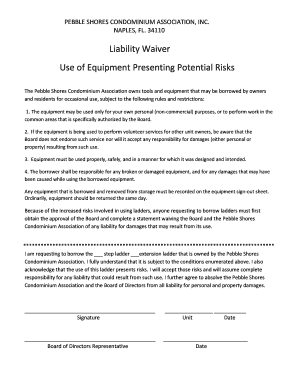
Equipment waiver template
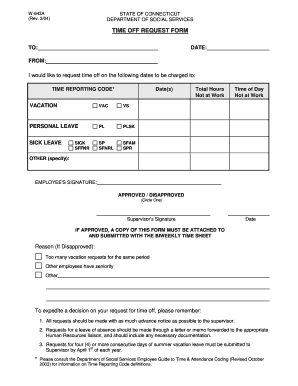
Time Off Request Form - W643A - ct
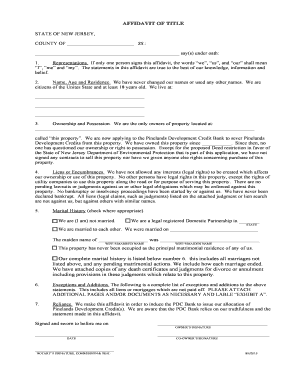
Affidavit of title nj
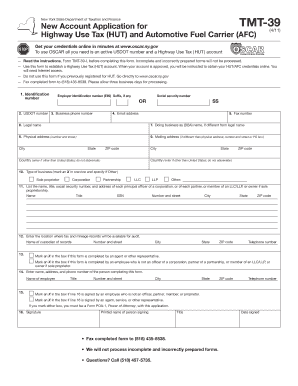
Oscar ny gov
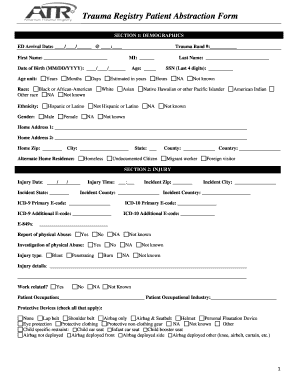
Trauma Registry Patient Abstraction Form - healthy arkansas
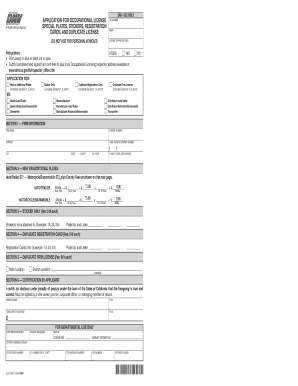
Dmv registration card print out
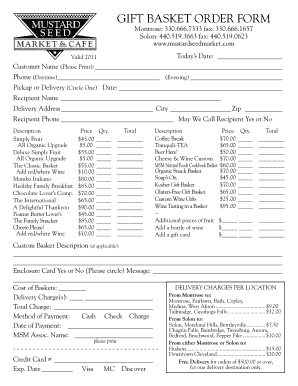
Gift basket order form

Rga money order
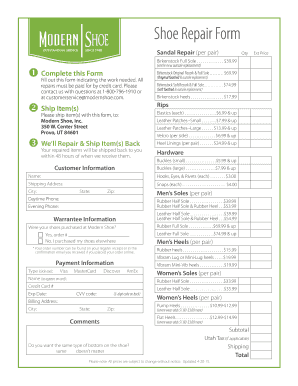
Shoe Repair Form
Benefit from the DocHub online library of fillable PDF forms
Searching the PDF forms doesn't have to be a tedious and time-consuming process. With the DocHub online library, it has become easier to find the fillable PDF forms and modify them in your browser. The service allows you to adjust the document to your needs using powerful editing tools.
You can use online document editing features to modify almost any type of document with ease. You just need to find the template of your choice, open it in the editor, and use the toolbar to make the necessary corrections.
Follow this guide to get your document done with DocHub:
- Find the PDF template you need.
- Click the Get Form button to open the file in the editor.
- Use the toolbar to fill out and edit the document.
- Easily add and highlight text, insert images, checkmarks, and symbols.
- Drop new fillable fields, and rearrange or delete pages from your file.
- Save changes and download your record.
DocHub empowers everyone to streamline document editing, signing, and distribution, and form completion. Create an account and benefit from our well-organized PDF Forms library and comprehensive editor.