
Get any PDF form from the DocHub library of ready-made templates - Page 999

The court reporter who reported this case, hereby moves this Court - isc idaho

Idaho small case sheet form

Standard Lease Agreement Ga - Amandaswrinkledpages
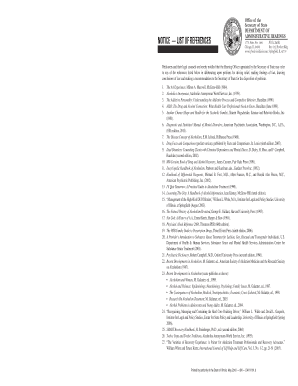
Notice references hearings form

Form 4 9
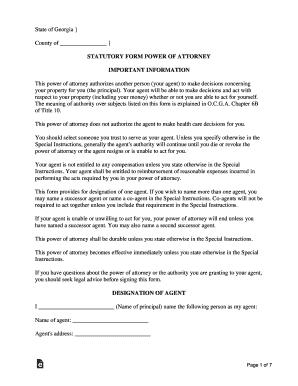
Power of attorney form georgia

Probate service upon

Juvenile rights form

Ga probate rule form

Ga guardianship

Georgia medical consent form
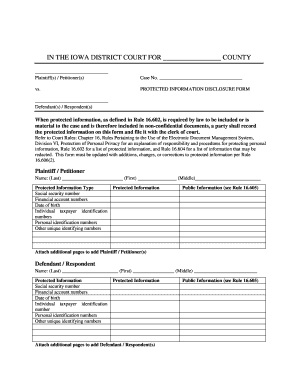
Ia information form
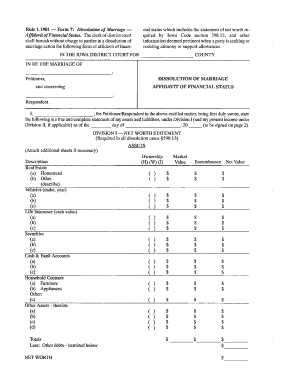
Iowa form 7

Iowa acceptance service
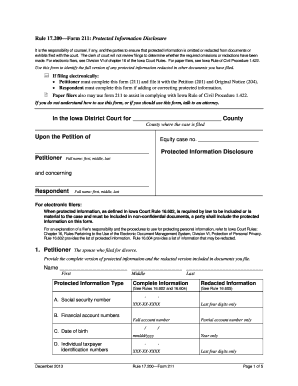
Ia form 211

Iowa form affidavit
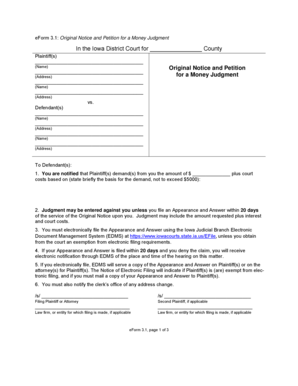
Iowa 3 1 eform

Iowa form 1
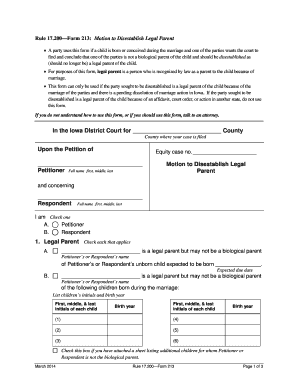
Ia disestablish
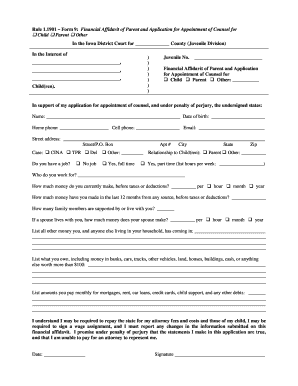
Ia form 9
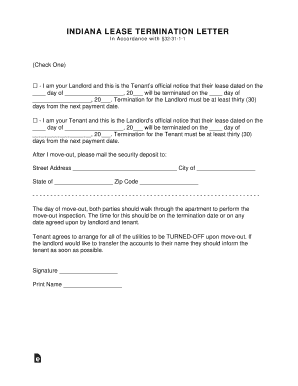
Indiana lease termination letter
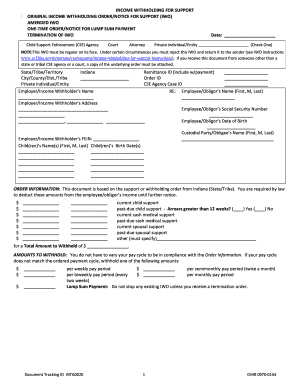
Indiana form income withholding
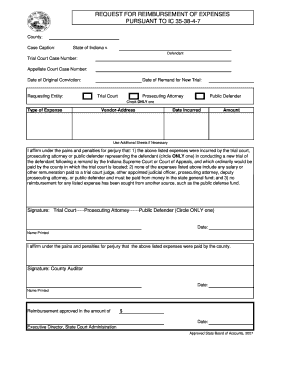
Filed House Conference Committee Report, House Bill 1001 - IN - in

Probation quarterly
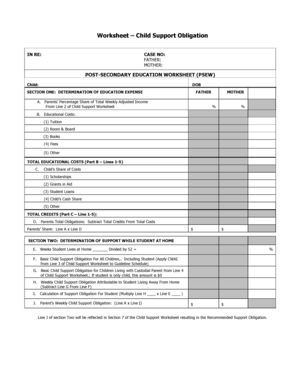
Indiana post secondary education

Indiana appearance civil
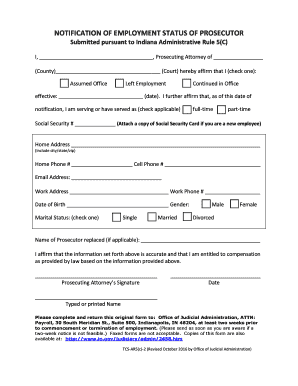
Indiana Administrative Rules - IN
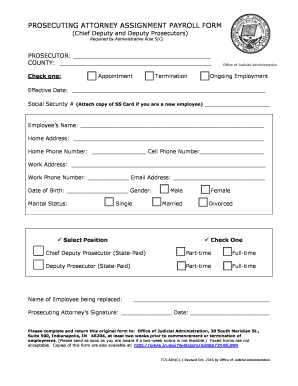
Prosecuting form
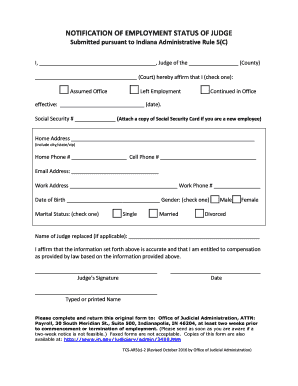
In notification employment status

Indiana application senior judge
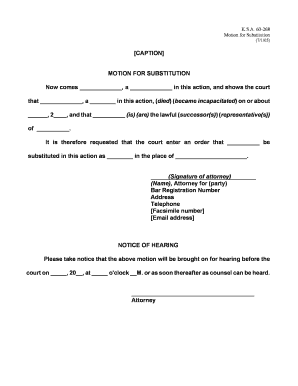
Motion substitution

Respondents answer
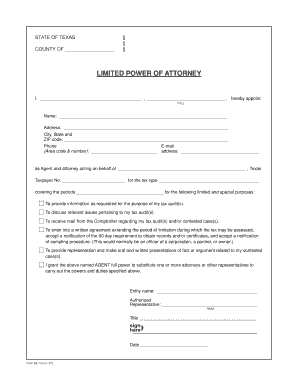
Form 86 113
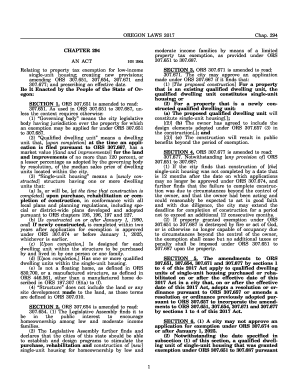
2017 OR LAWS Chapter 294
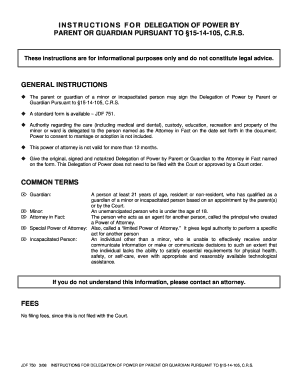
Instructions for delegation of power - courts state co
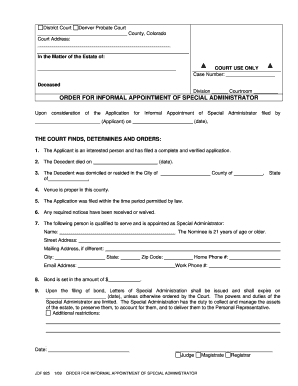
- courts state co
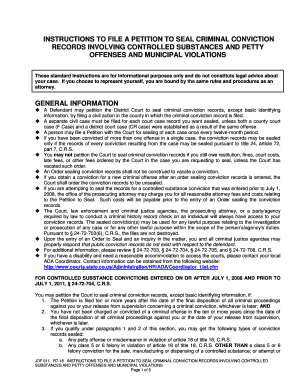
Colorado file petition seal records controlled

Jdf96 instructions
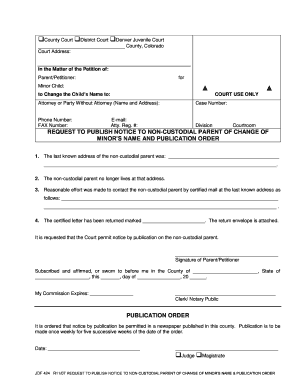
Jdf 424
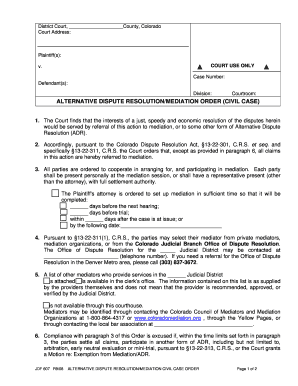
Colorado dispute civil
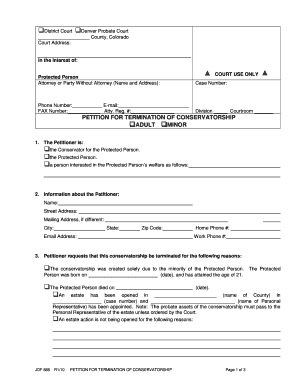
Jdf 888
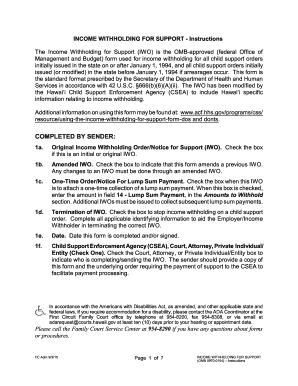
Hawaii instructions withholding support edit

Summons civil divorce

Hawaii instructions notice intent complaint edit
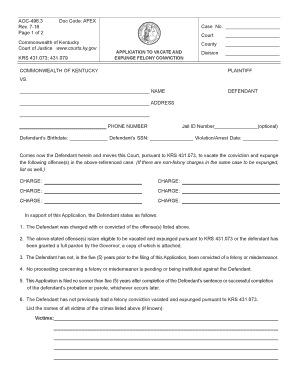
Kentucky vacate form

Kentucky petition expungement
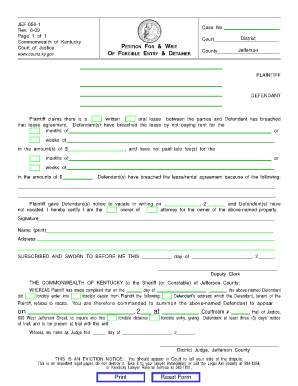
Ky forcible detainer

The krs 403

Kentucky affidavit sample
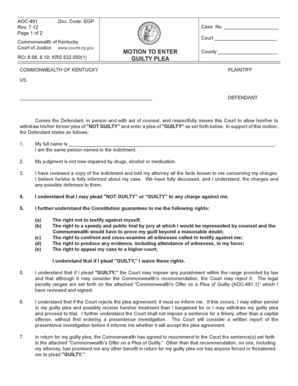
Ky motion enter guilty plea
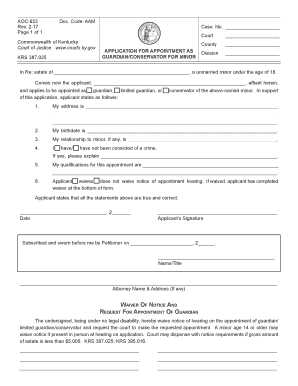
Printable child custody forms kentucky

Parte segunda LA VIDA INTERNA DE LA IGLESIA - Mercaba - jud ct
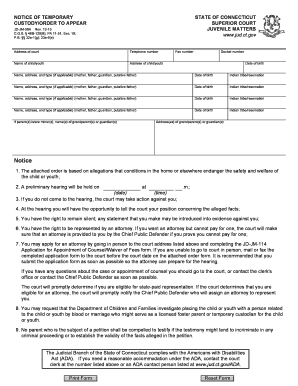
Jd jm 58a

MOTION FOR SUPPLEMENTAL JUDGMENT - FORECLOSURE BY MARKET SALE

Jd cv149

Affidavit sticking

Connecticut discriminacao

Ct case management dates

Ct mediation notice
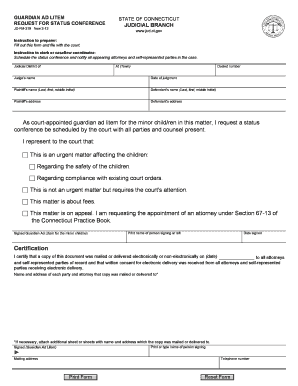
Guardian ad litem status sample

When court forms appearance
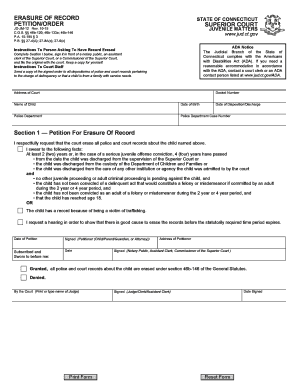
Jm12 form pdf

Ct application fund
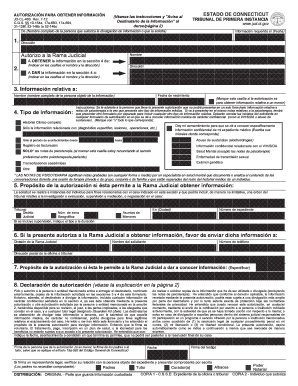
AUTHORIZATION FOR INFORMATION - SPANISH - Connecticut - jud ct

Connecticut termination parental rights form
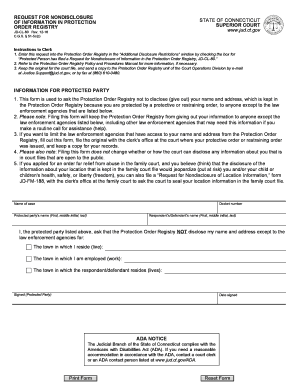
Ct protection form

Hearing and notice

Ct magistrate application
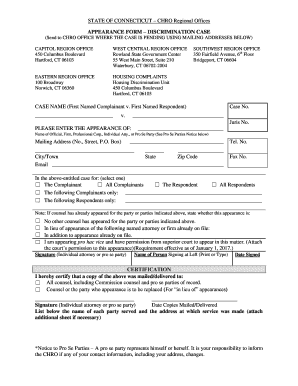
Appearance ct region
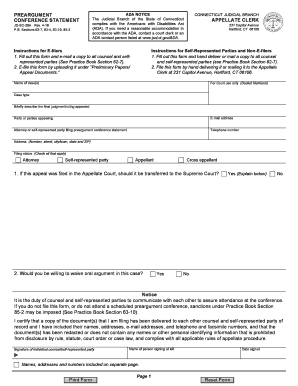
Form book conference pdf
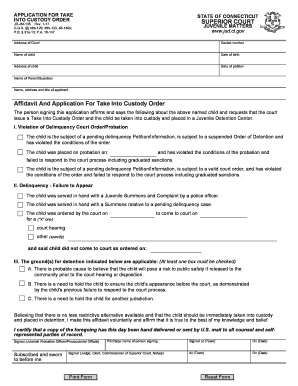
Ct application take custody order
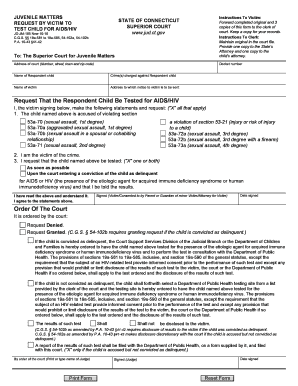
Request child hiv

Connecticut aranceles judiciales search
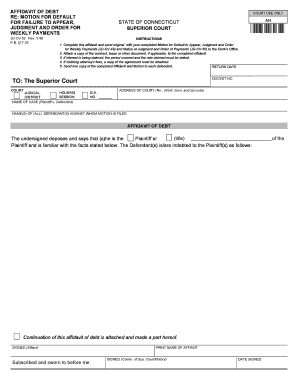
Affidavit debt
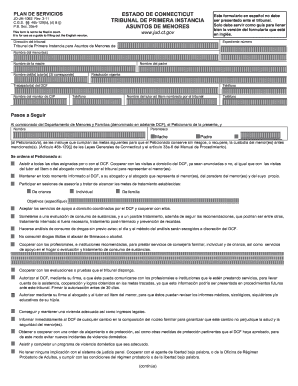
Dcf para peticionado sample

Discrimination complaint federal grants (spanish) - CT - jud ct

Connecticut prevencion
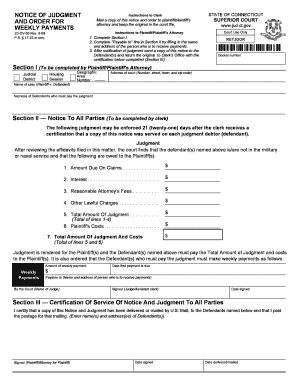
Ct weekly form
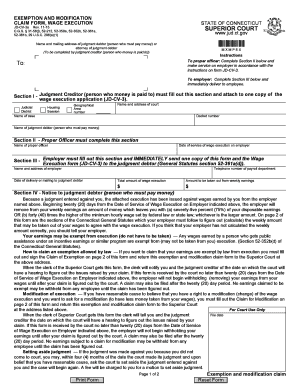
Connecticut exemption claim form
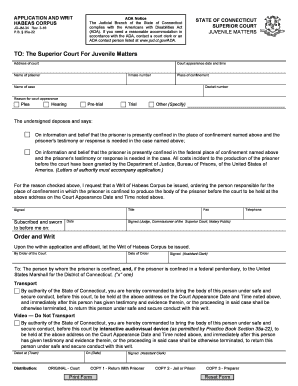
Ct habeas corpus form
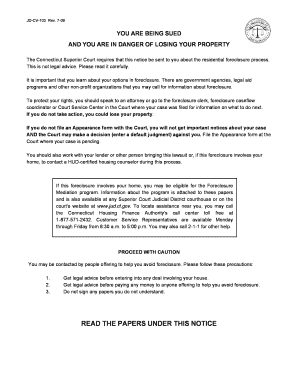
Jd cv 103
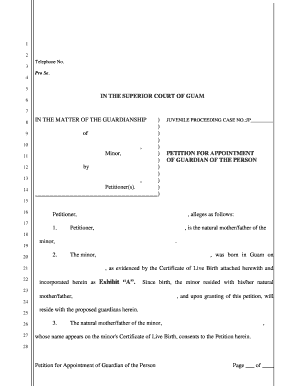
Guam petition form

Small Claims Court - Instruction to Marshal Cancellation of Wages Instruction to Marshal Cancellatio
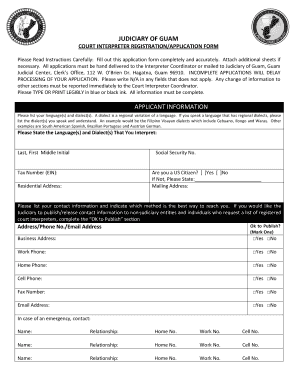
Guam interpreter

Small Claims Court - Order for Service by Publication Order for Service by Publication - guamselfhel
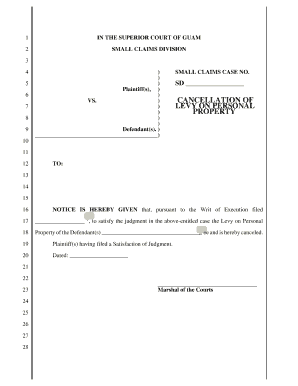
Small Claims Court - Cancellation of Levy on Personal Property Cancellation of Levy on Personal Prop

Small Claims Court - MotionforOrdertoShowCauseandOrdertoShowCause MotionforOrdertoShowCauseandOrdert
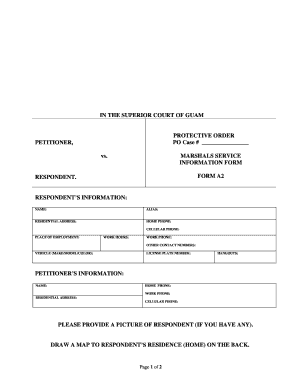
Guam form a2

Petitioner Not Parent - Unified Courts of Guam - guamselfhelp
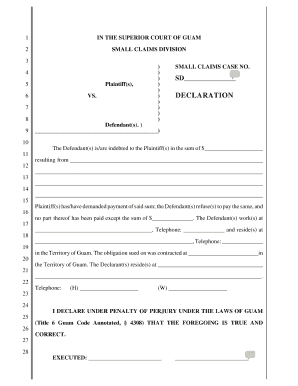
Guam declaration
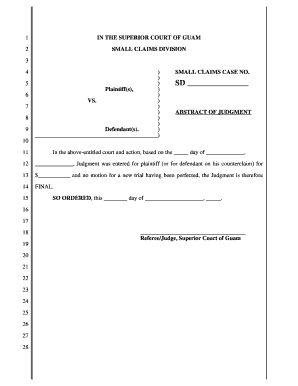
Small Claims Court - Abstract of Judgment Abstract of Judgment - guamselfhelp

Guam dismissal small
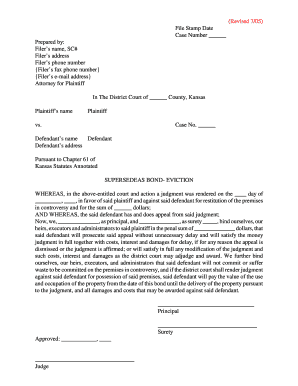
RTF - Kansas Judicial Council - kansasjudicialcouncil
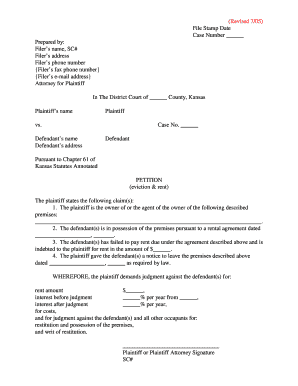
Kansas petition rent

2006 kansas notice appraisers hearing template
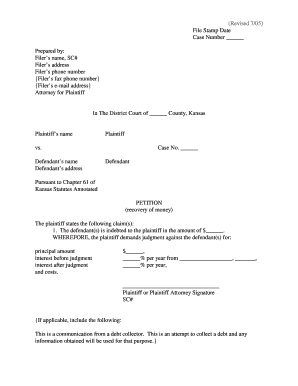
U:kscourtscouncilch61 petition recovermoney wpd - kansasjudicialcouncil
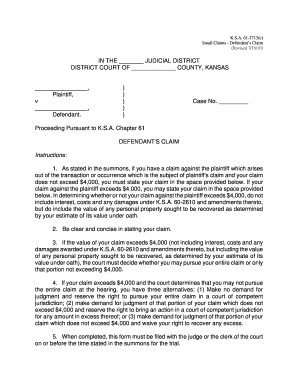
Kansas claim small claims
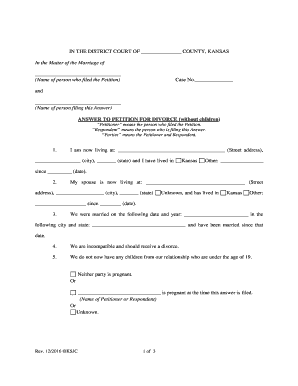
Name - Kansas Judicial Council - kansasjudicialcouncil
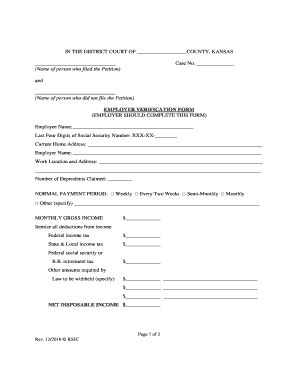
Name of perso - Kansas Judicial Council - kansasjudicialcouncil
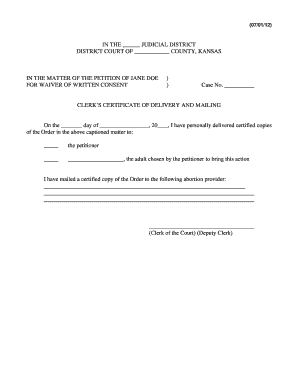
Kansas clerk certificate delivery printable
Benefit from the DocHub online library of fillable PDF forms
Searching the PDF forms doesn't have to be a tedious and time-consuming process. With the DocHub online library, it has become easier to find the fillable PDF forms and modify them in your browser. The service allows you to adjust the document to your needs using powerful editing tools.
You can use online document editing features to modify almost any type of document with ease. You just need to find the template of your choice, open it in the editor, and use the toolbar to make the necessary corrections.
Follow this guide to get your document done with DocHub:
- Find the PDF template you need.
- Click the Get Form button to open the file in the editor.
- Use the toolbar to fill out and edit the document.
- Easily add and highlight text, insert images, checkmarks, and symbols.
- Drop new fillable fields, and rearrange or delete pages from your file.
- Save changes and download your record.
DocHub empowers everyone to streamline document editing, signing, and distribution, and form completion. Create an account and benefit from our well-organized PDF Forms library and comprehensive editor.