
Get any PDF form from the DocHub library of ready-made templates - Page 998

Info turn store download

Ca ejt search
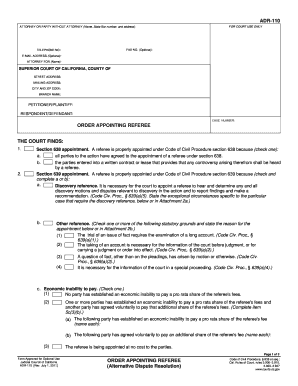
Adr 110
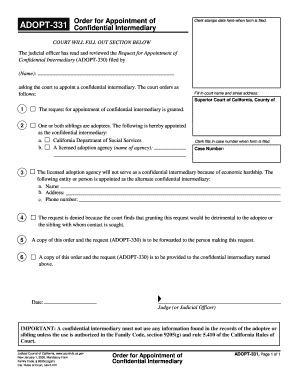
Adopt order
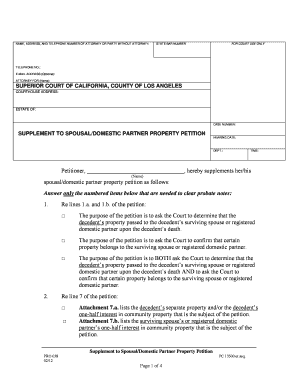
Property petition

111 report alternative blank

Applying User-Centered Interface Design Methods to Improve the - ?????????? ?????? ? ?????? ????? Go
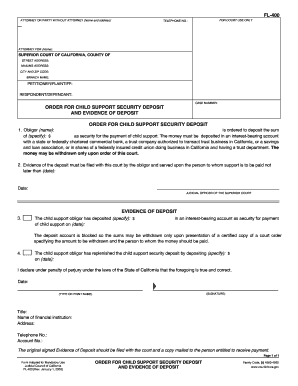
Ca child support security

050 efs 050 form
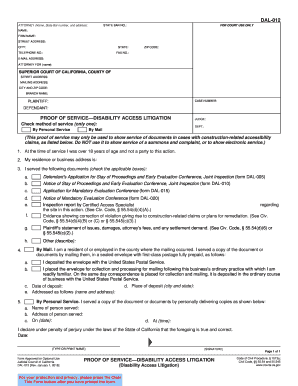
California proof disability form

Ca dv renew form

Dv 600
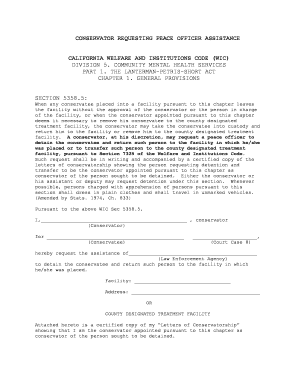
Ca conservator peace
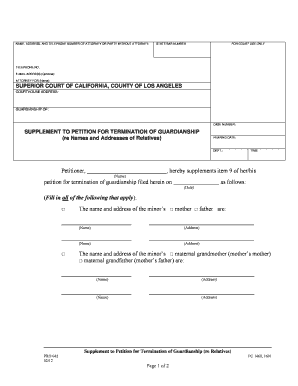
CM-110 Case Management Statement - California Courts
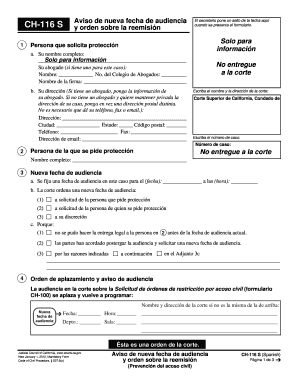
Ca nueva fecha audiencia
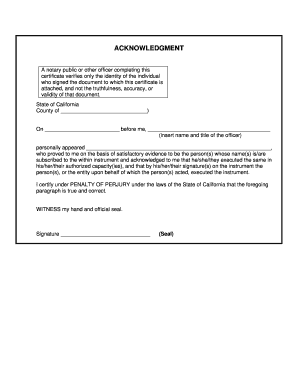
Acknowledgment form

Riverside waiver
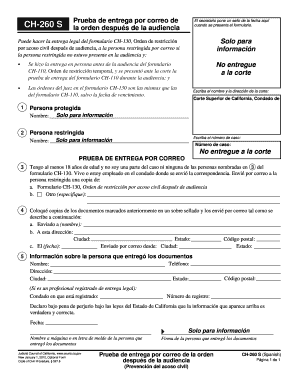
260 s orden pdf
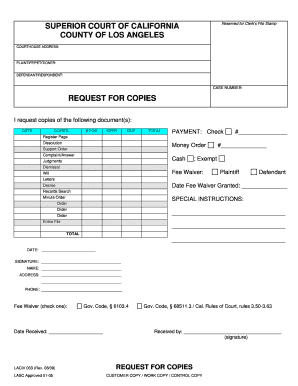
For copies superior online

Request opt out jury

Fax cover protective printable
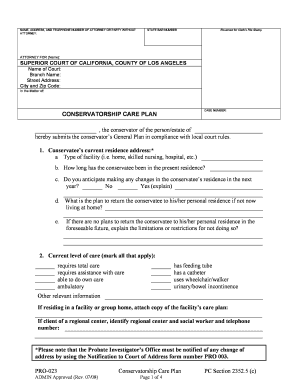
Conservatorship conservator estimated
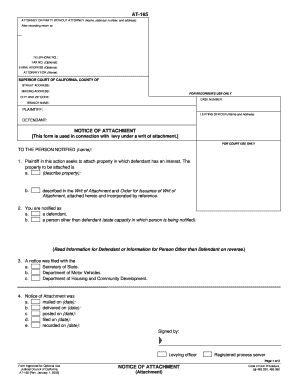
At 165 form
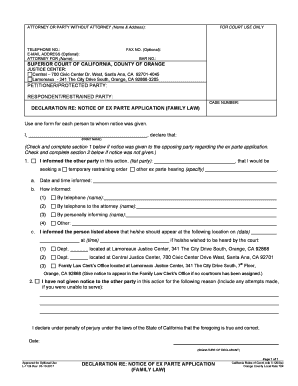
Visitation ex parte

Declaration udl sample

County riverside packet
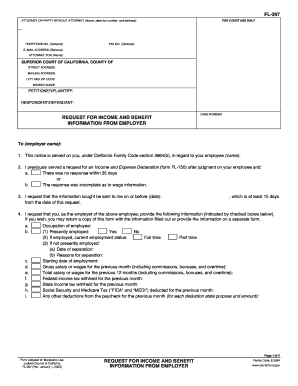
Benefit information employer

Dv 815
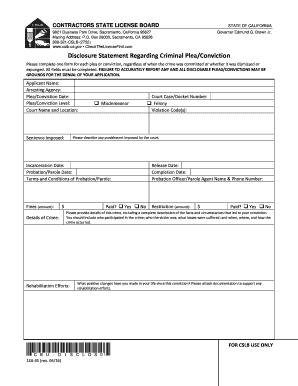
Regarding cslb
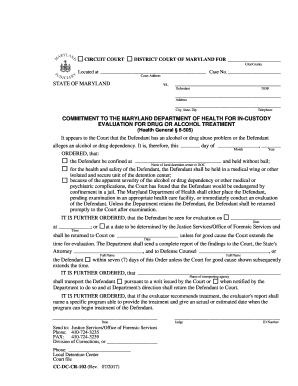
8505 program

CIRCUIT COURT ORPHANS COURT FOR

Waiver of Prepayment of Filing Fee
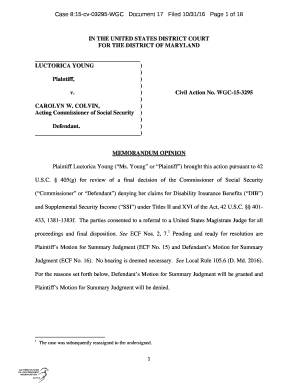
Case 8:15-cv-03295-WGC Document 17 Filed 10 31 16 Page 1 of 18
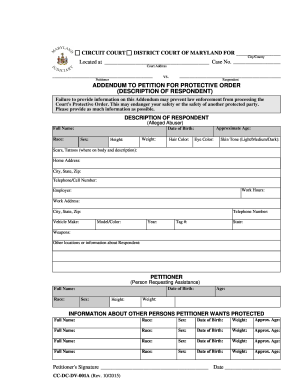
Maryland addendum

Power of attorney form maryland

Petition custody
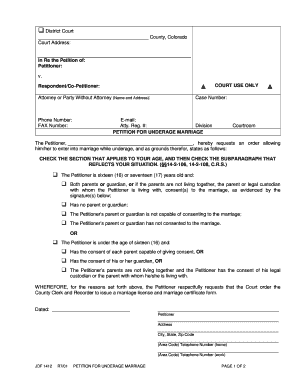
Colorado underage marriage form
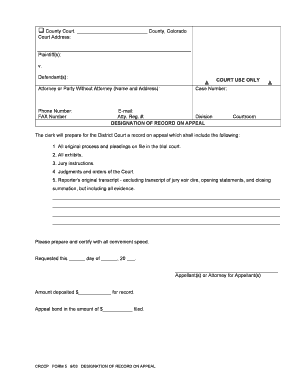
Co form 5

ORDER TO CHANGE VENUE - JUVENILE DEPENDENCY AND NEGLECT - courts state co

Jdf 120

Jdf 511
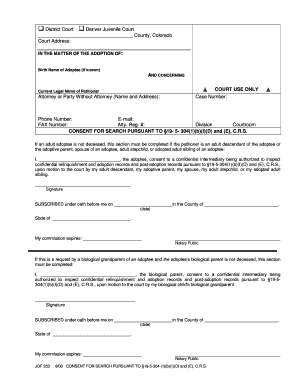
Jdf 353 online
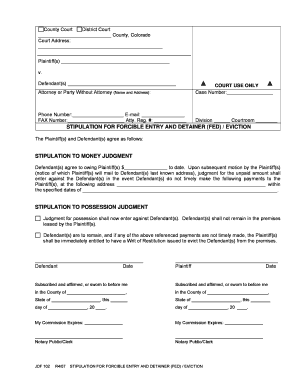
Jdf102
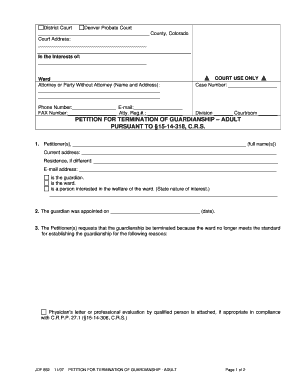
Colorado petition termination guardianship

Disposition valid court sample

2004 CO JDF 1506
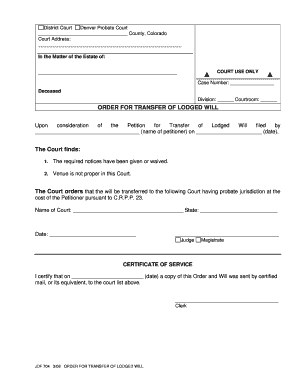
Jdf704
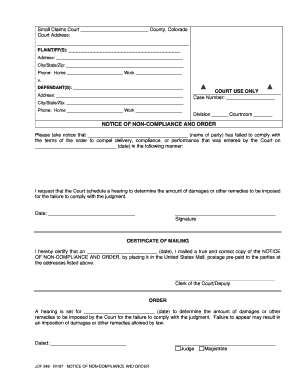
Colorado jdf 249
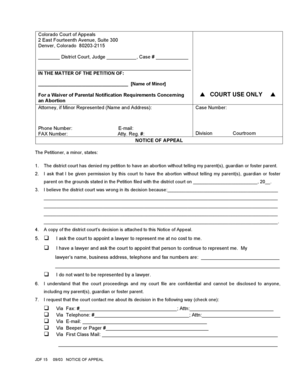
Colorado jdf15
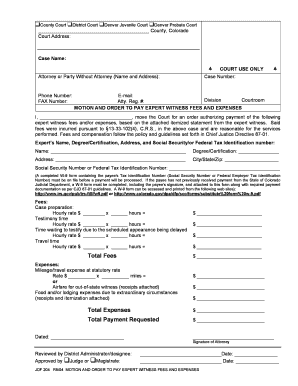
Payment requested courts online
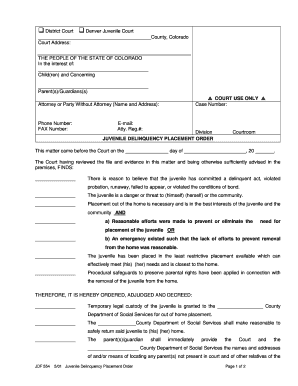
District court of denver county colorado

Agistor attorney download

Colorado jdf 867
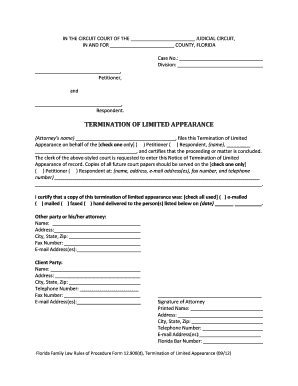
Florida termination limited

Florida receipt form
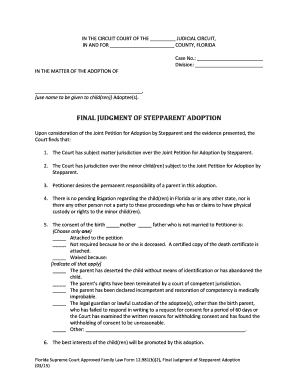
Adoption florida subject
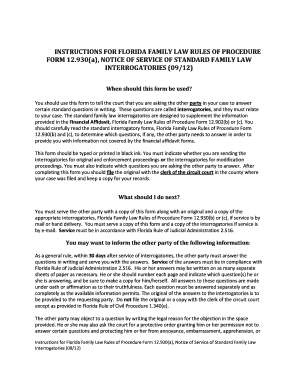
Florida standard law interrogatories

Parenting conference form pdf
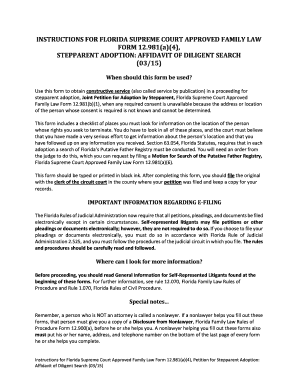
Affidavit diligent flcourts search
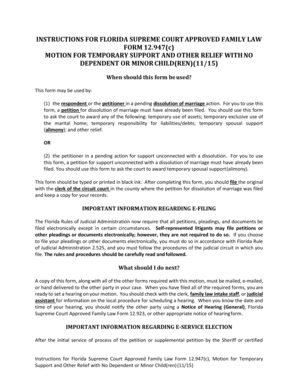
Florida relief motion
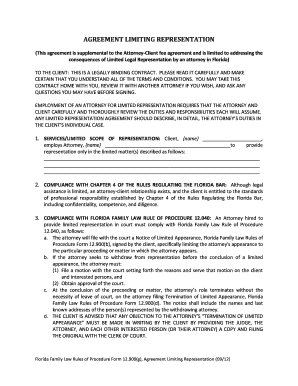
Representation florida sample

New jersey
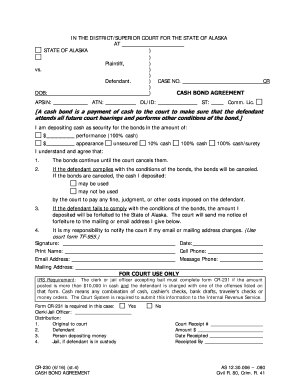
CR-230 - Alaska Court Records - State of Alaska
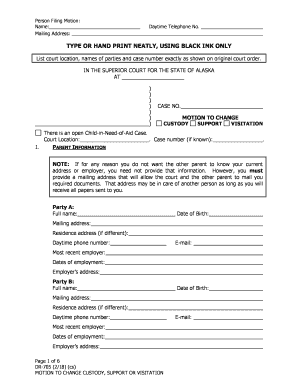
DR-705 - Alaska Court Records - State of Alaska
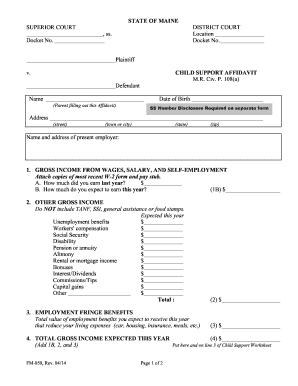
Maine affidavit form

Virginia small estate act affidavit 2015 form

Form 1 - Record of Civil Actions and - State Bar of California
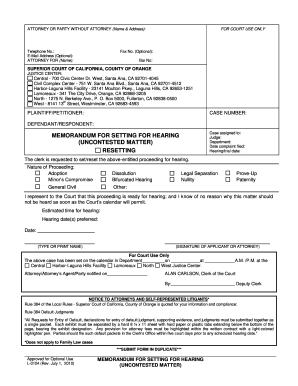
L 0124
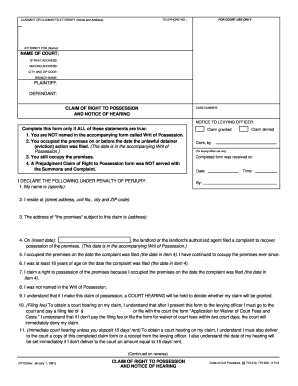
Cp 10 fillable form
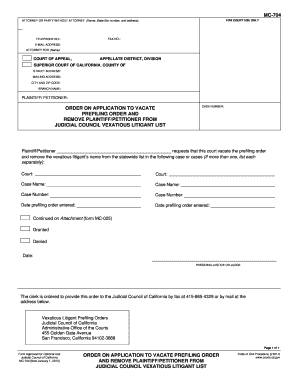
MC-704 Order on Application to Vacate Prefiling - California Courts - courts ca

Child domestic abuse document 2016 form
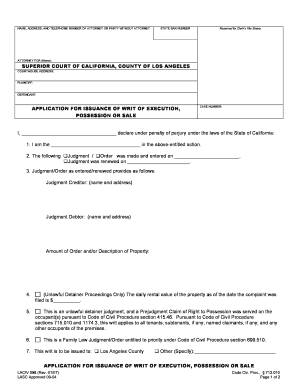
Application writ execution
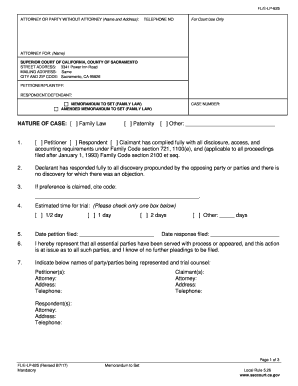
Trial setting instructions - Sacramento Superior Court - State of - saccourt ca
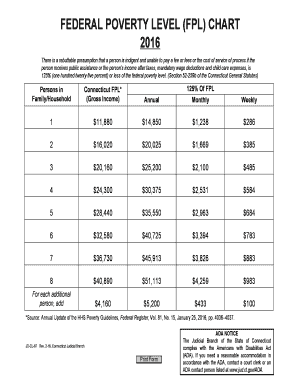
Federal poverty level (fpl) - Connecticut Judicial Branch - CT - jud ct

Florida supreme court approved family law form 12902j fillable 2015

ANSWER TO PETITION AND COUNTERPETITION FOR DISSOL - flcourts

2015 FL 12 982(c)

Massachusetts affidavit indigency form

Pennsylvania affidavit service
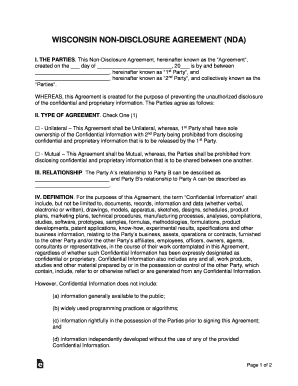
Wisconsin Non-Disclosure Agreement (NDA) Template
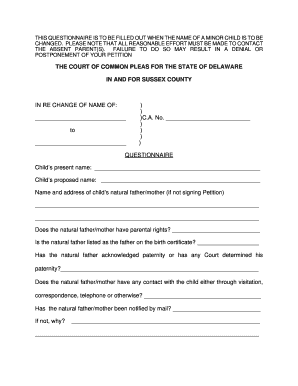
Delaware name change
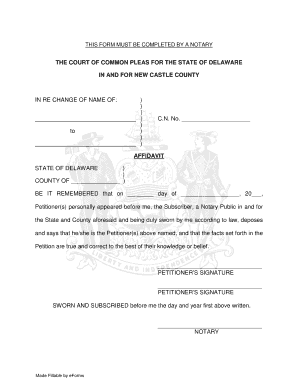
Affidavit new castle
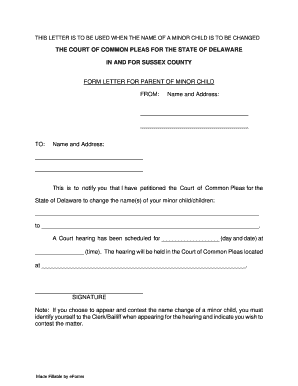
Delaware Sussex County Form Letter for Parent of Minor Child
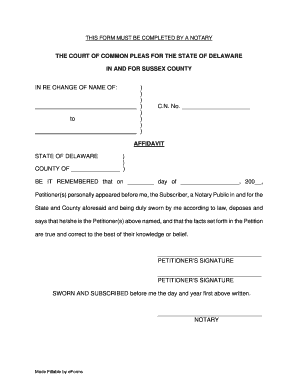
Delaware Sussex County Affidavit
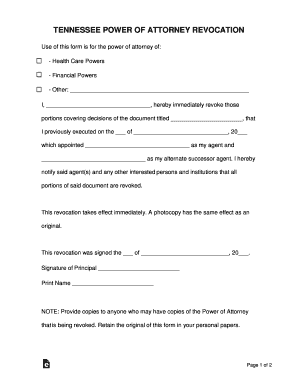
Tennessee Power of Attorney Revocation Form
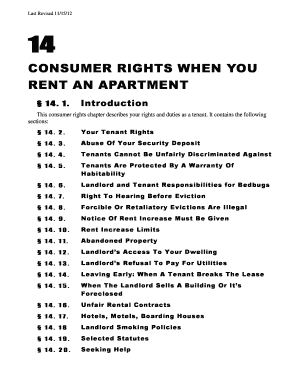
Maine law rent
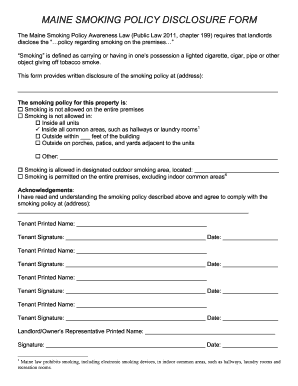
Policy disclosure form
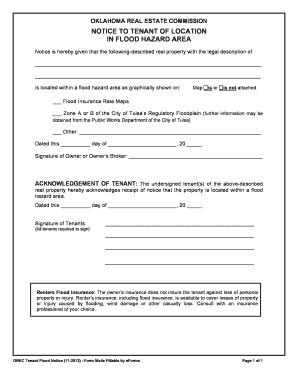
State Flood Hazard Disclosures Survey - National Association
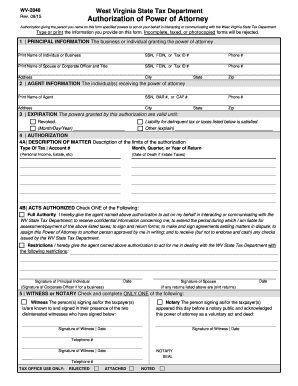
West virginia poa
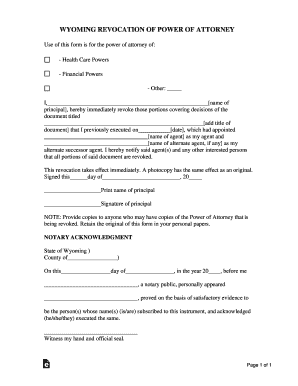
WYOMING LIMITED POWER OF ATTORNEY FORM I NOTICE

Child Poverty in America Today
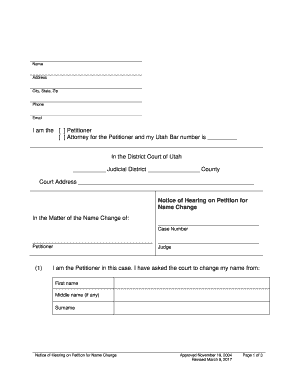
Fillable Online utcourts Counter-Petition for Adjudication of
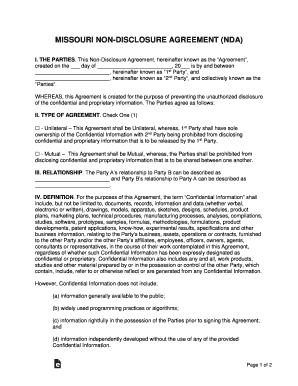
Missouri Non-Disclosure Agreement (NDA) Template
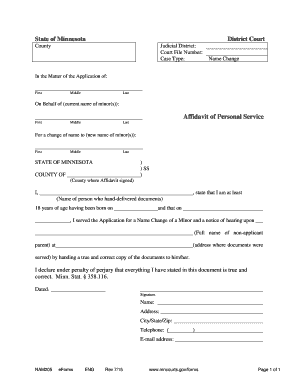
Affidavit of Personal Service - Form NAM205
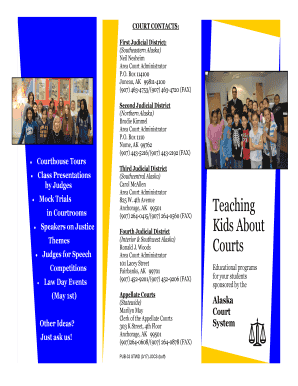
Alaska pub stwd courts trial
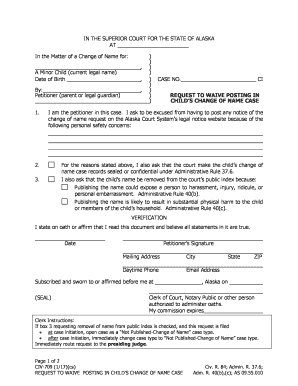
Civ 709 form
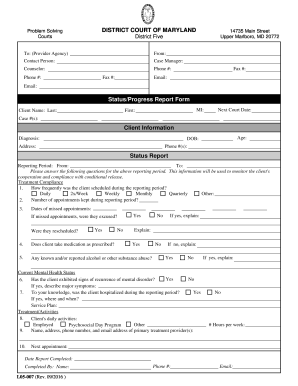
Fax ServiceUpper Marlboro, MDPack Ship & Print Center

Terminating an Adult Guardianship - Family Law Self-Help

Cc dr 050 instructions
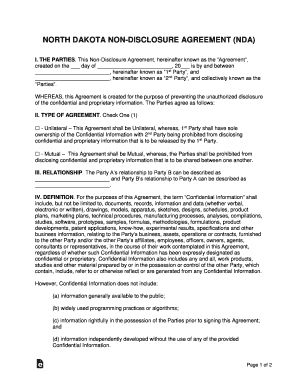
Non-Disclosure Agreement (NDA) - Template, Sample Form
Benefit from the DocHub online library of fillable PDF forms
Searching the PDF forms doesn't have to be a tedious and time-consuming process. With the DocHub online library, it has become easier to find the fillable PDF forms and modify them in your browser. The service allows you to adjust the document to your needs using powerful editing tools.
You can use online document editing features to modify almost any type of document with ease. You just need to find the template of your choice, open it in the editor, and use the toolbar to make the necessary corrections.
Follow this guide to get your document done with DocHub:
- Find the PDF template you need.
- Click the Get Form button to open the file in the editor.
- Use the toolbar to fill out and edit the document.
- Easily add and highlight text, insert images, checkmarks, and symbols.
- Drop new fillable fields, and rearrange or delete pages from your file.
- Save changes and download your record.
DocHub empowers everyone to streamline document editing, signing, and distribution, and form completion. Create an account and benefit from our well-organized PDF Forms library and comprehensive editor.