
Get any PDF form from the DocHub library of ready-made templates - Page 990
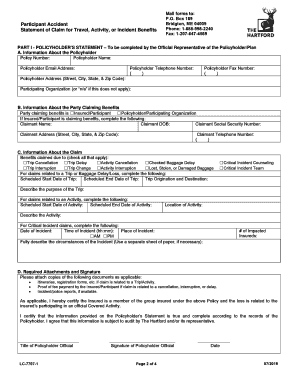
PartAcc Travel Activity Incident Claim Form docx
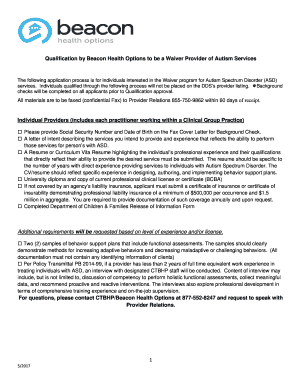
Beacon Waiver Qualificaiton Process (2)
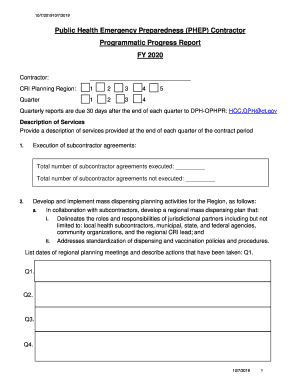
Public Health Emergency Preparedness (PHEP) Contractor - CT
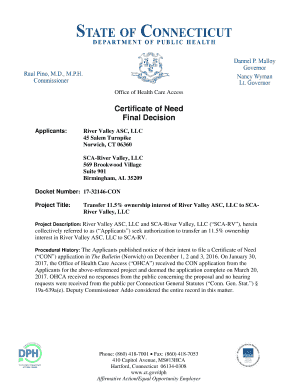
About Us - River Valley Ambulatory Surgical Center in Norwich
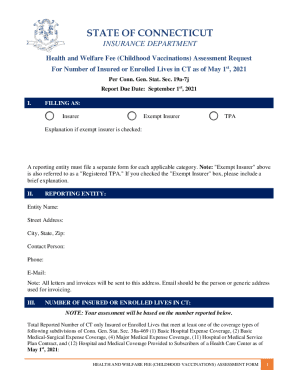
Health and Welfare Fee (Childhood Vaccinations) Assessment Request

Public Health Fee Assessment Report
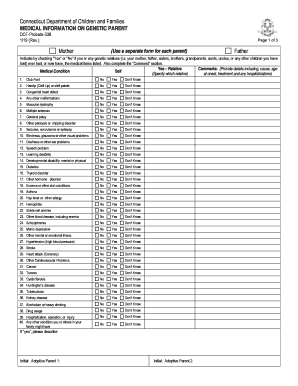
1 19 (Rev

Pharmacy Prior Authorization Form - Connecticut Medical

Connecticut conrad 30

278 COLONY STREET, MERIDEN CT 06451

St Vincent's Medical Center - CT
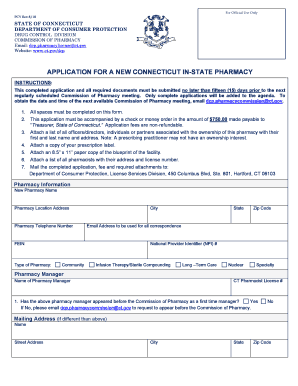
APPLICATION FOR A NEW CONNECTICUT IN-STATE PHARMACY

Anthem blue cross claims form

Hiv report form

Ceu form
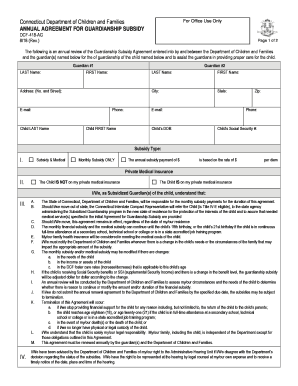
DCF-2107 - CT

Family Reference Sample Consent Form

Greenwich Health 1472 Post Rd Darien, CT Sports Medicine

Patient agreement plan

Get the Designation of a Contributing Structure - Town
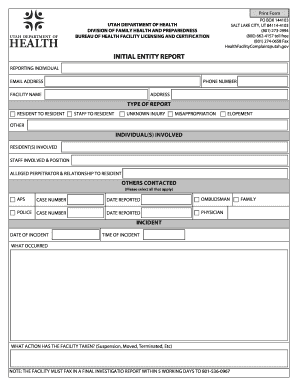
Utah initial

INTERACTIVE 16-17 Child Care Information Form doc

Medicaid submission form online
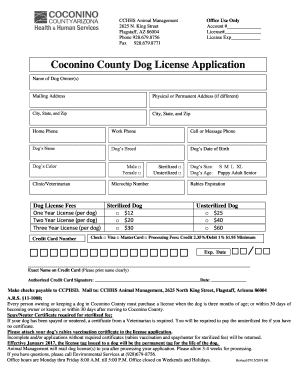
Coconino county dog license

Third-Party Consent 20170721 docx

SPEECH-LANGUAGE PATHOLOGIST ASSISTANT INITIAL APPLICATION
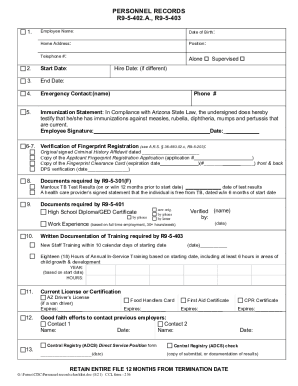
PDF personnel records r9-5-402 a , r9-5-403 - Arizona Department of

Communicable disease outbreak report - Arizona Department

Attached are the start-up forms for Arizona's HIV Care and Services
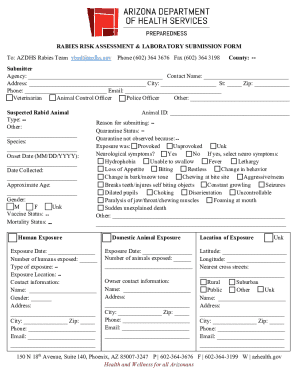
Rabies risk assessment form
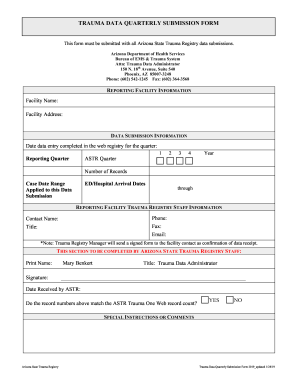
ARIZONA STATE TRAUMA REGISTRY DATA REQUEST FORM

Safety incident report
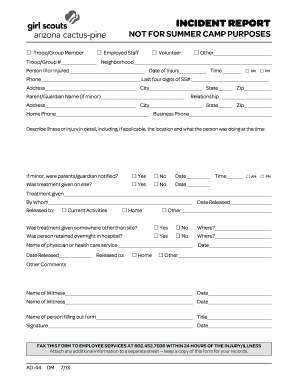
Camp maripai - Girl ScoutsArizona Cactus-Pine
Arizona dhs bureau

Dhs permission field trip
Financial Assistance Application - The Queen's Health Systems

Policies

Hawaii application food form

Hawaii instructions providers medicaid

Hawaii non ground

OTHER INSURANCE QUESTIONNAIRE

Washington County Family YMCA Membership Application Form - wcfymca
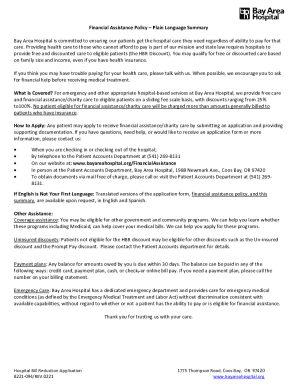
Bayareahospital financial-assistanceFinancial Assistance for Medical Bills - Bay Area Hospital
Tualatin Clinic
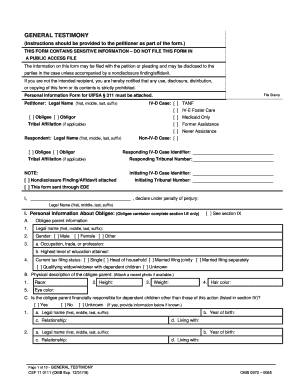
Or testimony form

Oregon health in home care
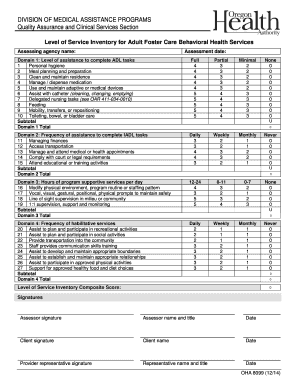
Google forms

NURSING FACILITY INVASIVE VENTILATOR PROGRAM - mmac mo
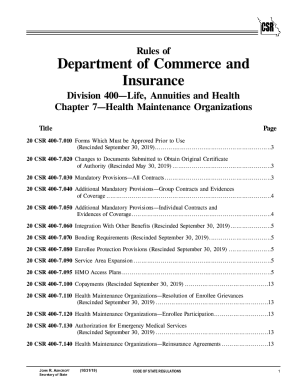
MO 20 CSR 400-7

How to File a Complaint with the Missouri Department of
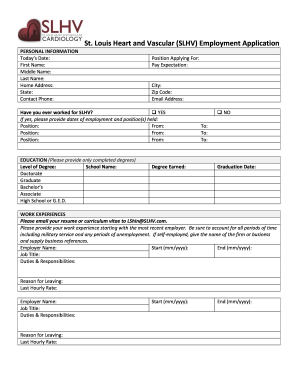
Employment - Bridgeton, MO & Granite City, IL: St Louis Heart

Anthem prescription drug prior authorization request form for missouri
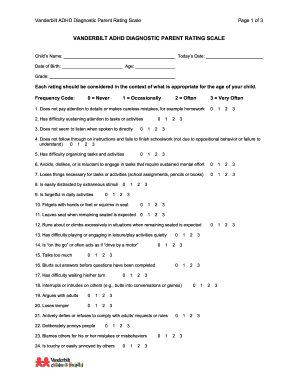
Vanderbilt adhd diagnostic rating scale
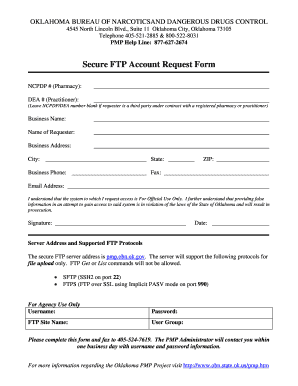
Oklahoma ftp

Ok care report
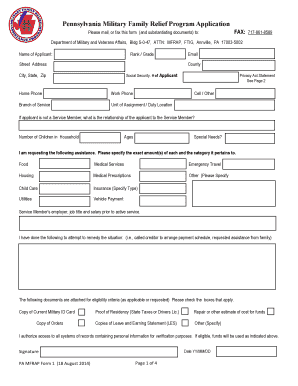
Pennsylvania Military Family Relief Program Application
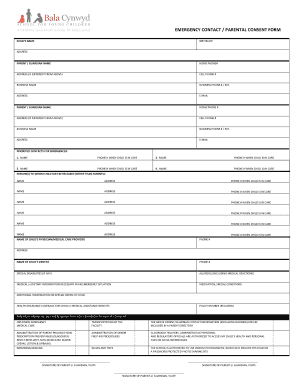
BUSINESS PHONE # EXT
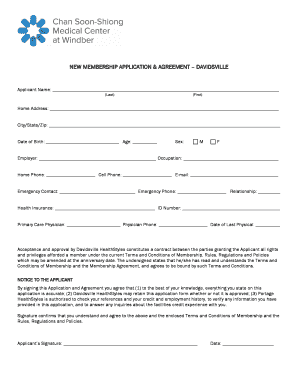
Membership Change Form - Member Information
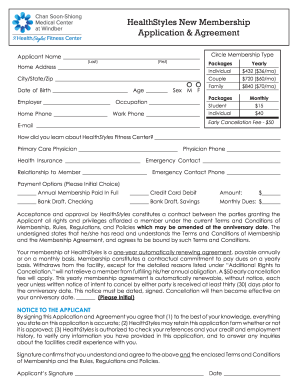
HealthStyles New Membership Application & Agreement
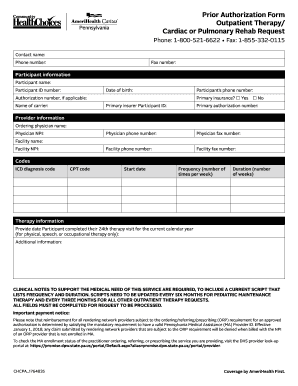
Pa prior authorization
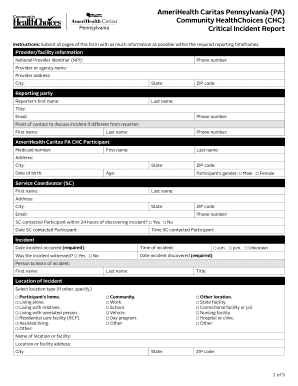
Amerihealth caritas report

Radius assist get
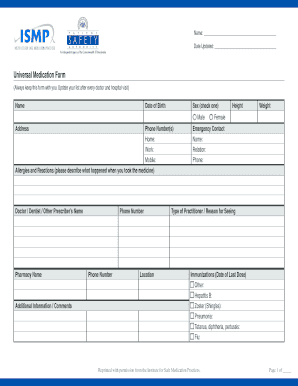
Medication form
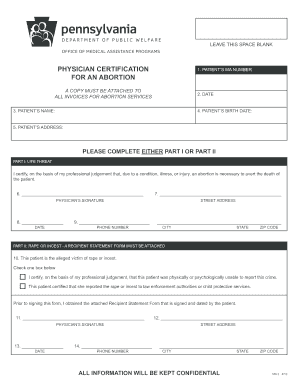
Pennsylvania physician certification form

Nomination psers pa form

Ms medicaid application disabled
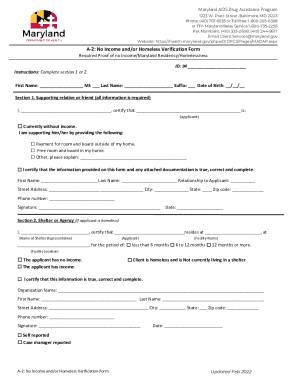
Verification of homelessness

Sra maryland gov

6764-B Reisterstown Road, Baltimore, Maryland 21215
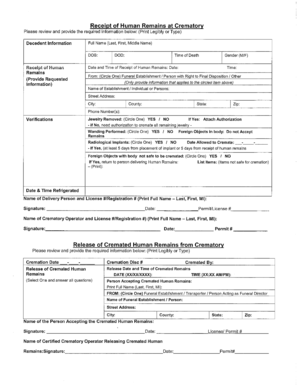
Receipt of Human Remains at Crematory, Release of Cremated - dhmh maryland

Dhmh 1281 fillable
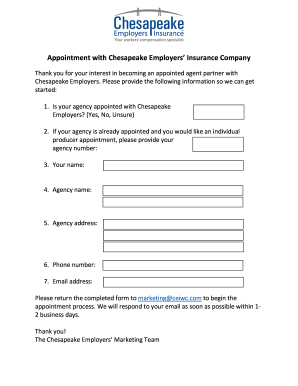
Chesapeake employers insurance
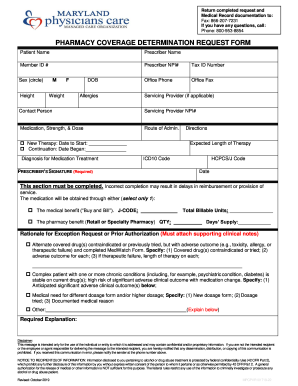
Maryland physicians care form
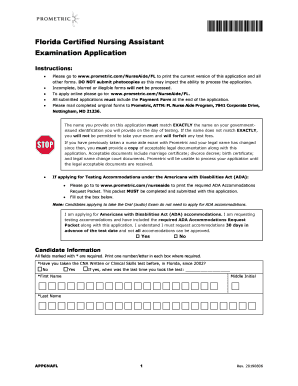
Maryland prometric
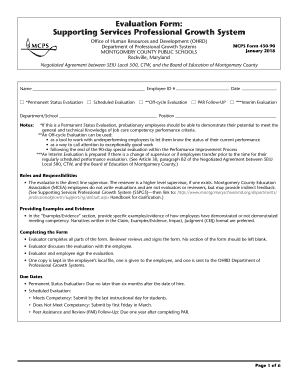
Mcps form
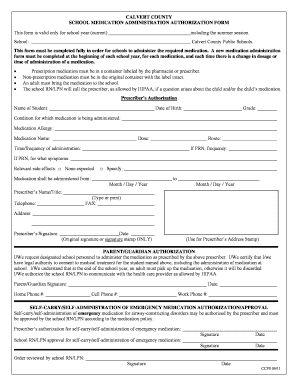
Medication administration form
Maryland discharge form

Monitor competency form
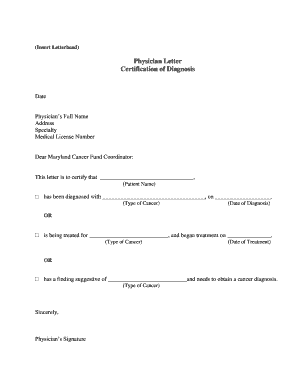
Physician letter diagnosis sample

TITLE 16 HEALTH AND SOCIAL SERVICES 1 DELAWARE - DHSS

DHCQ Publications and Forms - Delaware Health and Social
Interagency transfer form
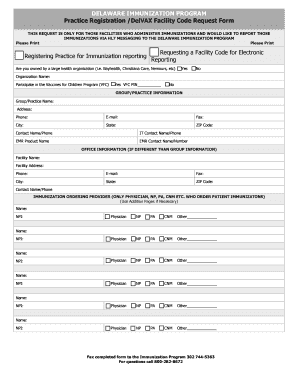
Practice Registration DelVAX Facility Code Request Form

- DE Medical Assistance Program

Child health appraisal form
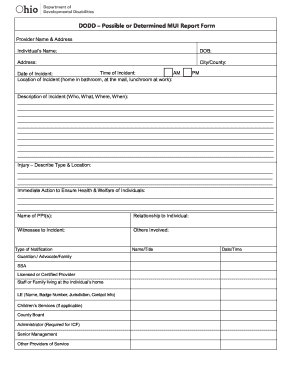
Incident Report Form - The Arc of Ohio

Ohio licensure
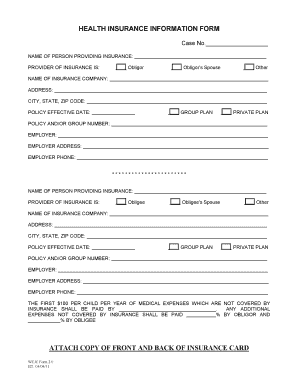
THE FIRST $100 PER CHILD PER YEAR OF MEDICAL EXPENSES WHICH ARE NOT COVERED BY
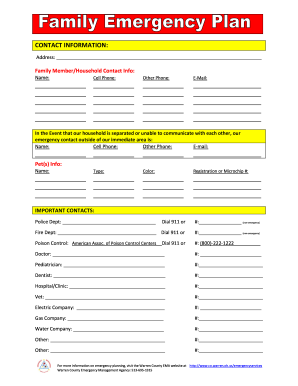
Hawaii Sprint Relay Store Wireless Order Form
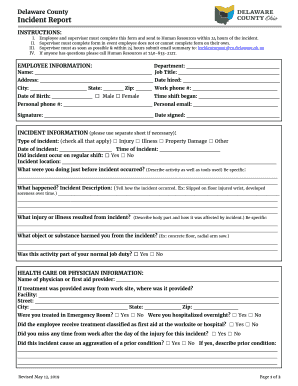
Delaware County Employee Handbook
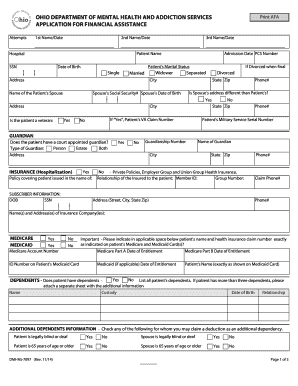
Ohio financial assistance

Instructions for completing the edms cover sheet - Ohio Department of
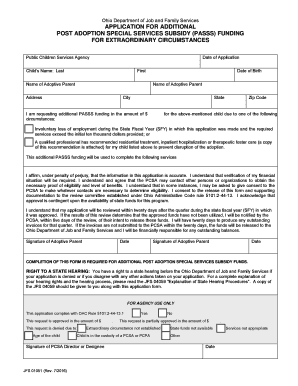
Ohio passs
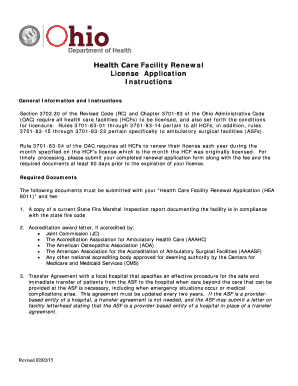
Ohio health care
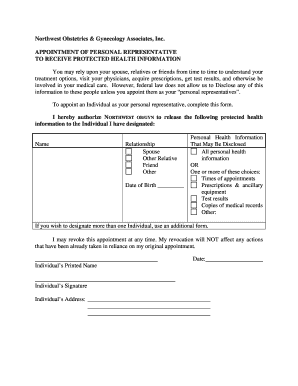
Disclaimer, Privacy, and Terms of UseObstetrics And
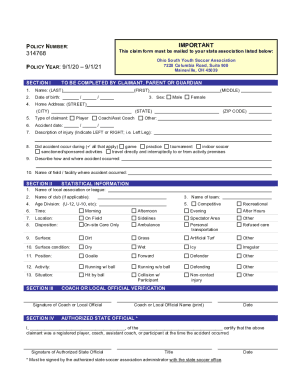
OHIO SOUTH YOUTH SOCCER ASSOCIATION ACCIDENT MEDICAL CLAIM
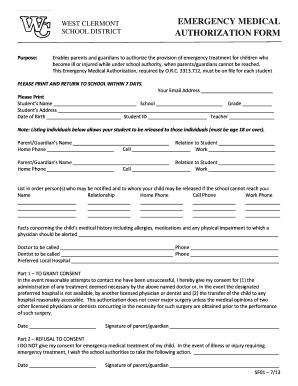
WEST CLERMONT EMERGENCY MEDICAL SCHOOL DISTRICT

Schools emergency medical form

Ohio court referred search

Counseling progress notes
Benefit from the DocHub online library of fillable PDF forms
Searching the PDF forms doesn't have to be a tedious and time-consuming process. With the DocHub online library, it has become easier to find the fillable PDF forms and modify them in your browser. The service allows you to adjust the document to your needs using powerful editing tools.
You can use online document editing features to modify almost any type of document with ease. You just need to find the template of your choice, open it in the editor, and use the toolbar to make the necessary corrections.
Follow this guide to get your document done with DocHub:
- Find the PDF template you need.
- Click the Get Form button to open the file in the editor.
- Use the toolbar to fill out and edit the document.
- Easily add and highlight text, insert images, checkmarks, and symbols.
- Drop new fillable fields, and rearrange or delete pages from your file.
- Save changes and download your record.
DocHub empowers everyone to streamline document editing, signing, and distribution, and form completion. Create an account and benefit from our well-organized PDF Forms library and comprehensive editor.