
Get any PDF form from the DocHub library of ready-made templates - Page 989
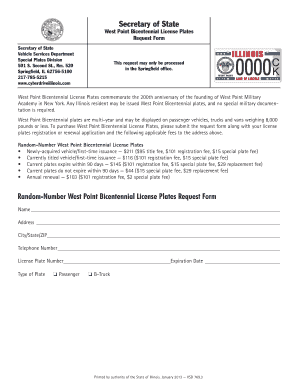
Il point license plates
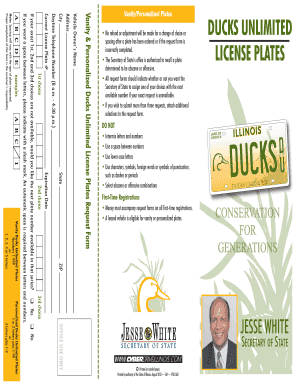
Ducks unlimited plates vanity
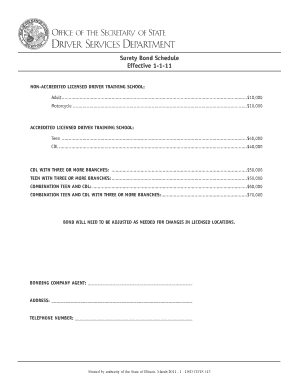
Illinois bond training

Illinois receipt
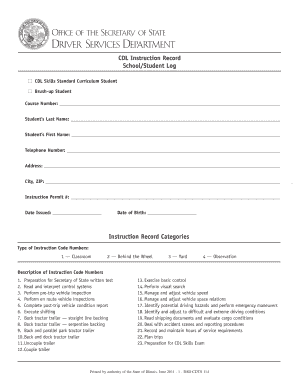
Cdl instruction record log
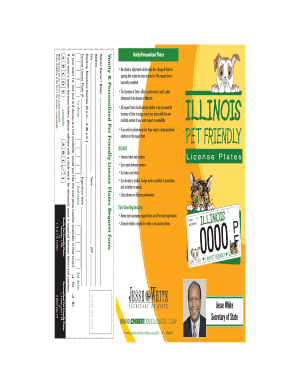
Il friendly plates vanity
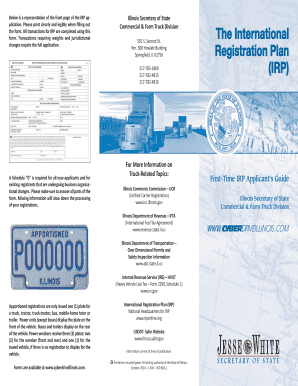
Irp guide

Illinois fire request form

Chicago bears illinois

Illinois revocation form

Licensing illinois
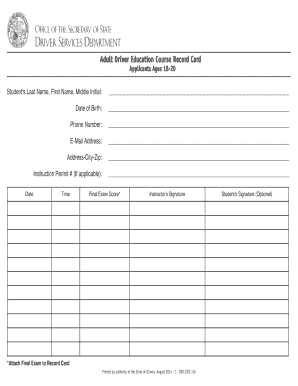
Illinois education record card

Il niu license print
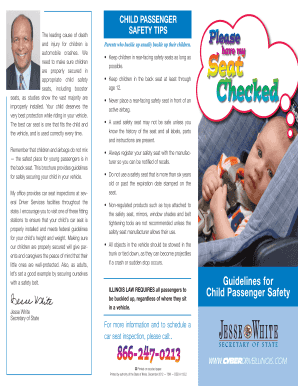
Illinois child passenger safety
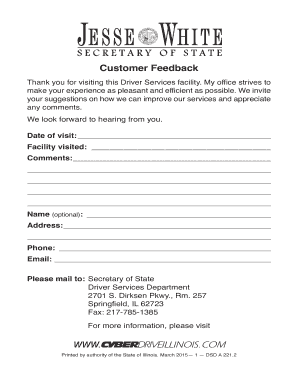
Customer Feedback - Illinois Secretary of State

Affirmation plates form pdf

Illinois chicago police form
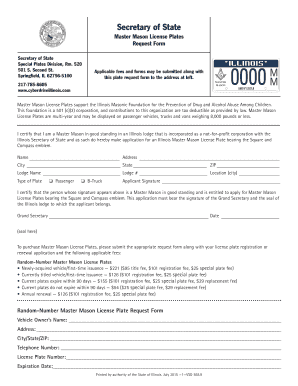
Illinois mason form

Odometer assessed affirmation
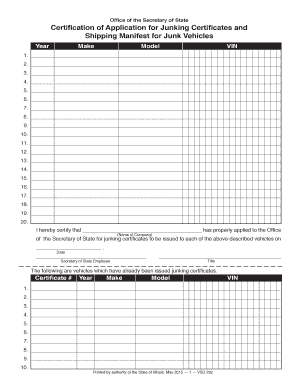
Il junking certificates
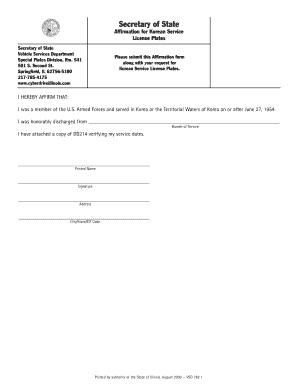
Affirmation korean service form
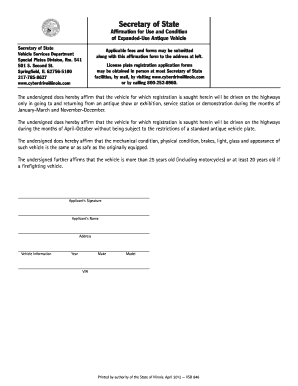
Illinois affirmation antique
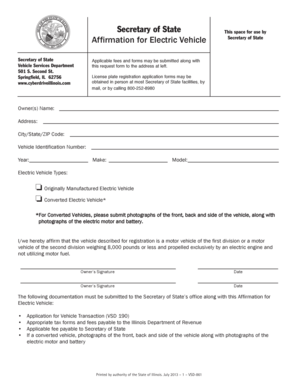
Illinois electric vehicle form
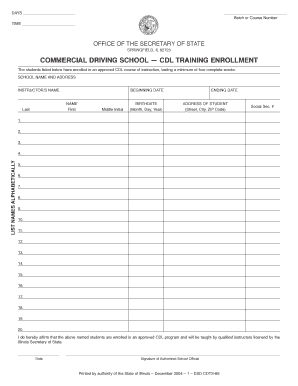
Commercial driving training form

International license request form

Illinois fire chief license plates
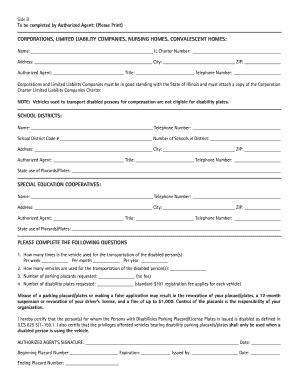
Illinois affirmation disabilities placards

Il class commercial license
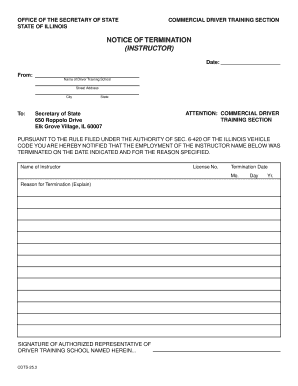
Termination instructor
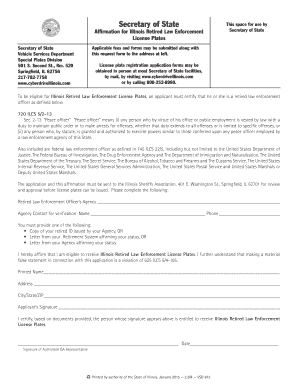
Il affirmation enforcement
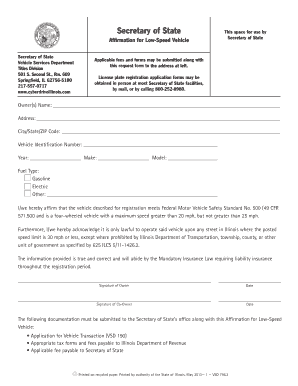
Illinois low speed vehicle

Illinois title system form

Driver education affirmation

Plates request renewal form

Siu plates
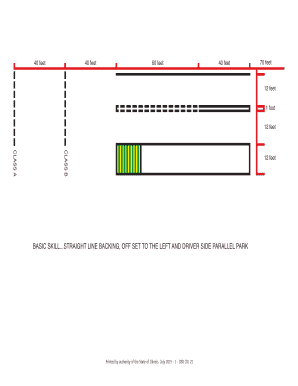
Dsdcdl 21

Classification checklist recreational
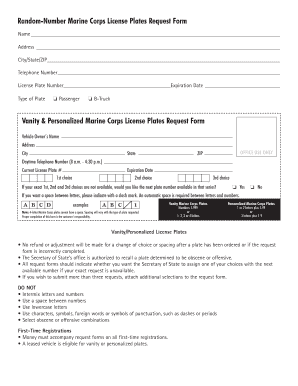
Illinois marine license
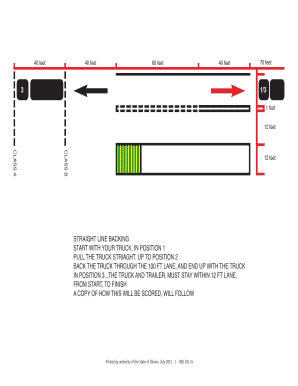
Straight Line Backing Maneuver - Illinois Secretary of State
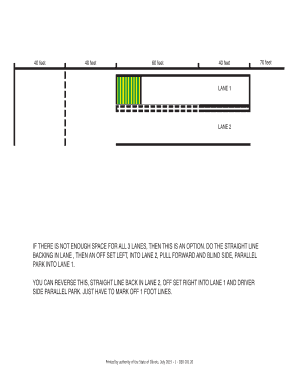
Dsdcdl 20 print

Il affirmation fraternal police

Illinois 30 day permit

Certify illinois vehicle
Illinois plates vanity form
Illinois park plates form

Illinois affirmation information
Gold illinois secretary
Cowl illinois firearms

Illinois homemade trailer

Distance summary

Pan license form

Illinois mammogram license plates

Illinois series plates
Illinois delayed registration

Rotary cyberdrive illinois

Illinois veteran form
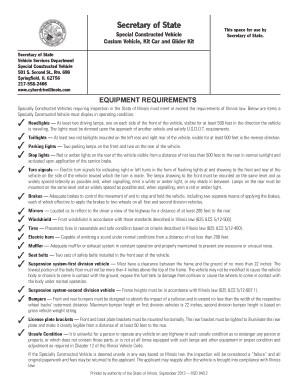
Illinois car glider

Illinois prevent violence
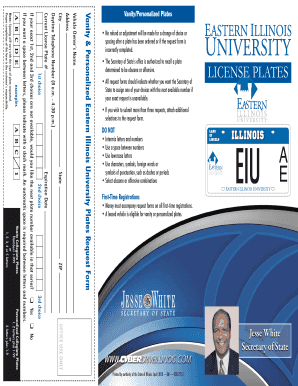
Illinois personalized license plates form
Il motorcycle
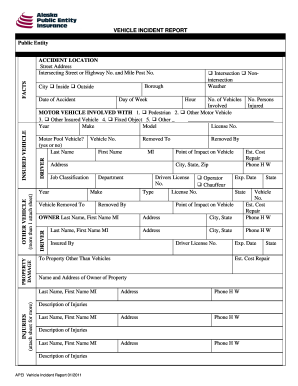
City Inside Outside

Chronic Wasting Disease (CWD) - Kansas Department of Agriculture

General Prior Authorization Request - kmap-state-ks us

Upon completion, please send this form to: In regards to
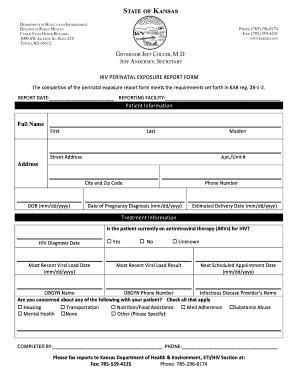
HIV PERINATAL EXPOSURE REPORT FORM

KANSAS CHARITABLE HEALTH CARE PROVIDER PROGRAM Independent
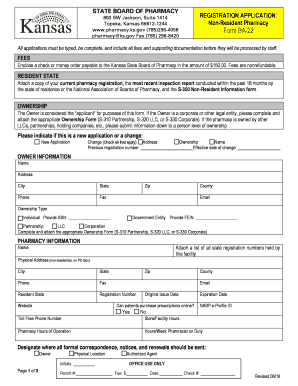
Forms - Kansas Board of Pharmacy

KS Maternal & Child Health Service Manual

Medical forms and fillable in kansas

BHNS New Appointment Forms - Black Hills Neurosurgery

Member Handbook Nevada - Anthem Medicaid
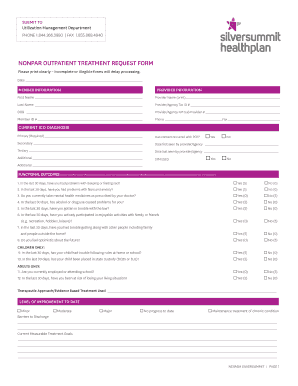
NONPAR OUTPATIENT TREATMENT REQUEST FORM
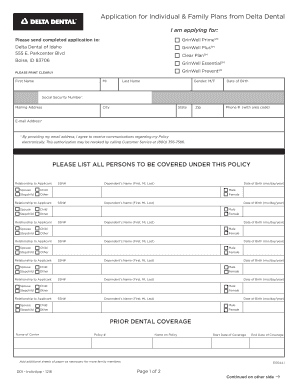
Download - Delta Dental Of Idaho

Residential Habilitation Agency Critical Incident Report Form

Treatment plan template

Email: snowsportsskitaos
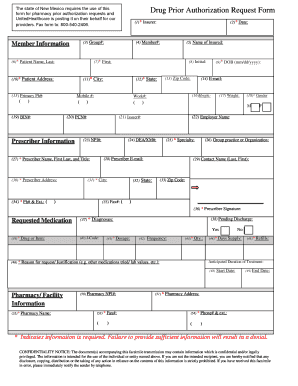
New Mexico Drug Authorization Request Form
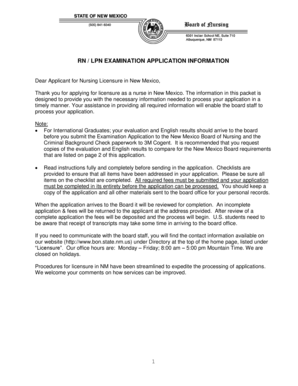
Rn examination application
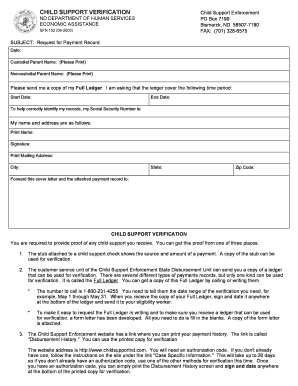
Printing L:325FORMS0152 325 - nd

FREE THROUGH RECOVERY (FTR) PROGRAM PROVIDER APPLICATION - North Dakota State Government

AUTHORIZATION TO DISCLOSE INFORMATION 5 - ND

Nd sfn 960
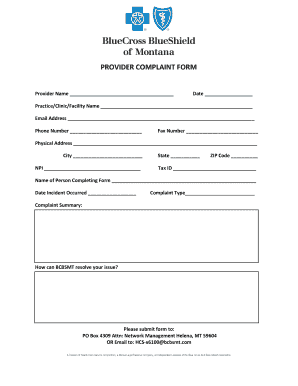
Initial Dental Credentialing Application - Sanford Health Plan

Patient Intake Form 2019 pub
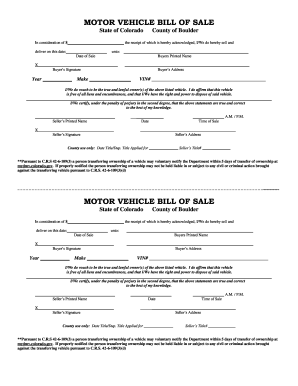
Vehicle bill of sale form colorado printable
3375 (F) 860

Colorado medicaid prior authorization
Spanish Translation Isn't One-Size-Fits-All - Verbal Ink
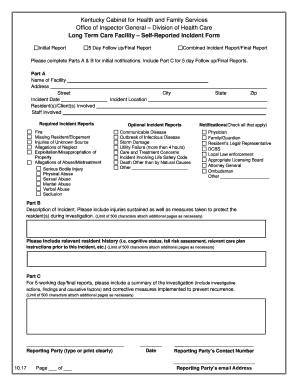
Self reported incident

Associates In Dermatology, PLLC
Application for 1915(c) HCBS Waiver: KY 0333 R04 00 - Jan 01, 2017

Map1000

Hospital kchip
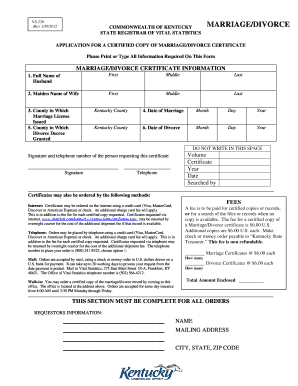
Copy of divorce papers

Maine Health and Environmental Testing Lab - Water - Maine

Maine individual identification card

Forms & ApplicationsOFI DHHS Maine

Uapa-keyword ideas generator

State Variations in Nursing Home Social Worker Qualifications
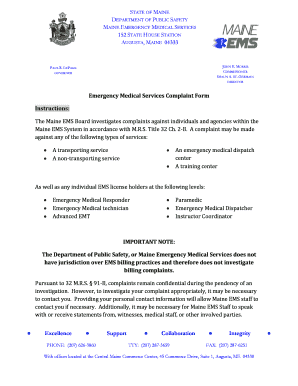
2015 Maine EMS Treatment Protocols - Effective July 1 - Maine
Benefit from the DocHub online library of fillable PDF forms
Searching the PDF forms doesn't have to be a tedious and time-consuming process. With the DocHub online library, it has become easier to find the fillable PDF forms and modify them in your browser. The service allows you to adjust the document to your needs using powerful editing tools.
You can use online document editing features to modify almost any type of document with ease. You just need to find the template of your choice, open it in the editor, and use the toolbar to make the necessary corrections.
Follow this guide to get your document done with DocHub:
- Find the PDF template you need.
- Click the Get Form button to open the file in the editor.
- Use the toolbar to fill out and edit the document.
- Easily add and highlight text, insert images, checkmarks, and symbols.
- Drop new fillable fields, and rearrange or delete pages from your file.
- Save changes and download your record.
DocHub empowers everyone to streamline document editing, signing, and distribution, and form completion. Create an account and benefit from our well-organized PDF Forms library and comprehensive editor.