




Here's how it works



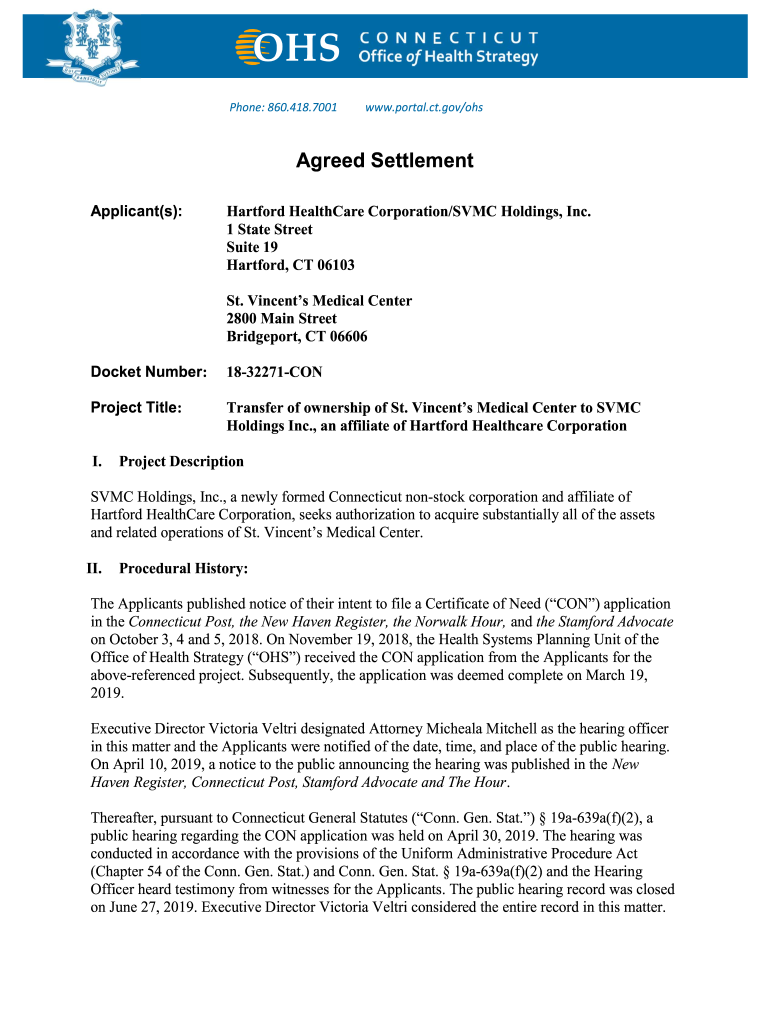
How to use or fill out St Vincent's Medical Center - CT with our platform

- Click ‘Get Form’ to open the St Vincent's Medical Center - CT document in the editor.
- Begin by entering your personal information in the designated fields, including your name, address, and contact details. Ensure all entries are accurate for effective communication.
- Review the project title and description sections carefully. If any additional information is required, utilize the text boxes provided to elaborate on your responses.
- For sections requiring signatures or initials, simply click on the signature field and follow prompts to create or upload your signature.
- Once all fields are completed, review the entire document for accuracy. Use our platform’s editing tools to make any necessary adjustments before finalizing.
- Finally, save your completed form and choose whether to download it or share it directly via email or other platforms integrated within our editor.
Start using our platform today for free to streamline your document editing and signing process!
It's free
See more St Vincent's Medical Center - CT versions
| Versions | Form popularity | Fillable & printable |
|---|---|---|
| 2019 | 4.8 Satisfied (100 Votes) |
Got questions?
What is the optimum way to electronically sign my St Vincent's Medical Center - CT?
A lot of software solutions are available out there for document modifying and signing. DocHub is one of the most widely used online solutions that comply with all security and compliance standards and guarantees your eSigned paperwork is legally enforceable. All you need to try it out is to create an account, upload your St Vincent's Medical Center - CT, fill out the required information, and click Sign. Create your electronic signature by typing, drawing it, uploading its image to your template, or scanning a unique QR code.
Can I print my St Vincent's Medical Center - CT and complete it by myself?
If you go for analog methods of completing your St Vincent's Medical Center - CT, it is simple to download your file for printing. Search DocHub’s Forms & Templates catalog to locate the exact file template you need and open it for editing or download it on your device in the format of your choice. It is possible to complete your form electronically and put your handwritten signature on it after printing or eSign your file with DocHub.
Is Bridgeport Hospital a Level 1 trauma center?
Who owns St Vincents hospital in Bridgeport Connecticut?
What level of trauma is Chi St Vincent Little Rock?
Security and compliance
At DocHub, your data security is our priority. We follow HIPAA, SOC2, GDPR, and other standards, so you can work on your documents with confidence.
Learn more




