
Get any PDF form from the DocHub library of ready-made templates - Page 959
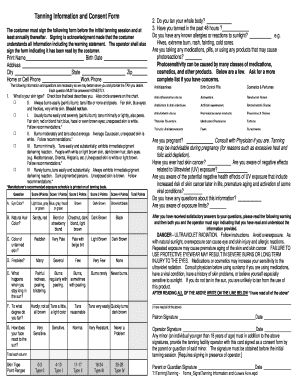
Tanning consent form
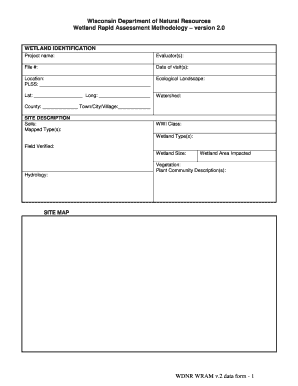
Wisconsin wdnrwram natural wetland methodology print
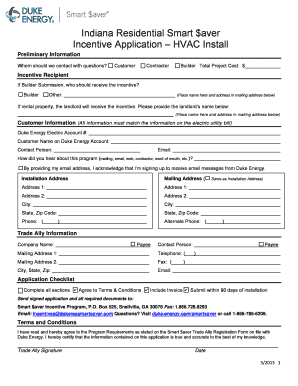
Indiana residential application
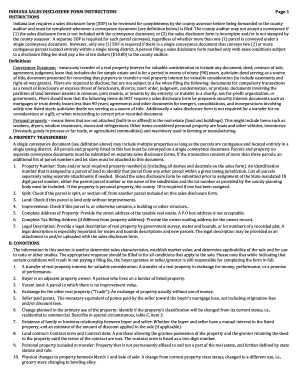
Indiana sales disclosure form instruction
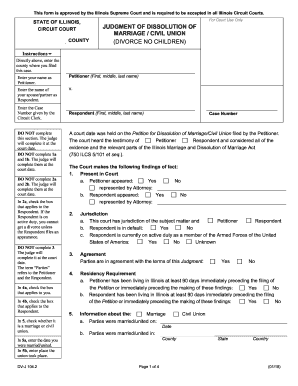
Marriage no form
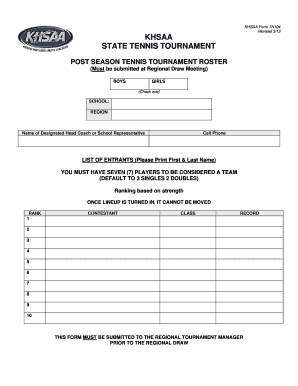
Khsaa form tn104 post season roster blank
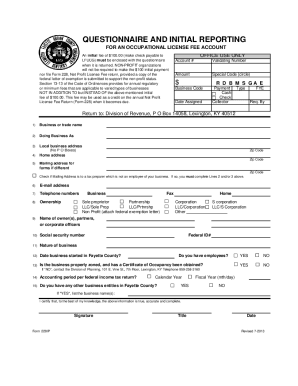
Revenue 228ip occupational
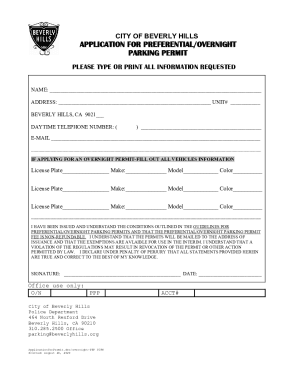
Beverly hills parking permit

Pedicab driver lease agreement pdf form
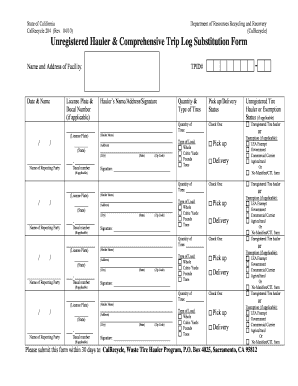
Form Unregistered - Fill Out and Sign Printable PDF
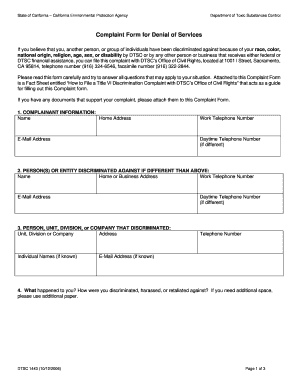
Complaint denial form sample

Ca fcdph dog license
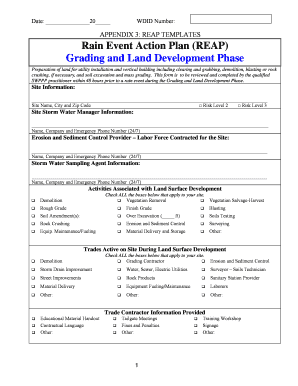
Rain event action plan

Spanish visa application form

Form std 71 transfer pdf

Alameda department card victims violence form

Jus 8799
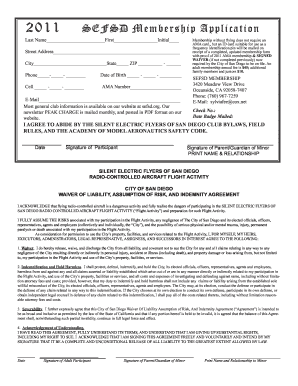
Sefsd

Ticket orders

Individual service request

AutoCalculating Plant Coverage spreadsheet 2 0 - City of San Diego - sandiego

Rollover request calpers

Computer application form

Lake Arbor Foundation, Inc CAMP INSPIRATION - thelafi

Professional development evaluation form
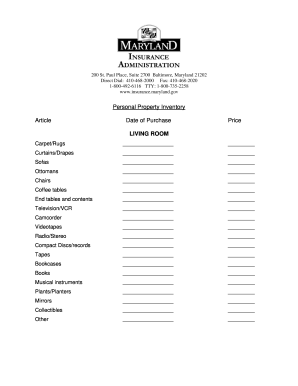
Maryland property inventory insurance latest
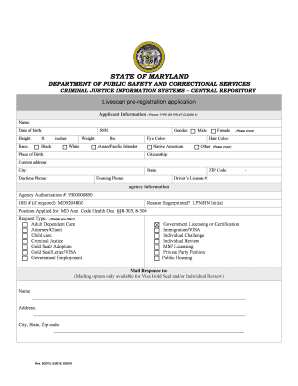
Livescan pre registration application
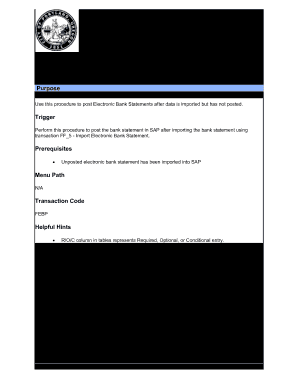
FEBP Post Electronic Bank Statement - The City of Portland, Oregon
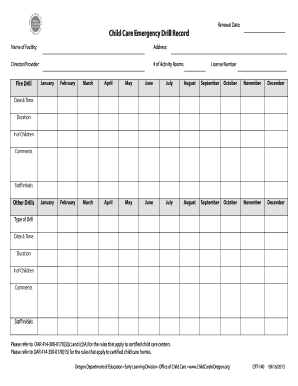
Emergency drill record
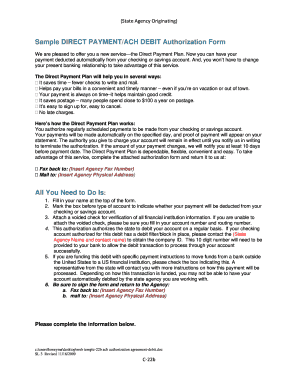
Ach debit authorization form
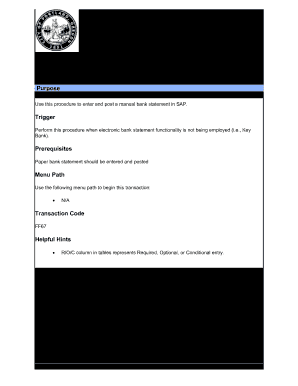
Bank statement portland
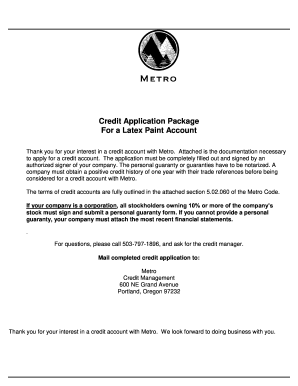
Oregon metro credit
Ares annex a download
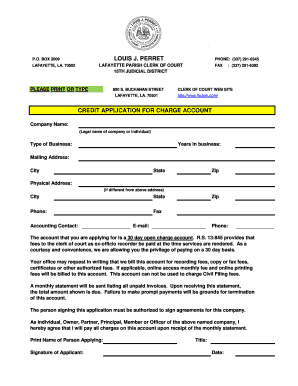
PHONE: (337) 291-6345
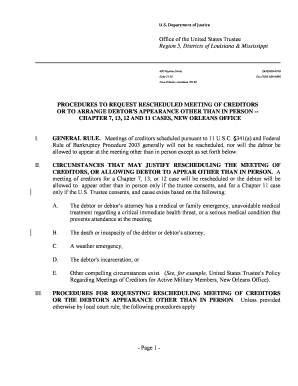
Request rescheduled creditors arrange form get
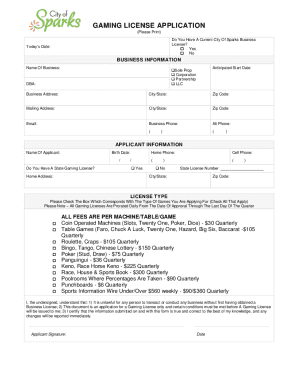
Nevada application gaming license
Certification About a Financial Management Course - United

Maine voter registration form

Bill Of Sale Form D-4 Employee Withholding Allowance
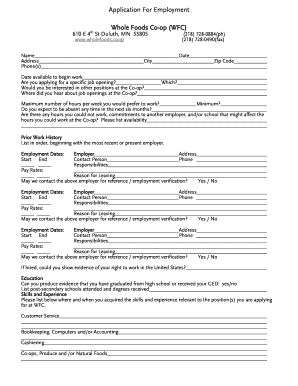
Whole foods online job application form
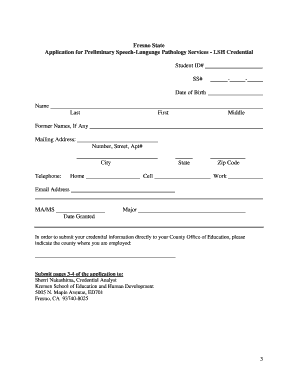
California fresno application preliminary slp services
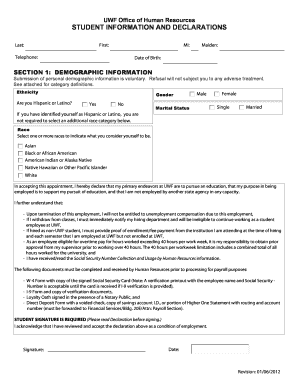
2012 uwf

Aamu direct

San joaquin delta college transcripts

Assistance program lutap application
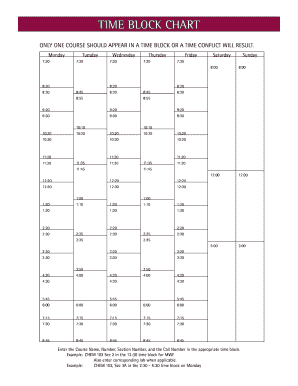
Time block chart

Tennessee state certificate immunization
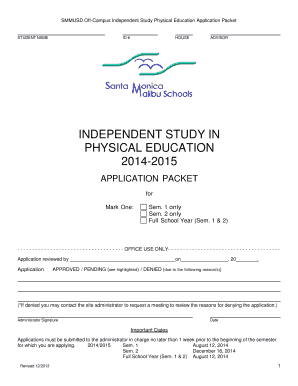
Ispe application

2016 HACEMOS Scholarship Program Applicant Appraisal Academic Record Form As part of your applicatio
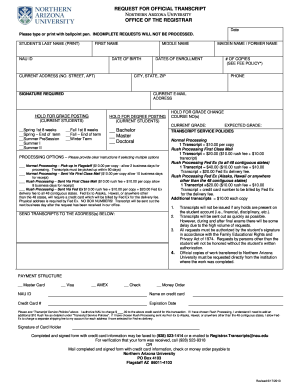
REQUEST FOR OFFICIAL TRANSCRIPT NORTHERN ARIZONA UNIVERSITY OFFICE OF THE REGISTRAR Date Please type

Washington youth academy mentor form
GOOSE CREEK CISD LOCAL SCHOLARSHIPS 2015-2016 - gccisd

SCHOOL ATTENDANCE AND STUDENT STATUS

Combined Sewer Overflow - dec alaska

Sovascgov 2012-2019 form
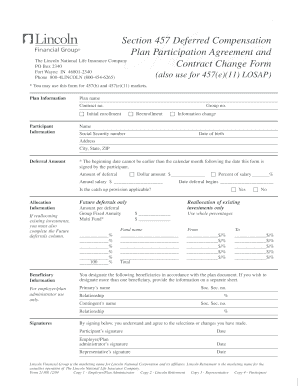
Deferred compensation agreement form

Principal supplement principalkey sample

Authorization direct rollover alternate payee

Pa nurse service
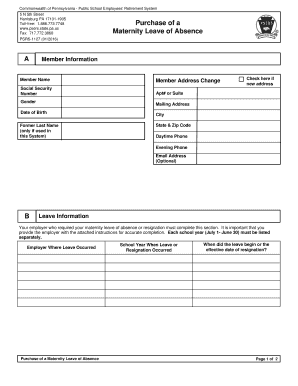
Pennsylvania maternity absence

Pa beaver county application form
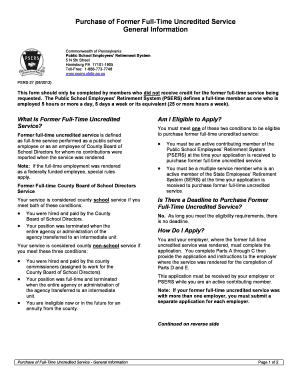
Pa former full form

Option designation

Writ restitution snohomish
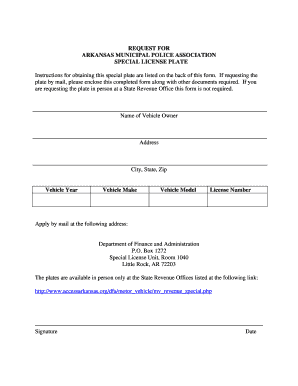
Ar request plate search
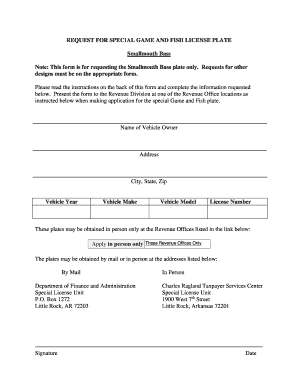
AGFC Smallmouth Bass Form - Arkansas Department of Finance - dfa arkansas

Ar photo person form print
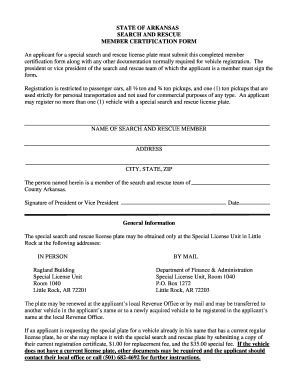
Ar search certification form

Arkansas request advocates license plate
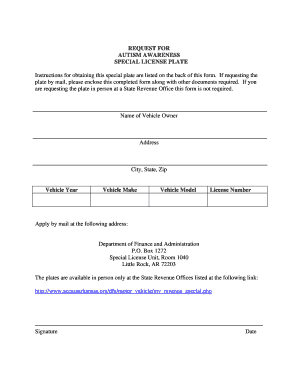
Awareness license form

Professional Athlete Neurological Examination Report - tennessee
Cei instructions form online

Mi application admission without examination

Michigan release medical form pdf

Michigan uniform spousal support

Fl lost found hardee form search
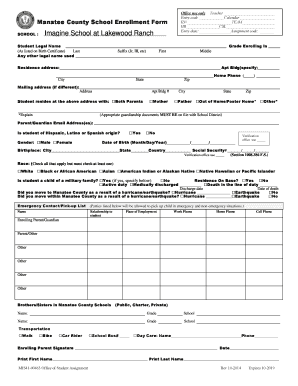
Manatee school enrollment form

Ds de 9 treasurer form
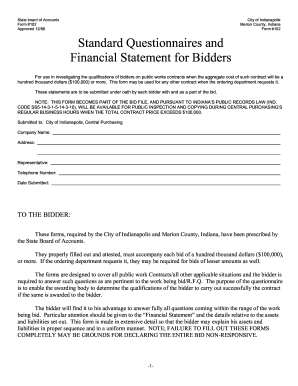
Form 102 standard financial
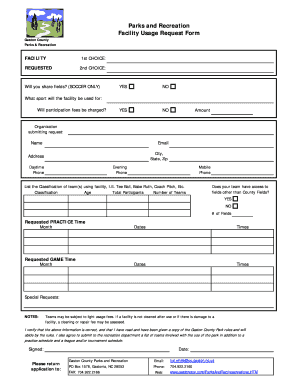
Facility Usage Request Form - Gaston County Web
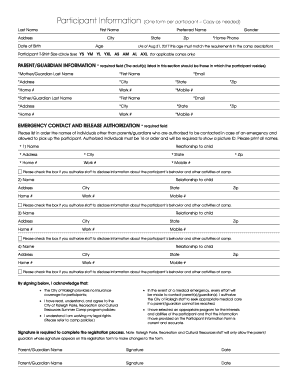
2017 Camp Registration Forms - raleighnc

Sebb-metlife-enrollment-form

Az talent show audition
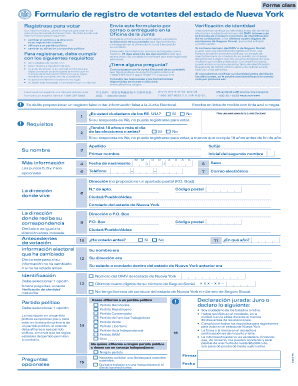
Registration form votantes
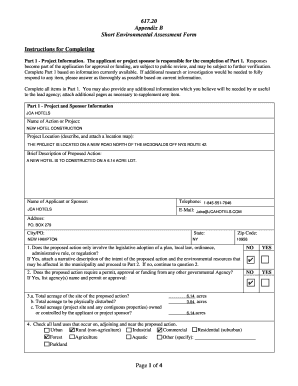
Environmental assessment form

Form non public fingerprinting option download

Green Mountain Energy - www3 dps ny

Ny state form ce 200

Yuo form

Integrity questionnaire

Inspect property form

3020a charge transmittal
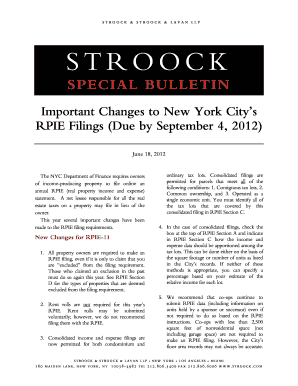
Ny important rpie
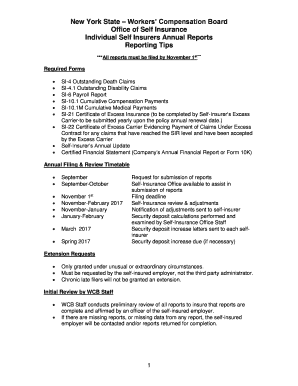
New york self annual reports online

Loft board general application
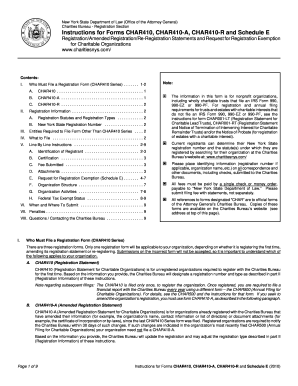
Char410 instructions

4 hour esc training

2016 ny insurer annual form pdf

Loan repay

In milwaukee county what form is needed to reply to a divorce summons
Benefit from the DocHub online library of fillable PDF forms
Searching the PDF forms doesn't have to be a tedious and time-consuming process. With the DocHub online library, it has become easier to find the fillable PDF forms and modify them in your browser. The service allows you to adjust the document to your needs using powerful editing tools.
You can use online document editing features to modify almost any type of document with ease. You just need to find the template of your choice, open it in the editor, and use the toolbar to make the necessary corrections.
Follow this guide to get your document done with DocHub:
- Find the PDF template you need.
- Click the Get Form button to open the file in the editor.
- Use the toolbar to fill out and edit the document.
- Easily add and highlight text, insert images, checkmarks, and symbols.
- Drop new fillable fields, and rearrange or delete pages from your file.
- Save changes and download your record.
DocHub empowers everyone to streamline document editing, signing, and distribution, and form completion. Create an account and benefit from our well-organized PDF Forms library and comprehensive editor.