




Here's how it works



How to use or fill out Wisconsin WDNWRAM Natural Wetland Methodology Print

- Click ‘Get Form’ to open it in the editor.
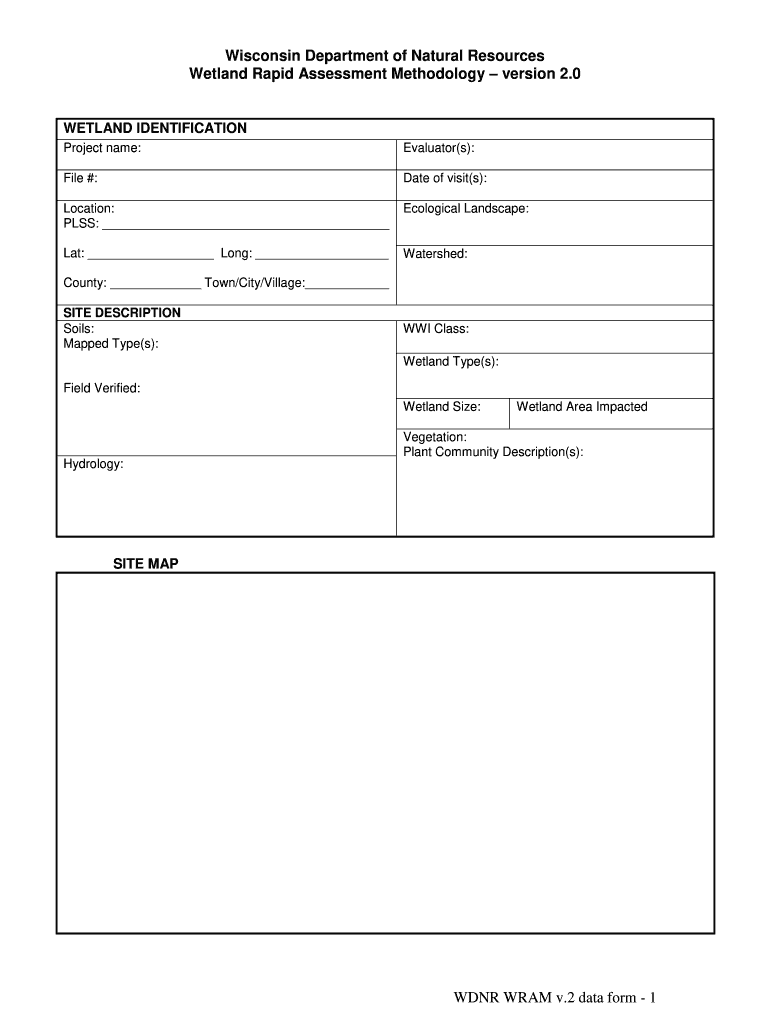
- Begin with the 'Wetland Identification' section. Fill in the project name, evaluator(s), file number, date of visit(s), and location details including PLSS, ecological landscape, latitude, longitude, watershed, and county.
- Proceed to 'Site Description'. Document soil types, wetland classifications, field verification status, wetland size, and impacted area.
- In 'Functional Value Assessment', assess potential human use values and wildlife habitat. Check applicable boxes and provide comments where necessary.
- Complete 'Floristic Integrity' by evaluating plant community integrity and listing dominant species. Use the provided scale for assessment.
- Fill out the 'Condition Assessment' section by identifying stressors affecting the wetland area and buffer. Provide a summary of your findings.
- Finally, summarize functional values and project impacts in their respective sections. Ensure all fields are completed accurately before saving your work.
Start using our platform today to streamline your document editing process for free!
It's free
Got questions?
Can I type my electronic signature on my wi wram?
Yes, a typed name is recognized as a legitimate electronic signature when you add it to your document using a compliant solution like DocHub. Simply add your wi wram to our editor, click Sign in the top tool pane → Create your signature → Type your name in the appropriate tab, and select how it will appear on your document.
How do you edit wisconsin wram online?
With DocHub, there are several convenient methods to edit your wisconsin wram online. You can drag and drop the form and modify it directly at the DocHub site or use our browser extension to fill out your form right away. On top of that, you can modify your PDF on your phone, as DocHub is compatible with all the available mobile platforms.
What percentage of wetlands has Wisconsin lost from its original 10 million acres?
What qualifies as a wetland?
Why does Wisconsin have so many different types of wetlands?
Security and compliance
At DocHub, your data security is our priority. We follow HIPAA, SOC2, GDPR, and other standards, so you can work on your documents with confidence.
Learn more


