
Get any PDF form from the DocHub library of ready-made templates - Page 961

Address form
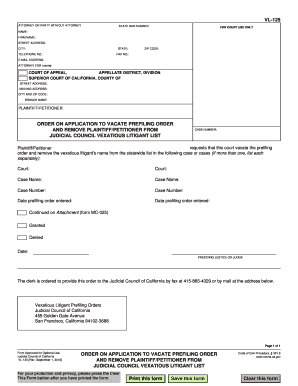
California vl application prefiling council
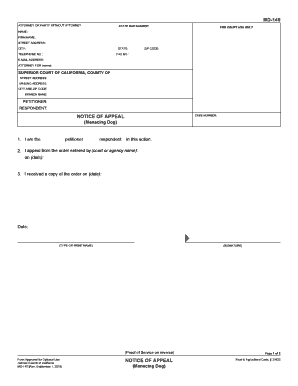
Appeal dog form
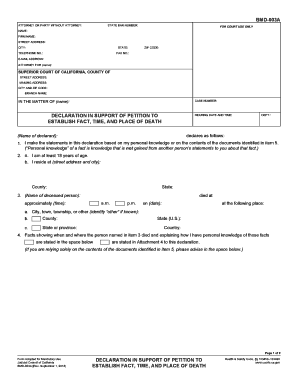
Ca bmd 003a
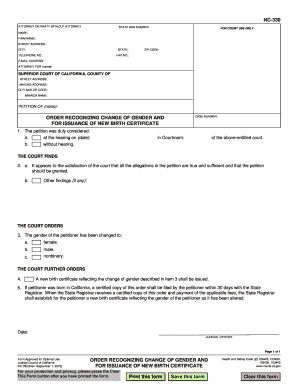
Nc330

Payee jcc pdf

130 declaration pdf
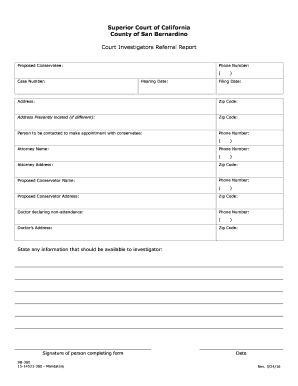
360 court form

Mc 13b medical form
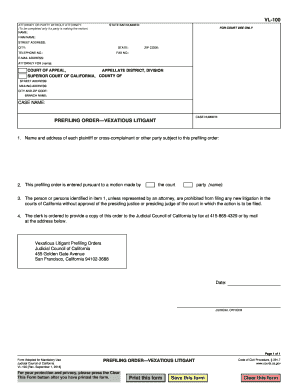
Vl 100 form

Complaint officer enforcement
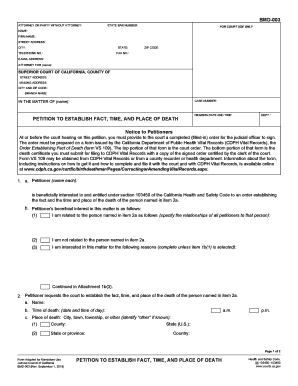
Bmd 003
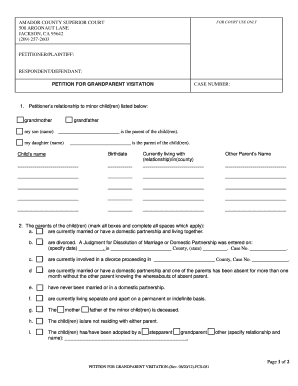
Petition for Grandparent Rights - Superior Court Amador - amadorcourt
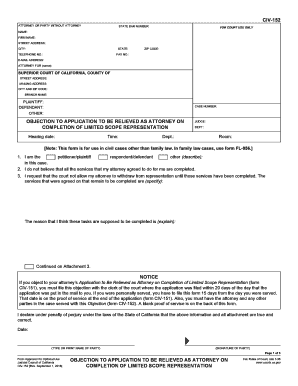
2018 ca objection relieved completion scope template

Witness statement
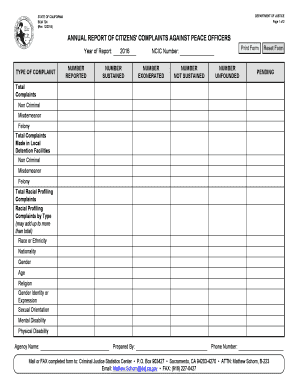
Bcia 724
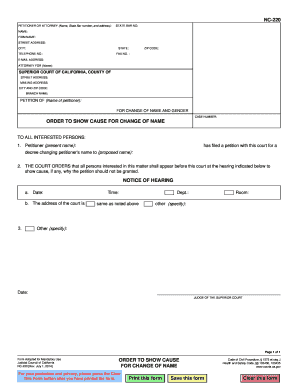
NC-220 ORDER TO SHOW CAUSE FOR - California Courts - courts ca
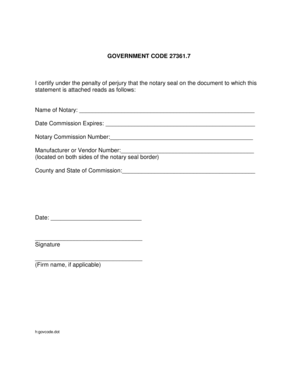
Code 27361 7 notary

California 678 permanency form

Fl697

Use appendix form template

227 courts ca form
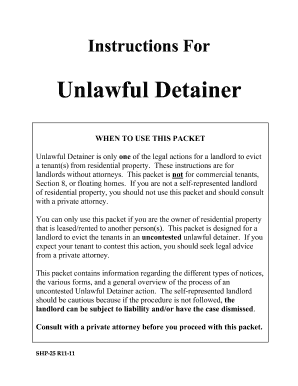
Unlawful detainer fresno
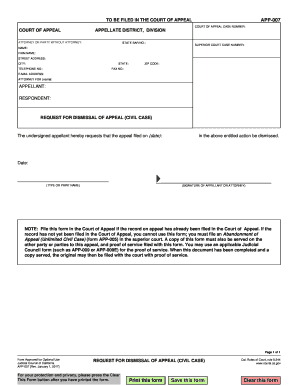
Request dismissal appeal
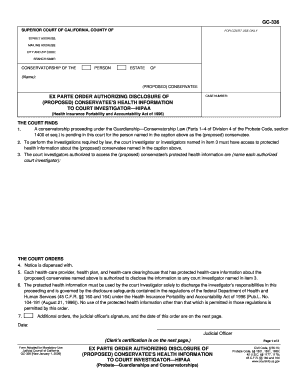
Gc 336
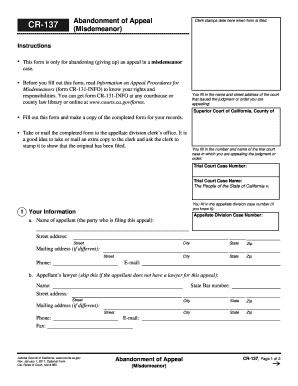
137 california courts

California declaration physician form
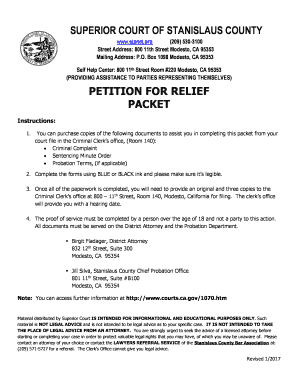
Relief packet county

Appeal infraction
Authentication Of Documents By The Secretary Of State's Office
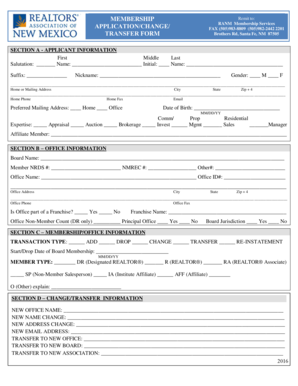
Nm ranm application form

Nd decent inspection

2012 louisiana designation program guide form chdo blank

2017 louisiana agreement buy fillable

Ut camp williams officers club

Maine form disclosure statement
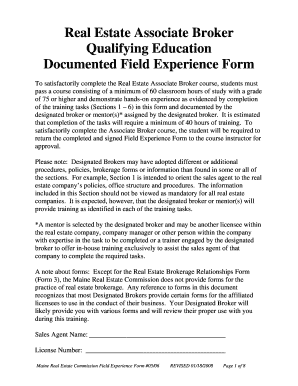
Maine real estate education field

State of wi dsps
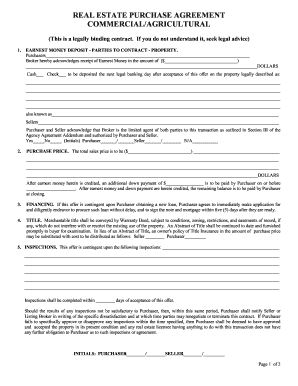
Sd real estate purchase agreement

Nh pra

Change reporting form - Nevada Rural Housing Authority
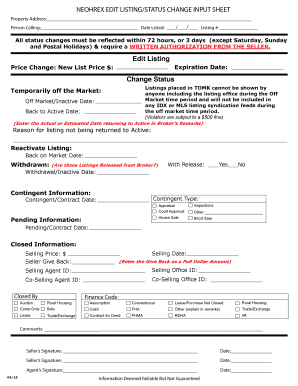
Neohrex form

Iowa state farm agreements

Rent and Income Chart
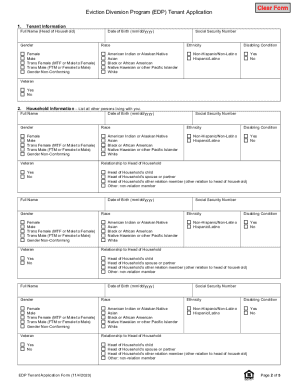
Mi tenant application

Registration city flint
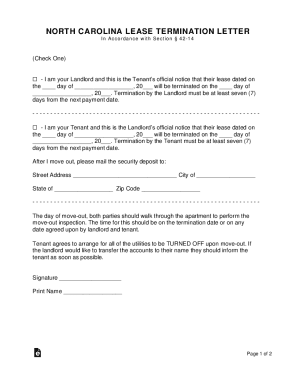
North carolina termination letter

Urbanaillinois us sites defaultRental Property Registration Form - urbanaillinois us

Investment certificate continuing compliance dhcd
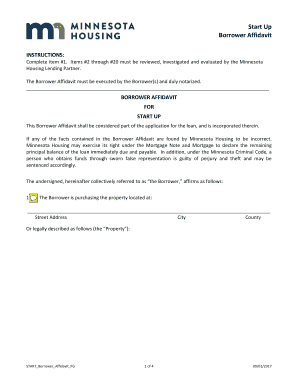
Minnesota affidavit housing
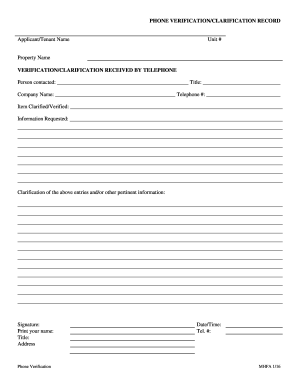
Mn phone verification

Mobile home security agreement

Kaar membership form

DocHub form-library427335-copy-ofGet Copy Of CCE Color Compliance Form - US Legal Forms
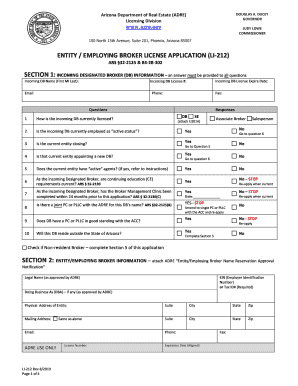
Li212
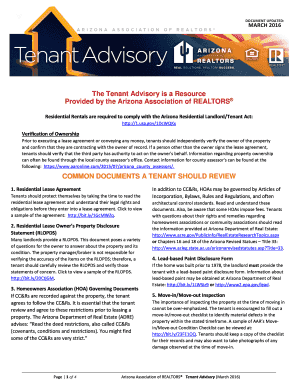
Arizona tenant advisory

Rf proof service form blank
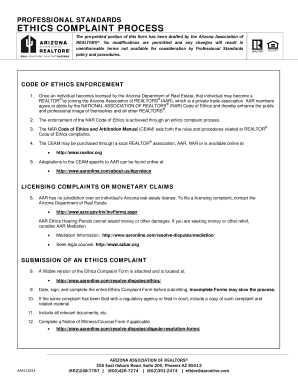
Arizona ethics form professional standards realtors edit
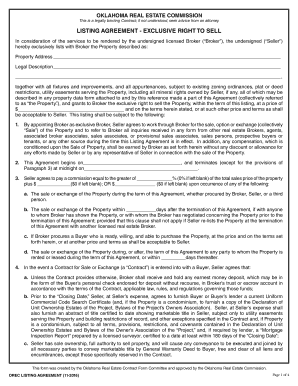
Oklahoma listing agreement
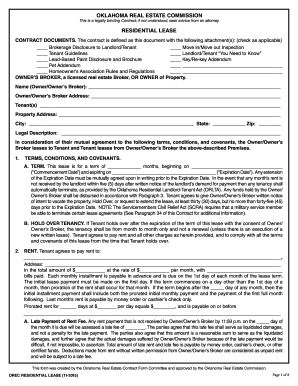
Oklahoma lease ok
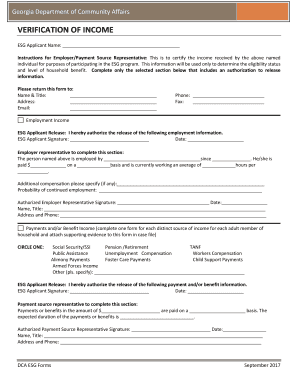
Income verification form georgia
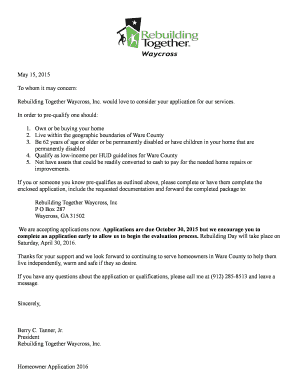
Rebuilding together waycross

2017 MA Mandatory Real Estate Licensee-Consumer Relationship Disclosure
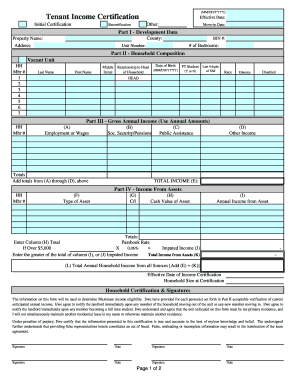
New york income certification

Ny sheet leases rent pdf
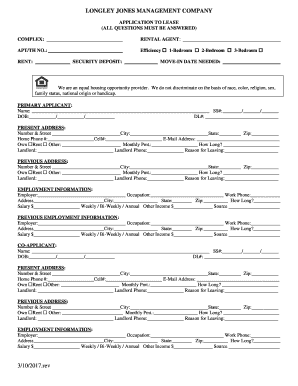
Application rental

Renting temporary assistance monroe county

Town southampton harmless form
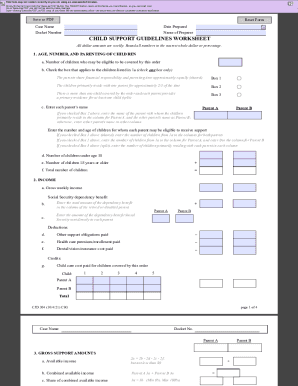
Massachusetts child support guidelines

Ma reading vital request get
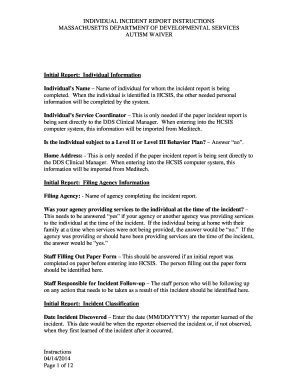
Ma incident instructions autism waiver form print

Massachusetts form lead paint
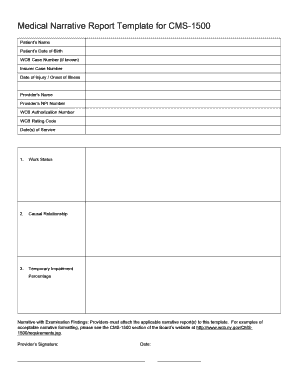
Medical narrative report template
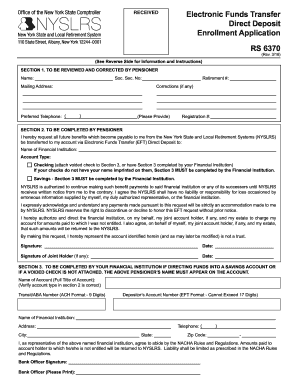
6370 nyslrs

Personal use statement sample
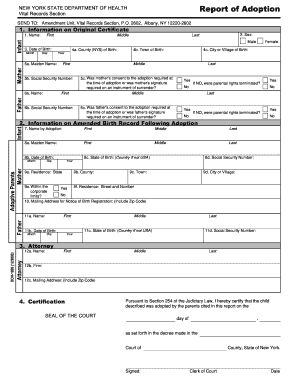
Report adoption template

Doh 2794
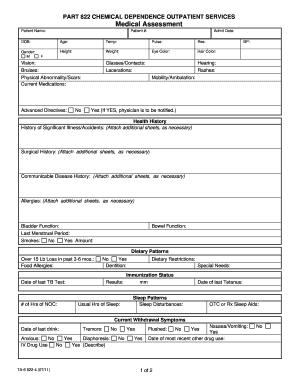
Ta 6 822
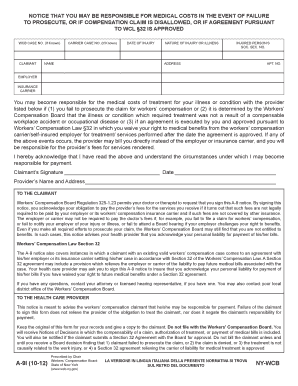
A9i medical compensation disallowed online

Form opwdd medical
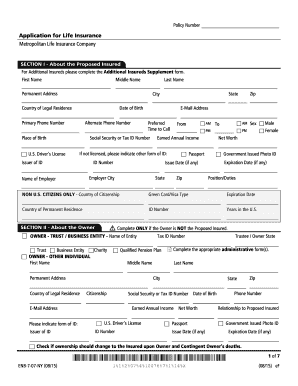
Application for Life Insurance Metropolitan Life - First Protective
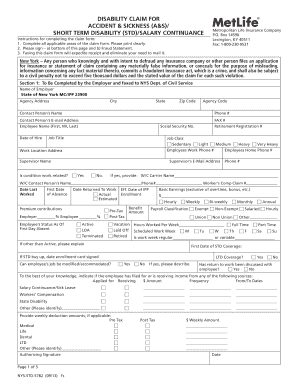
Metlife form accident sickness
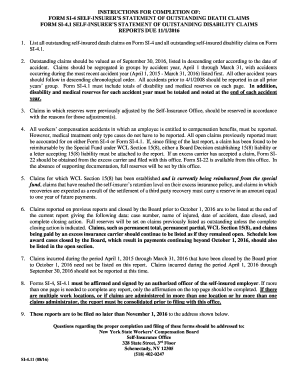
Instruction outstanding death
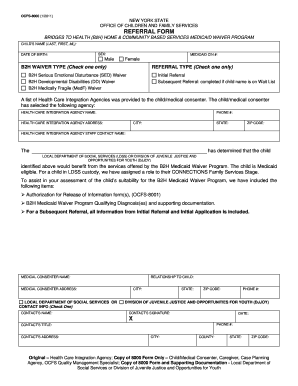
Ocfs8000
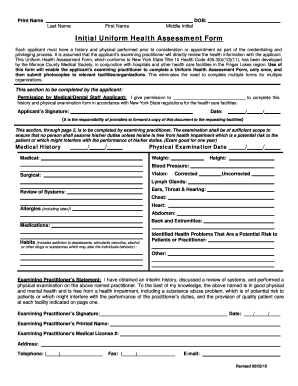
New york uniform health assessment form
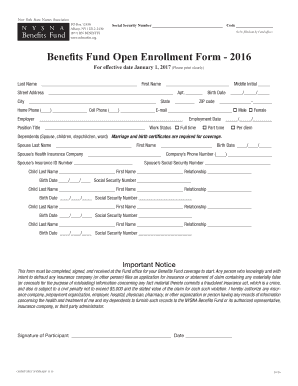
Nysnabf nysna benefits
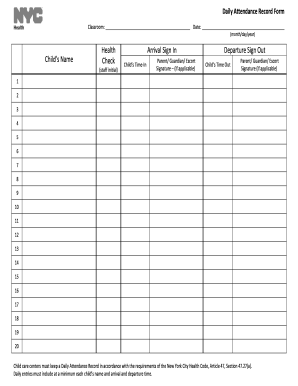
Daily attendance record form health

Co chapter 3 easements license form estate fill
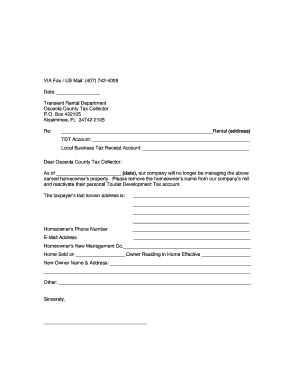
Cancellation form osceola collector

Advance disconnection water utilities cape coral form

Virginia paternity

Epi 1 form
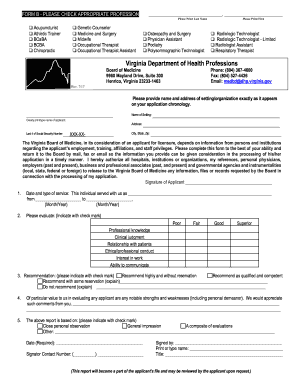
Virginia b board medicine
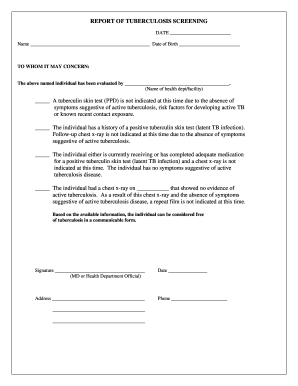
Virginia tb screening form

Kihbt application form

Virginia realtors residential move in move out inspection

Maryland 11 1557 transient return form montgomery print

Maryland tenant complaint

Rental dwelling montgomery county

New Credit Application-2020
Benefit from the DocHub online library of fillable PDF forms
Searching the PDF forms doesn't have to be a tedious and time-consuming process. With the DocHub online library, it has become easier to find the fillable PDF forms and modify them in your browser. The service allows you to adjust the document to your needs using powerful editing tools.
You can use online document editing features to modify almost any type of document with ease. You just need to find the template of your choice, open it in the editor, and use the toolbar to make the necessary corrections.
Follow this guide to get your document done with DocHub:
- Find the PDF template you need.
- Click the Get Form button to open the file in the editor.
- Use the toolbar to fill out and edit the document.
- Easily add and highlight text, insert images, checkmarks, and symbols.
- Drop new fillable fields, and rearrange or delete pages from your file.
- Save changes and download your record.
DocHub empowers everyone to streamline document editing, signing, and distribution, and form completion. Create an account and benefit from our well-organized PDF Forms library and comprehensive editor.