
Get any PDF form from the DocHub library of ready-made templates - Page 958

2s form

Hawaii med quest online application form for medical assitant
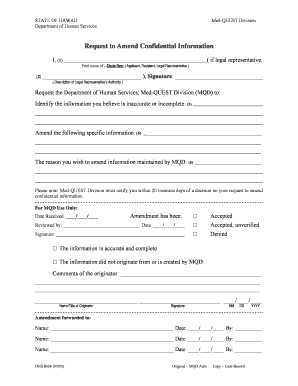
The Colorado Rules of Professional Conduct - Colorado Bar - med-quest

NOTICE OF PRIVACY PRACTICES Effective: 11 01 2014 THIS NOTICE DESCRIBES HOW MEDICAL INFORMATION ABOU

Request medical incontinence supplies

Hi intermediate care facility
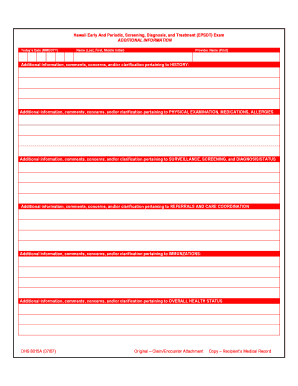
Hawaii periodic treatment epsdt form
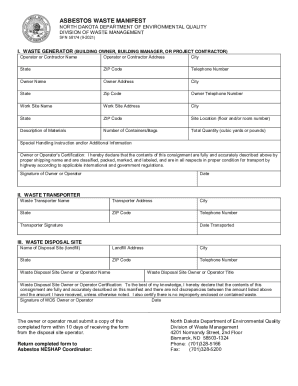
North Dakota Department of Environmental Quality Asbestos Waste Manifest North Dakota Department of

Greenville Health Systems Public Letter - hrsa

Nh uniform support order

Ks board examiners bar
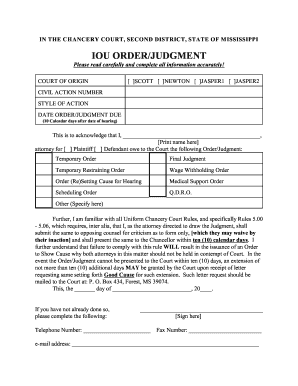
Mississippi iou judgment chancery form
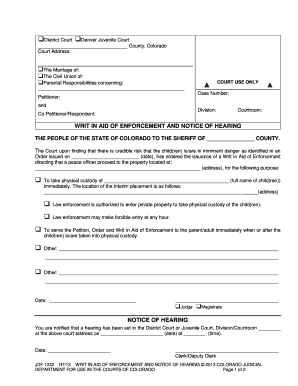
Order issued on (date), has ordered the issuance of a Writ In Aid of Enforcement
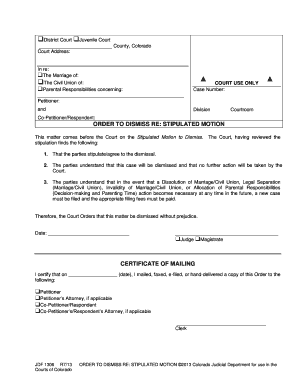
Colorado dismiss stipulated motion

WITHDRAWAL OF DEMAND FOR NOTICE OF FILINGS OR ORDERS

Jdf 533 form
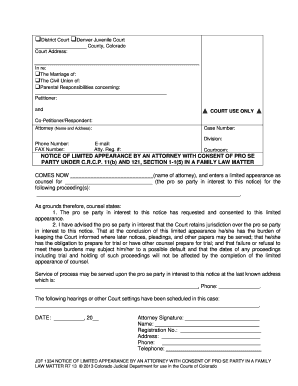
Colorado jdf1334 appearance attorney consent form

Co notice parent
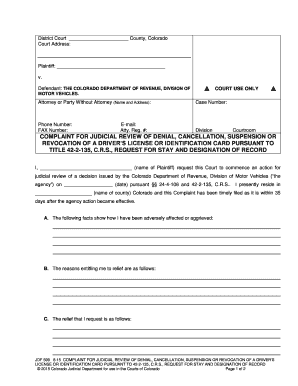
Jdf 599
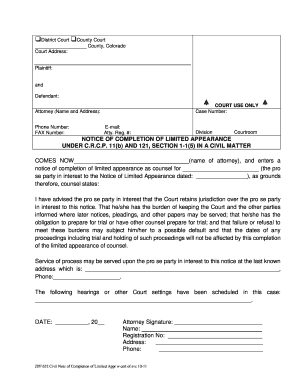
Notice completion appearance
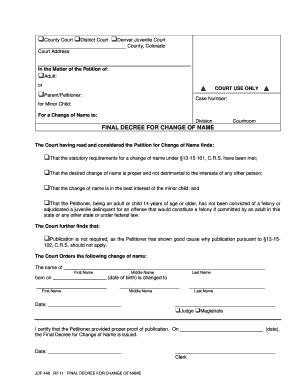
Jdf 448

Motion venue neglect
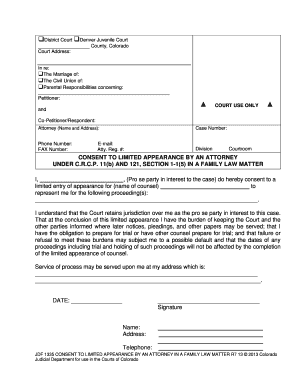
Co jdf1335
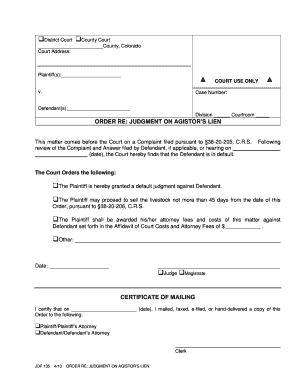
Colorado judgment lien form

Colorado jdf80
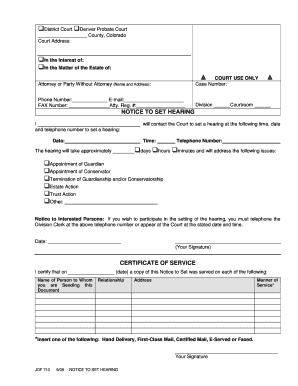
Jdf 710
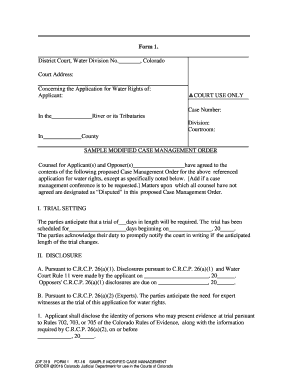
- courts state co
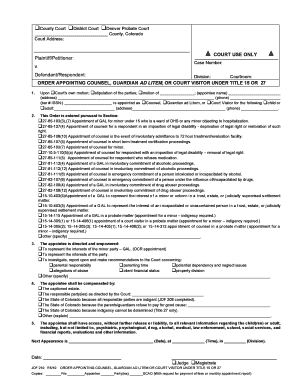
Co jdf210 order appointing counsel fillable
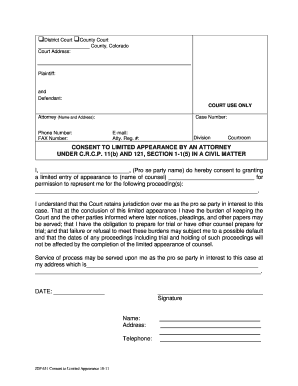
Consent limited civil

- courts state co
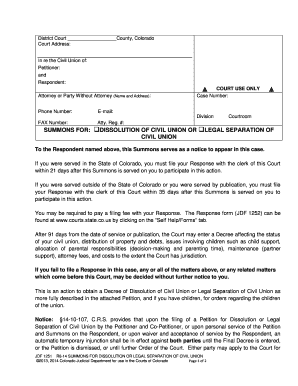
Summons dissolution separation

Jdf 106

Colorado jdf 414
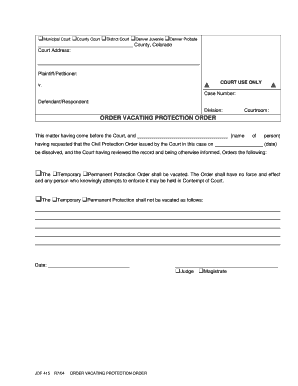
Colorado jdf 415
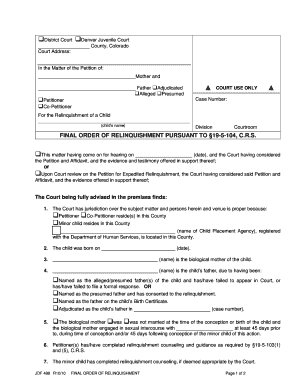
Co jdf 488
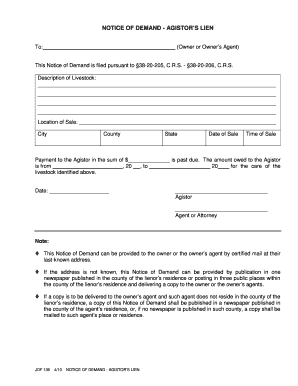
Agistor lien
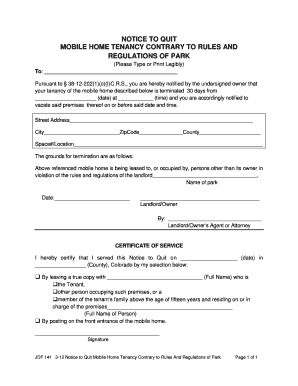
Colorado mobile contrary regulations park
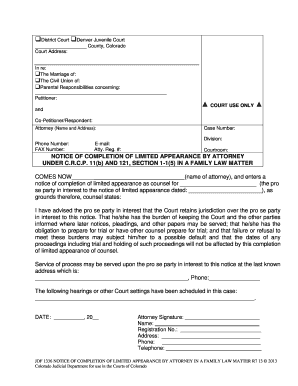
Colorado limited appearance
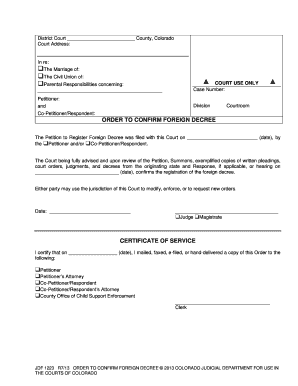
Jdf 1223
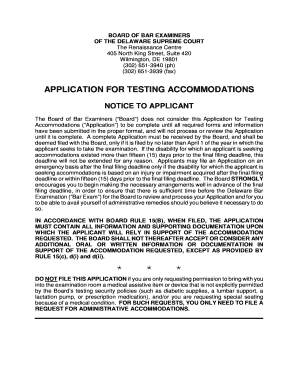
SEC FILING Abeona Therapeutics Form S-1 A - corporate-ir
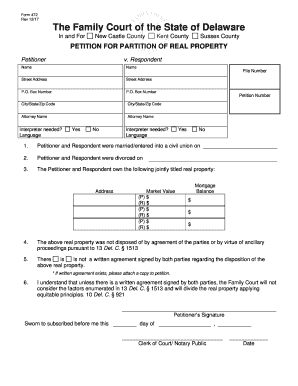
Petition to partition form
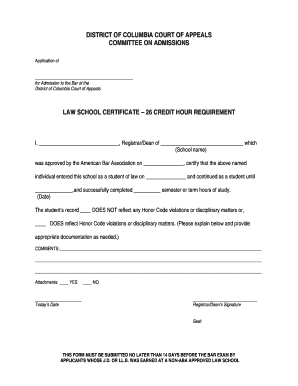
Dc law school court

Form 9 organization form
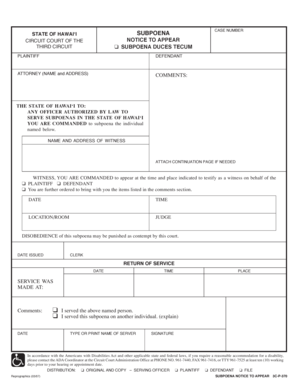
Hawaii 3c p subpoena notice form
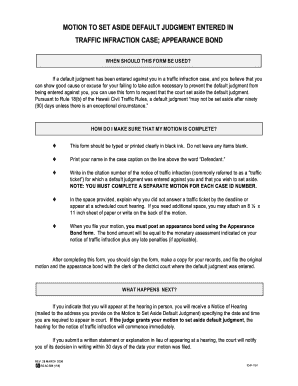
Set aside traffic

Application release confidential justice information
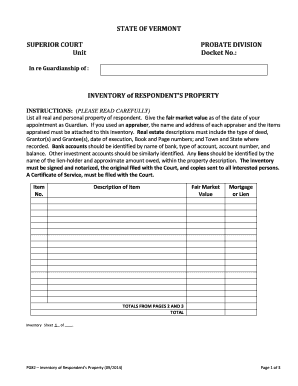
PG82 Inventory of Respondent's Property
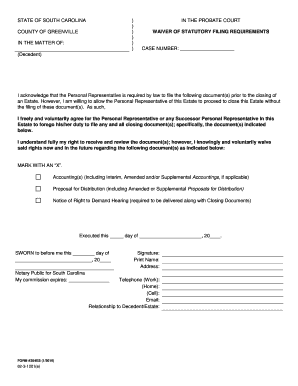
South carolina waiver form
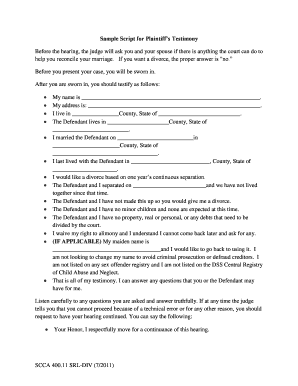
Sc 40011 script form printable

2007 sc scbar sd final decree form

Minnesota instructions eviction
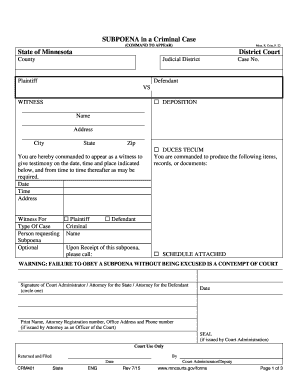
Minnesota subpoena form
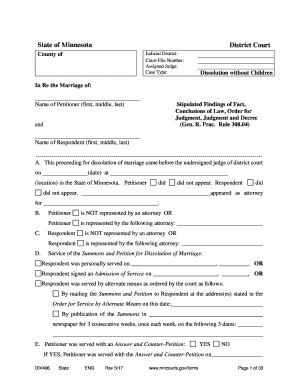
Fillable Online State of Minnesota - Minnesota CLE Fax
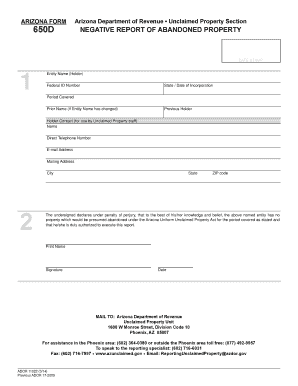
Arizona 650d report abandoned property form pdf

Kentucky 5 form disposition

Ky youth leader

West virginia fellowship program application

FINANCIAL DISCLOSURE FORM - Public Defender

Myaccident pennsylvania-accident-reportsOnline Crash Reports for Franklin Township Police Department

Information Sheet Name Change and Conform Legal Name

Oh adoption minor

Delaware voter registration form
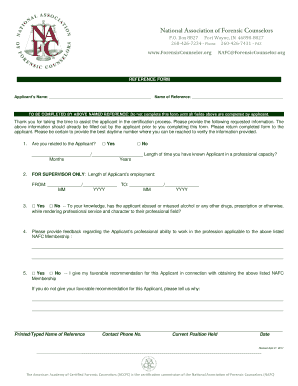
Applicants Name: Name of Reference:

Indianapolis indiana

Form ps 31152 14

Nm bernalillo county well permit

Alabama report work alfa farmers womens
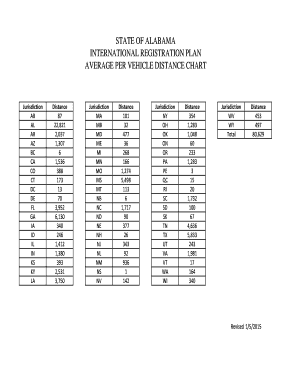
Alabama international registration vehicle

Form a 15 1
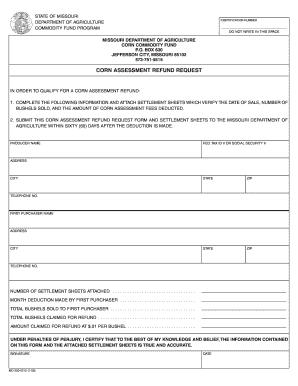
Iowa corn checkoff refund form
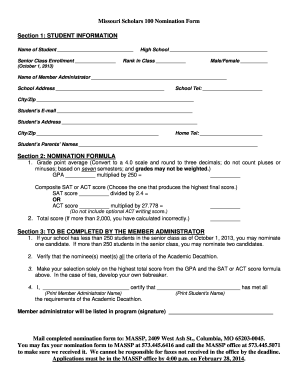
Missouri scholars 100
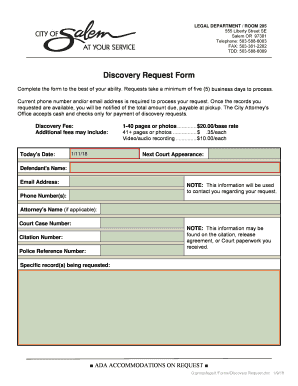
Waiver of Counsel form (Salem Municipal Court) - City of Salem

REQUEST FOR CASE REPORT

Oregon Change of Address Form

Oregon ct 12f form

Oregon forcible detainer
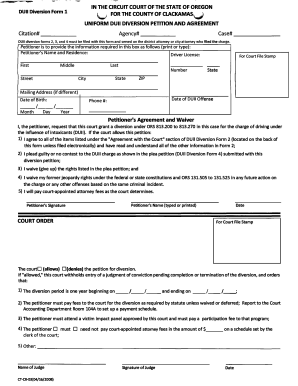
Duii package
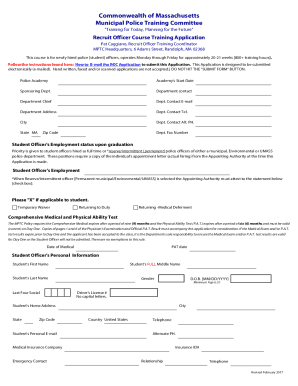
Massachusetts Recruit Officer Training Application
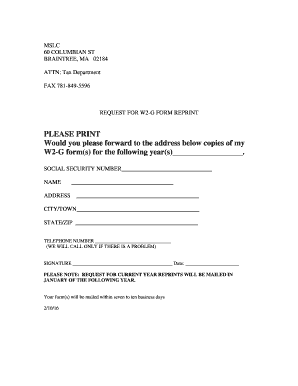
Tax Form Request doc
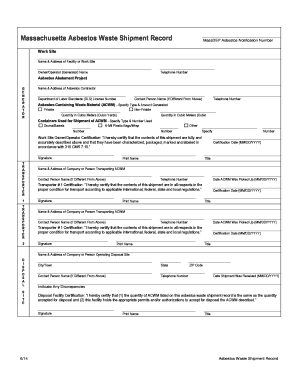
Ma asbestos waste get

Boston

Massachusetts information lawn care
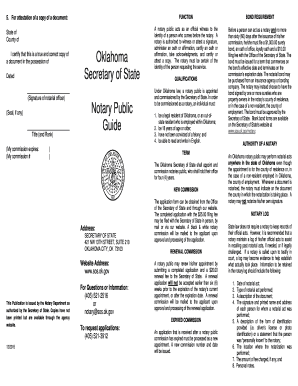
I certify that this is a true and correct copy of

Deq 641 581sp
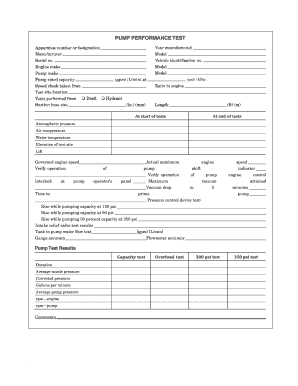
Fire truck pump test form

Nd bar based examination
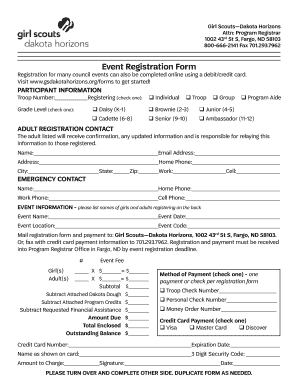
Nd horizons registration printable

Dc form anc

Absence note form printable
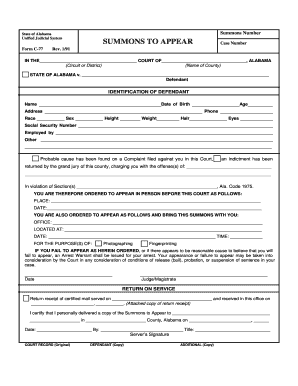
Alabama appear form

Ohio watercraft registration application
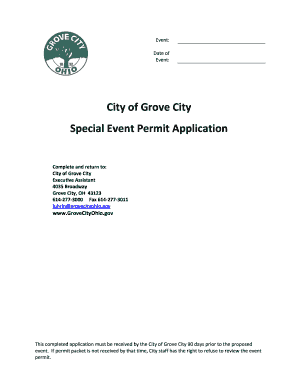
Ohio special permit city grove

Ms g gruich center

Ct coaching license
The Missouri Supreme Court
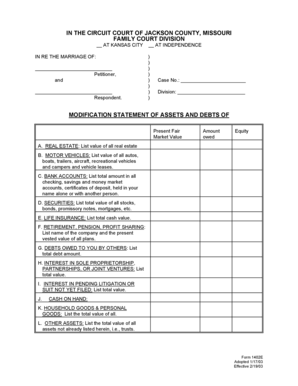
Missouri form 1402e

Hmis self sufficiency matrix

Va building permit application

Virginia insurance guide

Utah motion waiver education requirements
Benefit from the DocHub online library of fillable PDF forms
Searching the PDF forms doesn't have to be a tedious and time-consuming process. With the DocHub online library, it has become easier to find the fillable PDF forms and modify them in your browser. The service allows you to adjust the document to your needs using powerful editing tools.
You can use online document editing features to modify almost any type of document with ease. You just need to find the template of your choice, open it in the editor, and use the toolbar to make the necessary corrections.
Follow this guide to get your document done with DocHub:
- Find the PDF template you need.
- Click the Get Form button to open the file in the editor.
- Use the toolbar to fill out and edit the document.
- Easily add and highlight text, insert images, checkmarks, and symbols.
- Drop new fillable fields, and rearrange or delete pages from your file.
- Save changes and download your record.
DocHub empowers everyone to streamline document editing, signing, and distribution, and form completion. Create an account and benefit from our well-organized PDF Forms library and comprehensive editor.