
Get any PDF form from the DocHub library of ready-made templates - Page 936

Buy benzodiazepines only

Provider change request form

Specialty incident report form
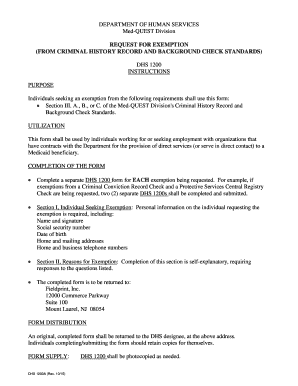
1200a department med form
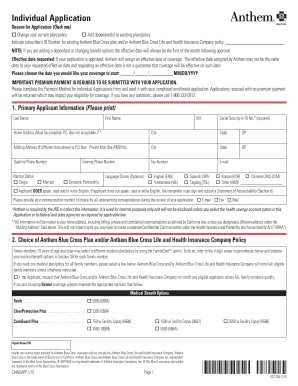
Anthem application applicant form
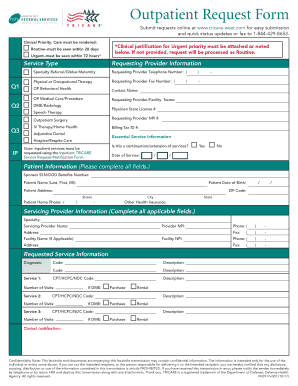
Hf0917x065

Provider claim dispute form

Globality application form printable

Unum 1172 form fill

Privacy notice acknowledgment consent form
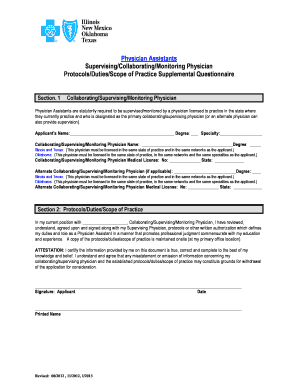
Supervising physician questionnaire

2008 dhs 1139c attachment form online

Certification proof pregnancy
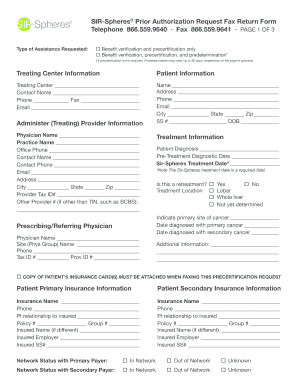
Sir prior authorization request

Insurance eft form

Sgli application
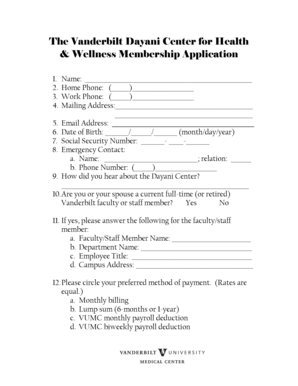
Vanderbilt dayani wellness membership application
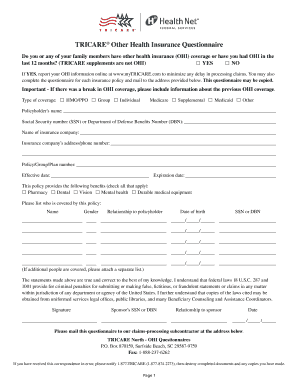
Cigma questionair

Ridgeview source information sheet form pdf
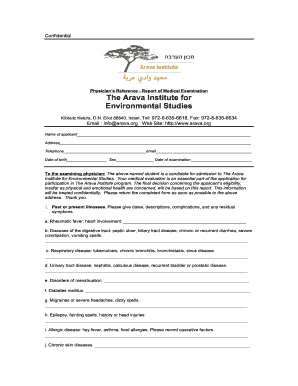
Arava institute medical
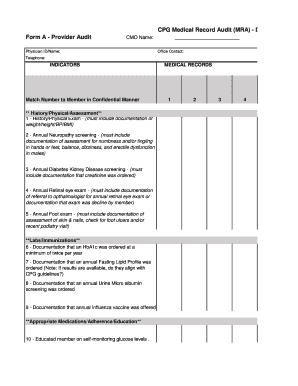
Cpg mra form
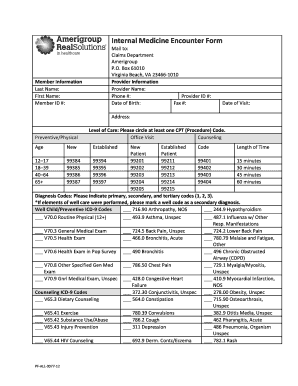
Medicine encounter form

Medication request form
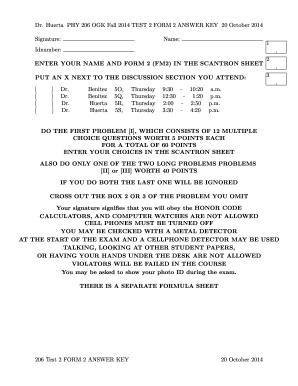
Answer key phy ogk create
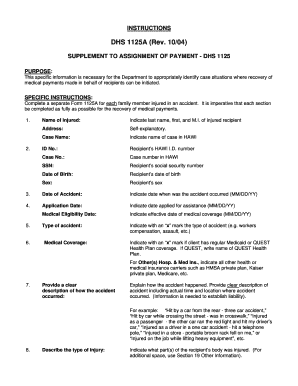
1125a certificate eligibility form
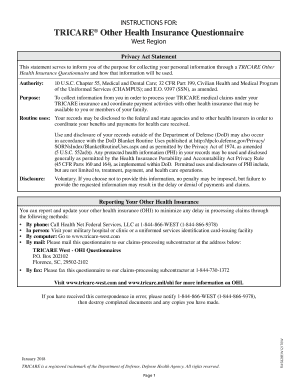
Tricare other health insurance questionnaire

Hospital discrepancy form sample
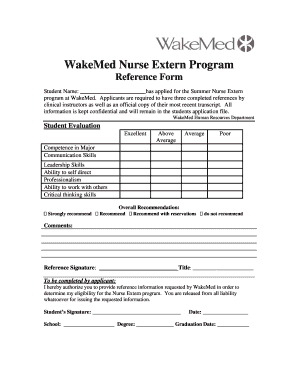
Travel nurse reference form

8027 accounting information form
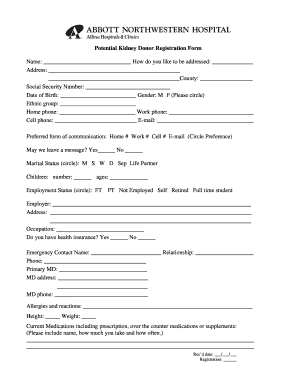
Allina clinic potential donor registration form search
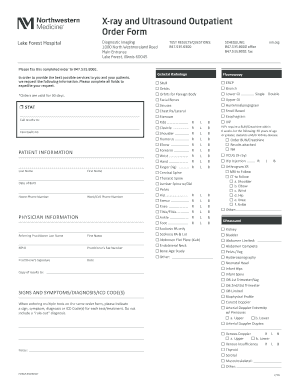
Northwestern medical group dupage
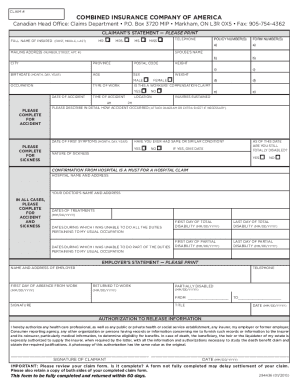
Combined insurance instructions claims printable

2010 leslie mccleary therapist client blank
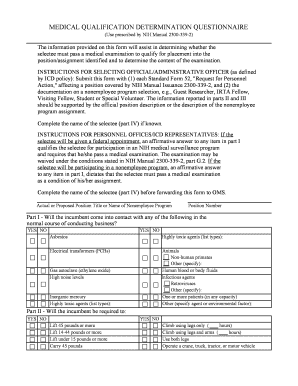
Form nih qualification form

Behavior analysis adaptive assessment

Form death claim life insurance
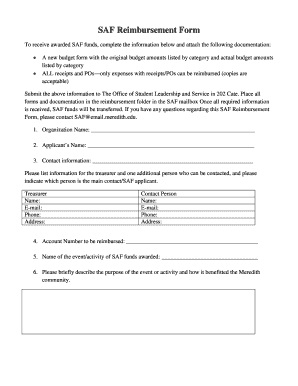
Saf reimbursement form
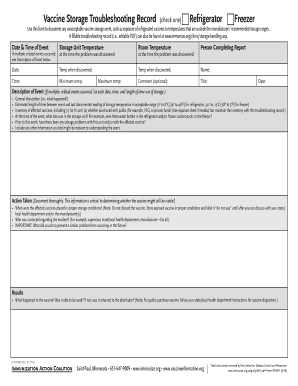
Immunization troubleshooting record search

HARBORSIDE COUNSELING SERVICES*

The hartford w9

Tysabri start form pdf
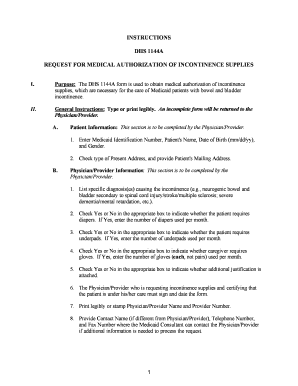
1144a instructions form
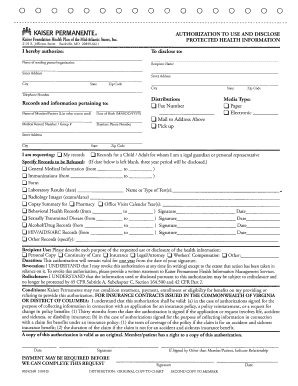
Kaiser medi cal permit to enroll form
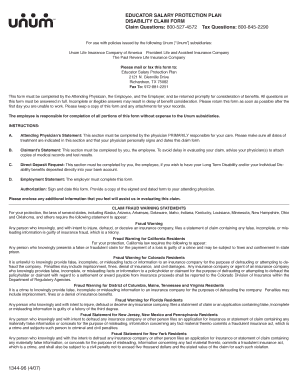
Form 1344 protection claim form

Refractive surgery packet

Instructions management nursing form template

Instructions under care template
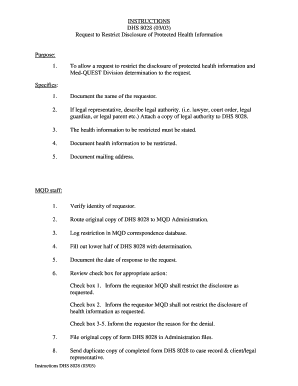
Instructions request restrict
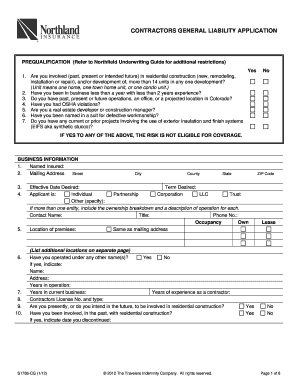
Contractors general liability application
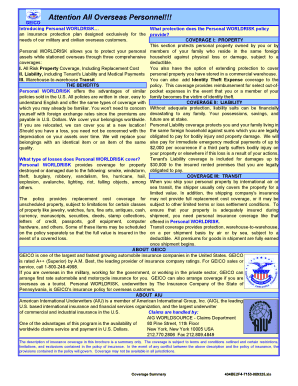
Geico risk fillable
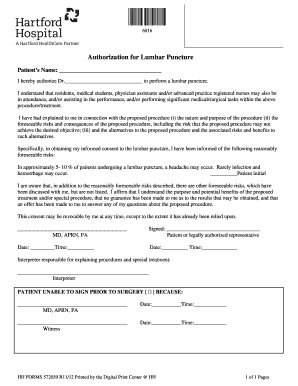
Form authorization lumbar puncture form
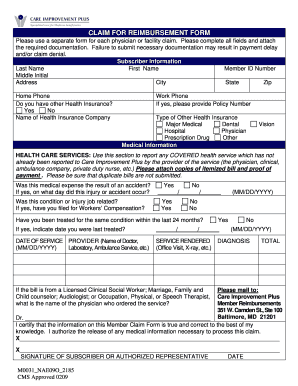
Care improvement reimbursement claim form
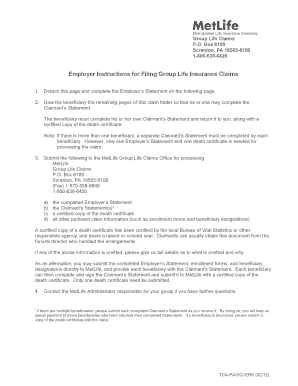
Metlife wholelife insurance claims forms
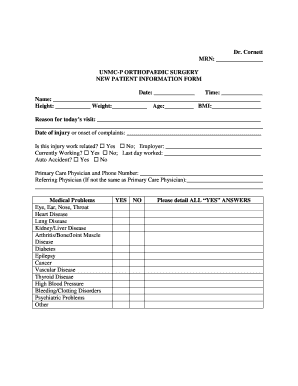
Cornett MRN UNMC-P ORTHOPAEDIC SURGERY NEW PATIENT INFORMATION FORM Date Time Name Height Weight Age

32bj claim form fund

Pressure ulcers cna

Breast imaging services mammography order form
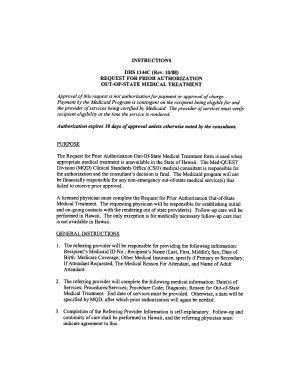
Dhs 1144c instructions form

11268 disability

382 child support order

California continuance juvenile
California 124 abuse form

D testing attention deficit
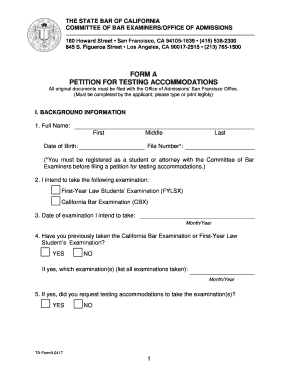
California form bar petition
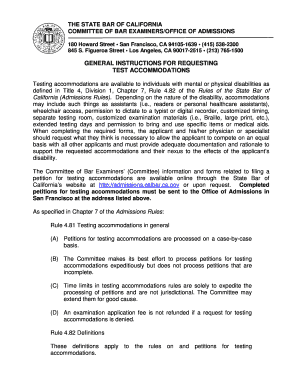
California requesting test

California bar examination study
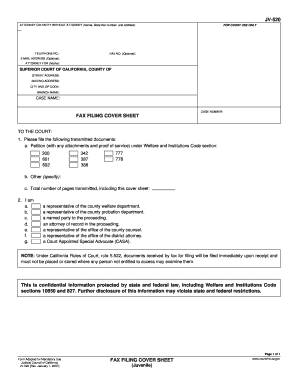
California cover sheet juvenile
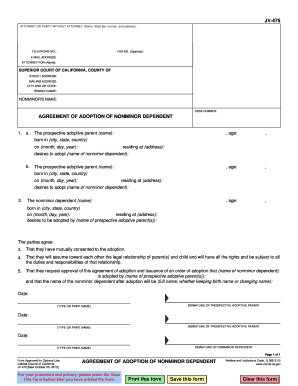
Agreement dependent form

Jv406

Jv 640
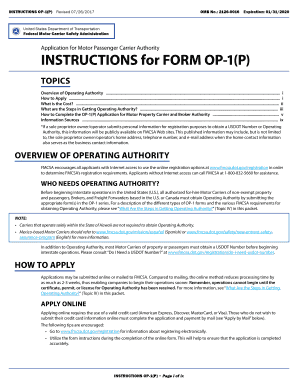
Application passenger form

Fhwa forms
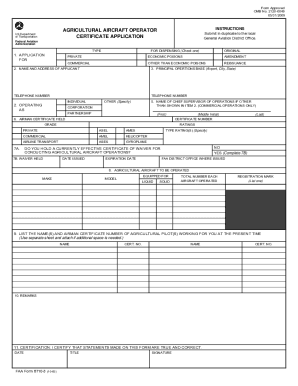
Transportation information

Dol incident report
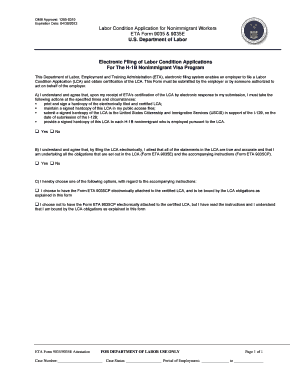
Eta 9035 9035e nonimmigrant form
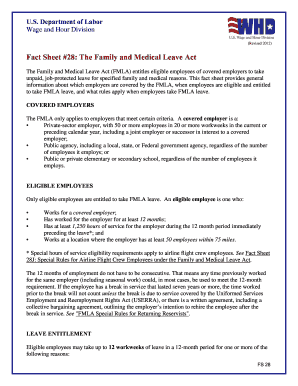
Family medical leave act
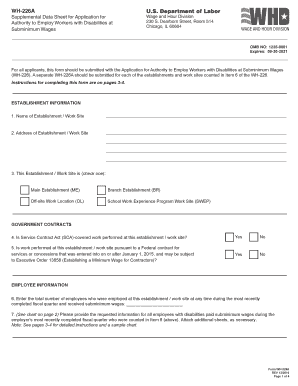
Wh 226a fillable
Dol ub 04 form

Instructions employee benefit
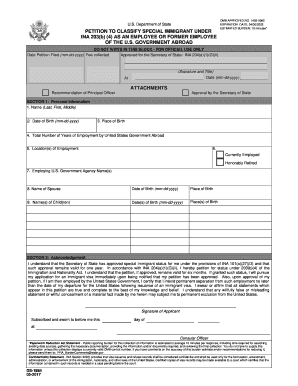
Ds 1884

Affidavit concerning immigrant

Ds1974
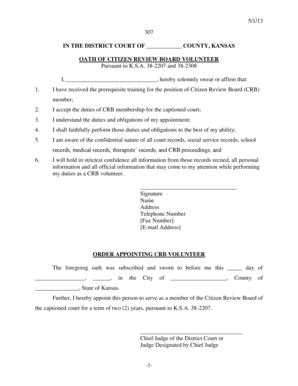
IN THE XXX JUDICIAL DISTRICT - Kansas Judicial Council - kansasjudicialcouncil
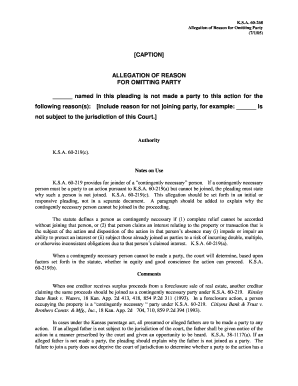
Kansas allegation party
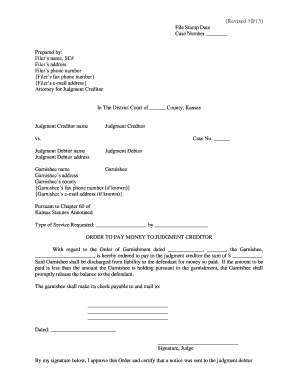
Revised 10 13 - Kansas Judicial Council - kansasjudicialcouncil
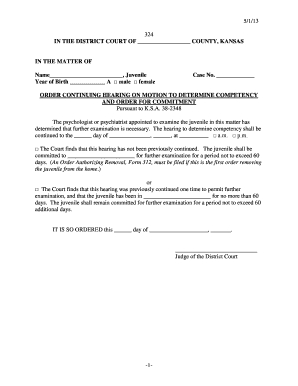
5 1 13 324 IN THE DISTRICT COURT OF COUNTY, KANSAS IN THE MATTER OF Name , Juvenile Year of Birth A
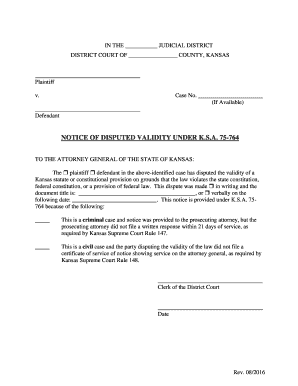
Kansas disputed ksa
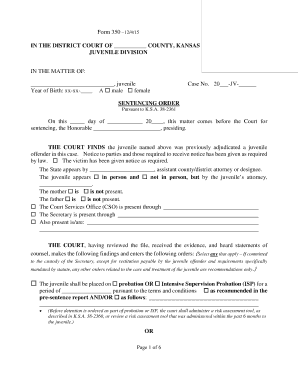
Kansas sentencing order 350 form
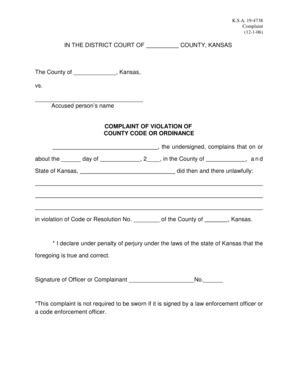
Kansas complaint violation 19 4738 pdf
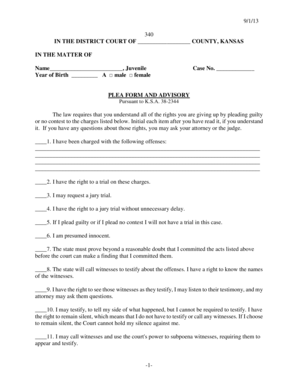
Ks plea advisory form
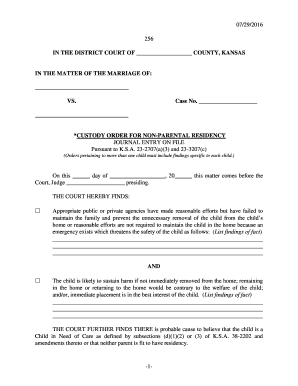
Parental residency 256

5 1 13 352 IN THE DISTRICT COURT OF COUNTY, KANSAS IN THE MATTER OF Name , Juvenile Year of Birth A

Kansas suggestion death

Violation conditional release 375

Ks fingerprint form board law examiners template
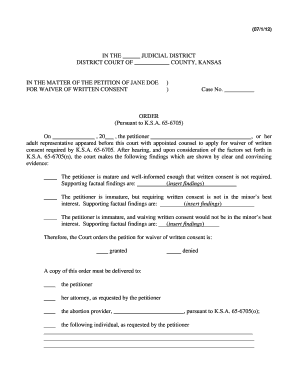
Title: Wakulla news ALL ISSUES CITATION THUMBNAILS - kansasjudicialcouncil
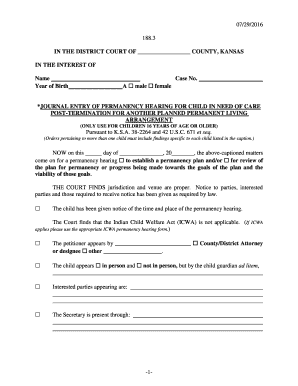
Kansas permanency permanent arrangement
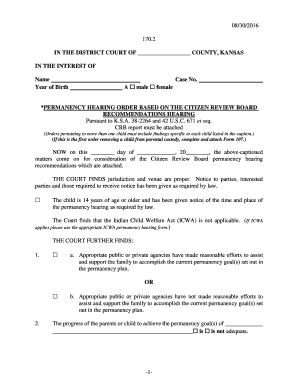
08 30 2016 -1- 170 2 IN THE DISTRICT COURT OF - kansasjudicialcouncil

Rev 07 2016 KSJC 1 328 IN THE DISTRICT COURT OF COUNTY - kansasjudicialcouncil

5 1 13 -1- 303 IN THE DISTRICT COURT OF - Kansas Judicial Council - kansasjudicialcouncil
Benefit from the DocHub online library of fillable PDF forms
Searching the PDF forms doesn't have to be a tedious and time-consuming process. With the DocHub online library, it has become easier to find the fillable PDF forms and modify them in your browser. The service allows you to adjust the document to your needs using powerful editing tools.
You can use online document editing features to modify almost any type of document with ease. You just need to find the template of your choice, open it in the editor, and use the toolbar to make the necessary corrections.
Follow this guide to get your document done with DocHub:
- Find the PDF template you need.
- Click the Get Form button to open the file in the editor.
- Use the toolbar to fill out and edit the document.
- Easily add and highlight text, insert images, checkmarks, and symbols.
- Drop new fillable fields, and rearrange or delete pages from your file.
- Save changes and download your record.
DocHub empowers everyone to streamline document editing, signing, and distribution, and form completion. Create an account and benefit from our well-organized PDF Forms library and comprehensive editor.