
Get any PDF form from the DocHub library of ready-made templates - Page 924

3616 services hcs txhml form

Tx record id information template

Other source health insurance
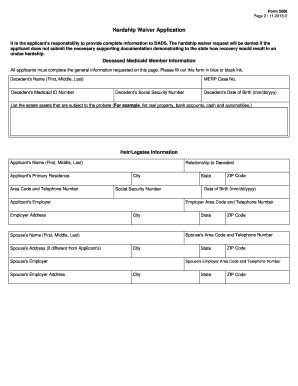
Hardship waiver application
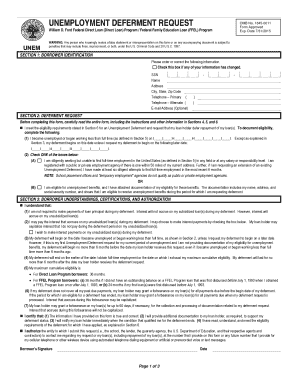
Student loan deferment form 2015

Medquest application pdf
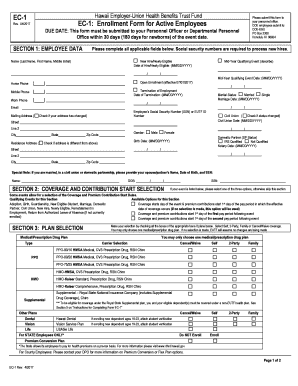
Hawaii ec 1

Hwmg medical form
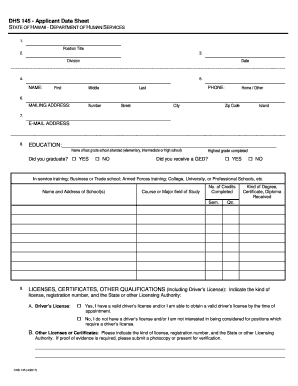
Hawaii dhs sheet

Hawaii open doors application

Co residency marijuana registry

Colorado l6
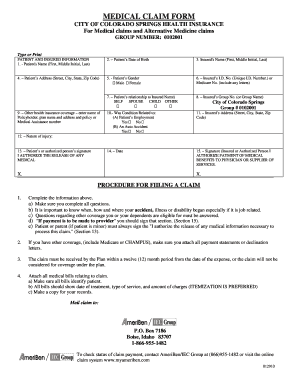
Colorado medical claim form
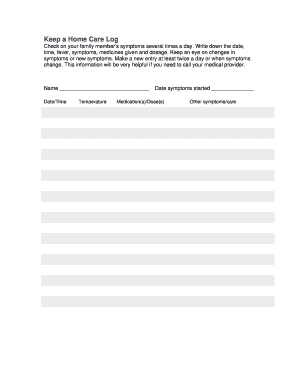
Keep home care log
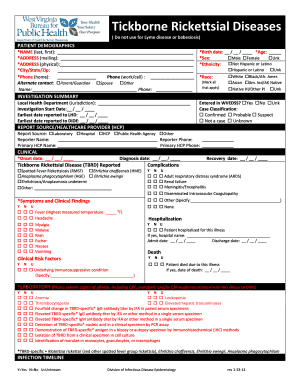
Wv dhhr rickettsial infectious disease
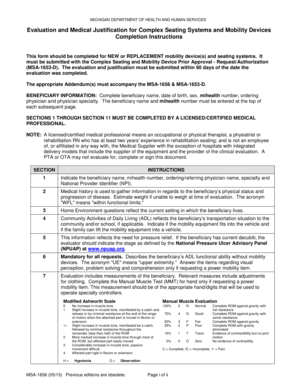
Msa 1656
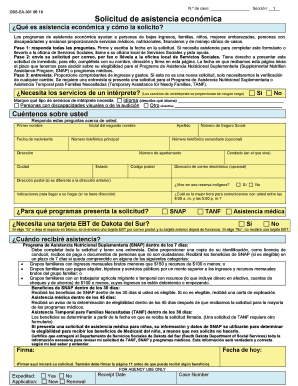
Sd dss solicitud para ayuda spanish fillable
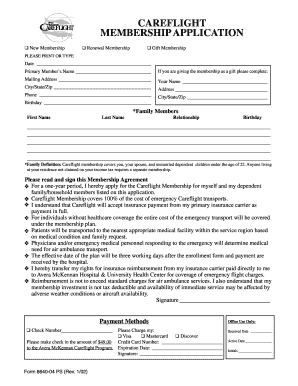
Careflight membership application
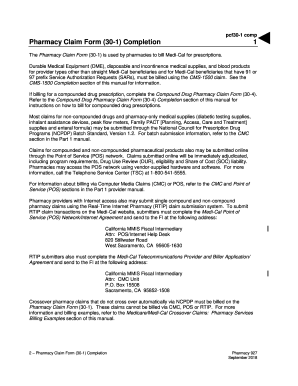
Pharmacy Claim Form (30-1) Completion (pcf30-1 comp)
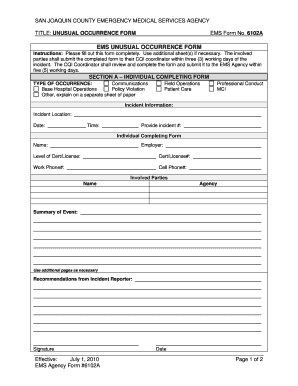
EMS UNUSUAL OCCURRENCE FORM - San Joaquin County
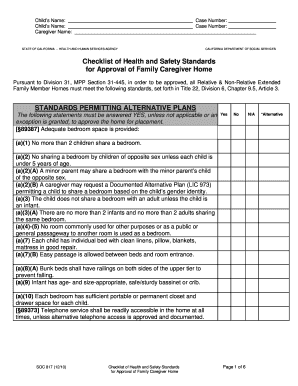
SOC817final

State of California Department of Industrial Relations Division of Workers ' Compensation Request fo
Aot referral los angeles
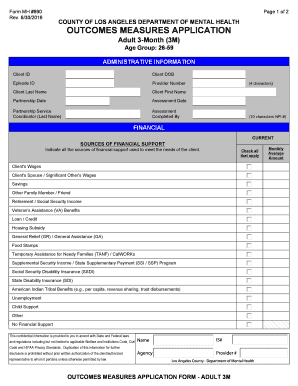
Mh 690 form

Cdph 276a
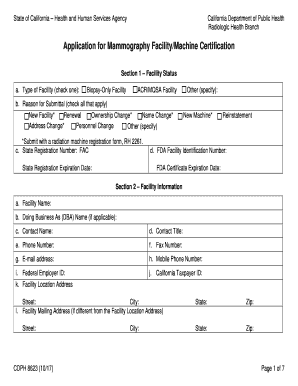
Mammography certification form

Ca pub emotional support animals rights
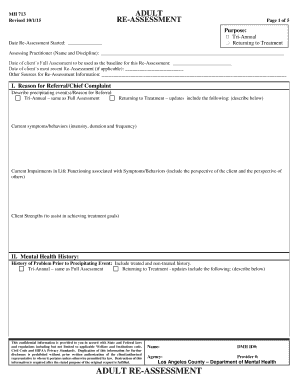
MH 713 Adult Re-Assess 10-1-15 v2
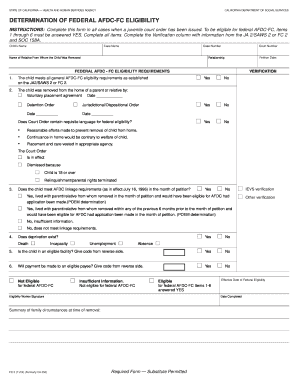
Fc 3
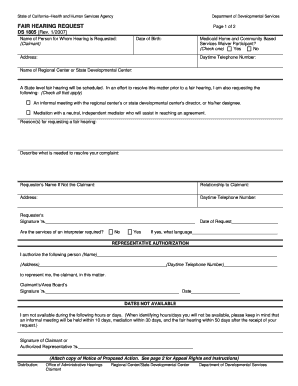
2007 ds 1805 hearing request search
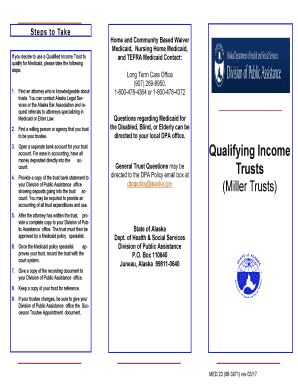
Alaska income trusts form
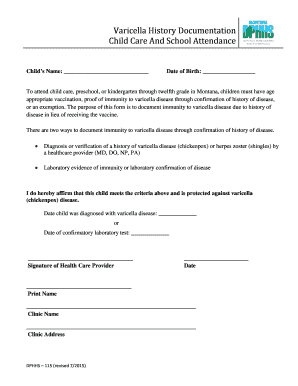
Mt dphhs 115 form history online
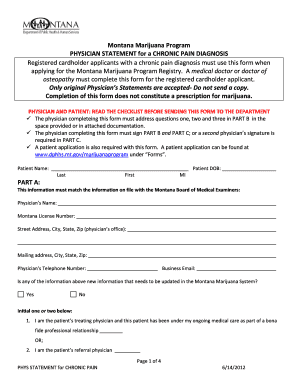
Montana dphhs forms fo income
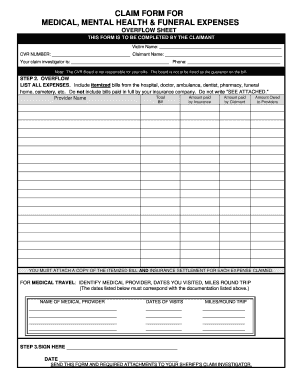
Commission claim form template
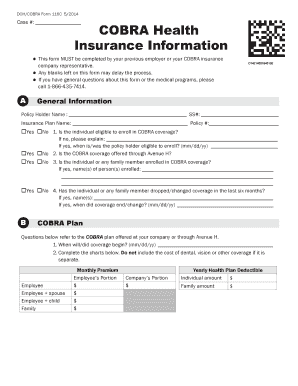
Ut 116c

Dc board medicine character form

Hawaii standardized prescription prior authorization form

Hawaii board nursing aprn
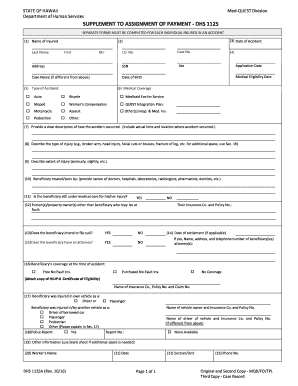
Dhs 1125a assignment payment form pdf

Hawaii dhs enrollment form
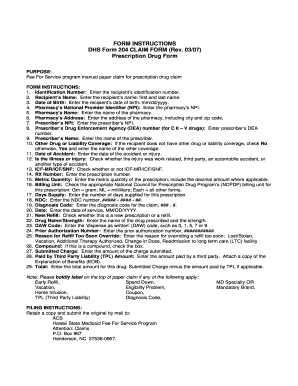
Hmsa quest claim forms 2007-2018

Noc paper

Or osbn
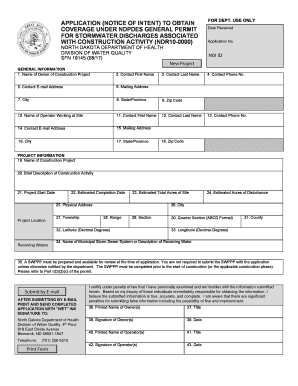
North dakota sfn 19145 coverage

Notification parentage
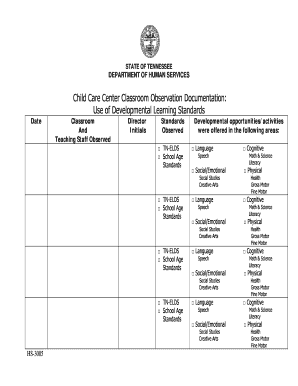
Tn child documentation

Tn dcs drug test

New mexico medicaid adjustment sheet form print
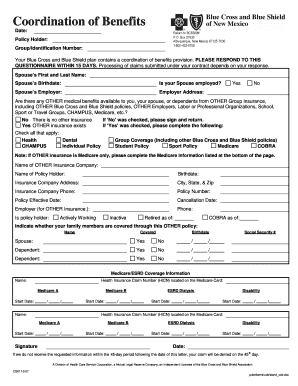
Nm coordination blue shield
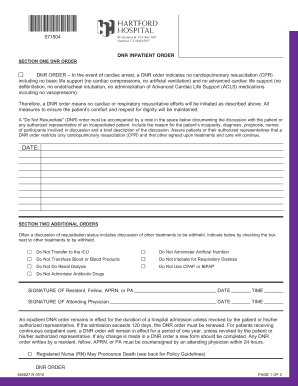
Guidance on Case Closure and the Requirements for Managing

CONNECTICUT VALLEY HOSPITAL - ct
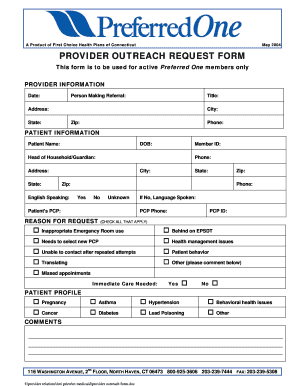
2004 preferred one outreach request first template

Change of Beneficiary Designation
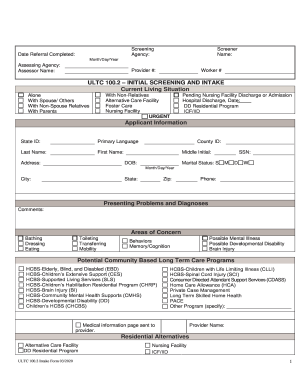
Ultc 100 2
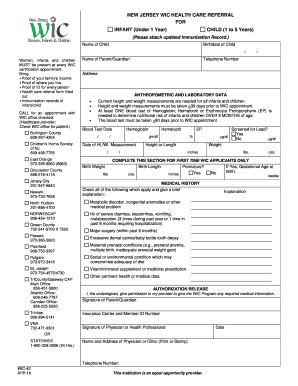
Nj wic form

New jersey clia form
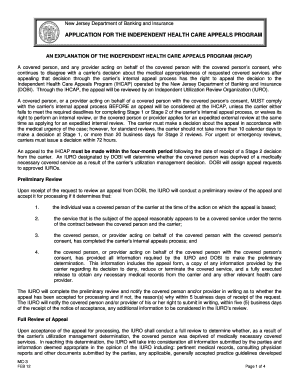
New jersey appeals program

Cpctc
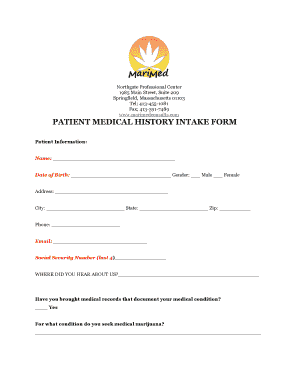
History intake marimed

Mco form

Masshealth review form
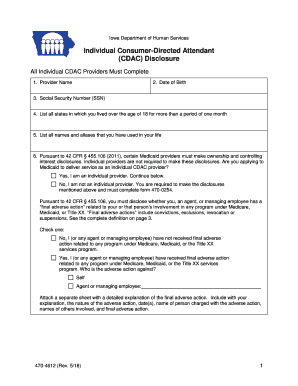
Iowa individual consumer directed attendant cdac
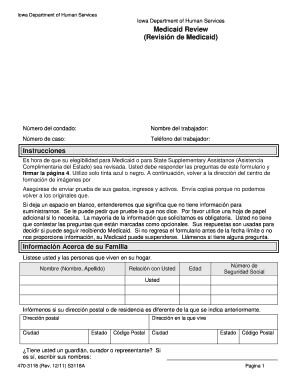
470-3118S Medicaid Review Spanish - dhs iowa
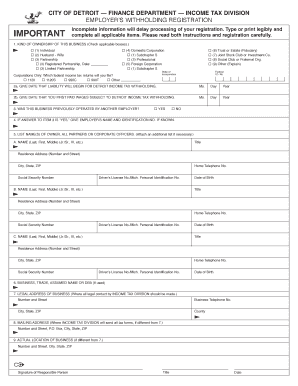
Michigan itd withholding form
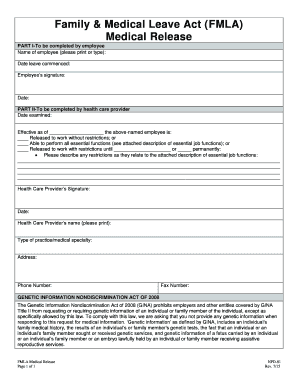
Nv npd leave act fmla
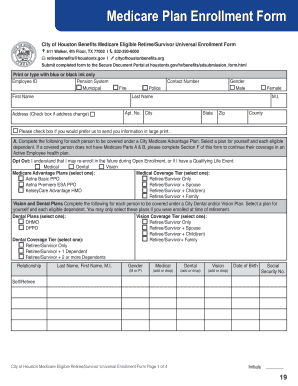
Medicare Plan Enrollment Form

Supervised experience documentation form
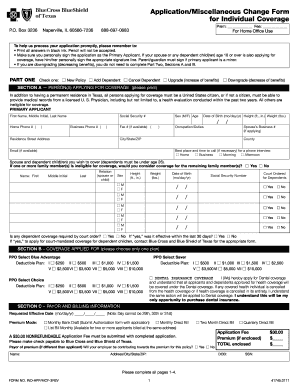
Application miscellaneous download
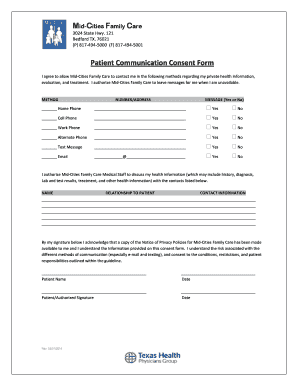
2014 texas patient communication consent form mid cities search
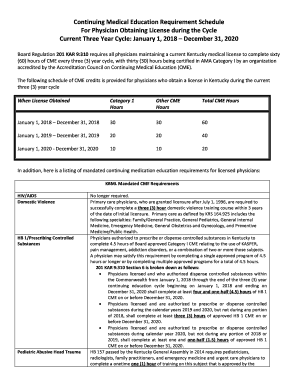
Kentucky continuing medical education requirement
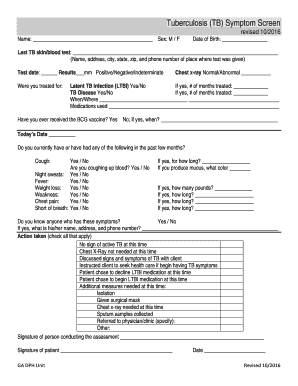
Tb tuberculosis symptom screen form
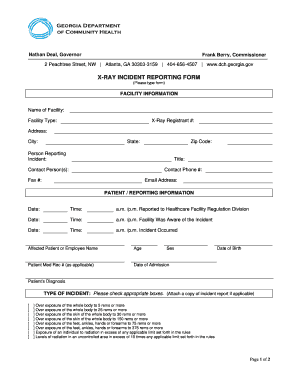
X reporting form
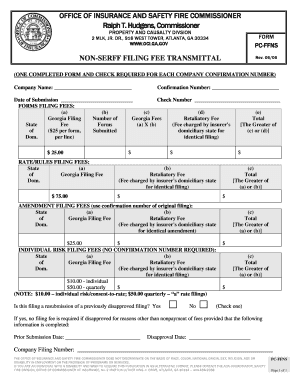
Georgia non serff

Opioid attestation form
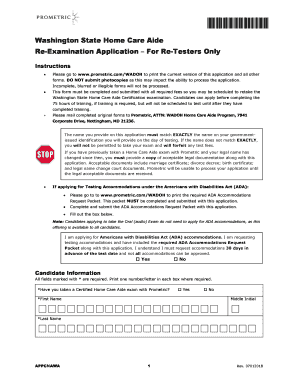
Washington re examination aide re testers form

Application low income senior citizen pud 3 download

Worker license application
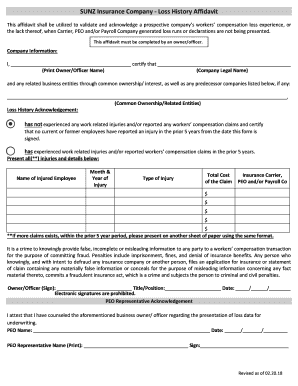
SUNZ Insurance Company Loss History Affidavit
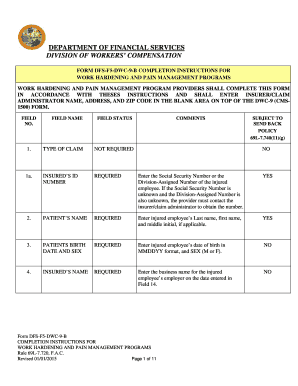
Dfs f5 dwc 9 form

Early steps certification

Florida accommodations bar
Florida medicaid provider enrollment
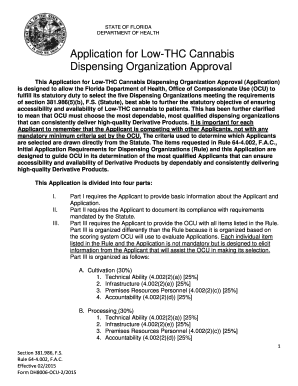
Florida application cannabis

Mn birth stearns

Dhs 3550 eng

In security benefit reimbursement form
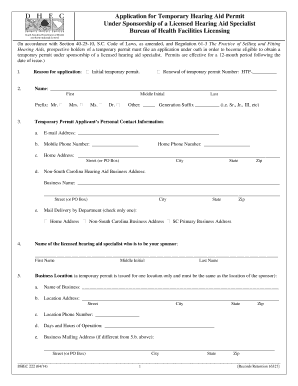
Sc hearing aid form
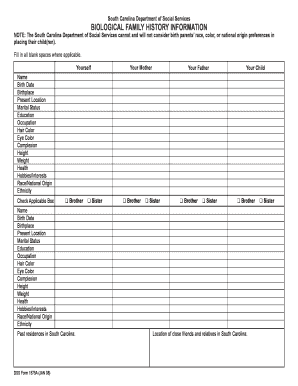
Dss form biological
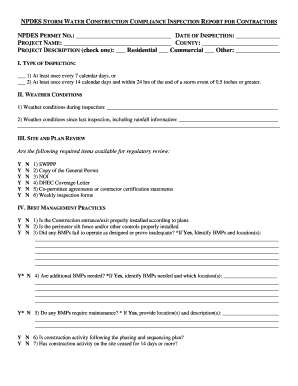
Construction compliance inspection

Death certificate manual form

Pw 123 certification need infants toddlers
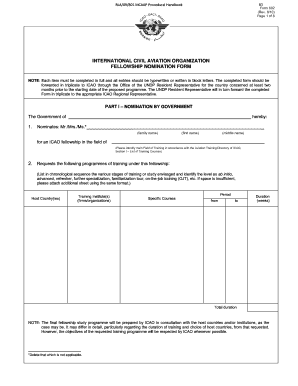
RLA09801 Multi-Regional Civil Aviation Assistance - ICAO
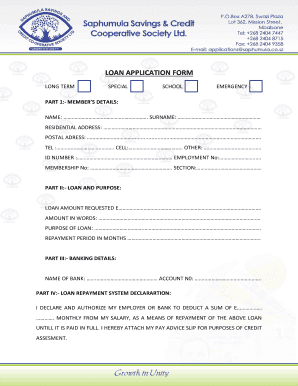
Saphumula forms

BCG Marketing Strategy Questionnaire

Letip membership
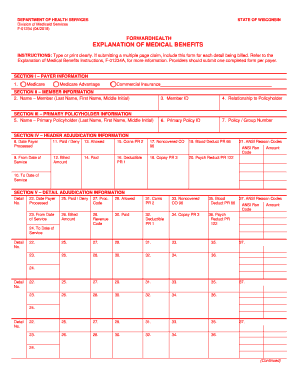
F01234
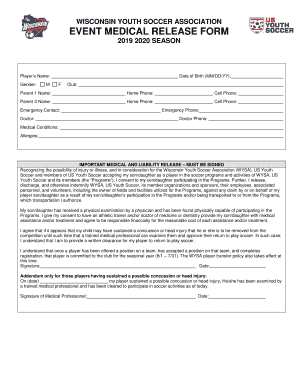
Event medical form

Wi f seniorcare application form

Wisconsin immunization screening health waupaca county get

Appleton food service permit application
Benefit from the DocHub online library of fillable PDF forms
Searching the PDF forms doesn't have to be a tedious and time-consuming process. With the DocHub online library, it has become easier to find the fillable PDF forms and modify them in your browser. The service allows you to adjust the document to your needs using powerful editing tools.
You can use online document editing features to modify almost any type of document with ease. You just need to find the template of your choice, open it in the editor, and use the toolbar to make the necessary corrections.
Follow this guide to get your document done with DocHub:
- Find the PDF template you need.
- Click the Get Form button to open the file in the editor.
- Use the toolbar to fill out and edit the document.
- Easily add and highlight text, insert images, checkmarks, and symbols.
- Drop new fillable fields, and rearrange or delete pages from your file.
- Save changes and download your record.
DocHub empowers everyone to streamline document editing, signing, and distribution, and form completion. Create an account and benefit from our well-organized PDF Forms library and comprehensive editor.