




01. Edit your application miscellaneous online
Type text, add images, blackout confidential details, add comments, highlights and more.

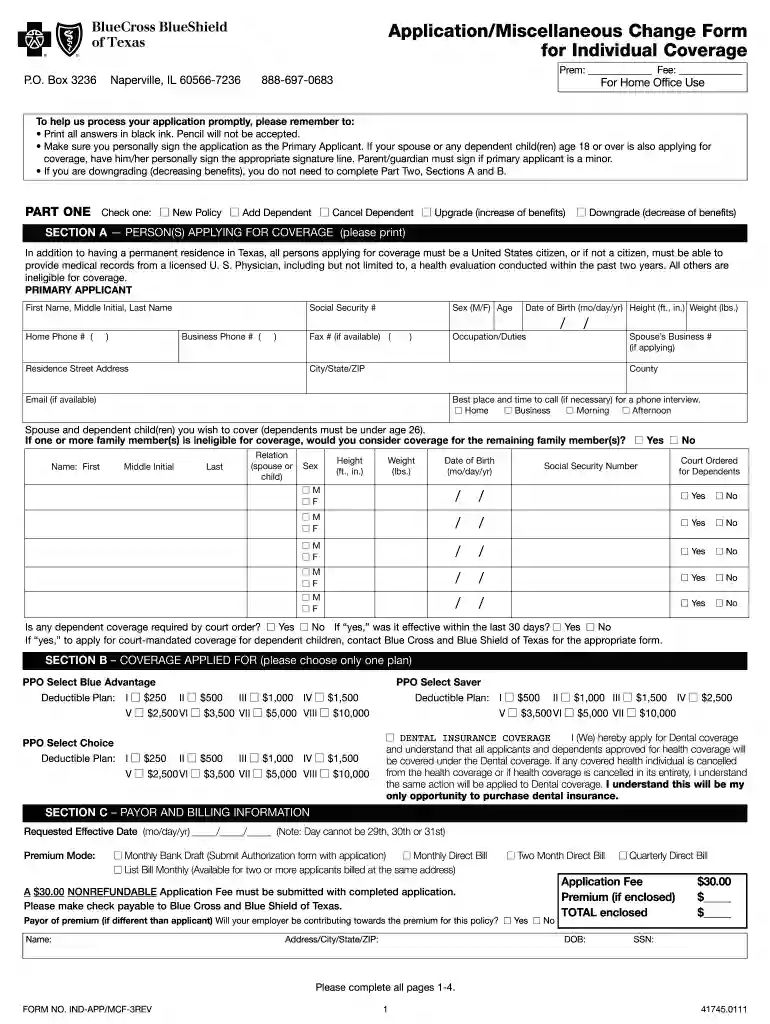
Type text, add images, blackout confidential details, add comments, highlights and more.

Draw your signature, type it, upload its image, or use your mobile device as a signature pad.

Send miscellaneous change via email, link, or fax. You can also download it, export it or print it out.

Start filling out your application today using our platform for a seamless experience!
Log in to your DocHub account and add your texas indapp application to our editor using one of its upload methods - from your device, cloud storage, secure URL, or your DocHub folders if you have already processed your document before. Open our editor, click the Sign button in the top toolbar, and decide on your signing method. You can use an image of your handwritten signature, draw it, type in your name, or use a QR code instead.
With a swift editing platform like DocHub, you do not require anything but a browser and internet connection to edit your texas appmcf application form online quickly. Add your document or get the relevant form in DocHub’s catalog, open our editor with one click, and finish it digitally. To revise your forms anytime, register a free account with DocHub.
At DocHub, your data security is our priority. We follow HIPAA, SOC2, GDPR, and other standards, so you can work on your documents with confidence.
This application for miscellaneous DNR property use is designed for activities that require a permit, license, or permission per DNR Property Rules (IAC 312 8)
FSA Miscellaneous Charges Authorization Form for Parents Download Download File FSA Miscellaneous Charges Authorization Form for SGPS Students Download
Jun 29, 2001 You can find detailed instructions on installing Flash applications at education.ti.com/guides.


