




01. Edit your form online
Type text, add images, blackout confidential details, add comments, highlights and more.

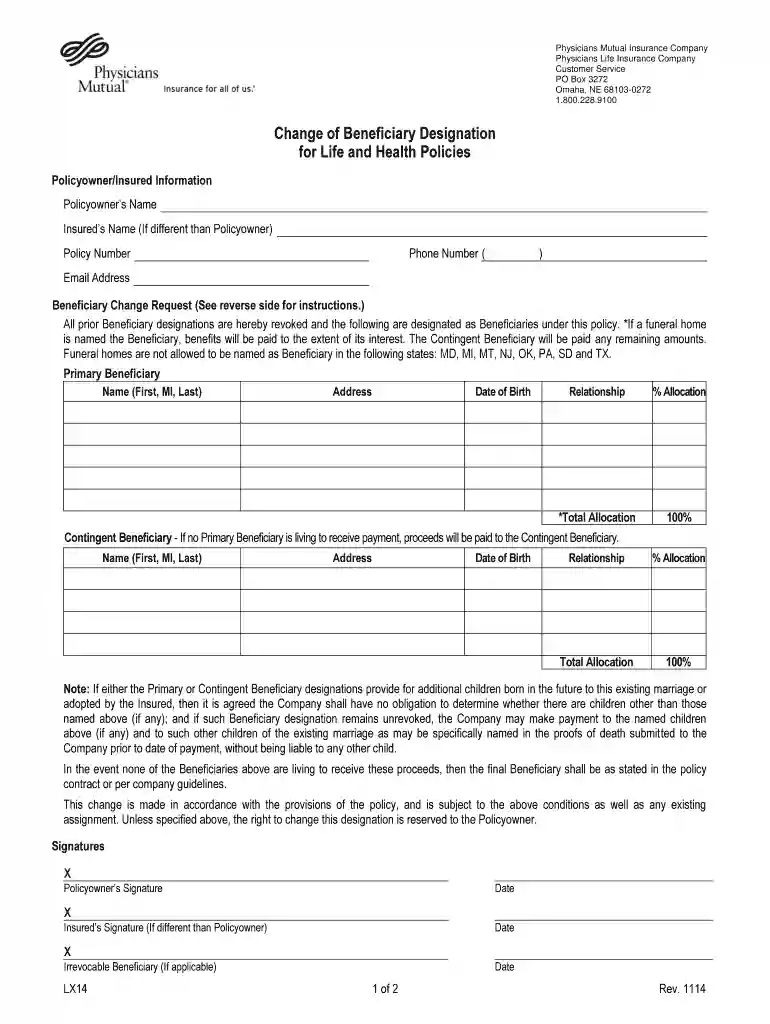
Type text, add images, blackout confidential details, add comments, highlights and more.

Draw your signature, type it, upload its image, or use your mobile device as a signature pad.

Send it via email, link, or fax. You can also download it, export it or print it out.

Start using our platform today to easily complete your Change of Beneficiary Designation for free!
We've got more versions of the Change of Beneficiary Designation form. Select the right Change of Beneficiary Designation version from the list and start editing it straight away!
Yes, you’ll find numerous applications for this on the web. However, if you need to eSign your Change of Beneficiary Designation without installing extra software, DocHub is the optimum choice you can make. This robust editor works on mobile devices just as on desktops. Open our editor in your preferred internet browser, register or log in to your account, and start processing your documents.
If you edit your Change of Beneficiary Designation with DocHub, you only require a steady internet connection and virtually any browser installed on your device. No need to set up any third-party applications or study tutorials. Just open a tab with DocHub, drag and drop your file, and modify it immediately.
At DocHub, your data security is our priority. We follow HIPAA, SOC2, GDPR, and other standards, so you can work on your documents with confidence.
Your new beneficiary designations will replace all your previously named beneficiaries. Though your designations will need to be reviewed and approved, yourRead more
Complete the Request for Change of Beneficiary form by listing the full given name for each person being named. Indicate their address, social security number,Read more


