
Get any PDF form from the DocHub library of ready-made templates - Page 923

Noaa form 36 31

Top markets health
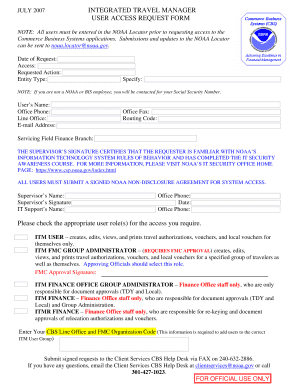
2007 user access request download
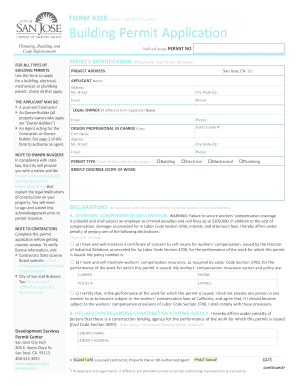
Fillable Online Tennessee Real Estate Commissions Group

Oas dhs in dfbsaepermitsIndiana Department of Homeland Security Fire and Building

Construction Valuation Form - San Jose
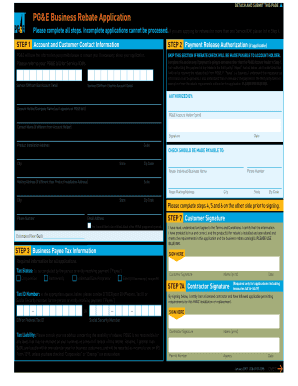
PG&E Business Rebate Application Rebate Application

Sanitation Department Rssc Form - Fill Online, Printable

Bppe enrollment agreement checklist
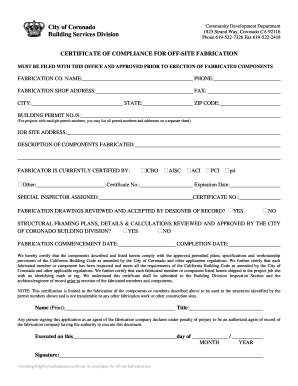
Ca addresses

Employer employers

30 day notification form template

Application renew adjuster public

California multi day fishing trip

Bbs forms

Los angeles majors market
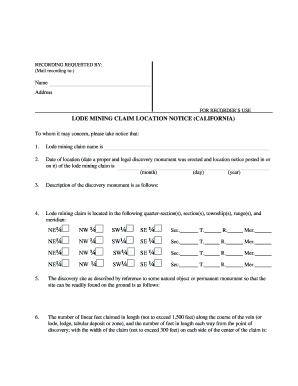
California mining location form
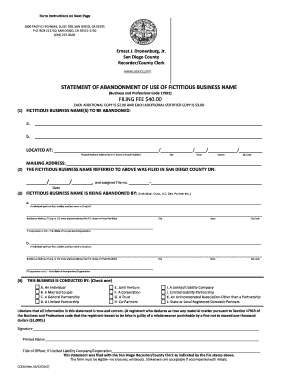
Fictitious san diego county form

California npd 005 storm water mitigation form online
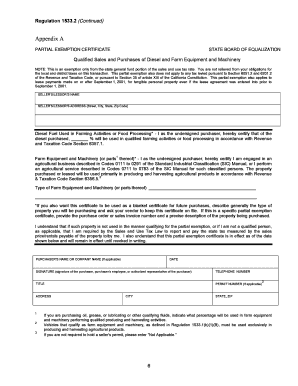
Partial exemption certificate
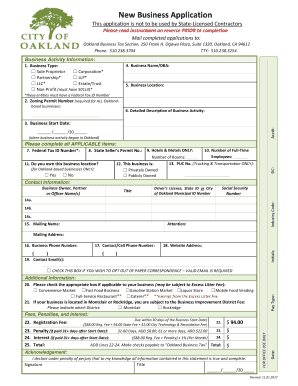
California business oakland city

Roof covering certification

De 542 form

California 433a form

Maryland universal certification application

The 2015-2016 Maryland Official Highway Map - Maryland State
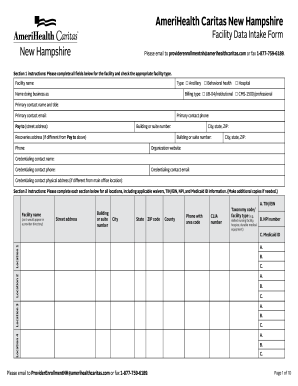
Nh caritas form

Missouri Birth and Death Certificates

Nebraska trauma designation form
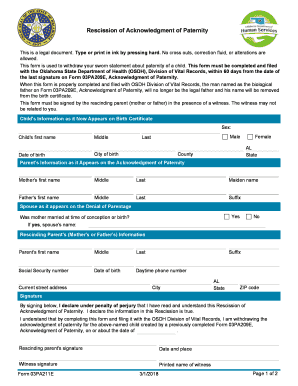
Hb 3193 oklahoma

Pca request form

Critical incident report masshealth community services

Authorization release remains search

1678 dss fill
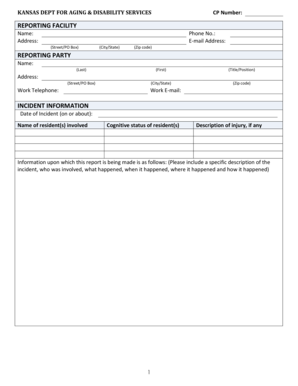
Ks aging facility complaint

Pennsylvania medicine prescription form

Pennsylvania vital papers

Mandatory abuse
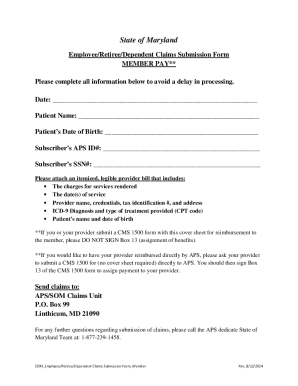
Aps claims

Asthma medication administration

Dhr fia 9711 request for assistance form

Maryland campral

P3111 rights persons waukesha county trial

Wi 1960
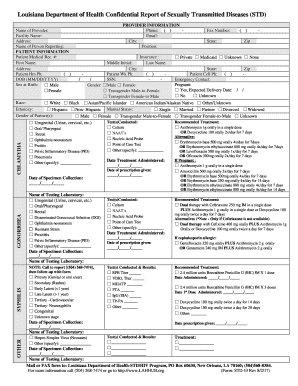
Louisiana std report form
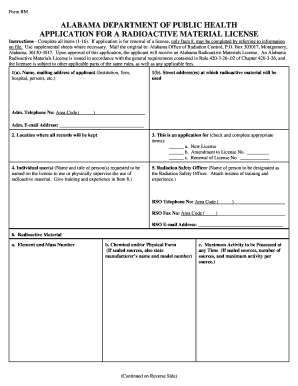
Form rm material template

2015 center wadsworth new patient history sample

Ohio behavioral odmh odadas admission form fill

Oh hea radiologic application online
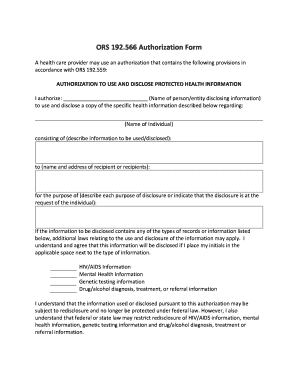
Oregon authorization
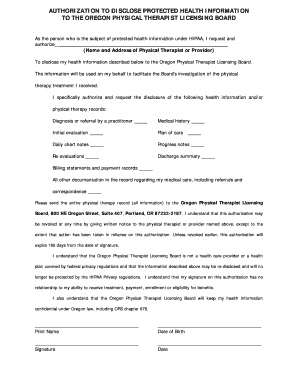
Authorization form

Oregon ehdi diagnostic form edit

Sc dhec eeo form

South carolina healthy connection annual review form

Kentucky 249 pdn review make
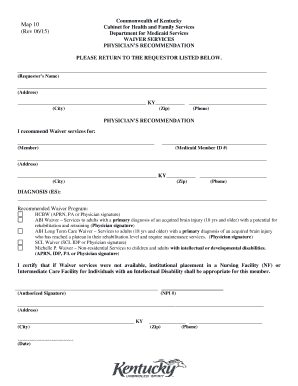
Map 10 medicaid
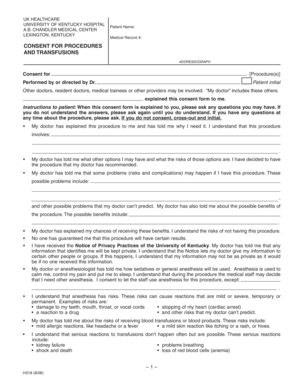
Consent for procedures and transfusions - University of Kentucky - uky
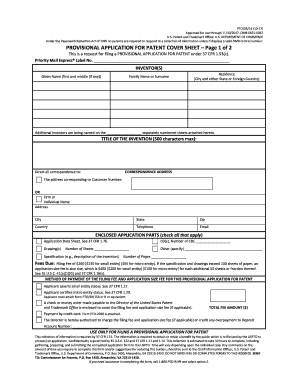
PTO SB 16(1017)

Georgia form birth legitimation
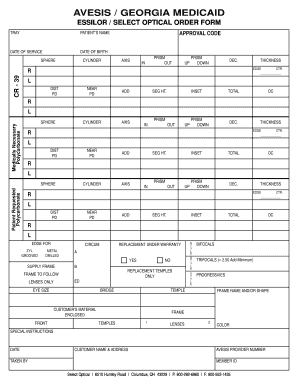
AVESIS GEORGIA MEDICAID
Northeast georgia physicians group medical

Atf form 4 2016
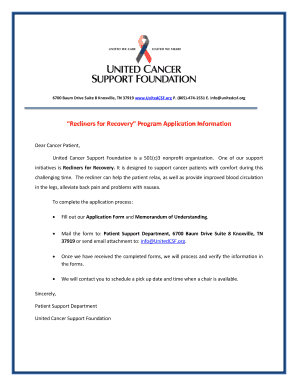
Recliners for Recovery Program Application Information
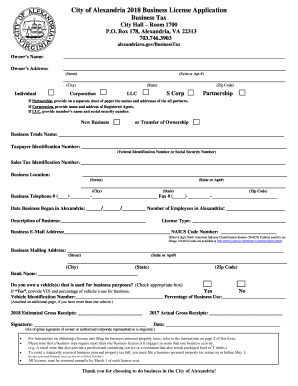
City of Alexandria 2018 Business License Application

Application for a License under the California Finance Lenders Law
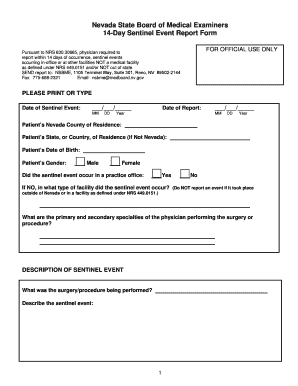
Nv 14 day event form board medical template
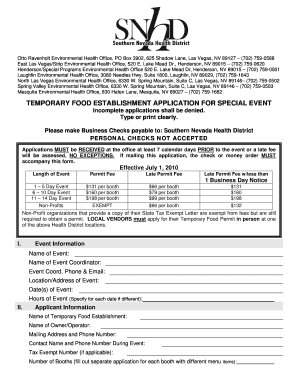
Otto Ravenholt Environmental Health Office, PO Box 3902, 625 Shadow Lane, Las Vegas, NV 89127 (702)

New york life surrender form
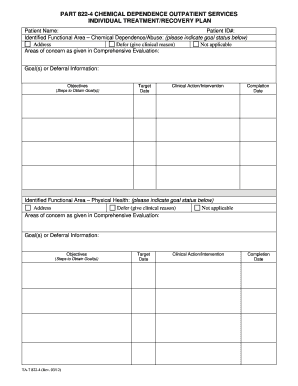
Ta 7 822 4
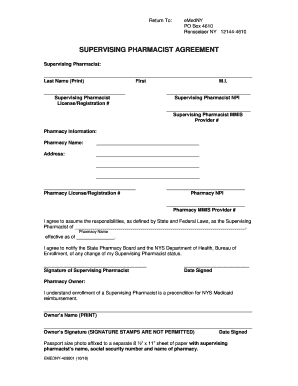
New york supervising pharmacist
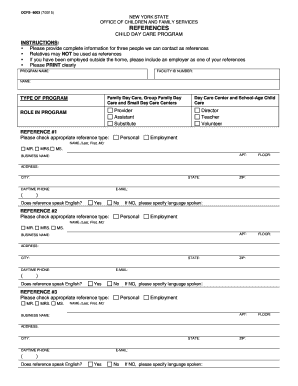
Ocfs reference form

New york emt clinical
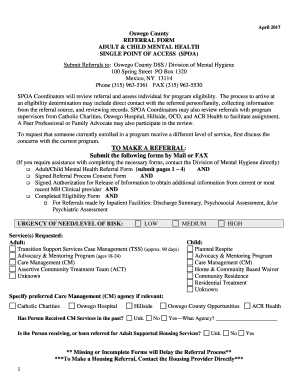
Mental health referral oswego
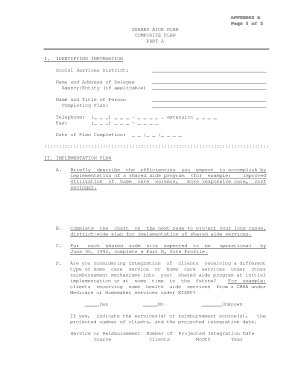
Afppgmc updating contact number

Death investigation checklist form sample
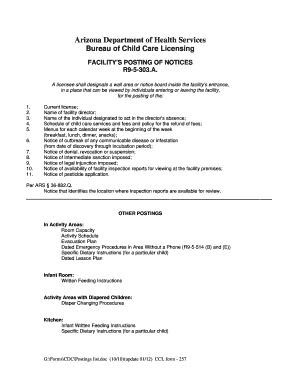
Arizona notice 303 blank
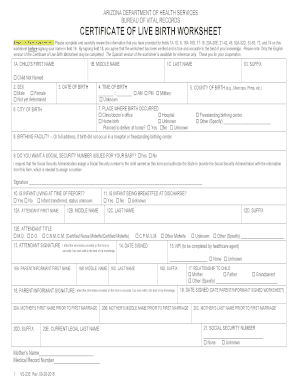
Arizona birth worksheet

Project RADAR - Virginia Department of Health - vdh virginia

Vdss authorization

Virginia consumer directed
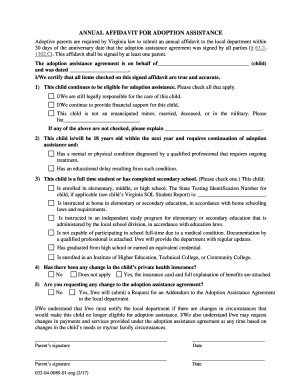
Affidavit adoption
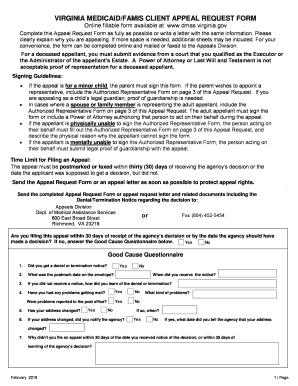
Va medicaid request form

Hca 13 863

Idph template il
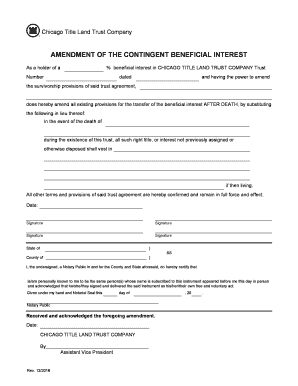
Contingent beneficial

Il4624424 2

Insurance care
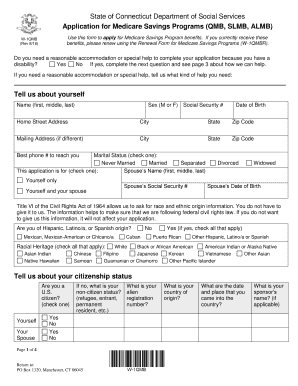
Qmb application ct

Health examination veterinary form

Fl cleveland clinic financial assistance
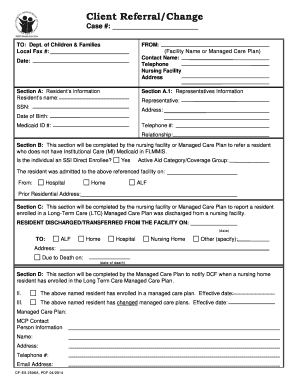
Cf es 2506a

Fl report form get
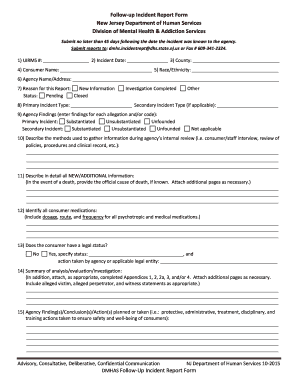
Nj incident report form
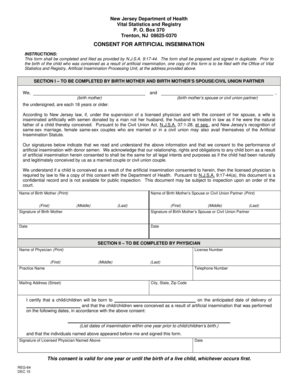
New jersey artificial insemination

New mexico sites needle
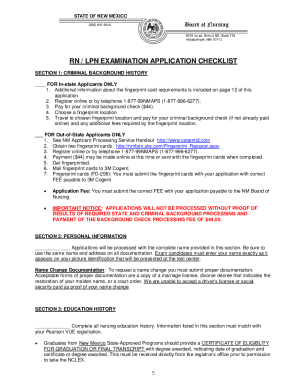
New mexico board of nursing
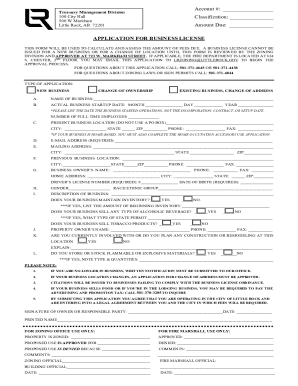
Business license little rock ar

Orthopedics release form
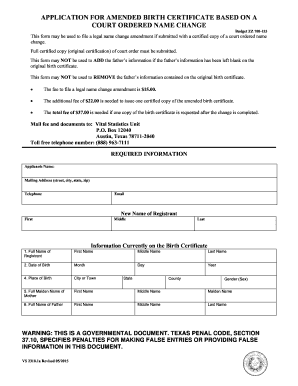
Texas birth 1a form
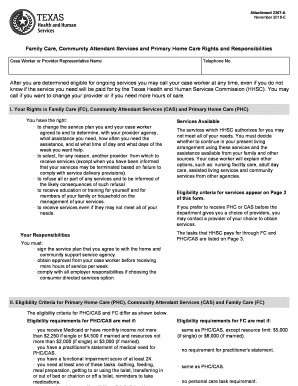
Tx 2307 family responsibilities form
Benefit from the DocHub online library of fillable PDF forms
Searching the PDF forms doesn't have to be a tedious and time-consuming process. With the DocHub online library, it has become easier to find the fillable PDF forms and modify them in your browser. The service allows you to adjust the document to your needs using powerful editing tools.
You can use online document editing features to modify almost any type of document with ease. You just need to find the template of your choice, open it in the editor, and use the toolbar to make the necessary corrections.
Follow this guide to get your document done with DocHub:
- Find the PDF template you need.
- Click the Get Form button to open the file in the editor.
- Use the toolbar to fill out and edit the document.
- Easily add and highlight text, insert images, checkmarks, and symbols.
- Drop new fillable fields, and rearrange or delete pages from your file.
- Save changes and download your record.
DocHub empowers everyone to streamline document editing, signing, and distribution, and form completion. Create an account and benefit from our well-organized PDF Forms library and comprehensive editor.