
Get any PDF form from the DocHub library of ready-made templates - Page 780
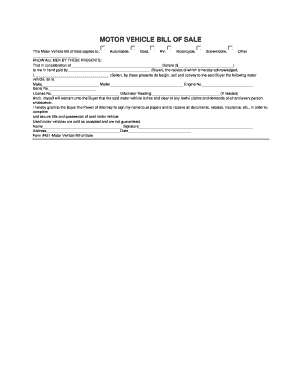
Wisconsin vehicle bill of sale pdf

Cw2186a
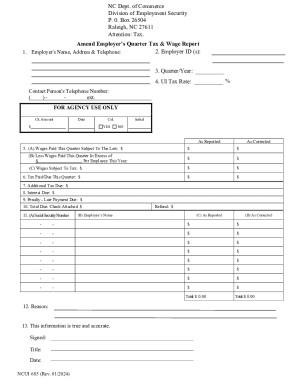
NCUI 685 Form
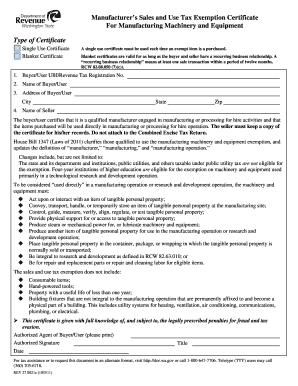
Washington state tax exempt form
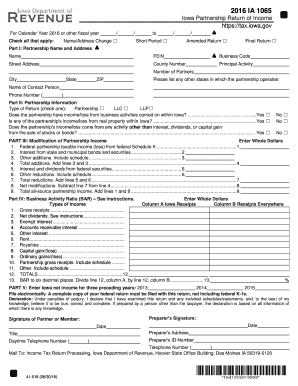
IA 1065 Partnership Return of Income, 41-016
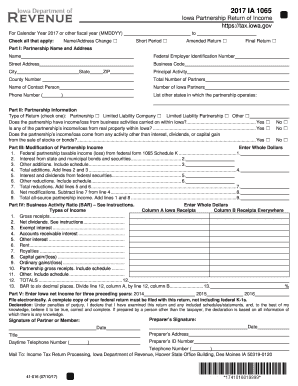
IA 1065 Partnership Return of Income, 41-016
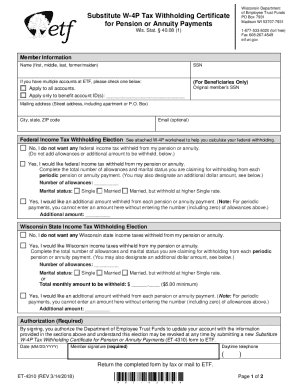
Et 4310
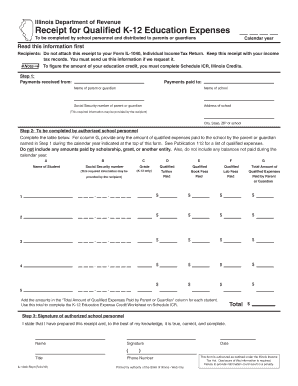
IL-1040-Rcpt - Illinois Department of Revenue
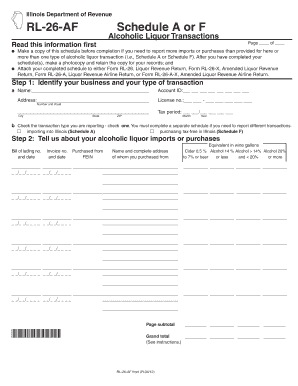
Use your 'Mouse ' or the 'Tab ' key to move through the fields, use your 'Mouse ' or 'Space Bar ' to

F X CO L E C T O TAX NOTICE INFORMATION

Cs fm37
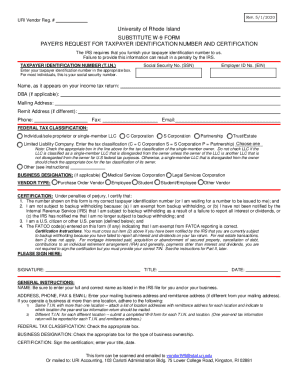
Substitute W-9 Form
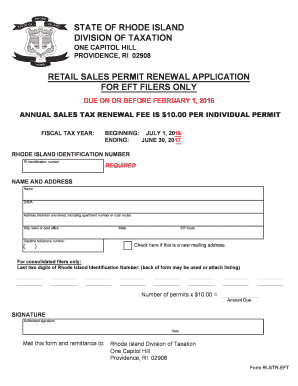
Ri str eft permit renewal
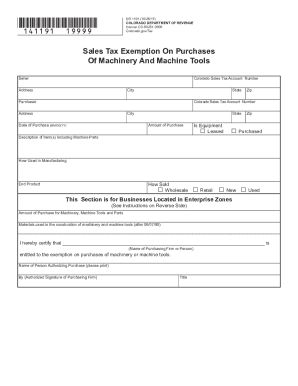
Co dr1191 tax exemption

Commissioner of Revenue Senior Deputy Commissioner Bulletin

Seller questionnaire regarding title
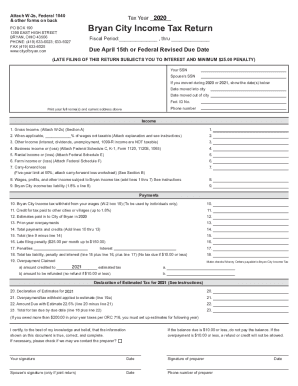
2018 income tax return

Village of Evendale OH
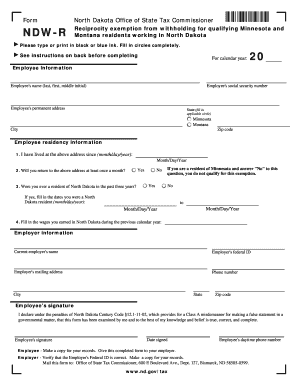
Ndw r
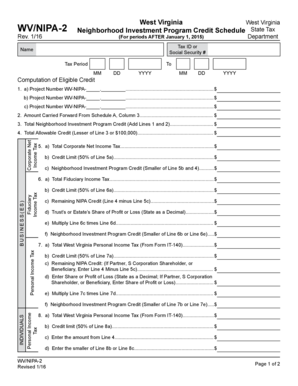
Wv nipa 2
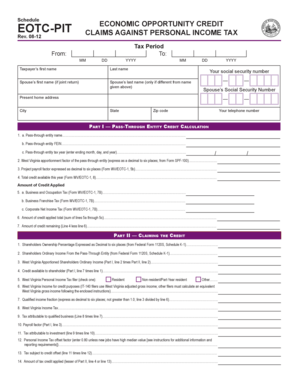
Wv eotcpit opportunity personal tax
OIVS User Guide
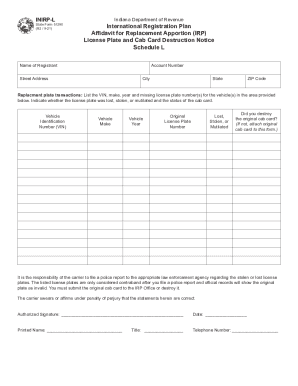
Inirp l
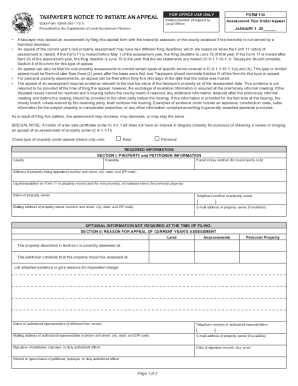
Indiana local government finance
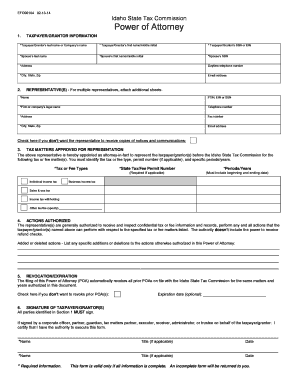
Power of Attorney - (POA) Forms and Templates
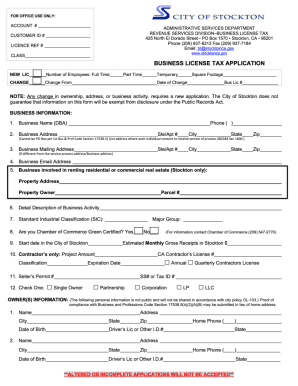
Business License Application revised 3 28 19 final
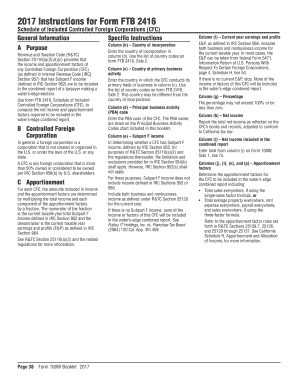
2416 instructions get

267 l a

Ohio wage form

Ohio Taxation of Manufactured and Mobile Homes - Tax Law

Nv sales tax return

Ar1023ct
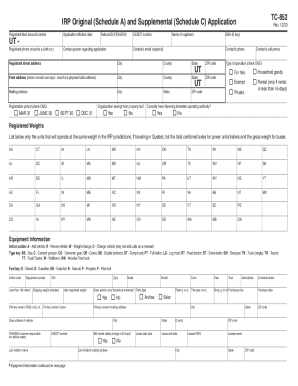
Tc 852

Utah exemption certificate retailers

Tax colorado severance-tax-formsSeverance TaxForms & InstructionsDepartment of Revenue
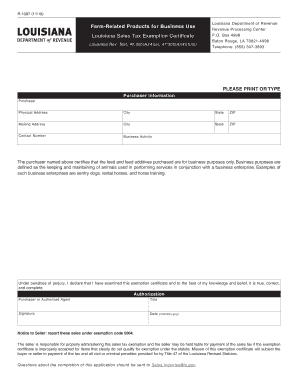
R-1097 (11 18)
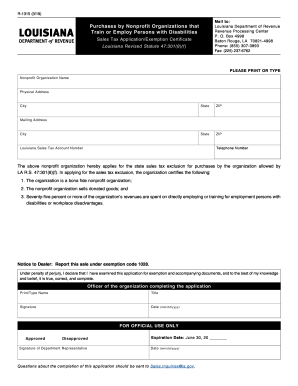
R-1315 (3 19)
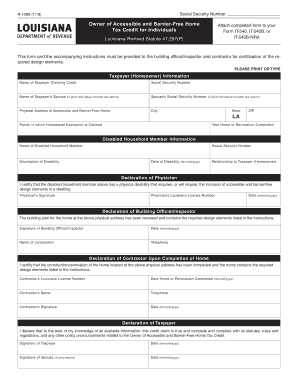
R 1089 form
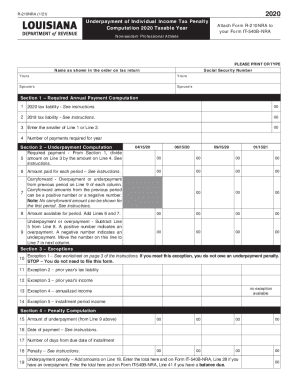
Printable 2020 Louisiana Form INS-SUP Schedule (Supplement Schedule for Refund of Louisiana Citizens

Taxpayer Information (Taxpayer must sign and date this form on line 6

Tax questionnaire sample
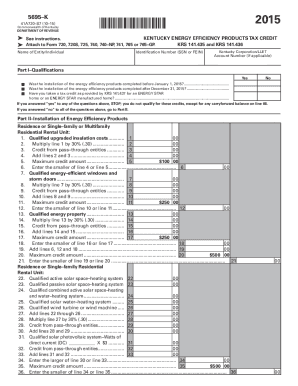
Printable 2020 Kentucky Form 5695-K (Kentucky Energy Efficiency Products Tax Credit (OBSOLETE))
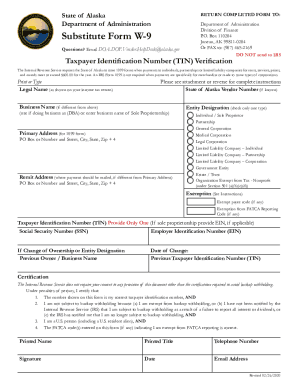
Alaska form w9
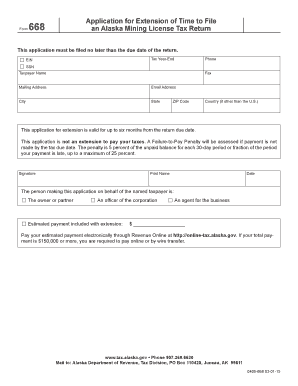
Alaska extension tax

- tax alaska

BUSINESS NAME & LOCATION INFORMATION

Form 5615 - Missouri Department of Revenue - MO - dor mo
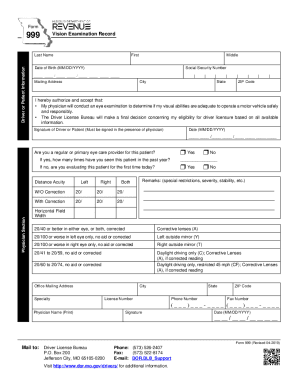
Form 999

Forms and Manuals - dor mo
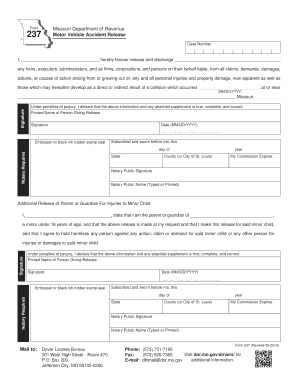
Missouri motor vehicle accident

Delaware de8453ol

Fillable Online Employment Application - iPic Theaters Fax
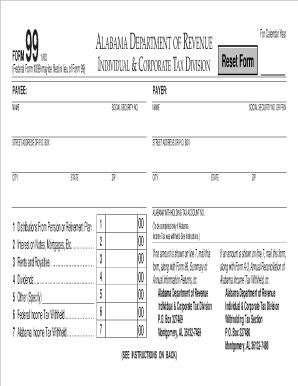
Form 99

Alabama inheritance tax waiver form
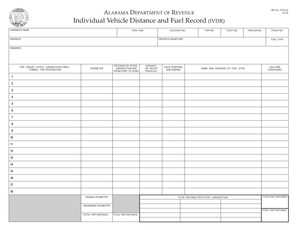
Irp 44 ifta 20
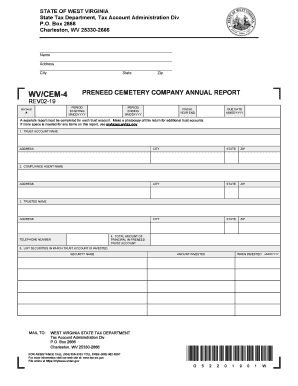
Sales tax collections for online purchases required in 43
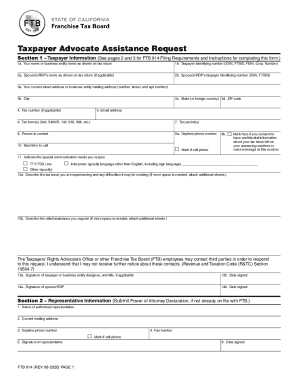
914 form
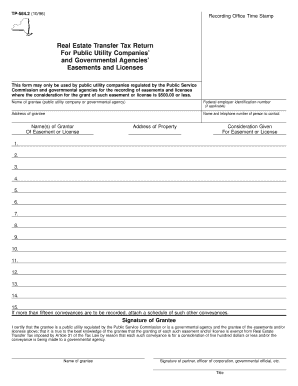
Form TP-584 2:10 96:Real Estate Transfer Tax Return For
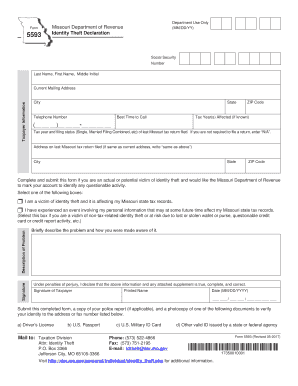
5593 form
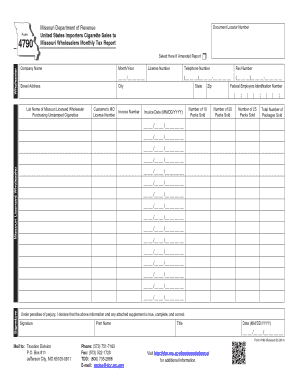
Gst 202 course material

Cash bond form
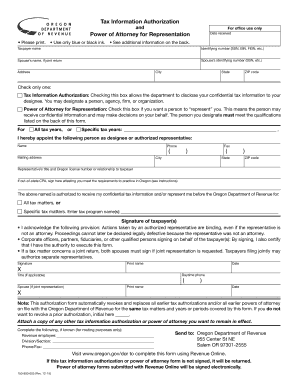
Oregon 800
Oregon 1099
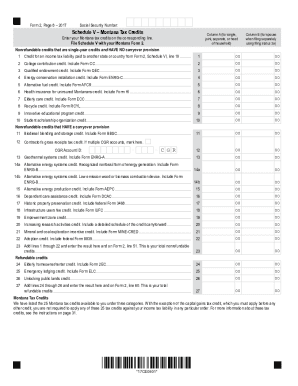
Printable 2020 Montana Form 2 Worksheet V (Tax Credits (DISCONTINUED))
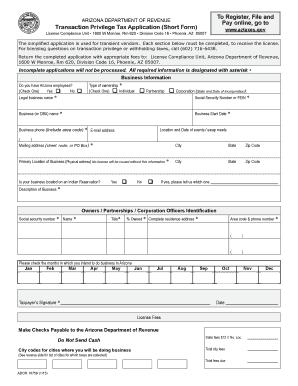
Arizona transaction tax application short template

Bonded Motor Vehicle Business Application

Utah sales tax exemption form

Credits - UtahCredits - Utah Income TaxesUtah State Tax CommissionCurrent Forms - Utah State Tax Com

Washington state vehicle trip permit
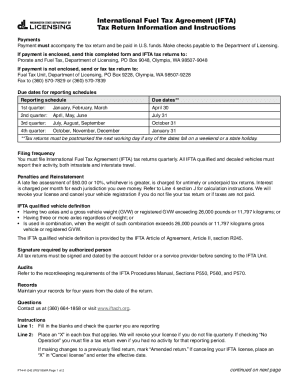
International Fuel Tax Agreement (IFTA) Tax Return Information and Instructions
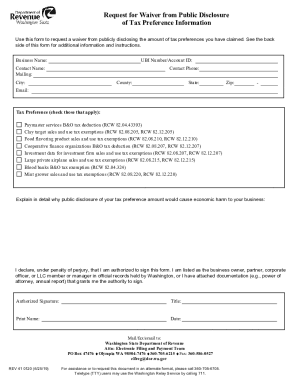
Request for Waiver from Public Disclosure of Tax Preference
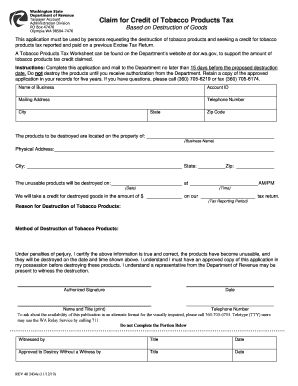
Cigarette Tax - Washington State Department of Revenue
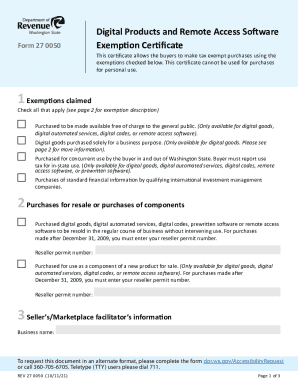
Which States Require Sales Tax on Software-as-a-Service
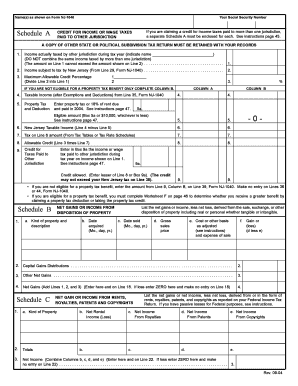
Nj 1040 schedule b
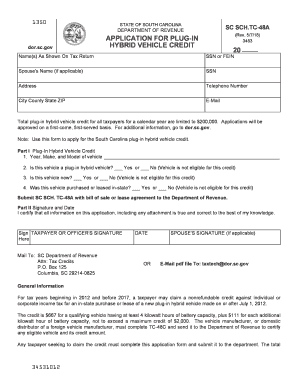
Dor sc tc plug in
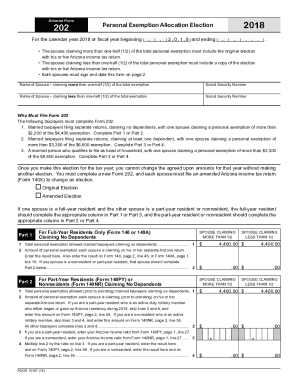
Printable 2020 Arizona Form 202 (Personal Exemption Allocation Election)
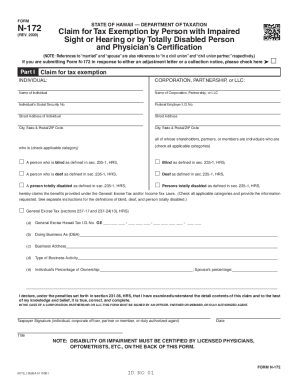
Hawaii disabled form
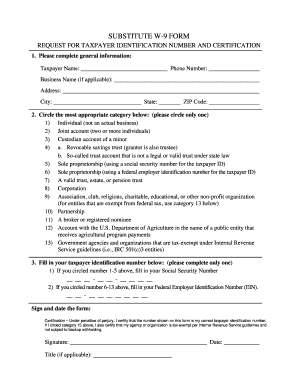
Tennessee w 9 form

Ia81

Form RP-491-b Application for Conservation Easement Agreement Exemption

It222
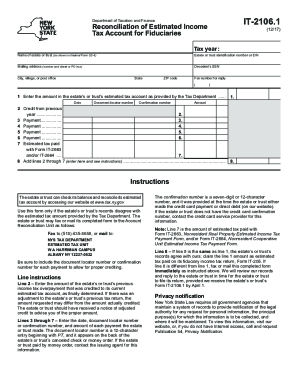
Form IT-2106 1 "Reconciliation of Estimated Income Tax
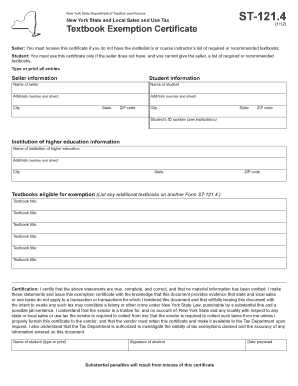
New york form ia 123

Form IT-252 Download Fillable PDF or Fill Online Investment

It243
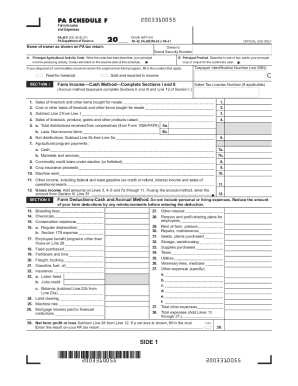
Pa 40 f

Pa revenue compensation

L 72 form

Maine Revenue Services P O Box 1060 Augusta, ME 04332

AB-115Wisconsin Liquor Wine Permit Application
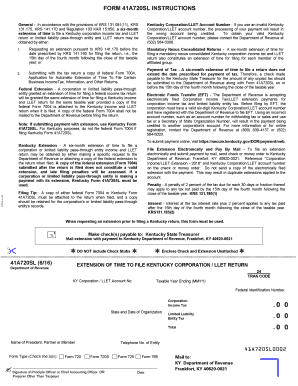
Ky corporation return
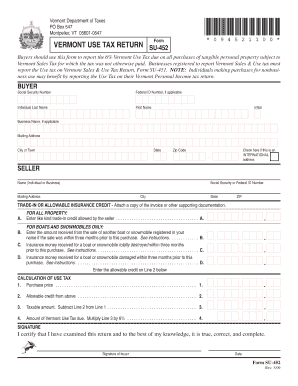
Vt use
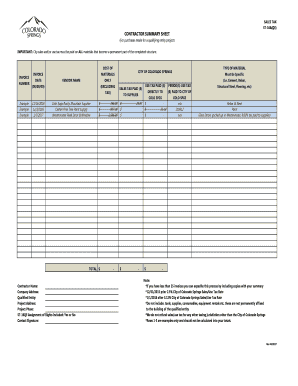
Summary sheet city

Montana deduction
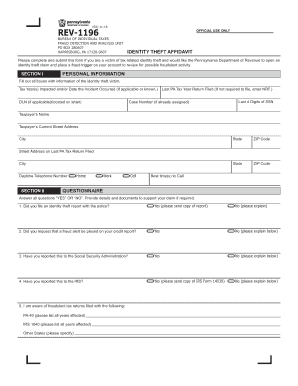
Pa identity rev form
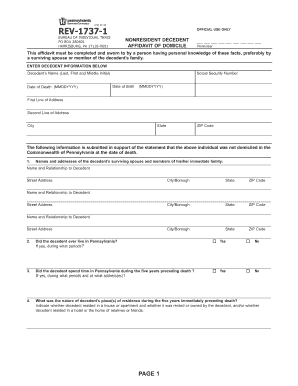
Pa nonresident decedent
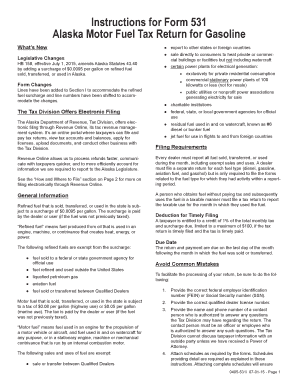
- tax alaska
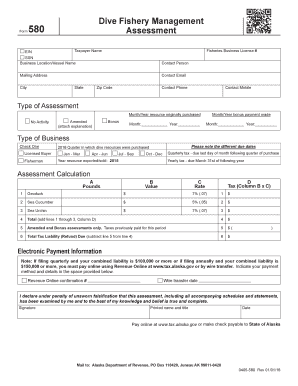
2016 alaska 580 assessment form make
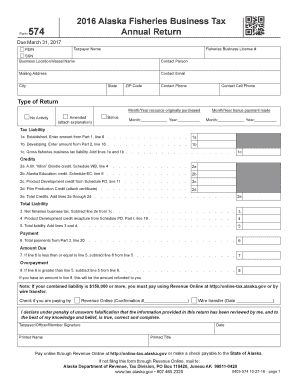
Pfd application

Utah ustc commission payments
Benefit from the DocHub online library of fillable PDF forms
Searching the PDF forms doesn't have to be a tedious and time-consuming process. With the DocHub online library, it has become easier to find the fillable PDF forms and modify them in your browser. The service allows you to adjust the document to your needs using powerful editing tools.
You can use online document editing features to modify almost any type of document with ease. You just need to find the template of your choice, open it in the editor, and use the toolbar to make the necessary corrections.
Follow this guide to get your document done with DocHub:
- Find the PDF template you need.
- Click the Get Form button to open the file in the editor.
- Use the toolbar to fill out and edit the document.
- Easily add and highlight text, insert images, checkmarks, and symbols.
- Drop new fillable fields, and rearrange or delete pages from your file.
- Save changes and download your record.
DocHub empowers everyone to streamline document editing, signing, and distribution, and form completion. Create an account and benefit from our well-organized PDF Forms library and comprehensive editor.