
Get any PDF form from the DocHub library of ready-made templates - Page 31
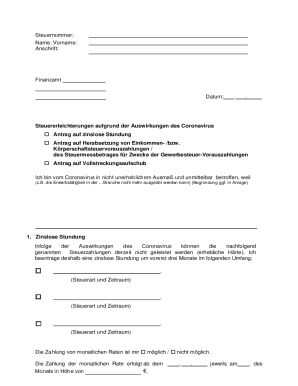
German Tax Relief Application for COVID-19
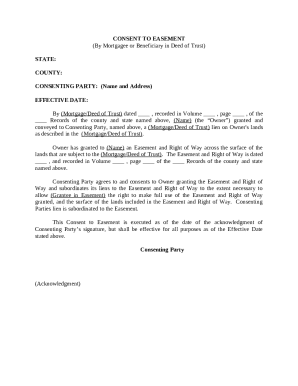
Consent to Easement
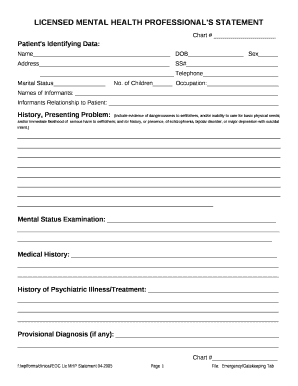
Licensed Mental Health Professional's Statement

CertaPro Painters Employment Application
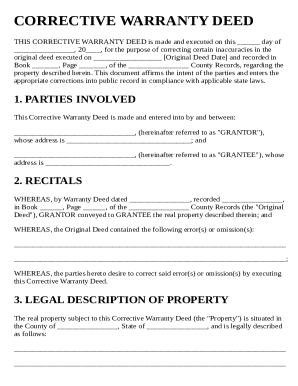
Corrective Warranty Deed Template
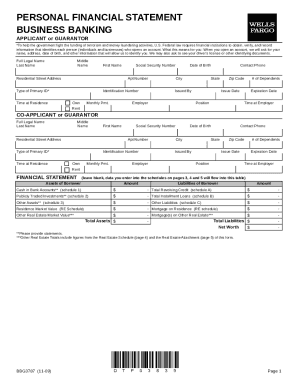
Wells Fargo Personal Financial Statement
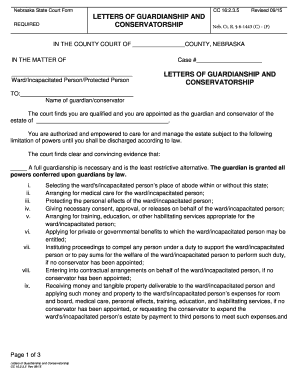
Nebraska Letters of Guardianship and Conservatorship

Rural Fire Service Queensland Volunteer Application Form
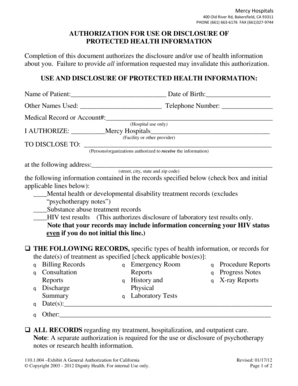
Authorization for Use or Disclosure of Protected Health Information

Employee Benefits Statement
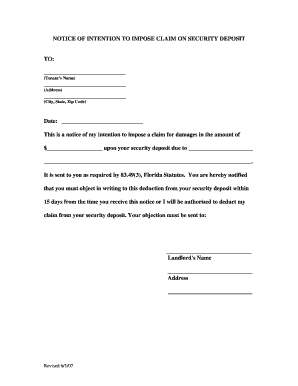
Notice of Intention to Impose Claim on Security Deposit
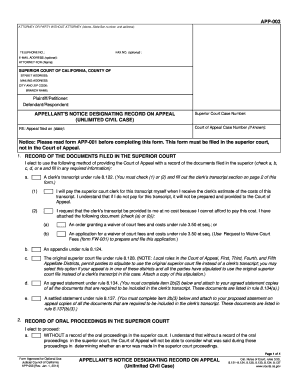
California Appellant's Notice Designating Record on Appeal

Independent Contractor Agreement

North Carolina Notice of Hearing

Standard Deviation Practice Problems
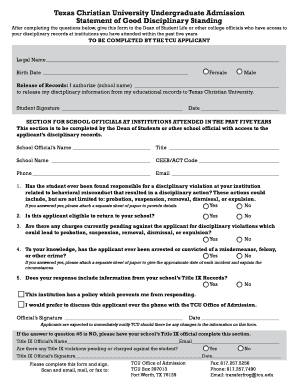
Texas Christian University Admission Disciplinary Form

Ohio Petition for Limited Driving Privileges

Oklahoma summons form

Ka and Kb Calculations Worksheet
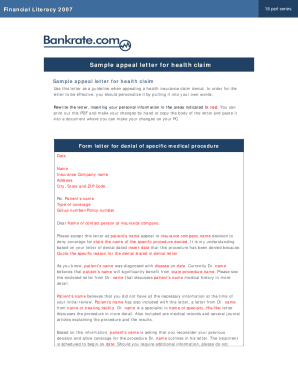
Sample Appeal Letter for Health Claim
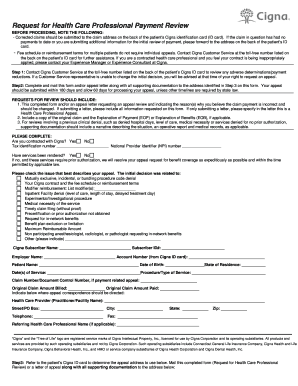
Cigna Health Care Professional Payment Review Form

Naming Polynomials Worksheet
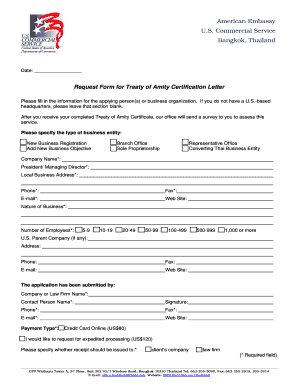
Treaty of Amity Certification Request Form
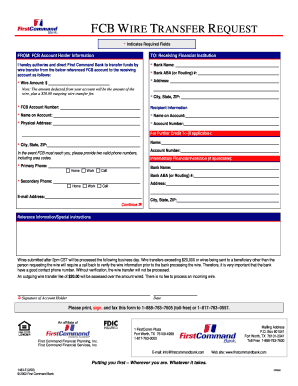
FCB Wire Transfer Request Form

Provider Interest Form
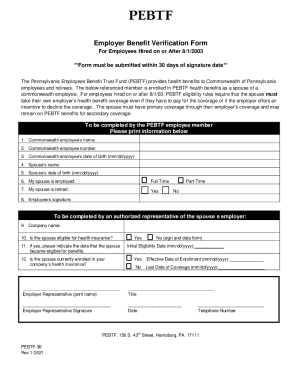
Employer Benefit Verification Form

Florida Family Law Forms 12 931(a) and 12 931(b)

Bank HSBC Indonesia Account Activation Form

Dwc 1 form
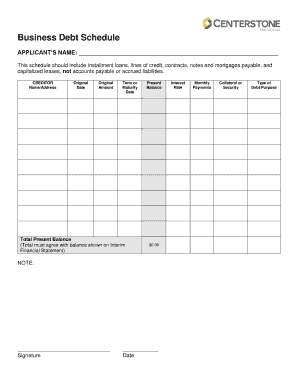
Business Debt Schedule Form

Louisiana School Entrance and General Health Exam Form

DUNS Number Application Form
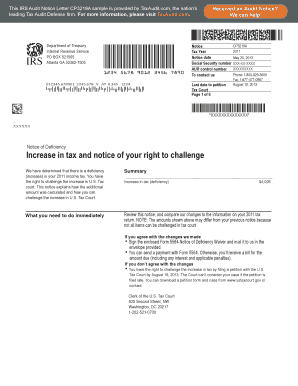
IRS Audit Notice CP3219A
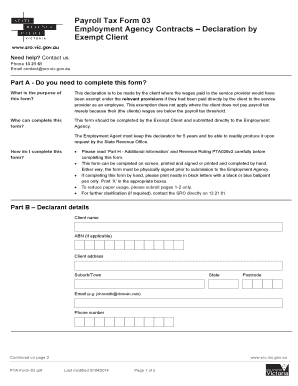
Victoria Payroll Tax Exempt Client Declaration

Dizziness Handicap Inventory

North Carolina Health Assessment Transmittal Form

Thermochemistry Chapter Test A
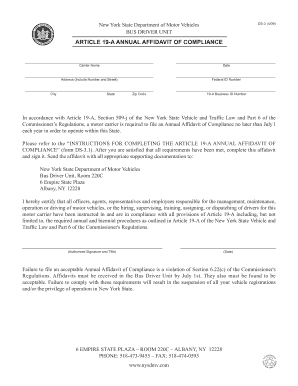
New York Article 19-A Annual Affidavit of Compliance

Lady Bird Deed Template
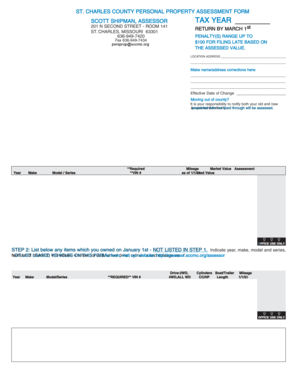
St Charles County Personal Property Assessment Form
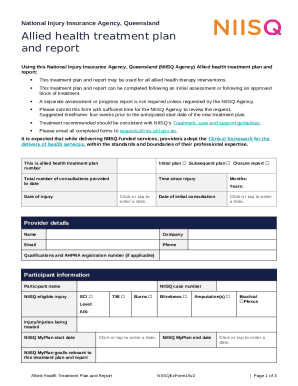
NIISQ Allied Health Treatment Plan and Report
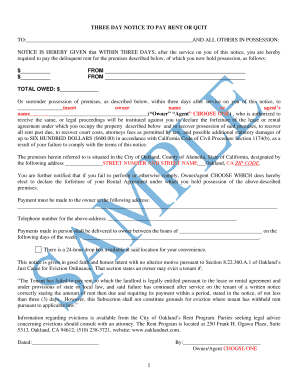
Three Day Notice to Pay Rent or Quit
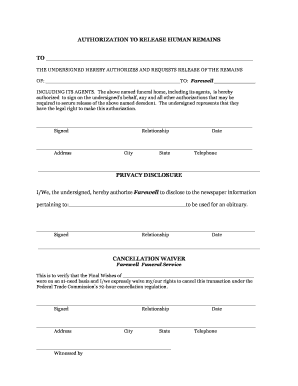
Authorization to Release Human Remains

Sober Support Attendance Verification Form
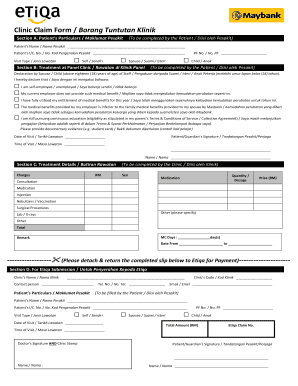
Clinic Claim Form
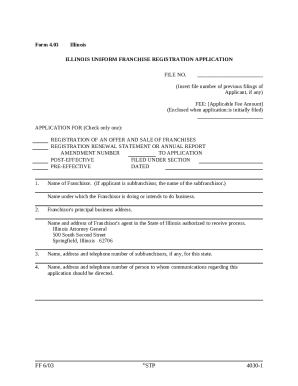
Illinois Franchise Registration Application
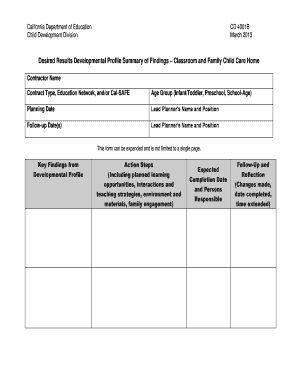
California DRDP Summary of Findings CD 4001B

US Navy Reserve Annual Training Waiver Request

Cica app1s form
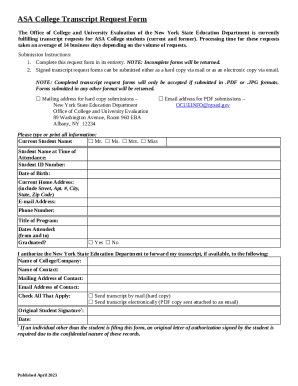
New York Transcript Request Form

Pregnancy Massage Intake Form
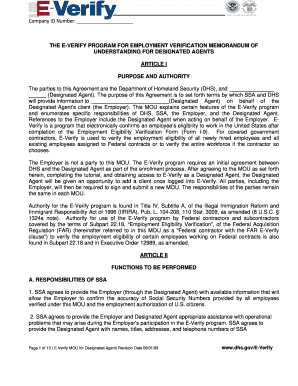
E-Verify MOU for Designated Agent

Pre-Thrombolysis Checklist
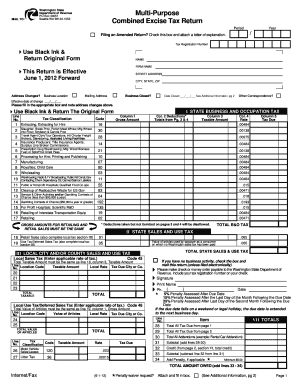
Washington State Combined Excise Tax Return
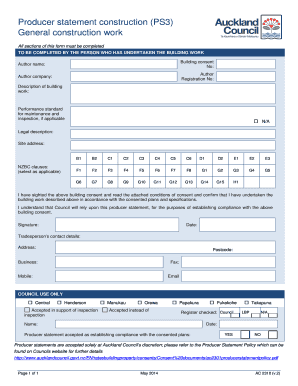
AC2310 Producer statement construction PS3 General construction work
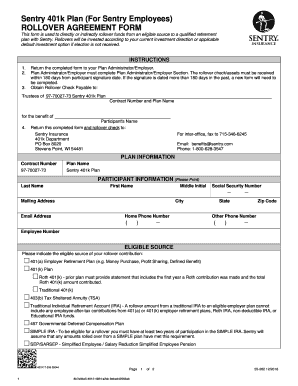
Sentry 401k Rollover Agreement
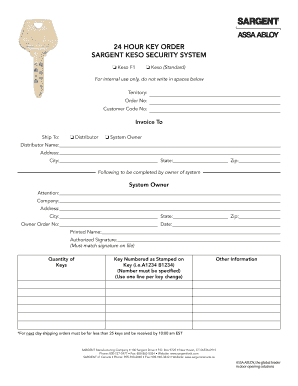
Sargent Keso Security System Key Order Form

Request for Service Transfer to New Tenant
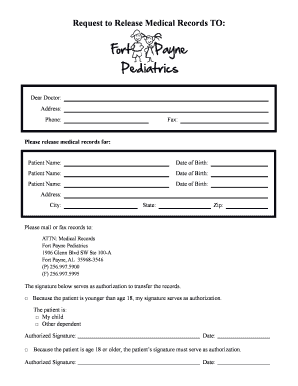
Medical Records Release Authorization

NSW Statement of Claim Form 3B

New Patient Chiropractic Form
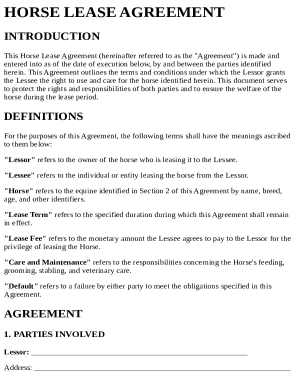
Horse Lease Agreement Template

Medical Waiver Form
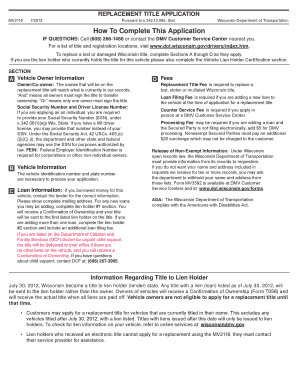
Wisconsin Replacement Title Application
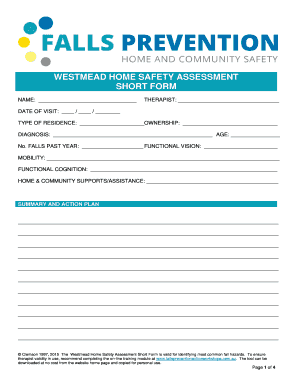
Westmead Home Safety Assessment Short Form

Wellness Reimbursement Form

Life Insurance Claim Form Statement of Beneficiary

Operator's Pre-Operation Checklist

Form 114 KENTUCKY OFFICE OF WORKERS CLAIMS - personnel ky

Shared Housing Affidavit
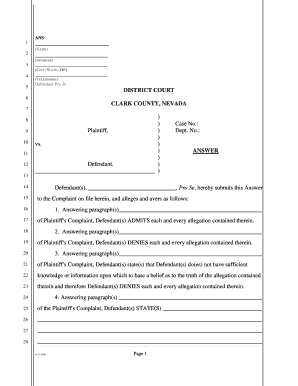
Nevada District Court Answer Form

Physician Documentation Quality Instrument (PDQI-9)
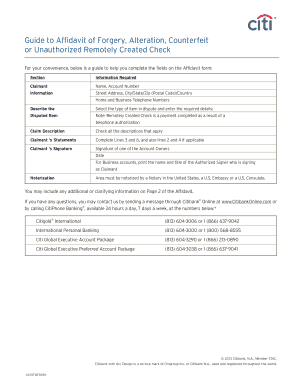
Affidavit of Forgery, Alteration, Counterfeit or Unauthorized Remotely Created Check
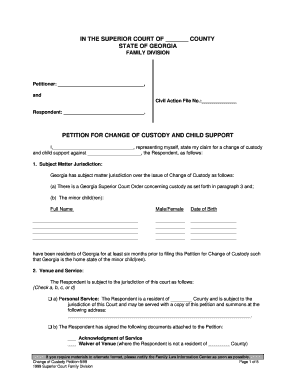
Georgia Change of Custody Petition

Bupa Dental Plan Claim Form
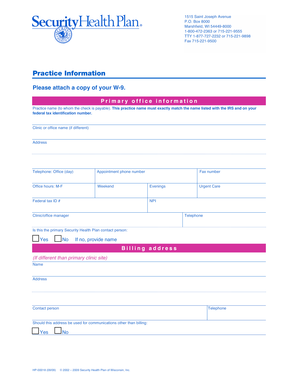
Security Health Plan Provider Information Form
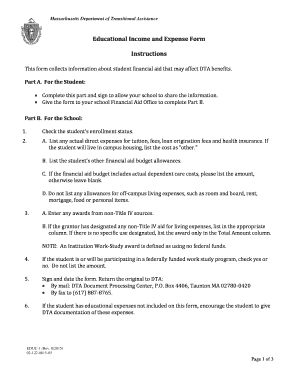
Massachusetts Educational Income and Expense Form

ATF Form 5 Tax Exempt Transfer and Registration of Firearm
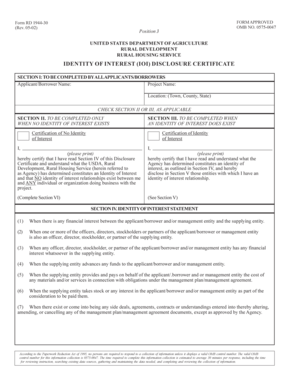
California Lease Agreement
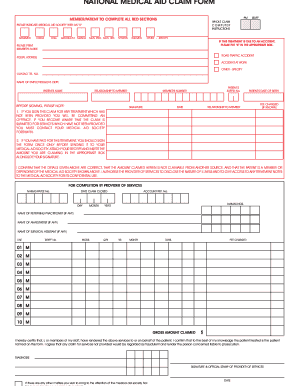
National Medical Aid Claim Form
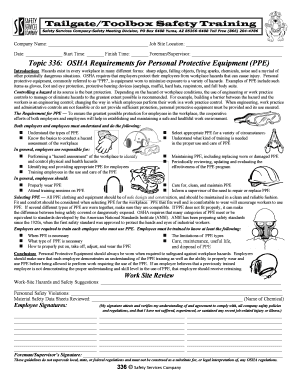
Tailgate Toolbox Safety Training Form

Buyer's Information Sheet
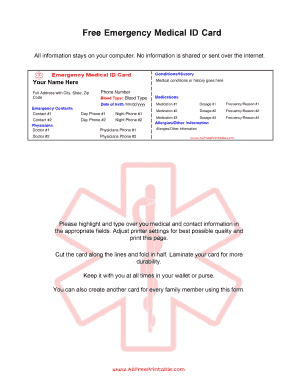
Emergency Medical ID Card

Head of Flying Operations Nomination Form 686
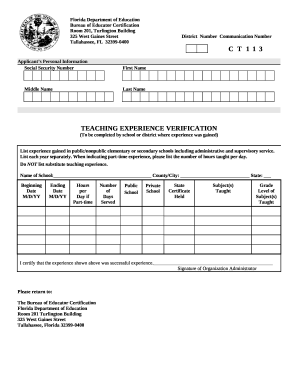
Florida Teaching Experience Verification Form

RCRA Contingency Plan Quick Reference Guide
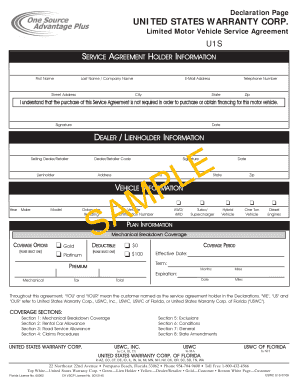
US Warranty Corp Motor Vehicle Service Agreement
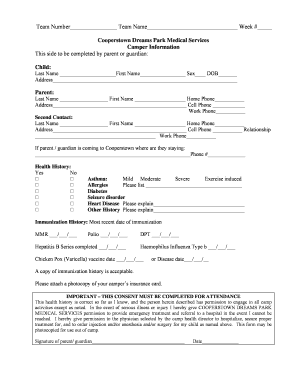
Cooperstown Dreams Park Camper Medical Form

Houston Building Permit Application
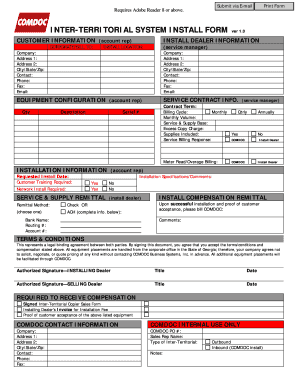
Inter-Territorial System Install Form

Child Support Opting Out Agreement - nycourts
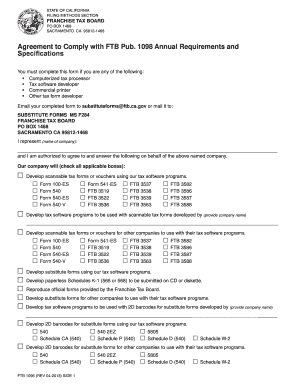
California FTB 1096 Agreement
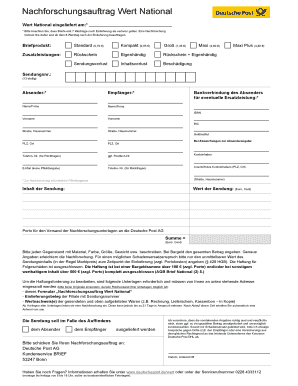
Deutsche Post Wert National Claim Form

Kansas New Hire Report

Arizona Real Estate Addendum

Statement of the Need for Care

California Personal Representative's Deed
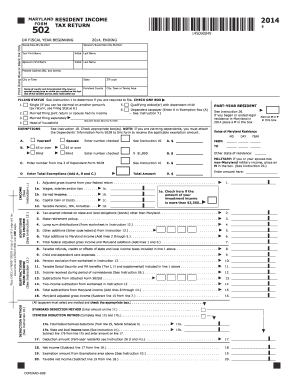
2014 maryland form 502

New York Residential Contract of Sale

USA Boxing Physical Form
Benefit from the DocHub online library of fillable PDF forms
Searching the PDF forms doesn't have to be a tedious and time-consuming process. With the DocHub online library, it has become easier to find the fillable PDF forms and modify them in your browser. The service allows you to adjust the document to your needs using powerful editing tools.
You can use online document editing features to modify almost any type of document with ease. You just need to find the template of your choice, open it in the editor, and use the toolbar to make the necessary corrections.
Follow this guide to get your document done with DocHub:
- Find the PDF template you need.
- Click the Get Form button to open the file in the editor.
- Use the toolbar to fill out and edit the document.
- Easily add and highlight text, insert images, checkmarks, and symbols.
- Drop new fillable fields, and rearrange or delete pages from your file.
- Save changes and download your record.
DocHub empowers everyone to streamline document editing, signing, and distribution, and form completion. Create an account and benefit from our well-organized PDF Forms library and comprehensive editor.