




Here's how it works

01. Edit your form online
Type text, add images, blackout confidential details, add comments, highlights and more.

02. Sign it in a few clicks
Draw your signature, type it, upload its image, or use your mobile device as a signature pad.

03. Share your form with others
Send it via email, link, or fax. You can also download it, export it or print it out.
The best way to modify Inter-Territorial System Install Form online

With DocHub, making adjustments to your documentation takes only some simple clicks. Make these fast steps to modify the PDF Inter-Territorial System Install Form online for free:
- Sign up and log in to your account. Log in to the editor using your credentials or click Create free account to examine the tool’s features.
- Add the Inter-Territorial System Install Form for redacting. Click the New Document option above, then drag and drop the file to the upload area, import it from the cloud, or via a link.
- Change your document. Make any adjustments needed: add text and pictures to your Inter-Territorial System Install Form, highlight details that matter, remove sections of content and substitute them with new ones, and insert icons, checkmarks, and areas for filling out.
- Finish redacting the form. Save the updated document on your device, export it to the cloud, print it right from the editor, or share it with all the people involved.
Our editor is very user-friendly and effective. Try it now!
Fill out Inter-Territorial System Install Form online
It's free
It's free
Security and compliance
At DocHub, your data security is our priority. We follow HIPAA, SOC2, GDPR, and other standards, so you can work on your documents with confidence.
Learn more


Related forms

Michigan scavenger hunt
The document is an online scavenger hunt designed for middle school students to explore and learn about colleges in Mich ...

Nm sample bench sheets
The document is an appendix containing various laboratory bench sheets used for recording and managing data related to d ...

Illinois agreement party
This document is an agreement between the Illinois Secretary of State and a Third-Party Certification Entity, authorizin ...

Education Options for Students with Disabilities - Tennessee
The document outlines the consent form for the Individualized Education Account (IEA) Program in Tennessee, allowing Xer ...
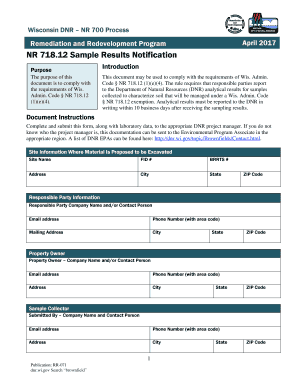
Dnr sample notification
The document outlines the requirements for reporting analytical results of soil samples to the Wisconsin Department of N ...
Application for Section 1915(b) (4) Waiver Fee-for-Service Selective
The document outlines Connecticut's application for a Section 1915(b)(4) Waiver under the Fee-for-Service Selective Cont ...

Nhjb 2139 p
The document is a receipt form used by the New Hampshire Judicial Branch for recording the receipt of money or personal ...
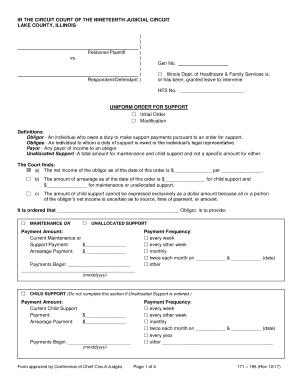
Illinois uniform order for support
The document is a Uniform Order for Support issued by the Circuit Court of Lake County, Illinois, detailing the obligati ...