
Get any PDF form from the DocHub library of ready-made templates - Page 1967
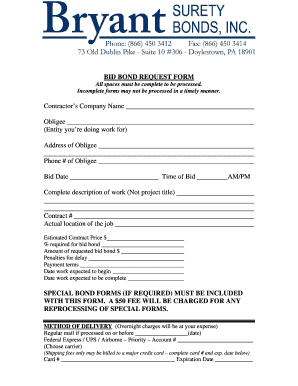
Refund surety format
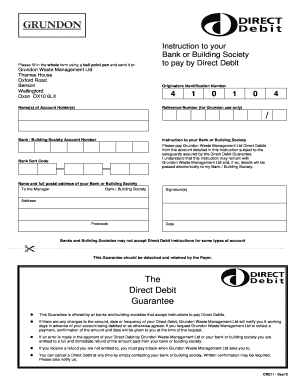
Blank direct debit mandate
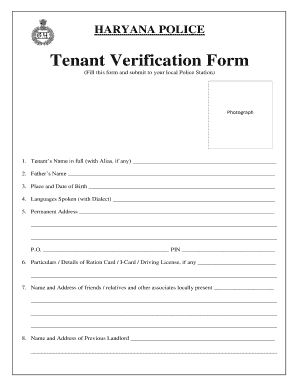
Haryana police verification form
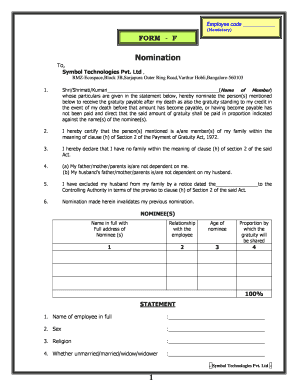
Form f

Form 8 application ontario

White Earth Enrollment Application - White Earth Nation
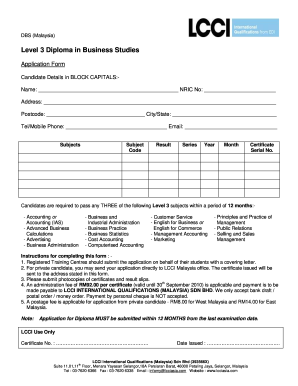
Lcci level 1 textbook pdf
ADOPT-215 Adoption Order. Fillable Editable and Saveable California Judicial Council Forms
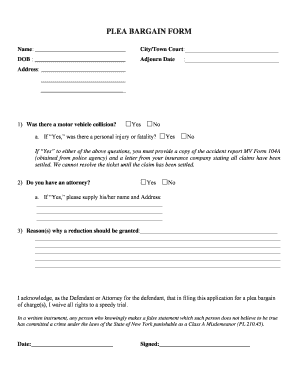
New york motor vehicle
Ft bend co alarm permit 2012 form
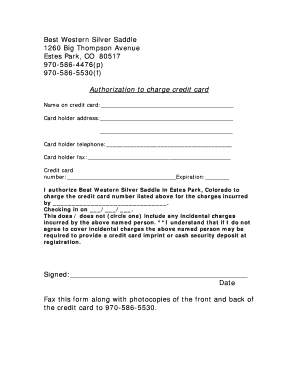
Best western credit card authorization form

Continuance huron

Nationwide agent of record change form

Pmc registration renewal online
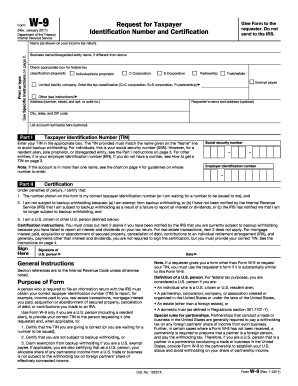
Charles schwab w 9 2011 form

Boehringer ingelheim patient assistance form pdf
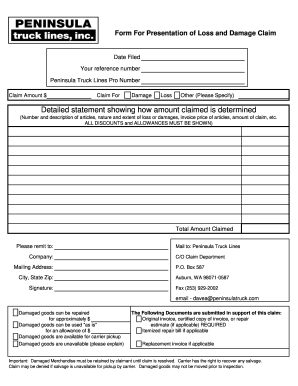
Form claim truck
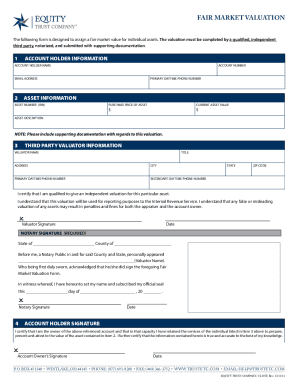
Equity trust company forms
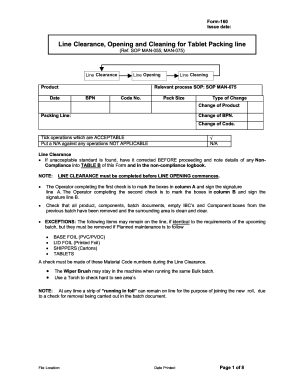
Line clearance template
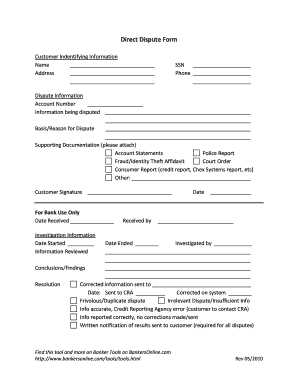
Direct Dispute Form, PDF format - BankersOnline.com
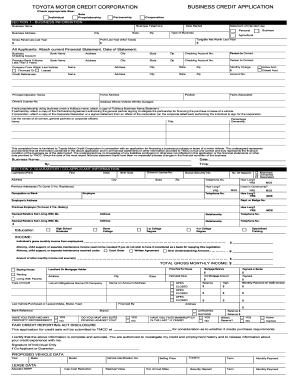
BUSINESS CREDIT APPLICATION TOYOTA MOTOR ... - ClickMotive
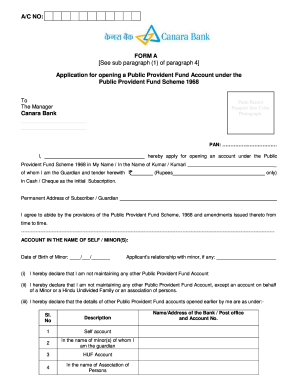
Canara bank account opening form
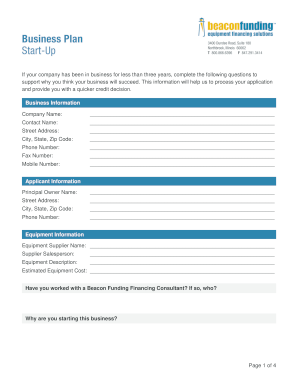
Business plan template

AIC Residential Appraisal Report - ACI
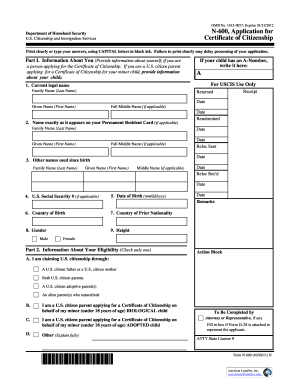
A N-600, Application for Certificate of Citizenship - Justia
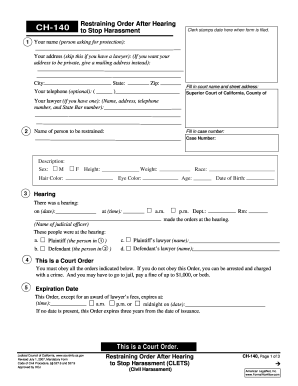
Ch 140 printable

Rapides parish occupational license
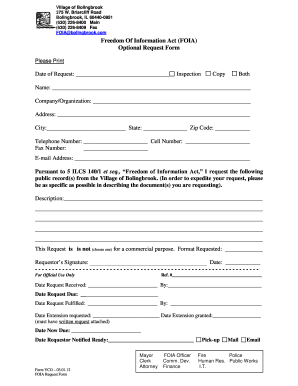
Foia optional request
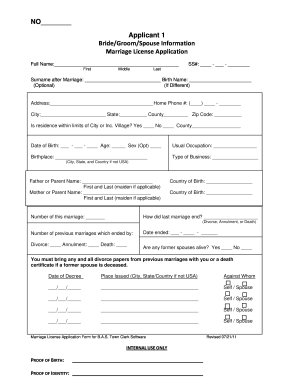
Nys marriage license application
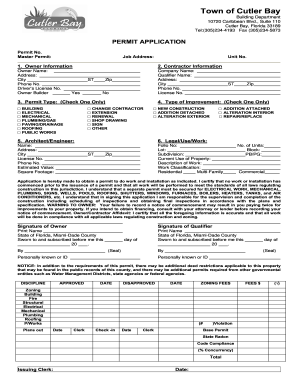
Permit application cutler bay
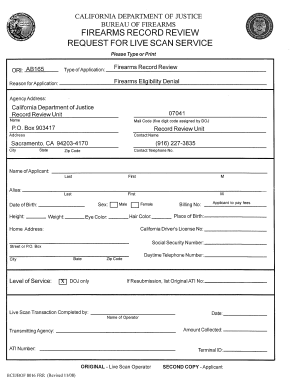
Firearms live scan form
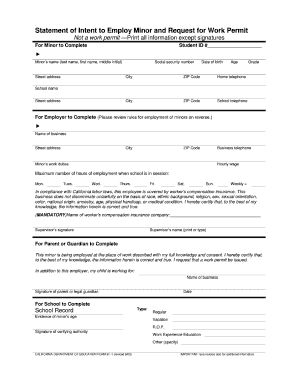
Working permit form
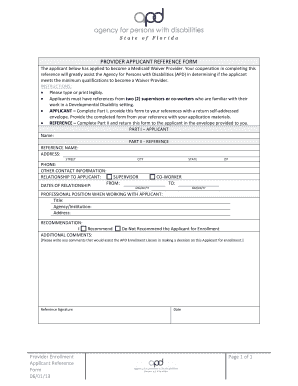
Apd reference form
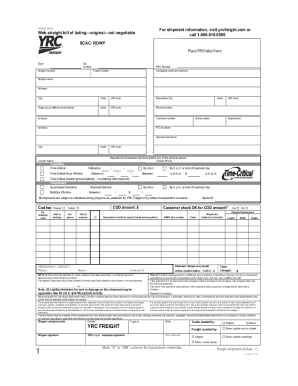
Yrc bol pdf
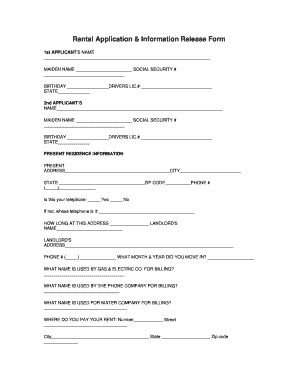
Rental property release of information

2022 employee blank monthly attendance
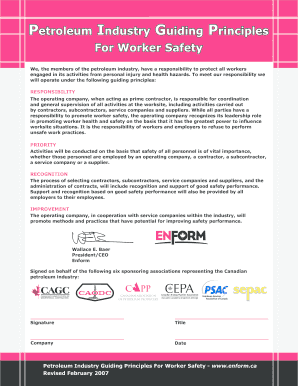
Petroleum industry guiding principles 2007 form
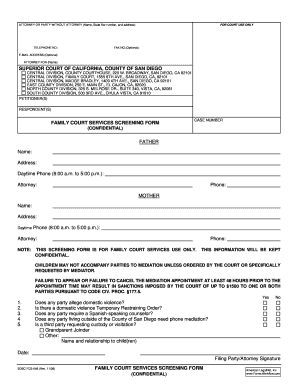
Fcs screening form
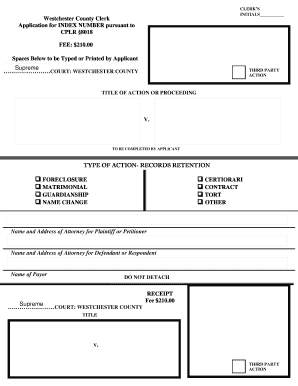
Westchester application index
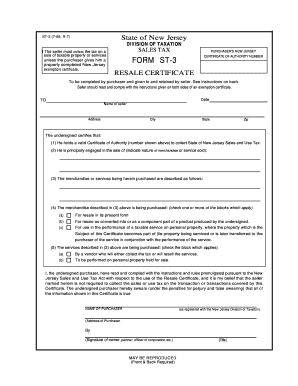
NJ Resale Certificate

Discretion of PSA Corporation Limited (PSA)

Hingham mooring permit
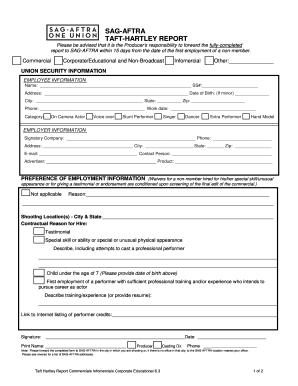
Taft hartley report form
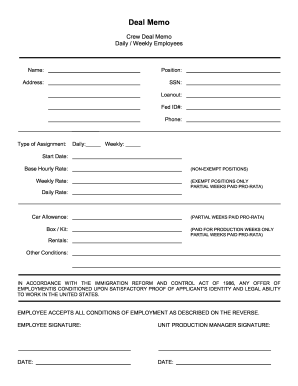
Routlege memo daily printable
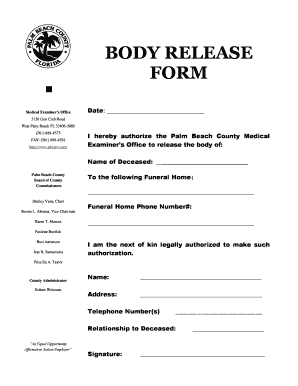
Release of body to funeral home form
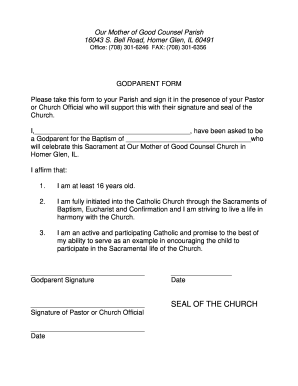
Godparent application form
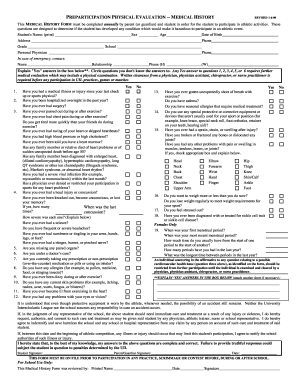
Ccisd sports physical form

Beauty salon feedback form pdf

Tarion hold form

Pf form 11 editable pdf
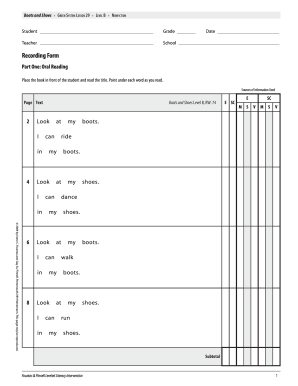
Lli green system lesson guide pdf
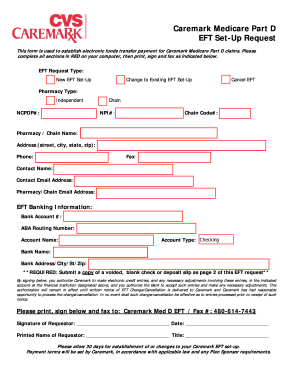
Caremark d requestor fill
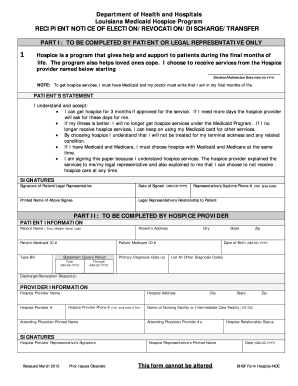
Bhsf form hospice noe
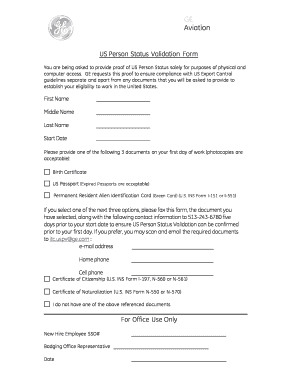
Us person validation form
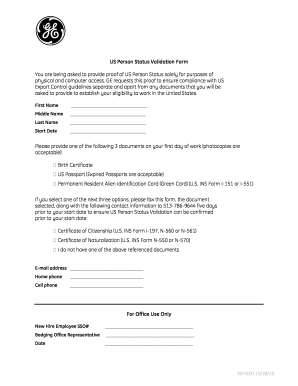
Us person validation form

Affidavit for work experience
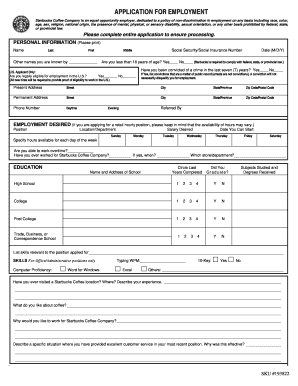
Starbucks application
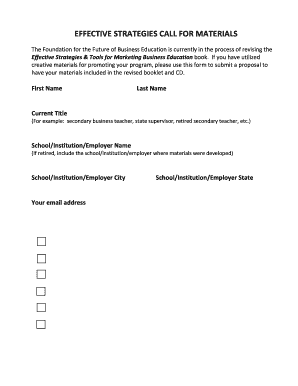
NBEA Call for Effective Strategies Form 2013 - Business & Public ...
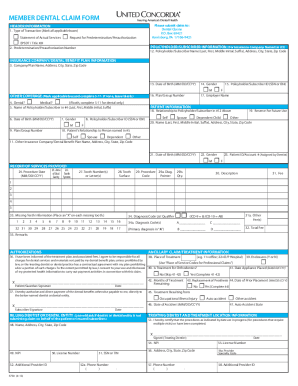
United concordia dental insurance form
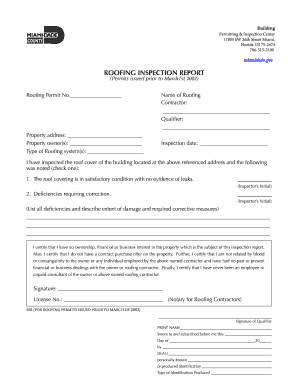
Roof inspection report
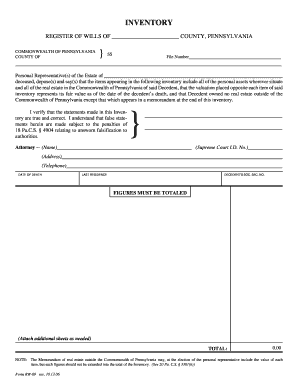
Sesedu rw 09 2006 form
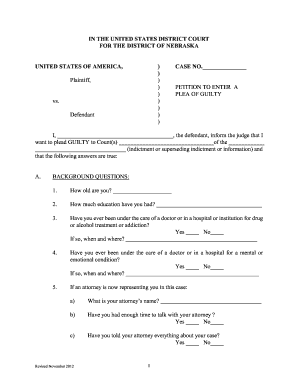
Nebraska plea form
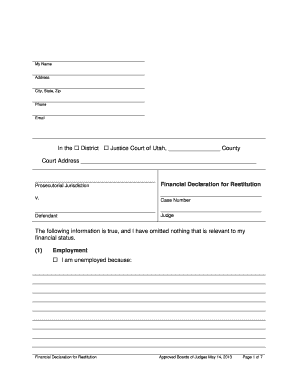
Utah financial declaration restitution
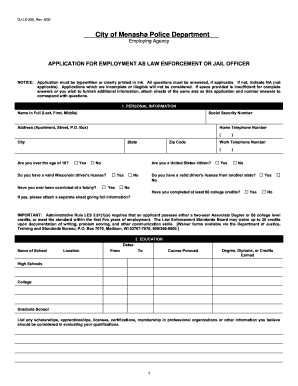
Dj manasha pobkicean 2000 form

Dpd cover sheet 2013 form
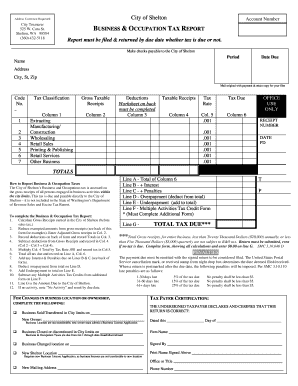
B&O Tax Report - City of Shelton
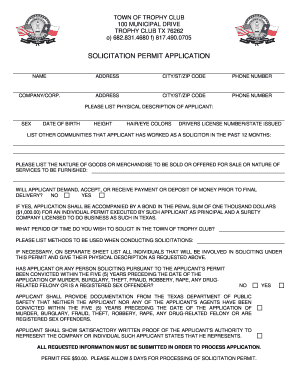
Texas trophy club solicitation permit
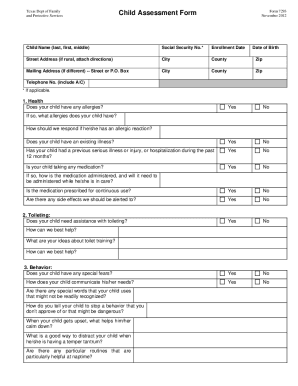
Tx child form

City of killeen contractor registration

Vital statistics harlingen
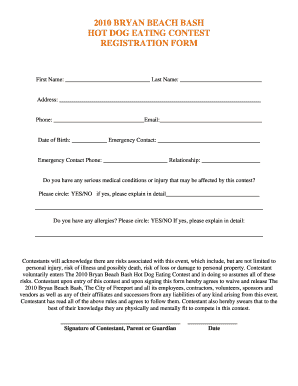
BBB HOT DOG EATING CONTEST REGISTRATION RULES AND WAIVER
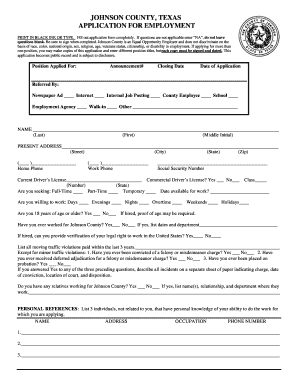
Johnson county texas job application
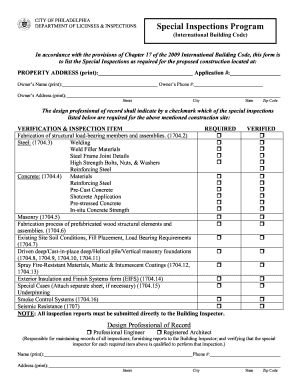
Philadelphia special inspections

Temporary Outdoor Event Permit Application - City of Arlington - arlingtontx
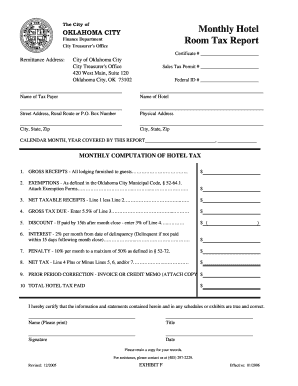
Monthly Hotel Room Tax Report - City of Oklahoma City - okc

Tulsa sales tax rebate form

Oh pep certification application

Financial form erosion
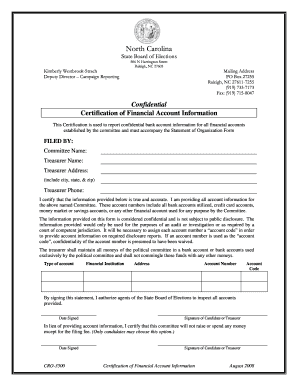
Cro 3500

Noise complaint

City of elmira foil
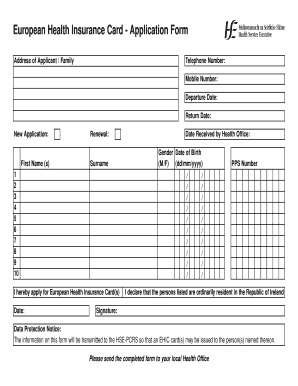
Ireland health insurance form

Ce king high school transcript request
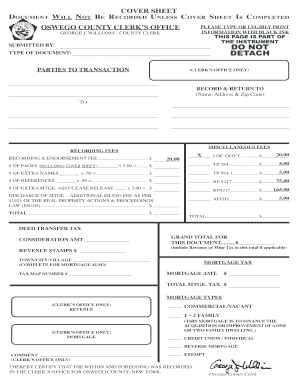
Oswego county clerks form

RGA Request Form

ACP Small Job Form Res - Electrical Safety Authority
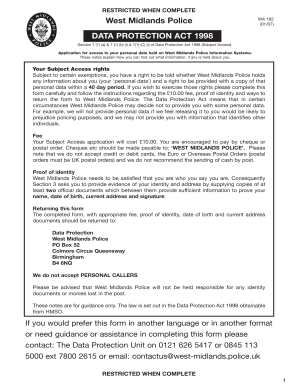
Wa162
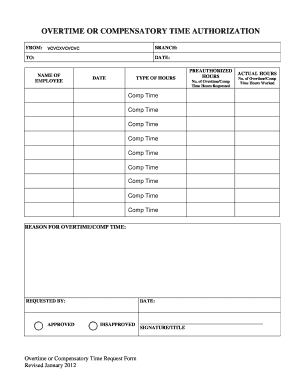
Comp time record sheet

Police hpd supplement form print

2009 KCRAR Forms Kansas City Regional Association of REALTORS

Stool report
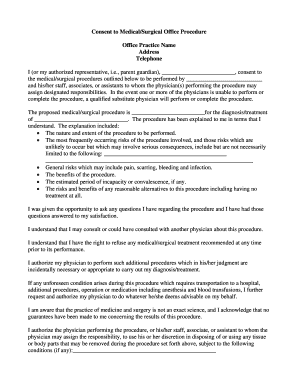
Consent to MedicalSurgical Office Procedure - Medical Mutual bb
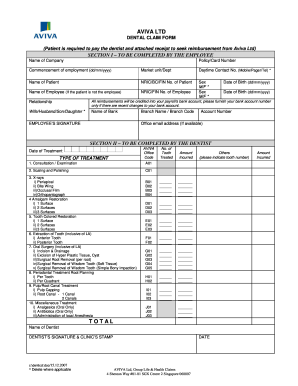
Aviva claim form
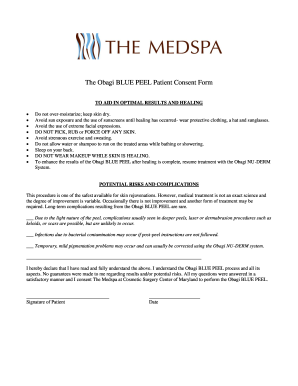
Chemical peel consent form
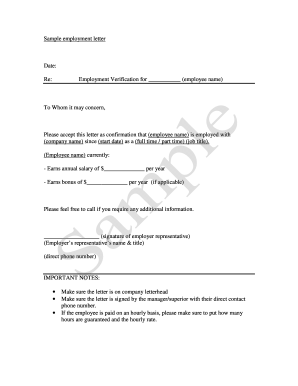
're employment letter after termination
Ems transfer of care form
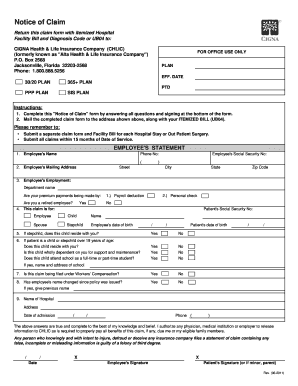
Chlic life claim blank
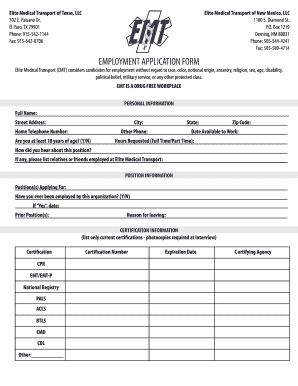
EMPLOYMENT APPLICATION FORM - Elite Medical Transport
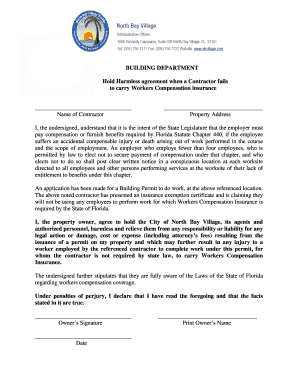
Workers Comp Hold Harmless Agreement - North Bay Village

Da form 5960 july 2021 pdf
Benefit from the DocHub online library of fillable PDF forms
Searching the PDF forms doesn't have to be a tedious and time-consuming process. With the DocHub online library, it has become easier to find the fillable PDF forms and modify them in your browser. The service allows you to adjust the document to your needs using powerful editing tools.
You can use online document editing features to modify almost any type of document with ease. You just need to find the template of your choice, open it in the editor, and use the toolbar to make the necessary corrections.
Follow this guide to get your document done with DocHub:
- Find the PDF template you need.
- Click the Get Form button to open the file in the editor.
- Use the toolbar to fill out and edit the document.
- Easily add and highlight text, insert images, checkmarks, and symbols.
- Drop new fillable fields, and rearrange or delete pages from your file.
- Save changes and download your record.
DocHub empowers everyone to streamline document editing, signing, and distribution, and form completion. Create an account and benefit from our well-organized PDF Forms library and comprehensive editor.