




01. Edit your noise complaint form online
Type text, add images, blackout confidential details, add comments, highlights and more.

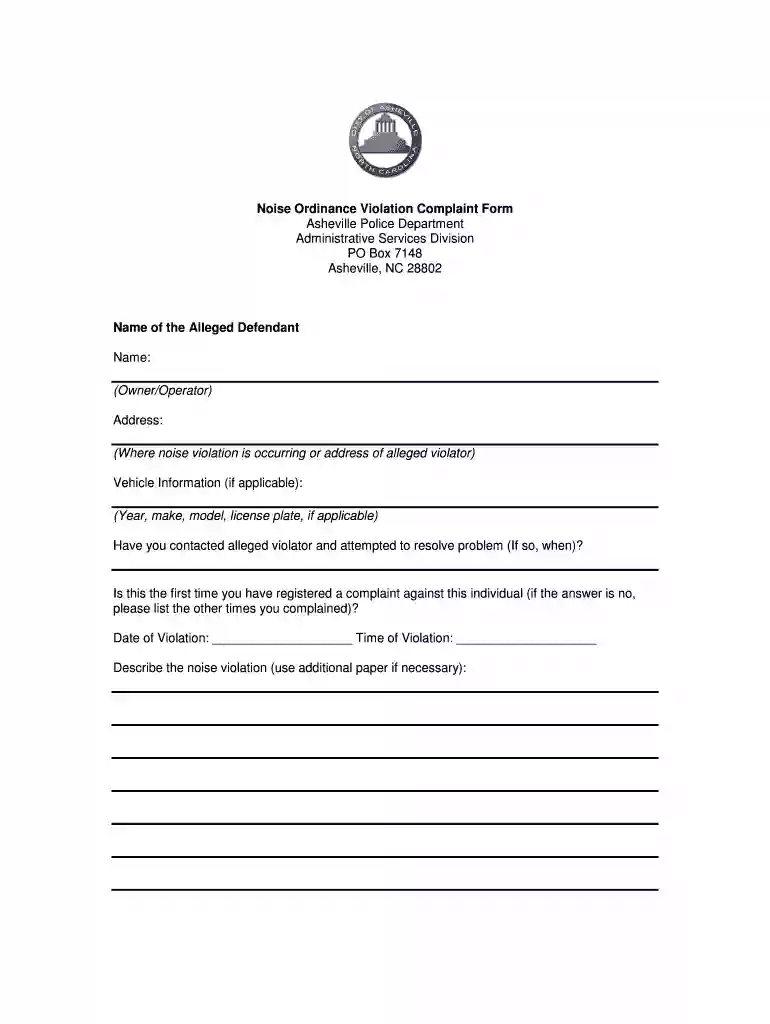
Type text, add images, blackout confidential details, add comments, highlights and more.

Draw your signature, type it, upload its image, or use your mobile device as a signature pad.

Send noise complaint citation via email, link, or fax. You can also download it, export it or print it out.

Start filling out your noise complaint form online for free today!
At DocHub, your data security is our priority. We follow HIPAA, SOC2, GDPR, and other standards, so you can work on your documents with confidence.
If you are a UCLA student, staff or faculty member calling to report a noisy party or group call dispatch at (310) 825-1491.Read more
You can make a complaint about noise from your neighbor including loud music, party, or television, talking, and moving or dragging of furniture.Read more


