




01. Edit your form online
Type text, add images, blackout confidential details, add comments, highlights and more.

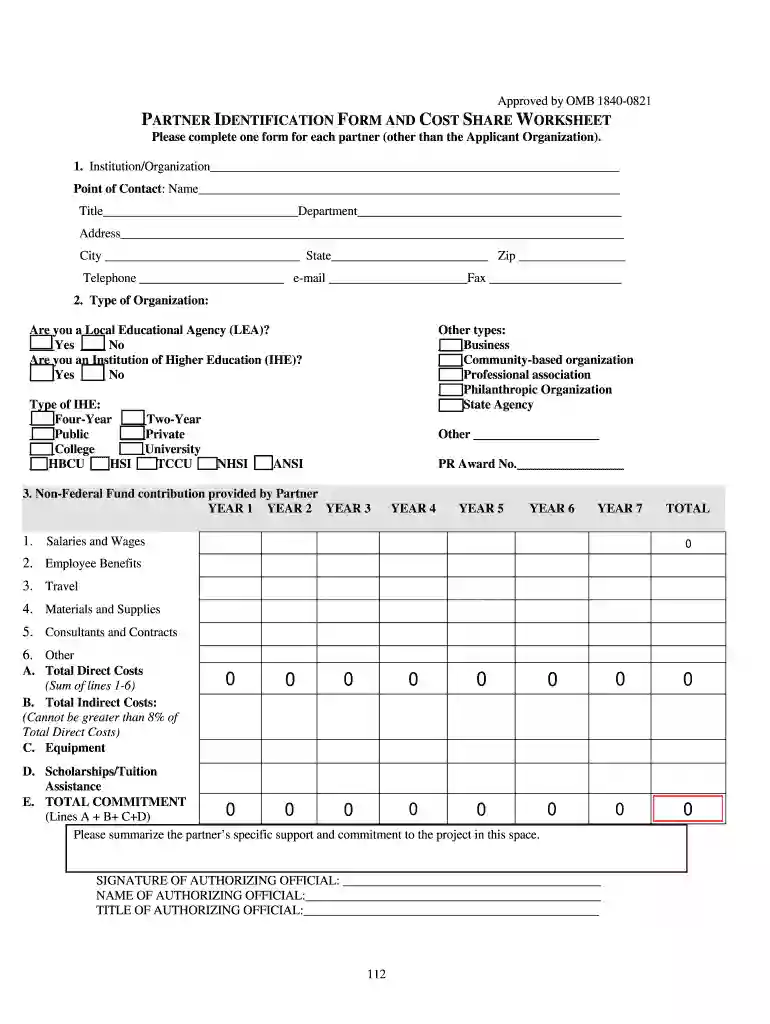
Type text, add images, blackout confidential details, add comments, highlights and more.

Draw your signature, type it, upload its image, or use your mobile device as a signature pad.

Send it via email, link, or fax. You can also download it, export it or print it out.

Start using our platform today to easily complete your partner identification and cost share worksheet for free!
eSignatures are an excellent alternative to traditional signing, as they save time, effort, and money people spend on printing, scanning, and paper delivery. You can eSign your fillable partner identification and cost share worksheet utilizing a reliable and powerful online document management services like DocHub. It complies with major eSignature standards (ESIGN and UETA), so all documents approved there are legally binding and have the same validity as physically signed ones.
If you are using Chrome, there are two straightforward ways to edit your fillable partner identification and cost share worksheet online. First, go to the DocHub website, add your document, and edit it utilizing our toolbar. You can also set up our Chrome extension and edit any document by dragging and dropping it in your web browser window.
At DocHub, your data security is our priority. We follow HIPAA, SOC2, GDPR, and other standards, so you can work on your documents with confidence.
Search for policies, forms and other documents by typing a keyword, or browse by choosing the department and/or type of document from the filters below.Read more
Feb 1, 2021 identified multiple partners and data sources. The campaign will be focused on the community but targeting businesses and organizationsRead more


