Type text, add images, blackout confidential details, add comments, highlights and more.
02. Sign it in a few clicks
Draw your signature, type it, upload its image, or use your mobile device as a signature pad.
03. Share your form with others
Send it via email, link, or fax. You can also download it, export it or print it out.
How to use or fill out ohio initial with our platform
Ease of Setup
DocHub User Ratings on G2
Ease of Use
DocHub User Ratings on G2
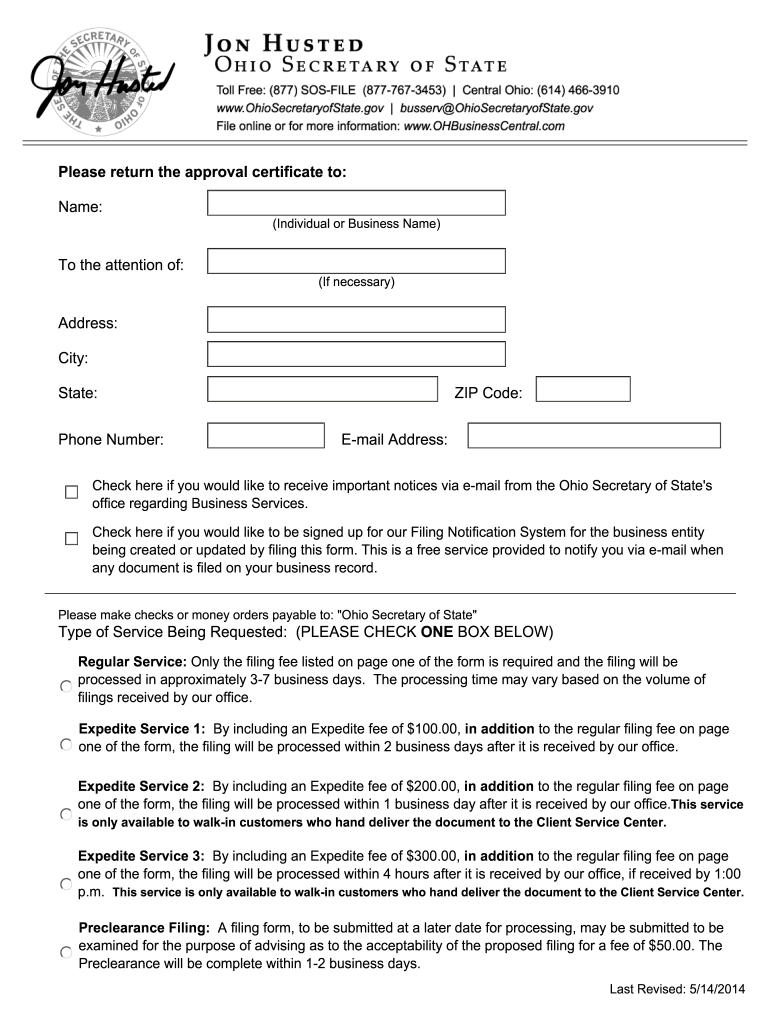
Click ‘Get Form’ to open the ohio initial in the editor.
Begin by entering the name of your corporation in the designated field. Ensure it complies with Ohio Revised Code §1701.05, including terms like 'company' or 'inc.'
Next, provide the location of your principal office in Ohio, specifying the city and county.
If desired, set an effective date for your corporation's legal existence. Remember, this cannot precede the filing date or exceed ninety days post-filing.
Indicate the number of shares authorized for your corporation and specify if they are common or preferred, along with their par value if applicable.
Complete the statutory agent appointment section by providing the agent's name and address. Ensure that this is signed by a majority of incorporators.
Finally, review all entries for accuracy and sign where indicated before submitting your form.
Start using our platform today to streamline your ohio initial form completion for free!
Ohio citiesIs Ohio dangerousOhio nicknameIs Ohio a stateWhy Ohio is famous in memesWhere is Ohio locatedIs Ohio A countryWhen did Ohio became a state 1953
Security and compliance
At DocHub, your data security is our priority. We follow HIPAA, SOC2, GDPR, and other standards, so you can work on your documents with confidence.
Cookie consent notice
This site uses cookies to enhance site navigation and personalize your experience.
By using this site you agree to our use of cookies as described in our Privacy Notice.
You can modify your selections by visiting our Cookie and Advertising Notice.