
Get any PDF form from the DocHub library of ready-made templates - Page 1933
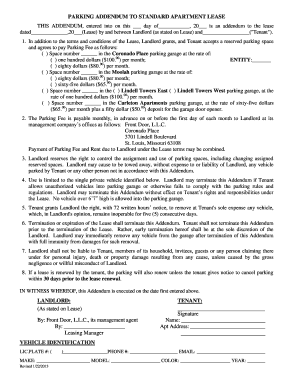
Parking addendum
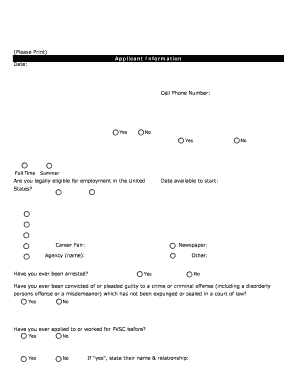
PVSC Employment Application.xlsx - Passaic Valley Sewerage ...
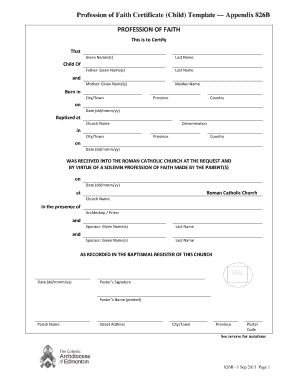
Catholic profession of faith printable
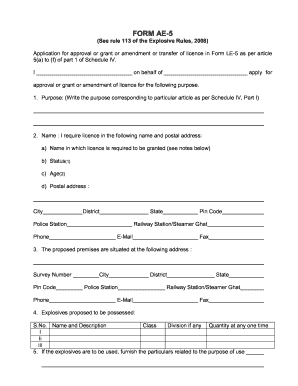
Ae 5 form

Substitute piece rcm
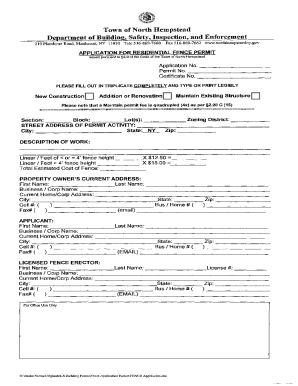
Fence permit

The repa scotton printable

Ball state university recreation waiver for participation form
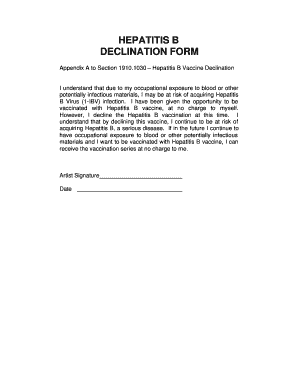
Body hepatitis form appendix a
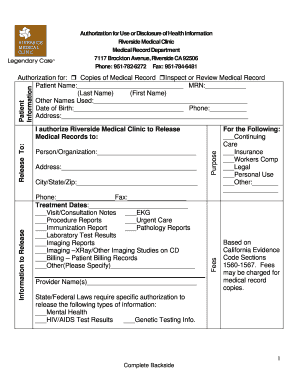
Rmc urgent care
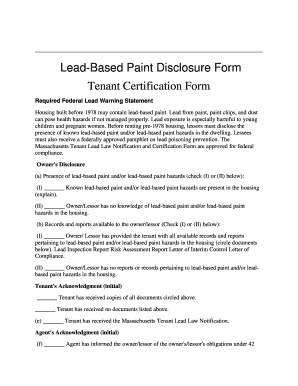
Massachusetts lead based paint
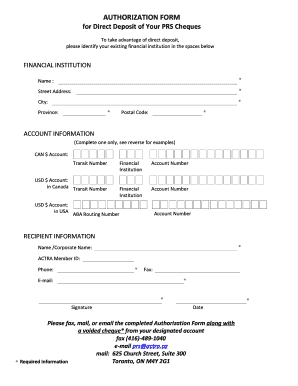
Authorization form canada
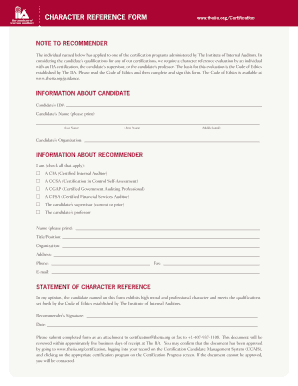
Iia character reference form
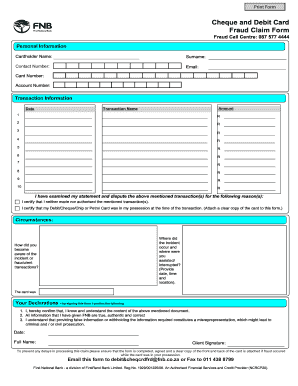
Fnb claim
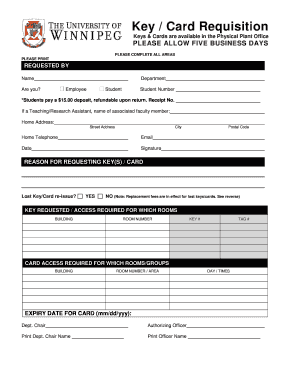
Key requisition form

Food Record Form - emhc
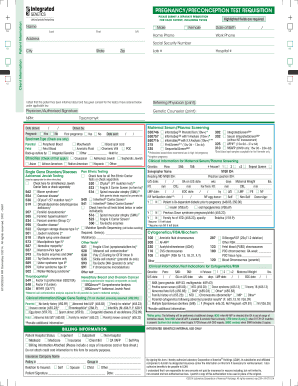
Printable labcorp test request form pdf
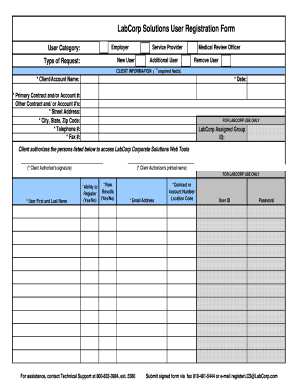
Labcorp user registration
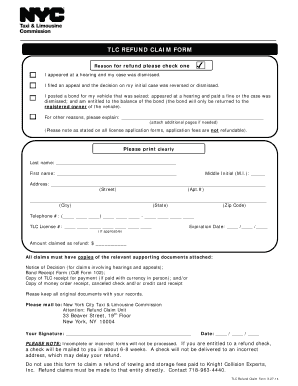
Tlc refund claim form

Printable physical examination form 2014
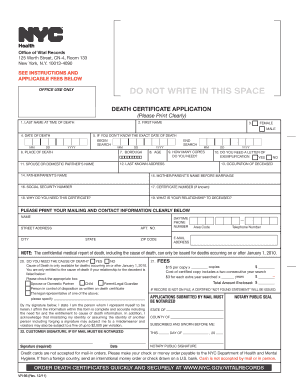
Death Certificate Application - NYC.gov - nycppf
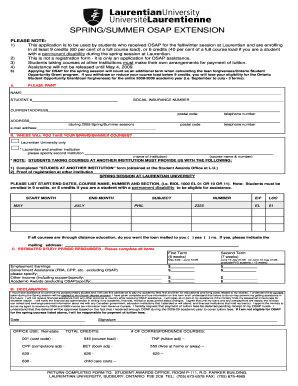
SPRING/SUMMER OSAP EXTENSION - Laurentian University - laurentian
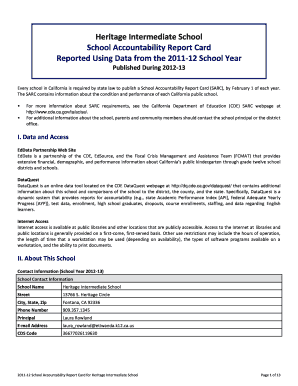
Accountability report example
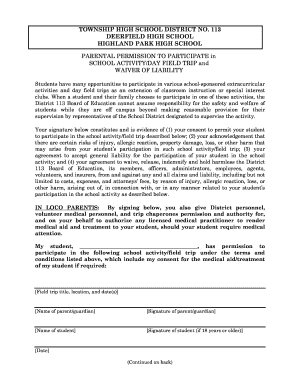
Waiver of liability form
Deerfield school bound edit
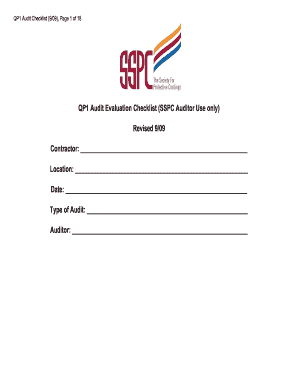
QP1 Audit Evaluation Checklist - The Society for Protective Coatings - sspc
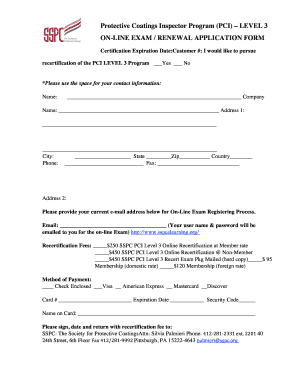
Asnt infrared level 3

Nm concelled renewal forms
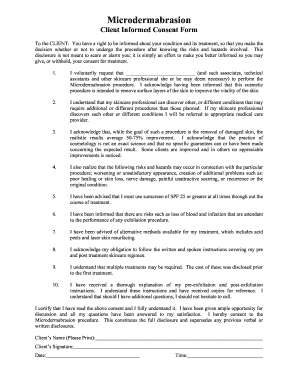
Esthetician consent form app
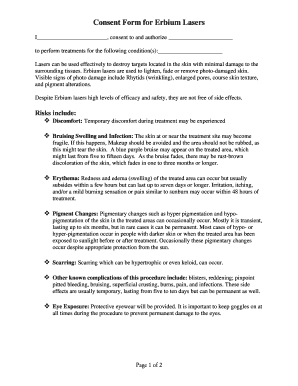
Consent erbium
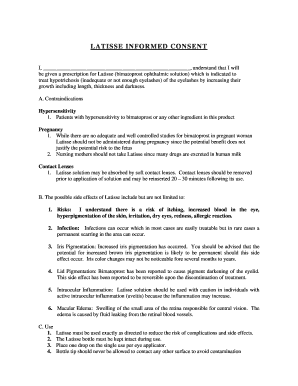
Latisse consent form
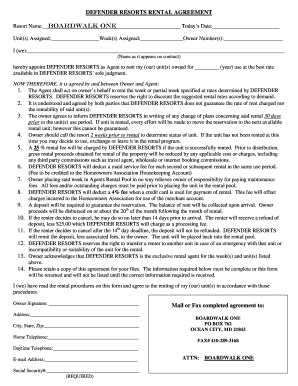
Resorts agreement

Pine Knob Rental agreement form (pdf) - Pine Knob Ski Resort
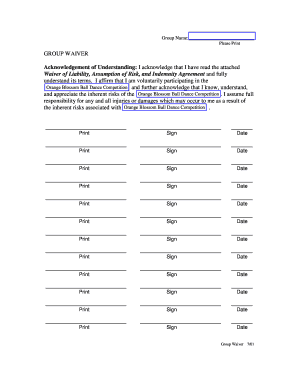
Group waiver
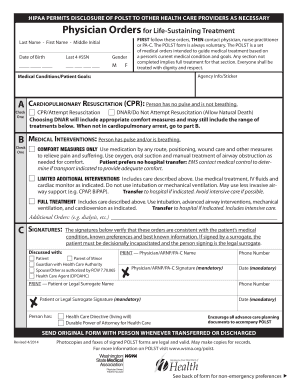
Download the master copy POLST form for print - wsma
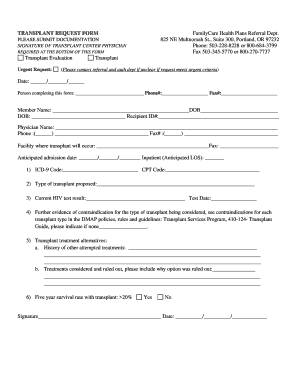
TRANSPLANT REQUEST FORM FamilyCare ... - FamilyCare, Inc. - familycareinc
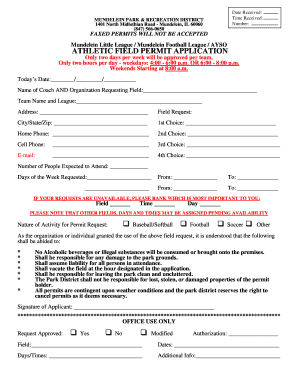
Field Permit Application - Mundelein Park & Recreation District - mundeleinparks
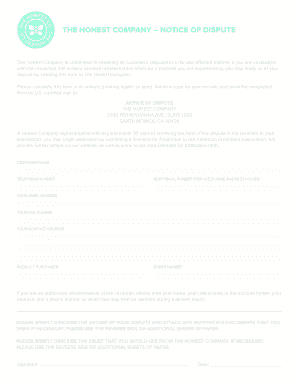
The Honest Company General Notice Form (PDF) - honest dsap edgekey
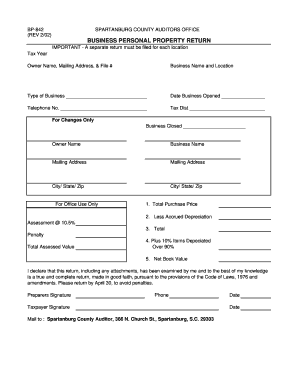
Sc spartanburg property return
Sf 2802 form
Adecco holiday schedule

Your Detailed bBudget Worksheetb - Raymond James
Robertson county realtors association
????????????APPLICATION FORM OF ... - Bank of China
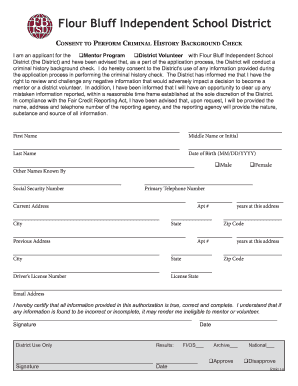
Background Check - Flour Bluff Independent School District

Employee Application - Maid-Rite
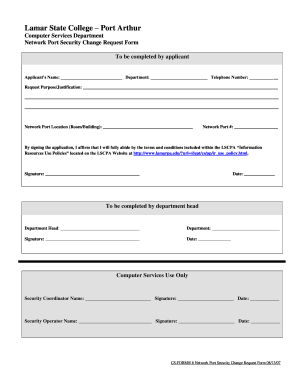
Network Port Security Change Request Form - lamarpa
THEY NEED TO KNOW YOUR LAST WISHES - icpas

Sole custody agreement
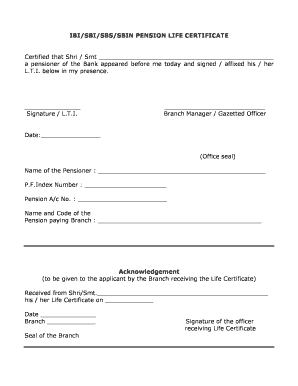
Life certificate form

Theatre Company Callboard Newsletter - Tulare County Office of ... - tcoe
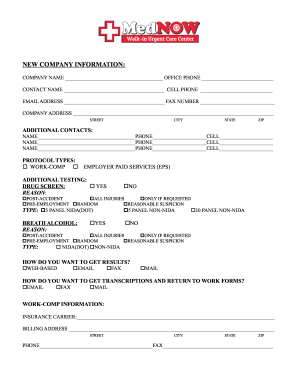
Urgent care return to work form
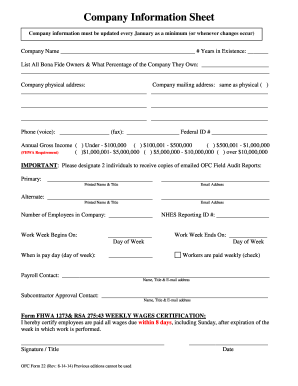
2014 ofc company information sheet
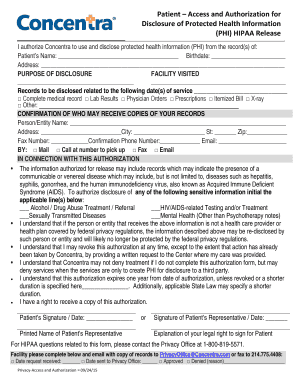
Request to Access Protected Health Information PHI - Concentra
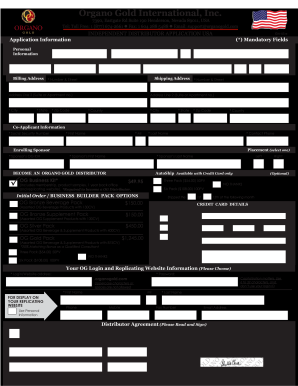
Organo form template

Affidavit of dom to marry
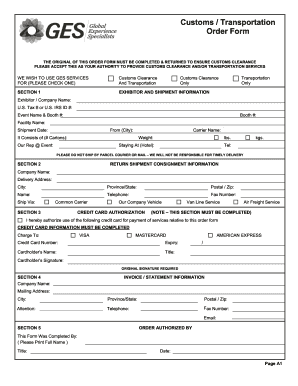
Transport order form
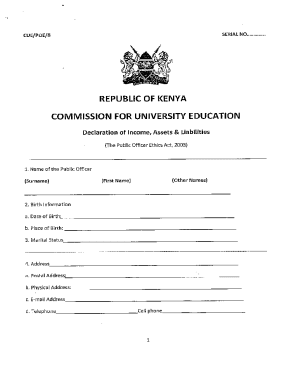
Tsc wealth declaration form online filling
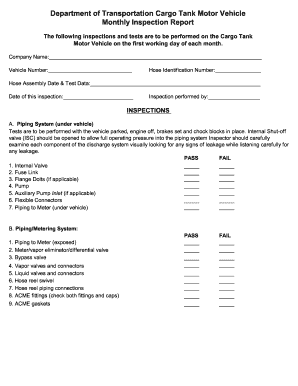
Department of Transportation Cargo Tank Motor Vehicle Monthly
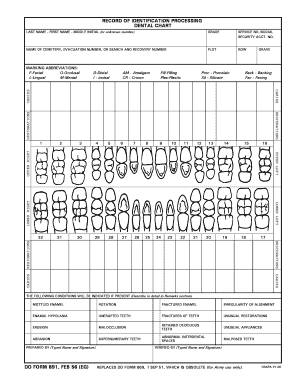
Form 891
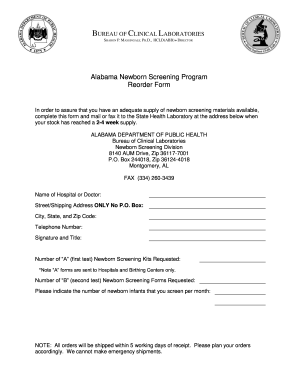
Alabama screening form

1st direct deposit form
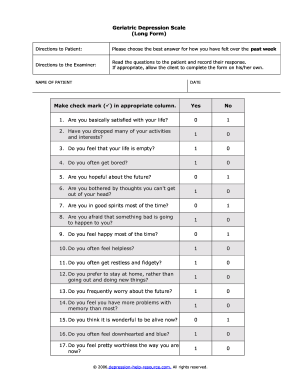
Geriatric Depression Scale (Long Form) Make check mark () in ...
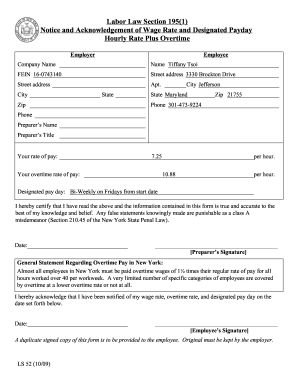
Labor law section 195 1
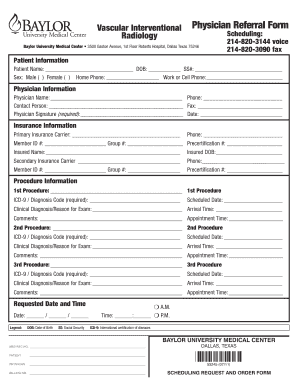
Physician Referral Form - Baylor Health Care - baylorhealth
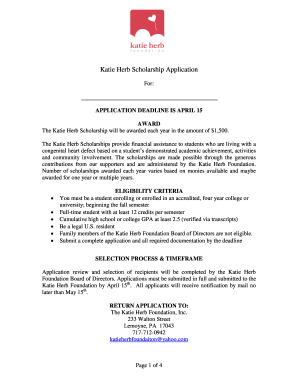
Katie herb number
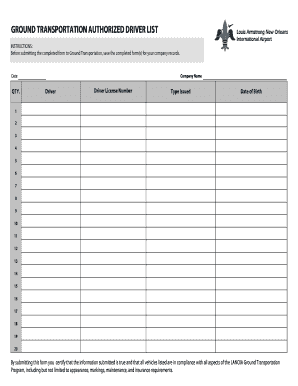
Driver list form pdf
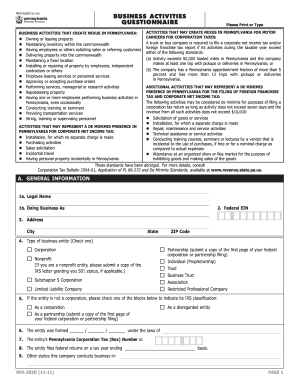
Pennsylvania questionnaire
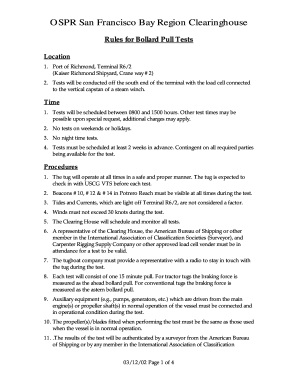
Rules for Bollard Pull Tests - Marine Exchange of the San Francisco bb - sfmx

SERVICE PROVIDER PORTAL - Regional Center of the East Bay - rceb
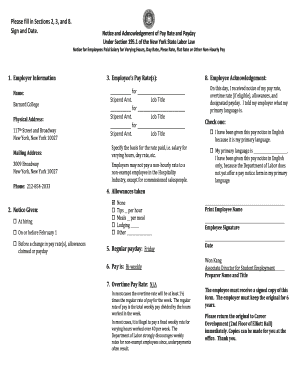
WTPA Stipend Form

Acceptance certificate template

Tricare west may
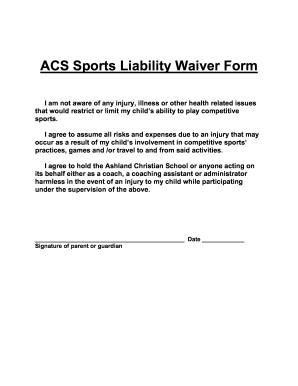
Sports waiver form
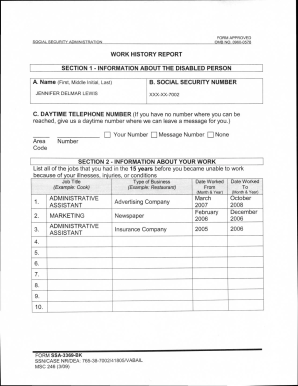
Form approved omb 0960 0578 2009
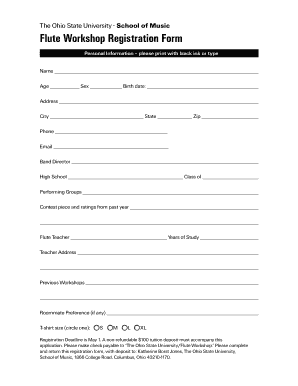
Music school registration form pdf
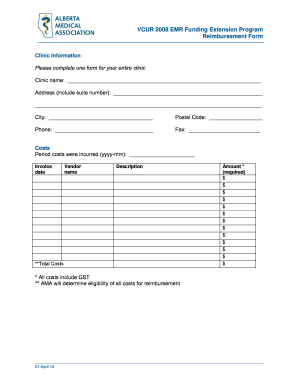
Emr reimbursement form
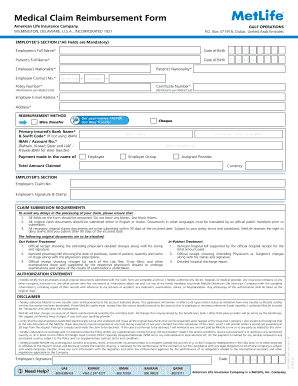
Alico claim form

Twhbea forms
Alivuokrasopimus pohja ilmainen
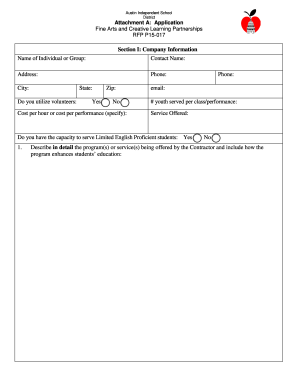
Austin isd rfp
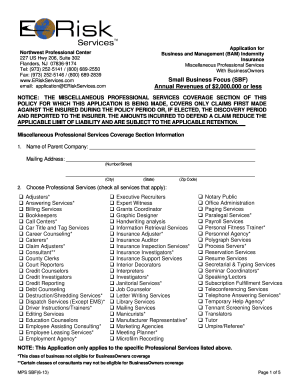
Application e risk
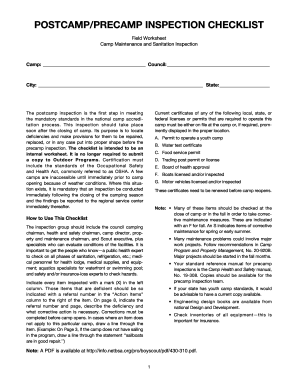
Precamp inspection
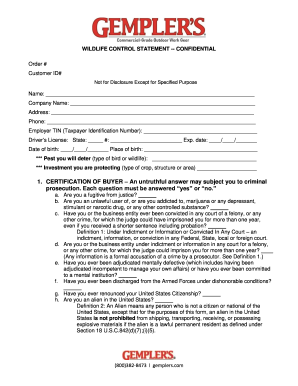
Wildlife control statement
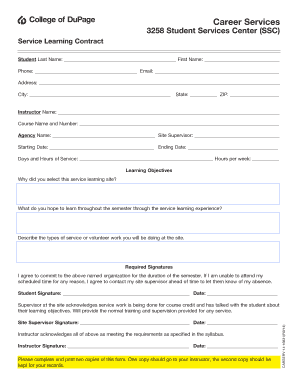
Ssc online 3258 form

Vehicle inspection diagram
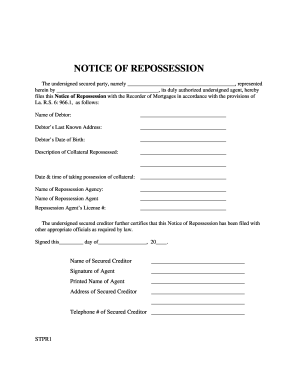
L:USERSA_MGMT SharedConnieFormsRepossession Form 2 ...
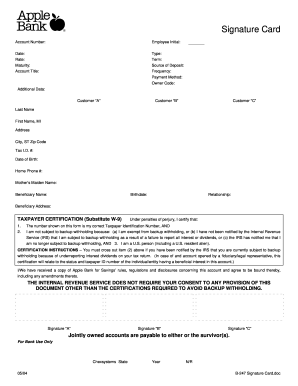
Blank Signature Card - Apple Bank
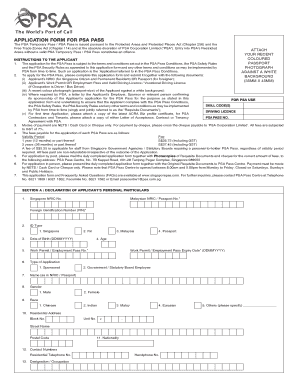
Pass the psa pdf
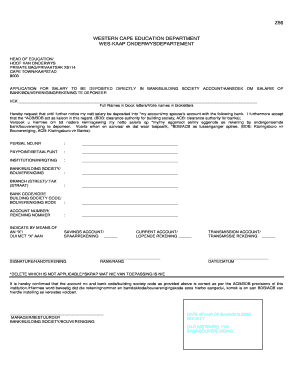
Department of education bank form pdf

Dha1
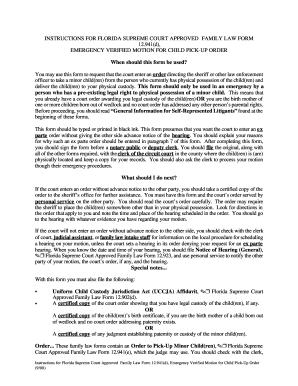
Emergency Verified Motion for Child Pick-Up Order - Forms - divorceline

Oklahoma divorce forms pdf
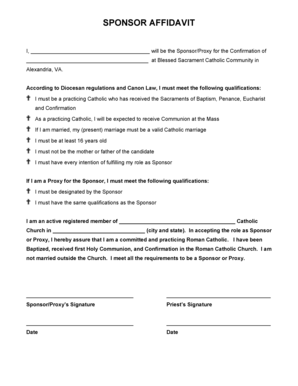
Blessed sacrament alexandria

Financial Affidavit of Support for International ... - Barry University - barry
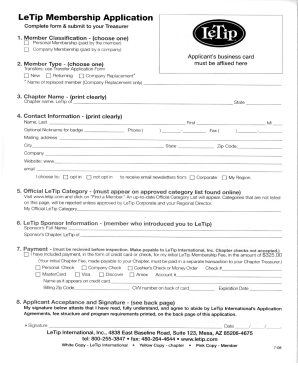
LeTip Membership Application

Saqa form evaluation
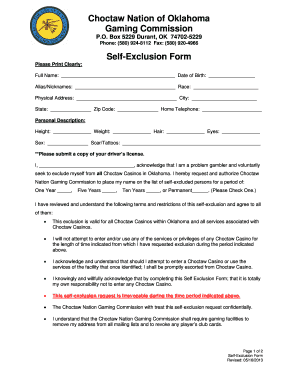
Self exclusion form

Caricom skills certificate barbados

REGISTRATION FORM - Cecil College - cecil
Benefit from the DocHub online library of fillable PDF forms
Searching the PDF forms doesn't have to be a tedious and time-consuming process. With the DocHub online library, it has become easier to find the fillable PDF forms and modify them in your browser. The service allows you to adjust the document to your needs using powerful editing tools.
You can use online document editing features to modify almost any type of document with ease. You just need to find the template of your choice, open it in the editor, and use the toolbar to make the necessary corrections.
Follow this guide to get your document done with DocHub:
- Find the PDF template you need.
- Click the Get Form button to open the file in the editor.
- Use the toolbar to fill out and edit the document.
- Easily add and highlight text, insert images, checkmarks, and symbols.
- Drop new fillable fields, and rearrange or delete pages from your file.
- Save changes and download your record.
DocHub empowers everyone to streamline document editing, signing, and distribution, and form completion. Create an account and benefit from our well-organized PDF Forms library and comprehensive editor.