
Get any PDF form from the DocHub library of ready-made templates - Page 1932

Prp waiver
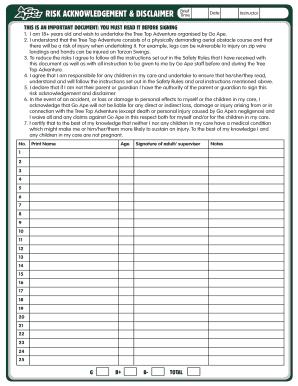
Go ape disclaimer
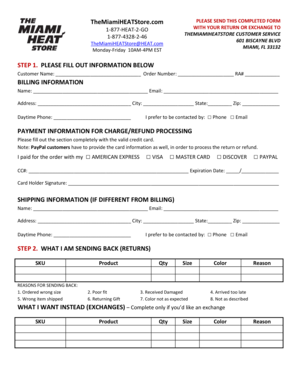
Miami heat store returns
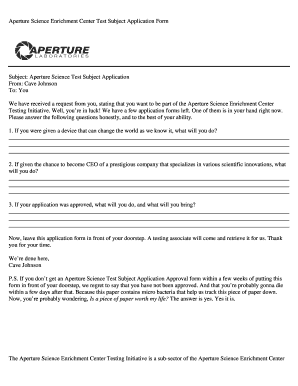
Aperture science application form
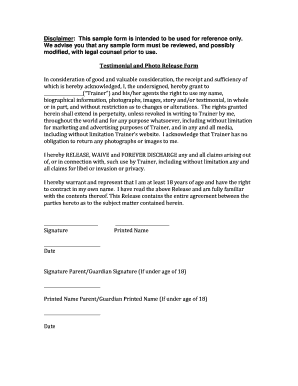
Photo consent form
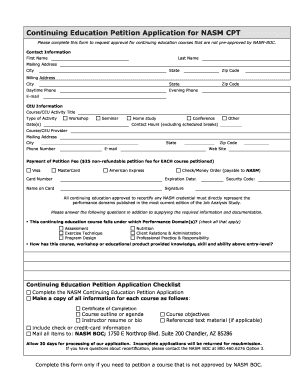
CEU Petition Application - nasm
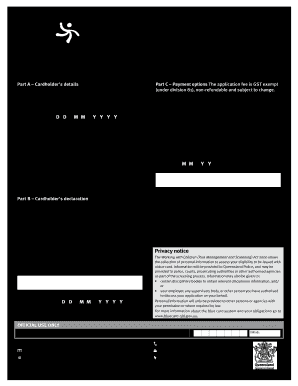
Card/notice letter lost or stolen form - The blue card system
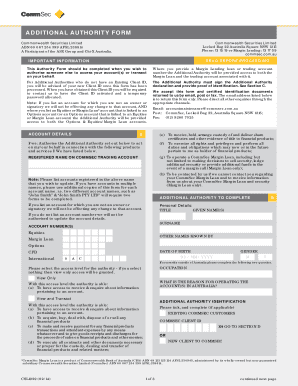
Commsec additional authority form
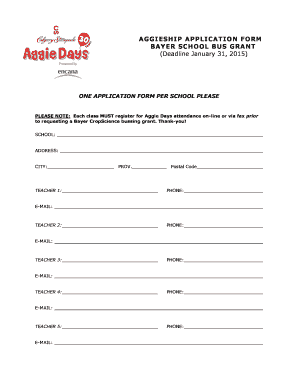
School bus application
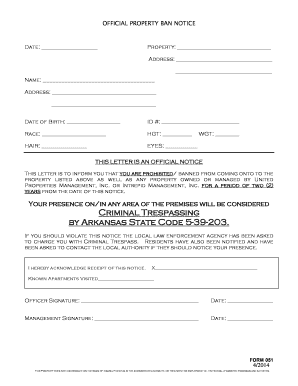
Ban notice
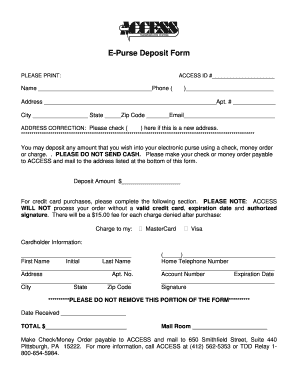
Epurse login
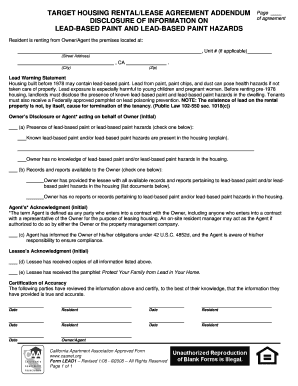
Target housing rental/lease agreement addendum - California ...
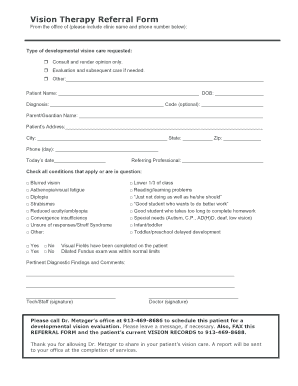
Vision Therapy Referral Form (PDF) - Vision and Performance
Degree Works / Installation Guide / 4.1.3 - ln edu

Confidential Report - Lingnan University - ln edu

Personal history statement firefighter
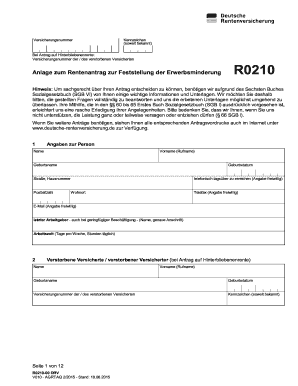
Rentenantrag zur
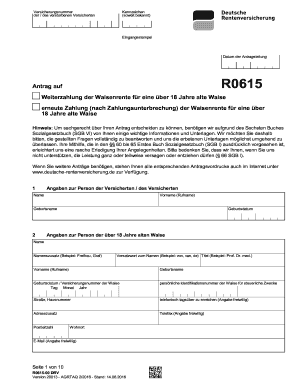
R0615 antrag
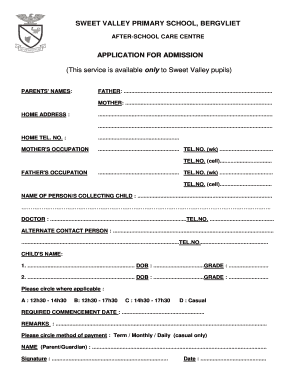
South africa school application

School-wide Benchmarks of Quality: SCORING FORM ... - PBIS

Cafe rio application online

Fiu immunization
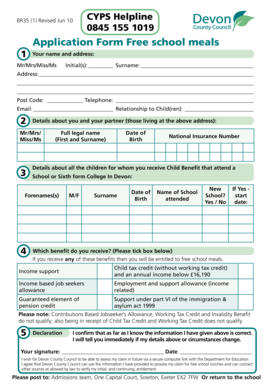
Sidbury primary school
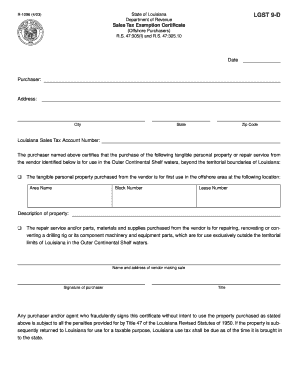
Lgst form
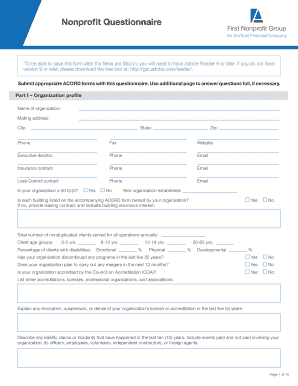
Nonprofit Questionnaire - AmTrust Financial
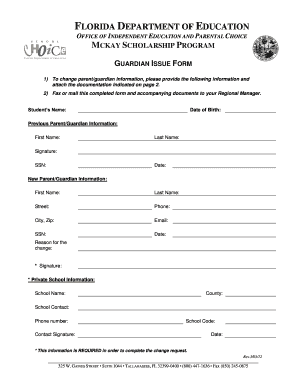
Mckay guardian issue form

Volunteer Background Check Form and Authorization - seattlearchdiocese

Form 29 1 archdiocese of seattle

Sbi indenture of mortgage
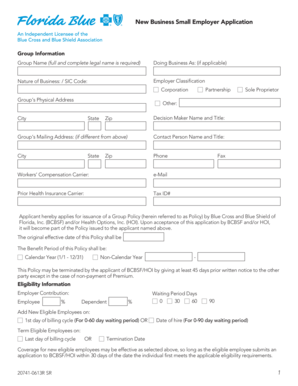
1 New Business Small Employer Application - Rogers Benefit Group
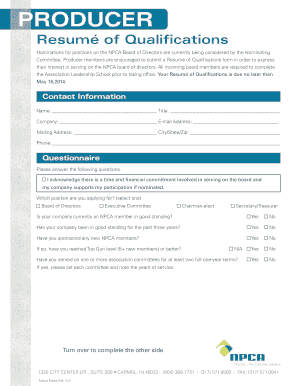
Producer Member Resume of Qualifications (Interactive PDF) - precast
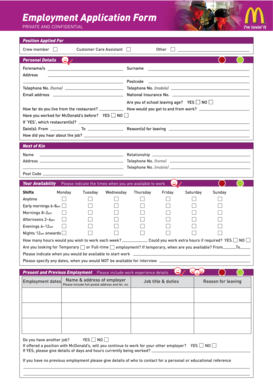
Download job application form for McDonald's - application-form.org - images pcmac
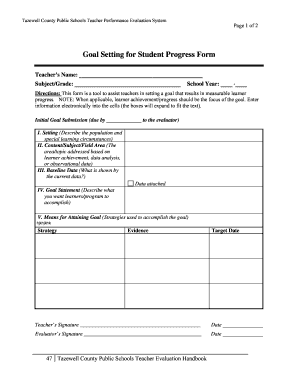
Goal Setting for Student Progress Form - images pcmac

Bus referral
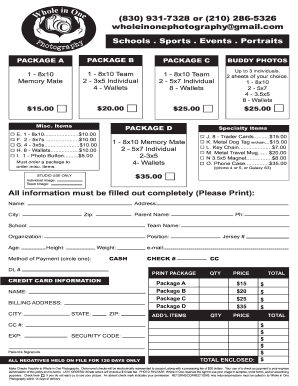
Whole in one photography
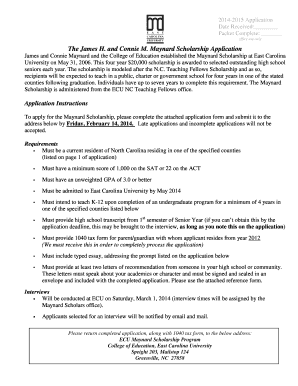
2014-2015 Maynard Scholarship Application PDF File - images pcmac
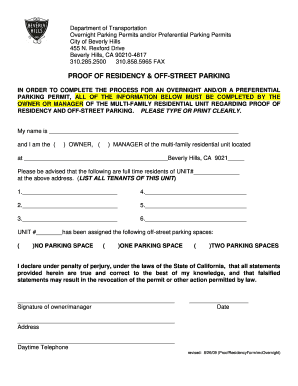
Proof of Residency Form - City Of Beverly Hills
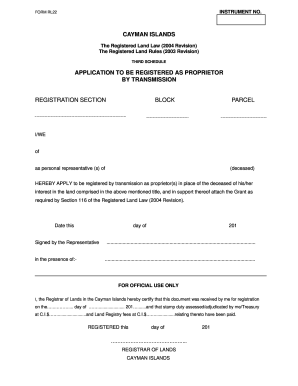
Form rl22
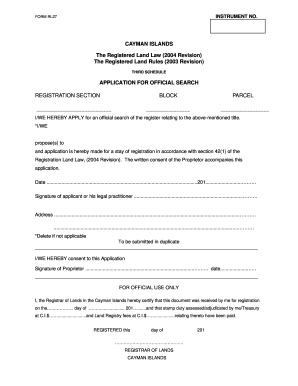
Cayman islands passport office forms
49209509
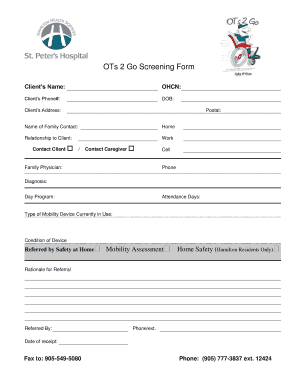
OTs 2 Go Screening Form - Hamilton Health Sciences
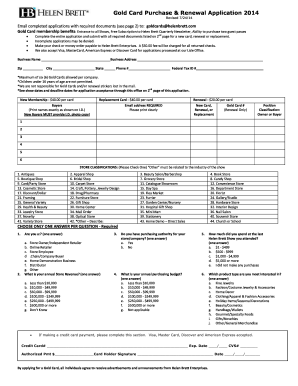
Amway member ship fom 2016 pdf form
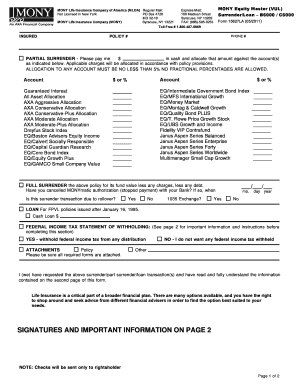
15627LA-MONY Equity Master (VUL) Surrender/Loan. MOMENTUM SERIESTOPS (Telephone Operated Program Support) ELECTION FORM
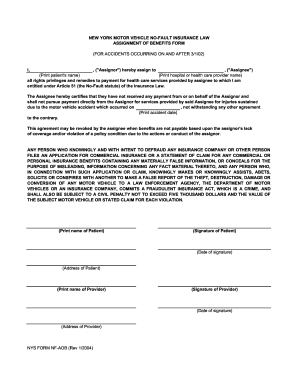
NF-AOB (Rev 1/2004) Assignment of Benefits Form

Monthly Resource amp Expenditures - Mountwest Community bb - mctc

Science fair rubric 5th grade

05 - 158 -A TEXAS FRANCHISE TAX REPORT - Page 1
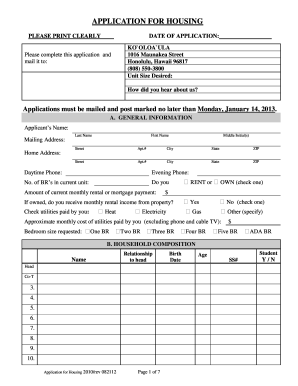
Kooloaula
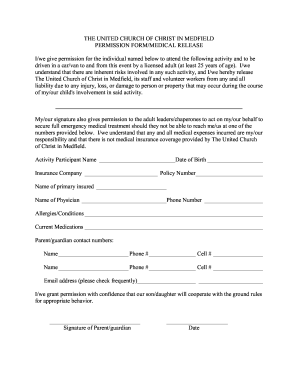
Church christ permission
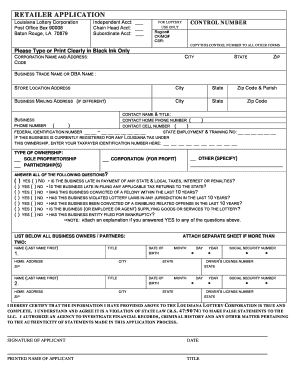
La application lottery
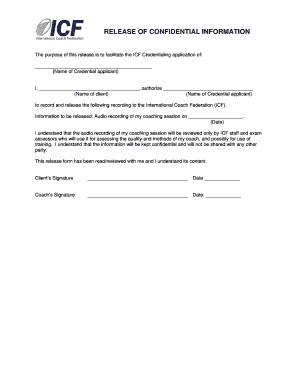
ICF Release of Confidential Information Form - Carly Anderson, MCC
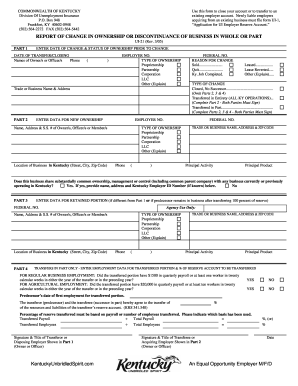
Ui 21

*fmlscom form
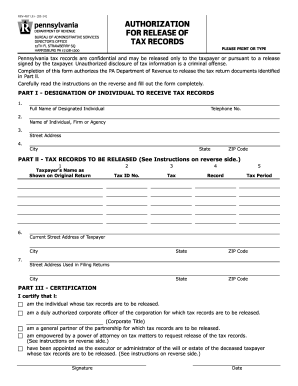
Rev 467

Sports Nutrition Kit for High school Classes - Fraser Health Authority
Laboratory requisition form

Referral Form - Fraser Health Authority

Sample letter of intent to purchase dental practice
Ramsey county email
Celebrity format
Medical necessity form

Credit Check Consent Form (PDF) - Capuchin Communications
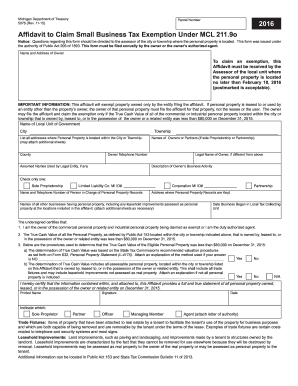
2019 Form MI 5076 Fill Online, Printable, Fillable, Blank - DocHub
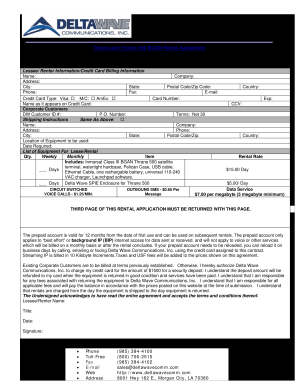
Download Rental Application - Delta Wave Communications Inc.
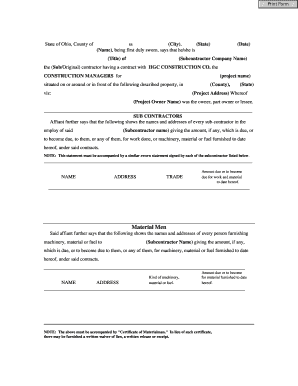
Form 44
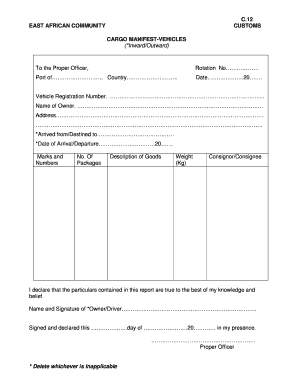
C12 form
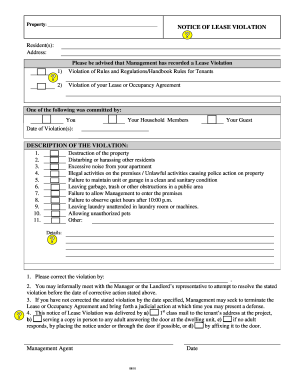
Apartment violation template

Hollis f price
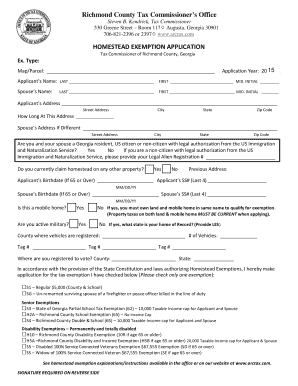
S5 form richmond county tax
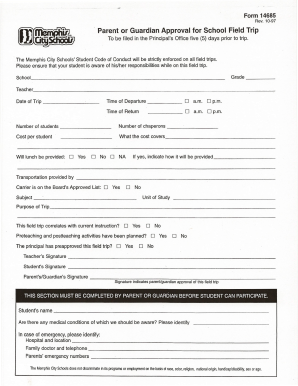
Approval field trip

Mcsk12

Treatment bAgreementb - Alan J Zend DO PLLC
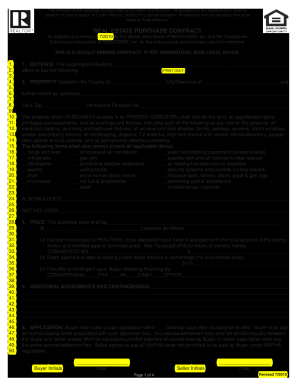
Ycar real estate contract

Writable colorado residential lease agreement 2010 form
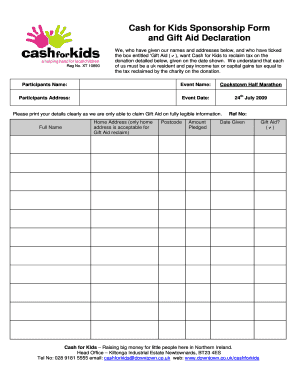
Cash for Kids Sponsorship Form and Gift Aid Declaration - downtown bauerweb co

BUSINESS APPLICATION and REGISTRATION - Rhode Island - tax ri
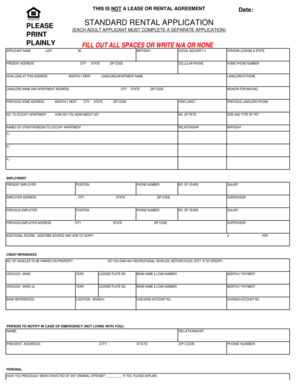
Standard rental application
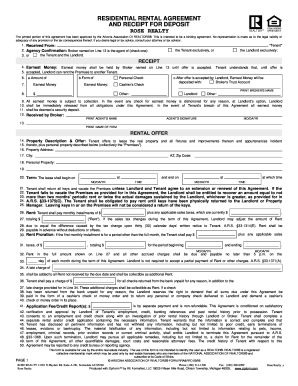
RESIDENTIAL RENTAL AGREEMENT AND RECEIPT FOR DEPOSIT ROSE REALTY - arizonahomes
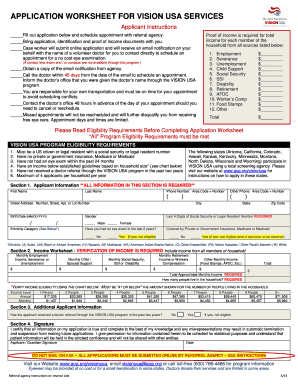
Vision usa application
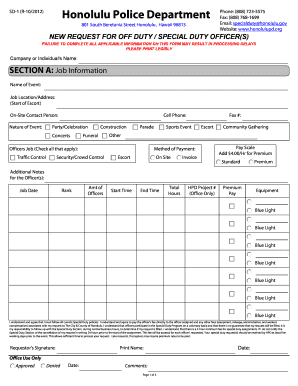
Request for Off Duty / Special Duty Officer(s) form - Honolulu Police ... - honolulupd
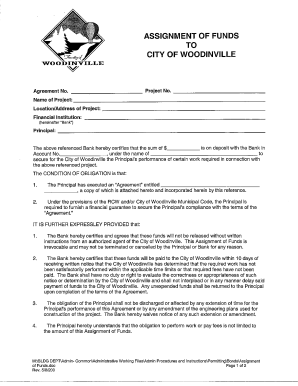
City funds
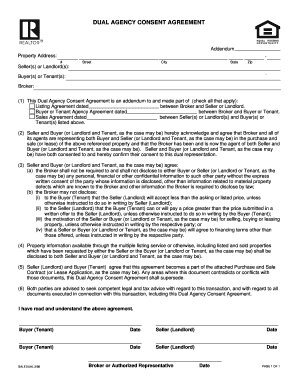
DUAL AGENCY CONSENT AGREEMENT
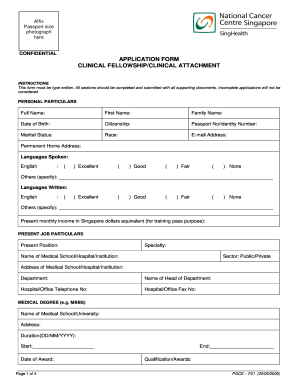
How to sign in pdf
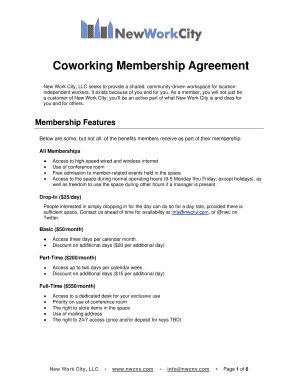
Nwc-coworking-membership-agreement-greydoc
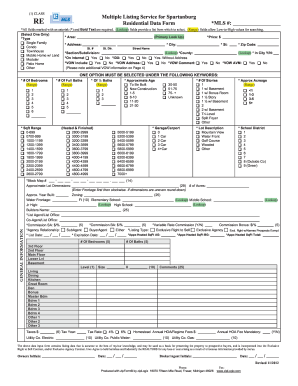
Spartanburg form multiple listing
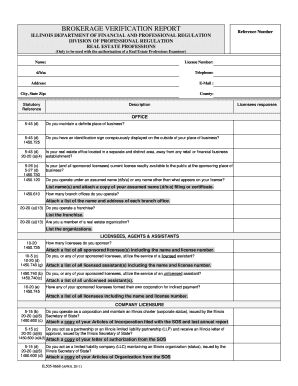
Brokerage verification report form

CONSUMER GUIDE TO AGENCY RELATIONSHIPS Ohio Real Estate
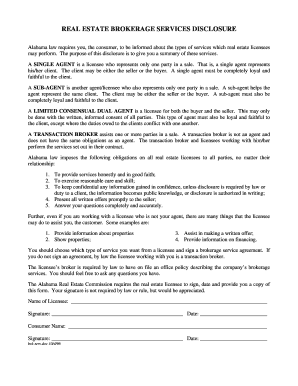
REAL ESTATE BROKERAGE SERVICES DISCLOSURE
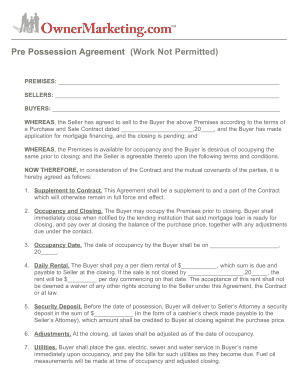
Pre possession agreement
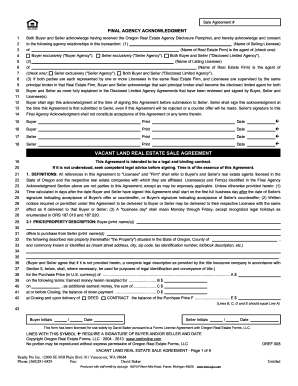
Sale Agreement #

Clickit realty reviews
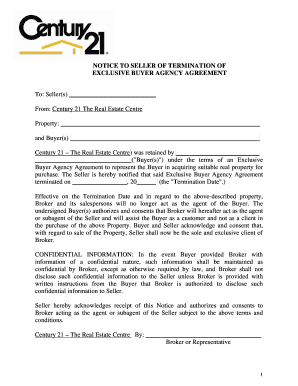
Termination agreement notice
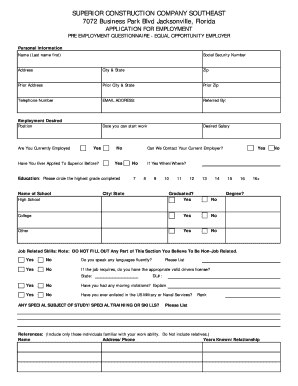
Superior construction
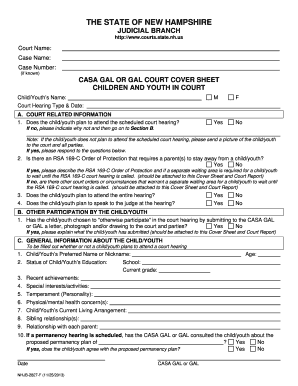
CASA GAL or GAL Court Cover Sheet - New Hampshire Judicial Branch - courts state nh
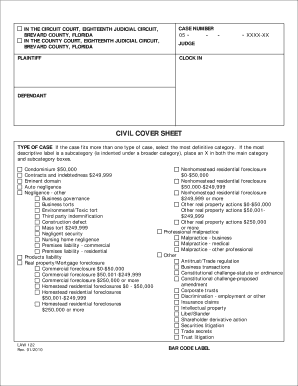
Brevard county clerk of courts
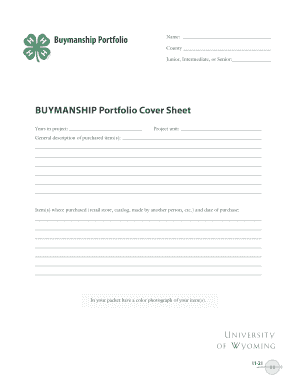
Buymanship sheet
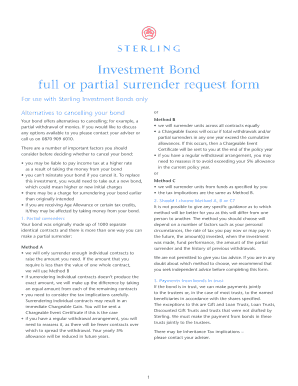
Sterling bond withdrawal form

Texas license
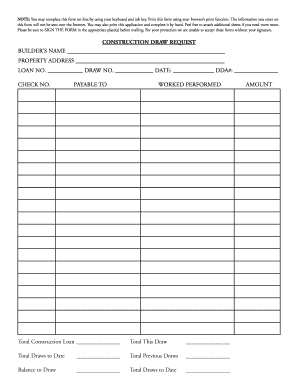
CONSTRUCTION DRAW REQUEST - Missouri Bank
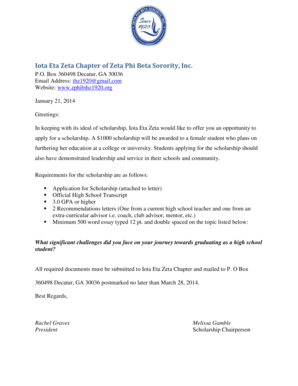
Zeta phi beta application
Benefit from the DocHub online library of fillable PDF forms
Searching the PDF forms doesn't have to be a tedious and time-consuming process. With the DocHub online library, it has become easier to find the fillable PDF forms and modify them in your browser. The service allows you to adjust the document to your needs using powerful editing tools.
You can use online document editing features to modify almost any type of document with ease. You just need to find the template of your choice, open it in the editor, and use the toolbar to make the necessary corrections.
Follow this guide to get your document done with DocHub:
- Find the PDF template you need.
- Click the Get Form button to open the file in the editor.
- Use the toolbar to fill out and edit the document.
- Easily add and highlight text, insert images, checkmarks, and symbols.
- Drop new fillable fields, and rearrange or delete pages from your file.
- Save changes and download your record.
DocHub empowers everyone to streamline document editing, signing, and distribution, and form completion. Create an account and benefit from our well-organized PDF Forms library and comprehensive editor.