




Here's how it works

01. Edit your form online
Type text, add images, blackout confidential details, add comments, highlights and more.

02. Sign it in a few clicks
Draw your signature, type it, upload its image, or use your mobile device as a signature pad.

03. Share your form with others
Send it via email, link, or fax. You can also download it, export it or print it out.
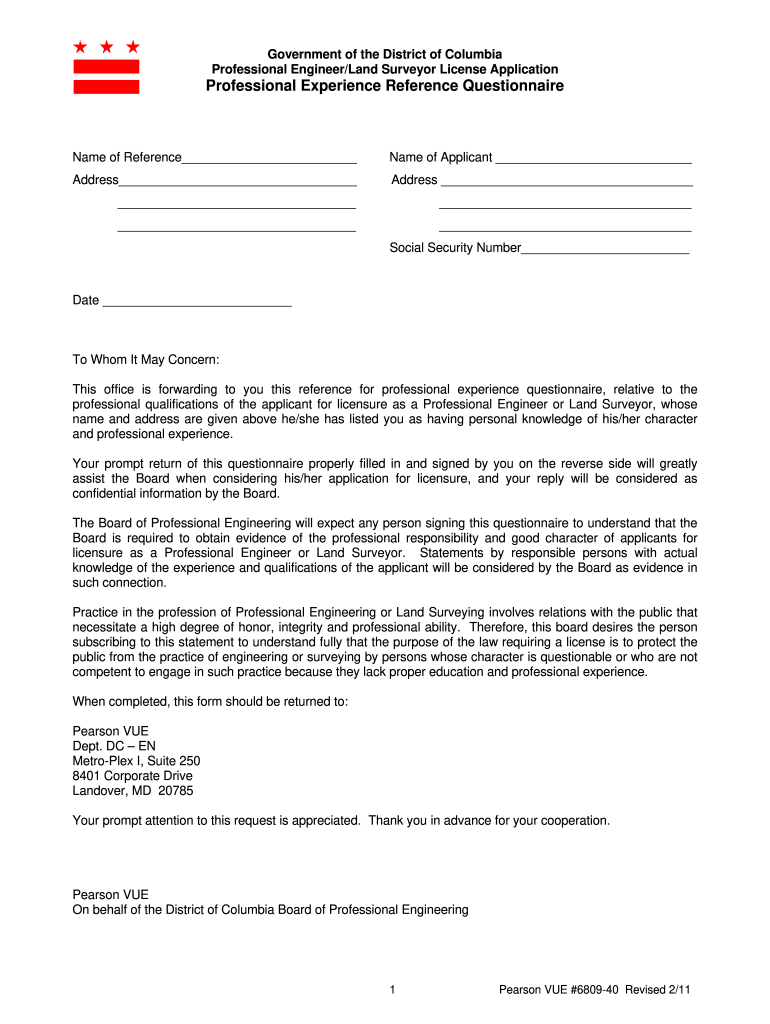
How to use or fill out the board experience questionnaire

- Click ‘Get Form’ to open it in the editor.
- Begin by entering the name of your reference and the applicant in the designated fields. Ensure accuracy as this information is crucial for identification.
- Fill in the address fields completely, including street, city, state, and zip code. This ensures that all correspondence reaches the right individuals.
- Provide the social security number and date in their respective sections. This information is sensitive; handle it with care.
- In the 'Statement of Endorser' section, type or print your responses clearly. Include how long you have known the applicant and your relationship to them.
- Select the professional work specialization of the applicant by checking appropriate boxes. This helps categorize their expertise.
- Complete the professional experience verification section by detailing dates of association, employer information, position held, and character of work performed.
- Finally, provide remarks regarding the applicant's abilities and indicate whether you recommend favorable consideration for their application before signing and dating the form.
Start filling out your board experience questionnaire today using our platform for free!
Fill out board experience questionnaire online
It's free
It's free
See more board experience questionnaire versions
We've got more versions of the board experience questionnaire form. Select the right board experience questionnaire version from the list and start editing it straight away!
| Versions | Form popularity | Fillable & printable |
|---|---|---|
| 2011 | 4.9 Satisfied (50 Votes) |
Got questions?
We have answers to the most popular questions from our customers. If you can't find an answer to your question, please contact us.
Contact us
What are the 5 questions to ask in a questionnaire?
These 5 basic questionshow, why, who, when, and whatdont get as much attention as the more popular questions you include in your survey. But they should. Take a few minutes to answer these 5 questions before you start writing your survey. Your results will thank you for it.
How to assess board performance?
The User Experience Questionnaire (UEQ) measure a persons experience of assistive technology, that are considered interactive products, for example software, phone apps. There are two versions of the UEQ, which are available in 36 languages.
What are good questions to ask board members?
Here are some commonly used ones: Board self-evaluations. External board evaluations. Key Performance Indicators (KPIs) Board observations. Peer evaluation. Board structure and composition. Board governance. Board training and development.
Security and compliance
At DocHub, your data security is our priority. We follow HIPAA, SOC2, GDPR, and other standards, so you can work on your documents with confidence.
Learn more




