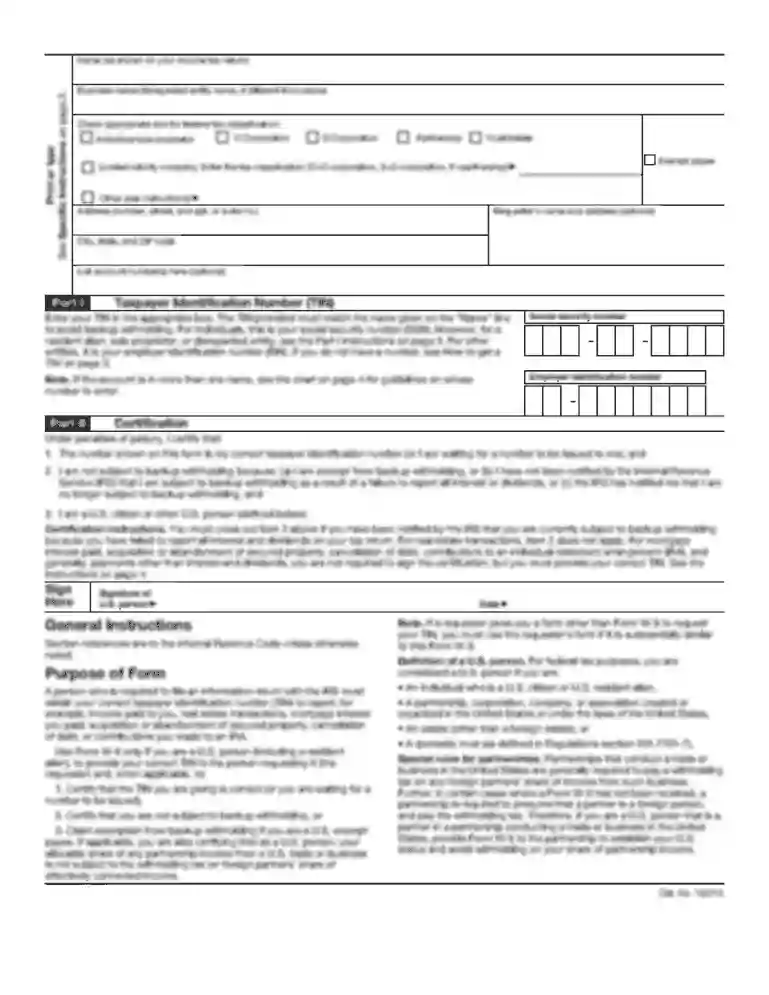
Thumbprint Form - oregon 2026

Get Form
thumbprint sign Preview on Page 1

Here's how it works

01. Edit your thumbprint sign online
Type text, add images, blackout confidential details, add comments, highlights and more.

02. Sign it in a few clicks
Draw your signature, type it, upload its image, or use your mobile device as a signature pad.

03. Share your form with others
Send it via email, link, or fax. You can also download it, export it or print it out.

How to use or fill out Thumbprint Form - oregon with our platform

Form edit decoration
9.5
Ease of Setup
DocHub User Ratings on G2
9.0
Ease of Use
DocHub User Ratings on G2
  1. Click ‘Get Form’ to open it in the editor.
  2. Begin by applying printer’s ink to your thumbs. Use a fingerprint ink pad and roll your thumb from one side to the other, ensuring you cover the entire surface.
  3. Roll your thumb from edge to edge, below the first crease line, using moderate pressure. Remember to roll it only once in one direction, with the tip pointing towards the top of the form.
  4. Ensure that each thumbprint is recorded in its designated block on the form. The ridges must be distinct and clear; if any print appears smudged or blurred, reprint it.
  5. For optimal results, position the paper at the edge of a hard surface while taking prints.
  6. Fill in additional fields such as Dealer Name, FFL Number, Purchaser Name, and Date of Birth as required.

Start filling out your Thumbprint Form - oregon today for free using our platform!

be ready to get more

Complete this form in 5 minutes or less

Get form

Got questions?

We have answers to the most popular questions from our customers. If you can't find an answer to your question, please contact us.
Contact us
0:24 3:22 Service this usually includes two fingerprint cards. Which are essential for the process. If youMoreService this usually includes two fingerprint cards. Which are essential for the process. If you need more cards it typically costs an additional $2 to $5 for each extra. Card.
Where can I get my fingerprints taken? If you submit a request electronically directly to the FBI, you may visit a participating U.S. Post Office location to submit your fingerprints electronically as part of your request.
Answer: Applicants without a valid license: Fingerprints are valid for three years from the fingerprint clearance date. Individuals with a valid Oregon license: Fingerprints are valid from the fingerprint clearance date onward as long as a valid license is maintained.
Fingerprinting timeline: Fingerprint processing by the Oregon State Police is currently taking 3-4 weeks. If you are concerned about this timeline, you can be fingerprinted before you take your license exam. View PSIs current fingerprinting schedule.
Fingerprinting services are available at most local police departments, sheriffs offices or any public applicant Live Scan site.

Security and compliance

At DocHub, your data security is our priority. We follow HIPAA, SOC2, GDPR, and other standards, so you can work on your documents with confidence.

Learn more
ccpa2
pci-dss
gdpr-compliance
hipaa
soc-compliance
be ready to get more

Complete this form in 5 minutes or less

Get form

People also ask

How Do I Request a Copy of My History? ​We can provide you with a copy of your Oregon criminal history report or a response stating you have no Oregon criminal history. You will need to complete our form​​, provide your fingerprints, and pay a $33.00 fee.

Related links