01. Edit your how to sign a letter of recommendation online
Type text, add images, blackout confidential details, add comments, highlights and more.
02. Sign it in a few clicks
Draw your signature, type it, upload its image, or use your mobile device as a signature pad.
03. Share your form with others
Send how to sign a recommendation letter via email, link, or fax. You can also download it, export it or print it out.
How to use or fill out essec recommendation with our platform
Ease of Setup
DocHub User Ratings on G2
Ease of Use
DocHub User Ratings on G2
Click ‘Get Form’ to open the essec recommendation in the editor.
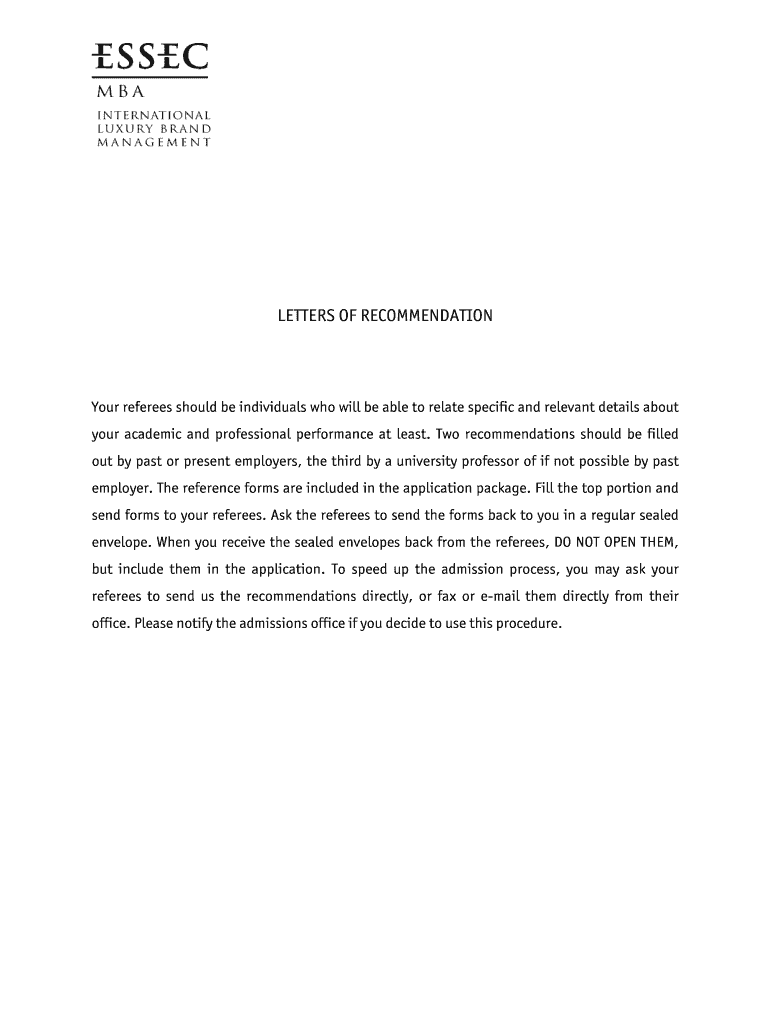
Begin by filling in your personal details at the top of the form, including your last name, first name, and date of birth. This information is crucial for your referees.
Next, forward the completed form to your referees along with a sealed envelope for their responses. Ensure they understand not to open the envelope once filled.
Instruct your referees to provide an honest assessment by answering questions about your strengths and weaknesses. They can also rate you on various criteria using the provided scale.
Once you receive the sealed envelopes back from your referees, do not open them. Include these envelopes in your application package as instructed.
Alternatively, you may ask your referees to send their recommendations directly via fax or email to expedite the process.
Start using our platform today for free and streamline your document editing experience!
Letter of recommendation for: (Candidate Name). 3. Please describe the personality of the candidate. 4. What do you consider to be the candidates principalRead more
Jan 6, 2026 Each guideline comprises the establishment of a Green Bond Framework, an external review and an impact reporting, in accordance with best-Read more
Cookie consent notice
This site uses cookies to enhance site navigation and personalize your experience.
By using this site you agree to our use of cookies as described in our Privacy Notice.
You can modify your selections by visiting our Cookie and Advertising Notice.