
Get any PDF form from the DocHub library of ready-made templates - Page 1794
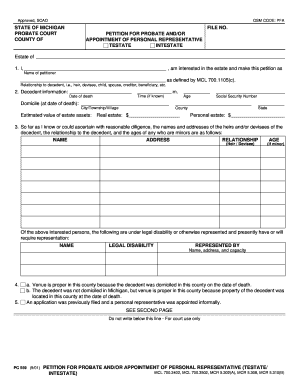
Pfa petition for probate form
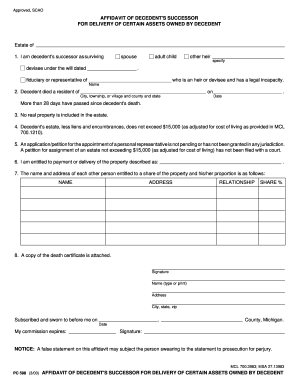
Successor affidavit new mexico form
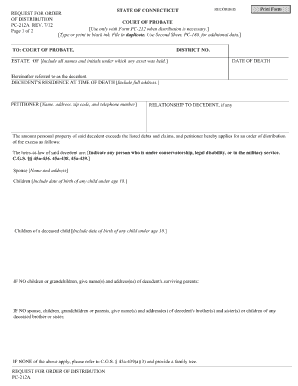
Pc 212a
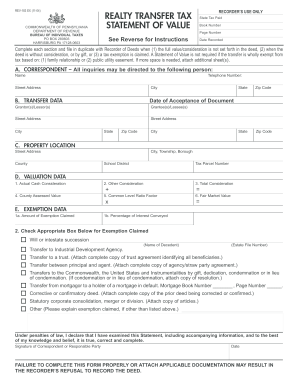
Rev 183 ex 2004 form

Form 2011 1120 ric
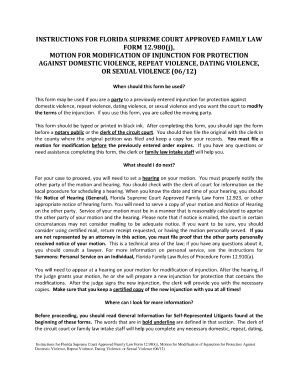
Pdf petition for injunction for protection against repeat violence 2012 form
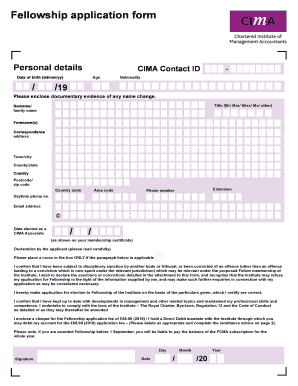
Cima fellowship application example

Driver license application
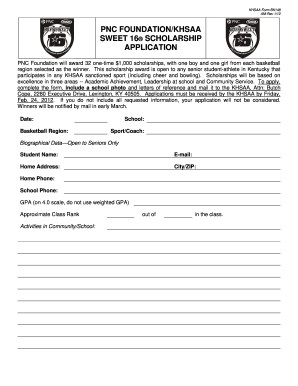
Khsaa scholarship 2012 form

Biographical data sheet

Pa notary application pdf
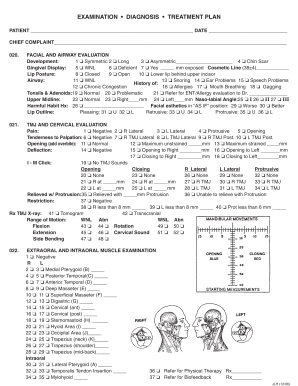
Patient Exam Form - ALF Orthodontics
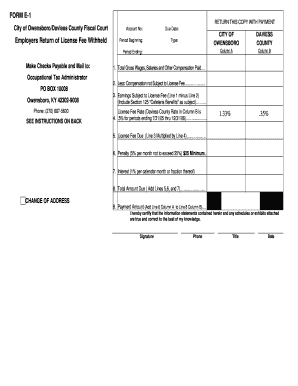
City of owensboro and e 1 form
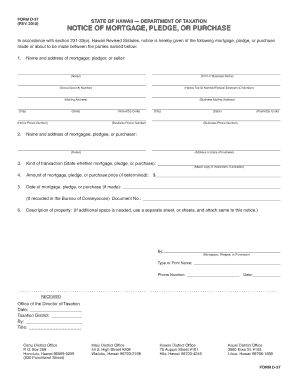
Notice of mortgage pledge or purchase hawaii
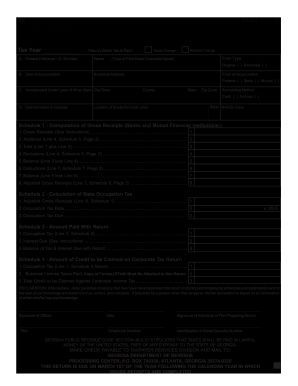
Form 900 2011

Zenith account opening
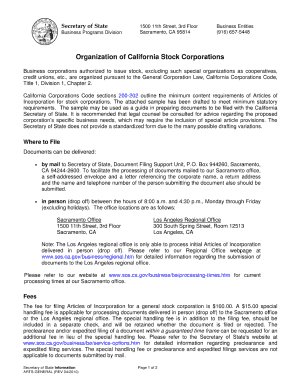
Articles of incorporation california example

JC-1690: Petition in Juvenile Court for Temporary Restraining Order ...
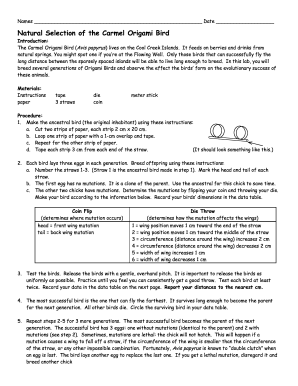
Natural Selection of the Carmel Origami Bird - indiana
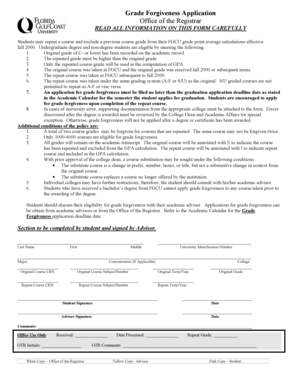
Fgcu grade forgiveness
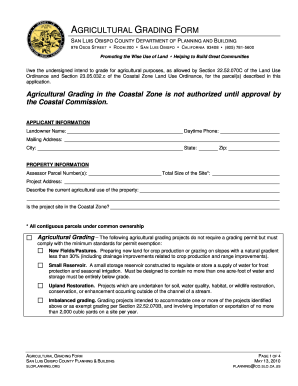
AGRICULTURAL GRADING FORM - slocounty ca

Change of grade form
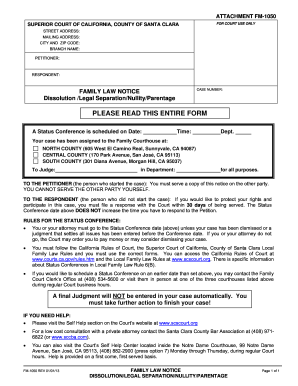
Fm 1050 family law notice form

Barrier checklist

Citimortgage 4506 t form
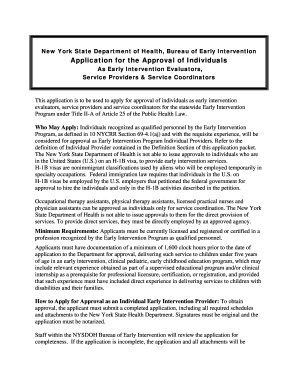
New york application approval

Expedited form
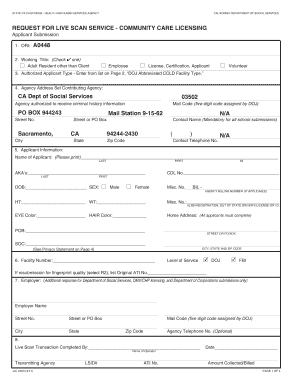
Lic 9163
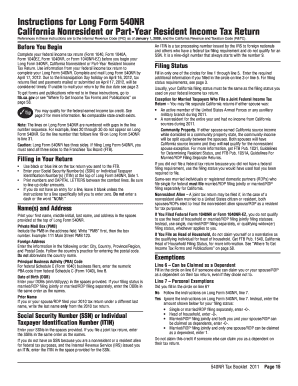
2011 ca instructions form
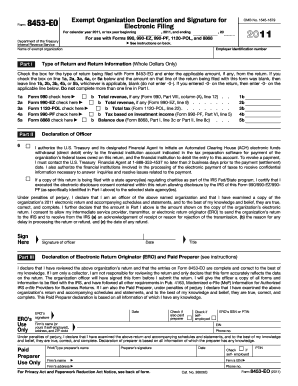
2011 8453 form
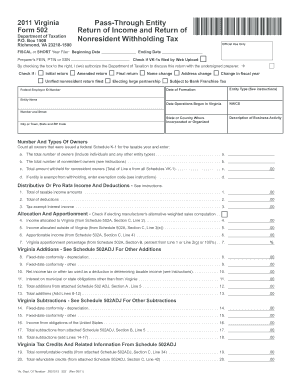
2006 virginia form 502 2011
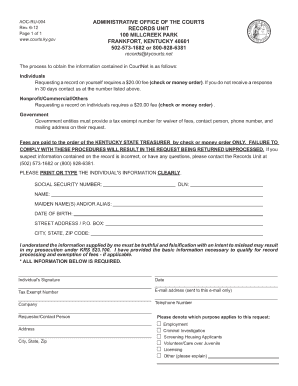
Recordskycourtsnet 2012 form
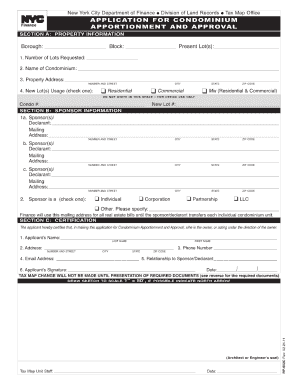
Rp602c

Maryland form 500
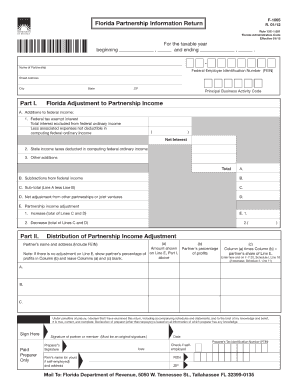
Form f 1065
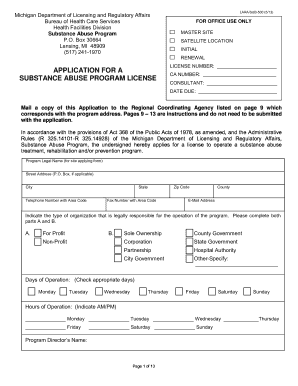
LARA /SUB - State of Michigan - michigan
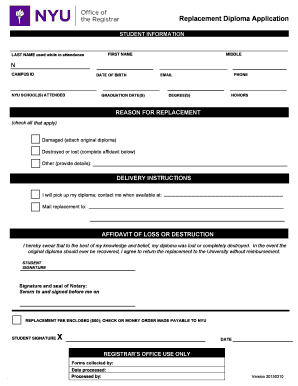
Nyu replacement diploma
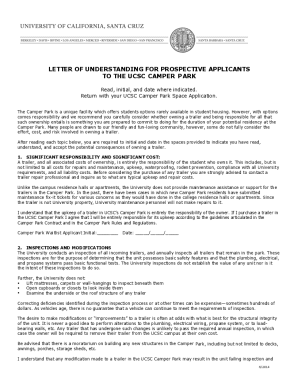
Letter of understanding form
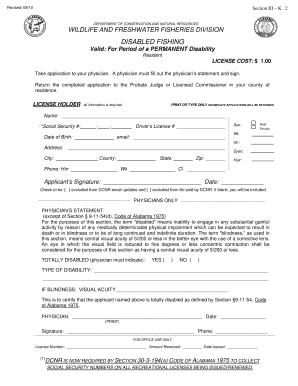
Fishing license mobile al

Less application print

Program dea form

Assurant gap

485 hcfa plan form
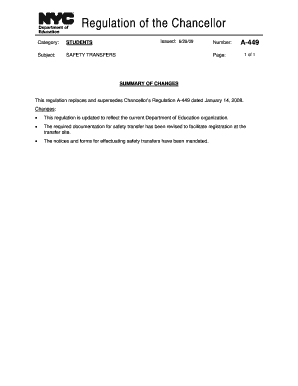
Chancellor regulation a 412 update 2009 form
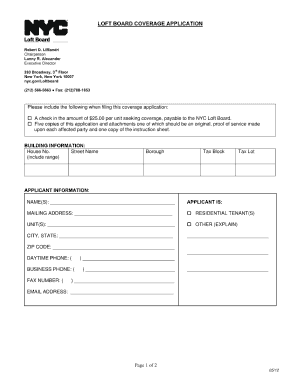
Loft board coverage application form

Editable omb 0938 0990

Flood insurance coverage form

Print quote request form

Erefund dcccd

PD F 5444 E Bureau of the Public Debt (Revised October 2011) - treasurydirect
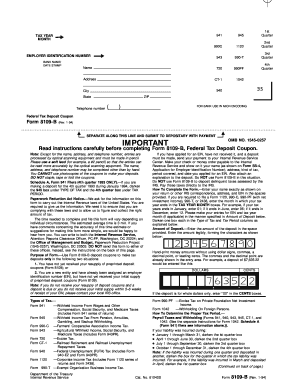
Form 8109-B

Chicago park district deposit

Enon community reinvestment ministry form
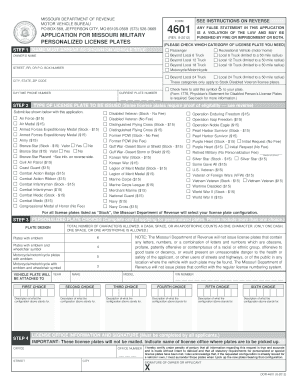
Form 4601 2012

Allstate critical illness claim form

Jsrcc form
Prc ohio richland county

Nyc form vr 66 fillable 2011
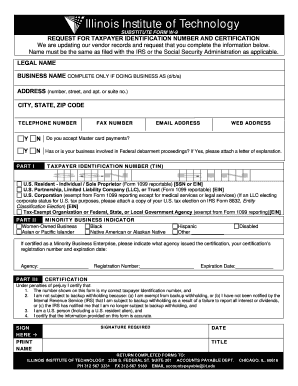
Illinois institute form w 9
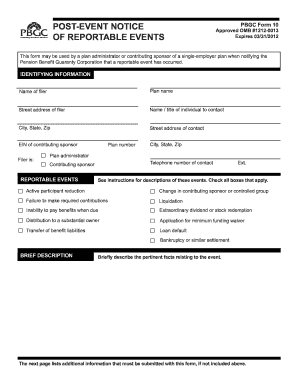
Pbgc reportable online

Online dmv confidential morbidity report form

Houston community college direct deposit for employees form
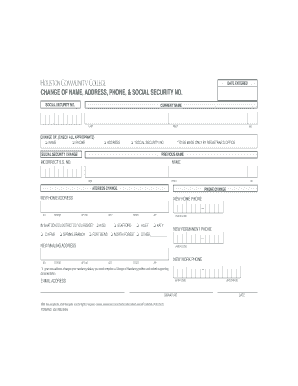
Hcc can i change adress form
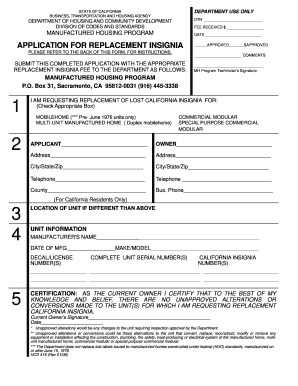
Hcd form 416
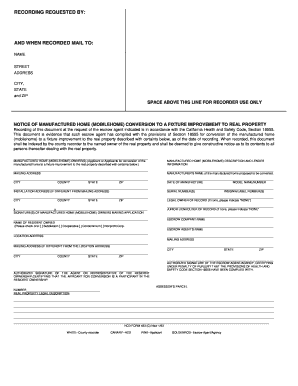
433c
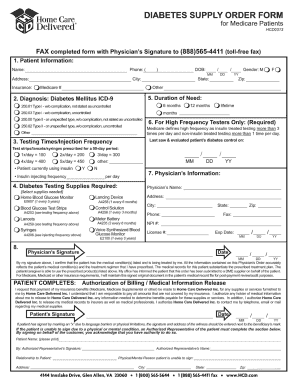
Dibetic physicians written order sample
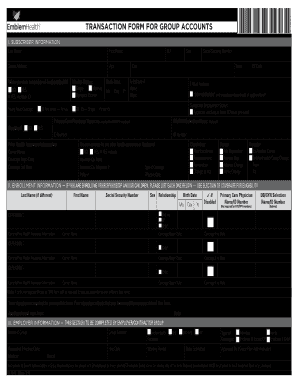
Emblemhealth transaction form for group accounts
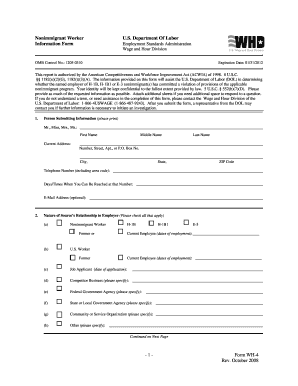
Form wh 4
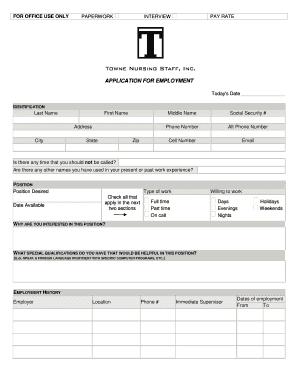
Towne nursing interview
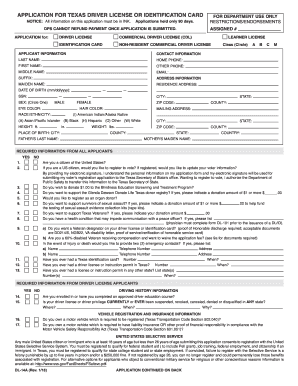
Texas driving school dl 14a 2012 form
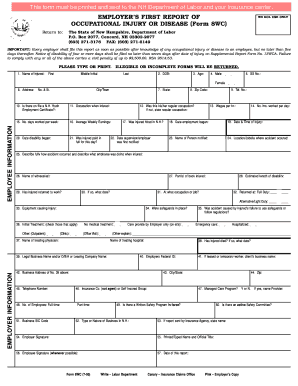
Form 8wc
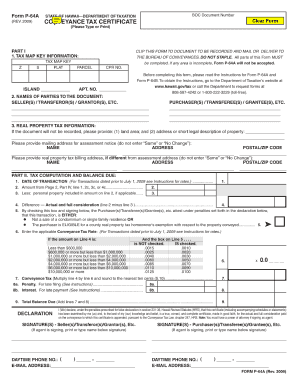
2009 form p 64a
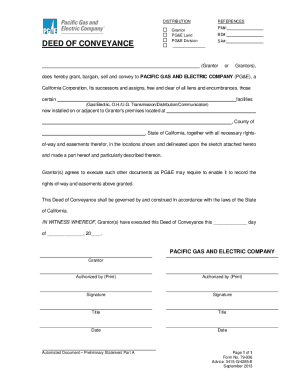
Deed of conveyance sample pdf
Phdmj061901
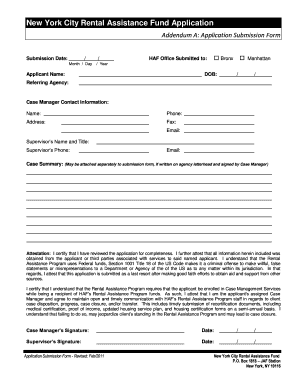
Ny assisstance fund application
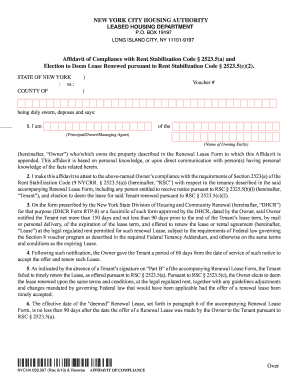
Section 8 recertification forms
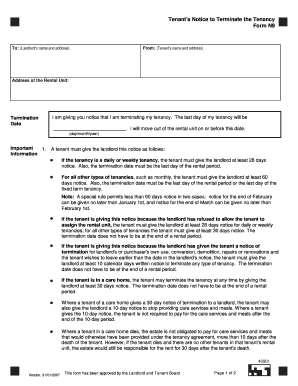
N9form

Brevard homestead exemption

Unified carrier registration ohio
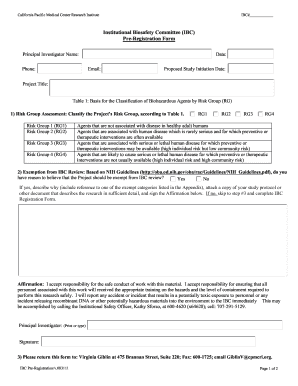
(IBC) Pre-Registration Form - California Pacific Medical Center - cpmc
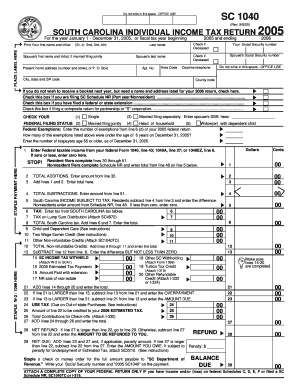
2005 sc tax form

Form 10 pbgc 2015
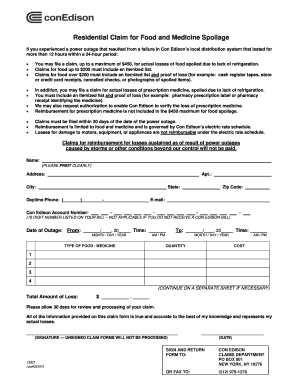
Residential claim for food and medicine spoilage 2007 form

Department of labor form lm 10 pl 86 257 as amended
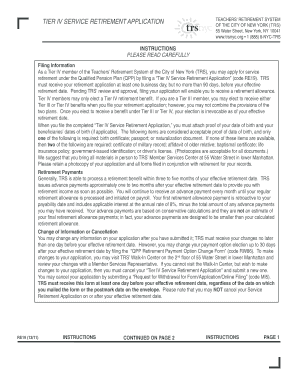
Trsnyc tier 4 policy 2011 form

Affidavit for Missing Check (and Authorization to Stop Payment) (code BK2). formform

Medical shipment application form

Sc pt 100 form instructions 2007
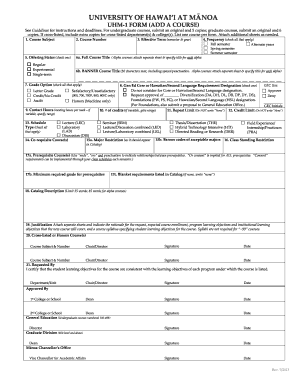
Uhm form

Dobie ranch rescue
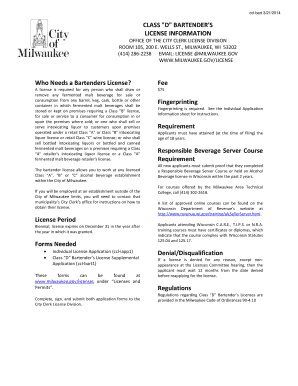
Bartender license milwaukee

Wisconsin ubike license
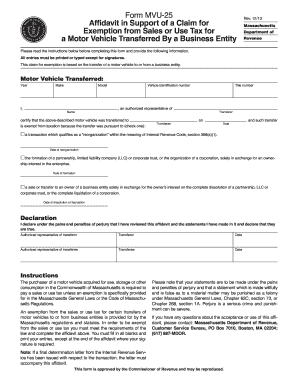
Form MVU-25, Affidavit in Support of a Claim for ... - Mass.Gov - mass
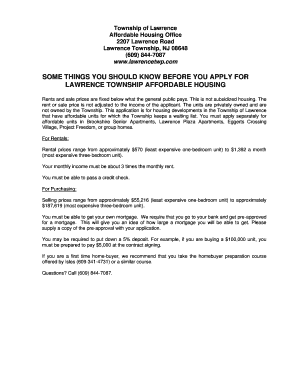
Lawrenceville affordable housing

Illinois employee application
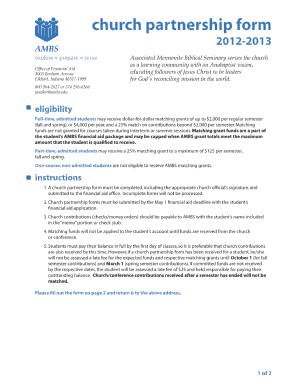
Church partnership form
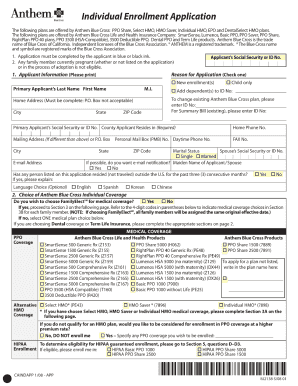
Anthem blue cross application form 2008
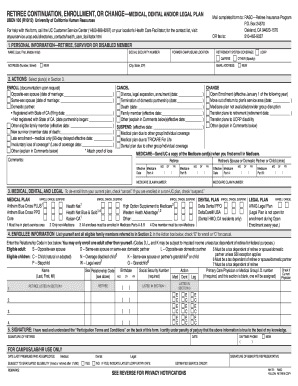
Uben 100 2012 form
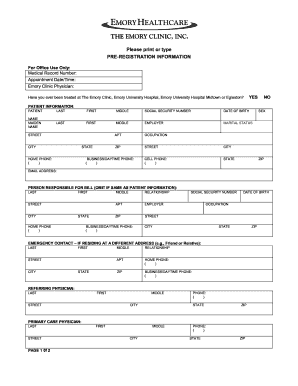
Emory healthcare pre registration
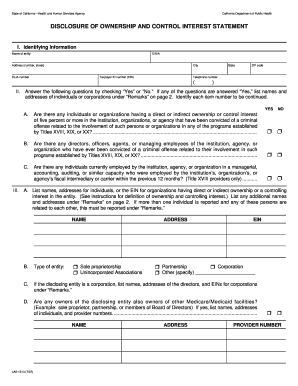
Clia disclosure of ownership form texas
Benefit from the DocHub online library of fillable PDF forms
Searching the PDF forms doesn't have to be a tedious and time-consuming process. With the DocHub online library, it has become easier to find the fillable PDF forms and modify them in your browser. The service allows you to adjust the document to your needs using powerful editing tools.
You can use online document editing features to modify almost any type of document with ease. You just need to find the template of your choice, open it in the editor, and use the toolbar to make the necessary corrections.
Follow this guide to get your document done with DocHub:
- Find the PDF template you need.
- Click the Get Form button to open the file in the editor.
- Use the toolbar to fill out and edit the document.
- Easily add and highlight text, insert images, checkmarks, and symbols.
- Drop new fillable fields, and rearrange or delete pages from your file.
- Save changes and download your record.
DocHub empowers everyone to streamline document editing, signing, and distribution, and form completion. Create an account and benefit from our well-organized PDF Forms library and comprehensive editor.