




01. Edit your 4506 t mortgage online
Type text, add images, blackout confidential details, add comments, highlights and more.

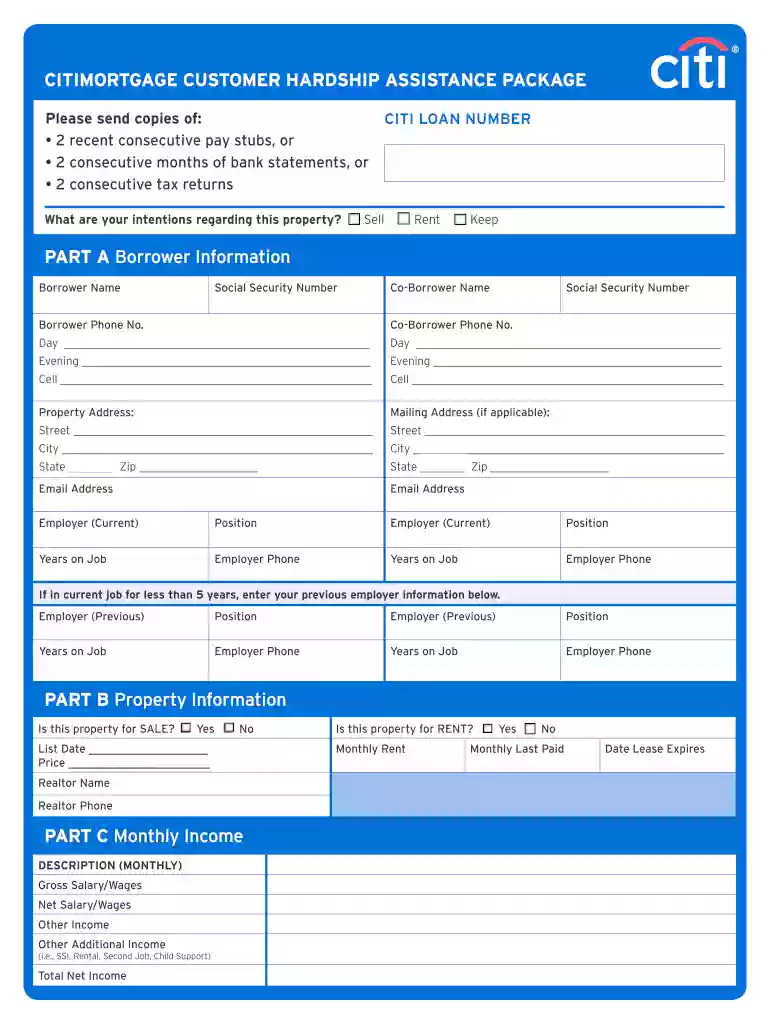
Type text, add images, blackout confidential details, add comments, highlights and more.

Draw your signature, type it, upload its image, or use your mobile device as a signature pad.

Send citimortgage online via email, link, or fax. You can also download it, export it or print it out.

Start using our platform today for free to streamline your document editing and signing process!
At DocHub, your data security is our priority. We follow HIPAA, SOC2, GDPR, and other standards, so you can work on your documents with confidence.
by J Fox 2015 Cited by 18 (2) Improperly completed 4506T form, the form sent to the IRS to verify income. Applicants must ask for the tax returns for 12/31/2014, notRead more
A form 4506T-EZ is the short form of that document. 8To qualify for a permanent loan modification under HAMP, the borrower must occupy the property as theirRead more


