
Get any PDF form from the DocHub library of ready-made templates - Page 1781
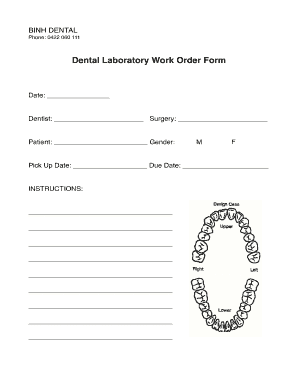
DENTAL LABORATORY WORK ORDER FORM Date: Laboratory ...

Libraries documents mhco
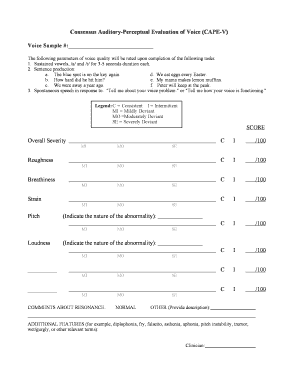
Consensus auditory perceptual evaluation of voice cape v
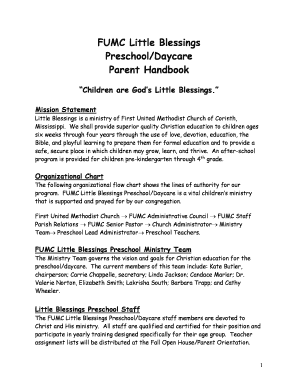
Preschool - My Little Blessing's Preschool-Daycare
Primal blueprint fitness pdf
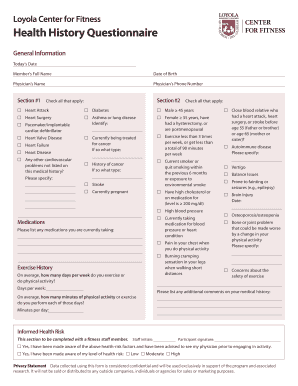
Health and Fitness Medical History Questionnaire Forte Counseling ...
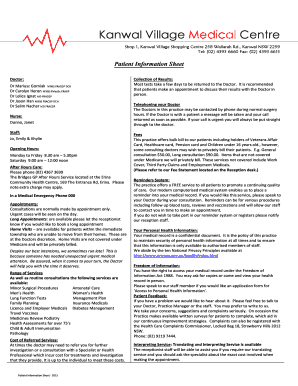
Dr salim nachar
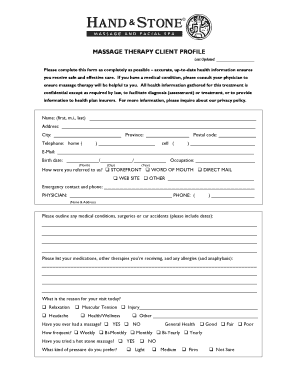
HAND AND STONE MASSAGE SPA, INC
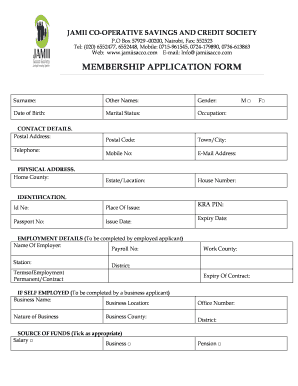
Jamii sacco

Remittance advice template word
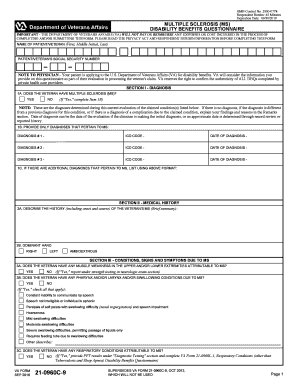
Multiple disability benefits questionnaire
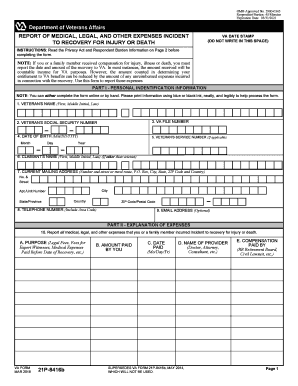
Va form 21p 8416 veterans
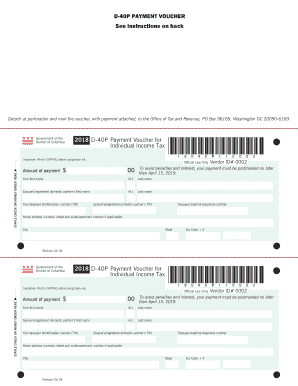
D 40p payment voucher
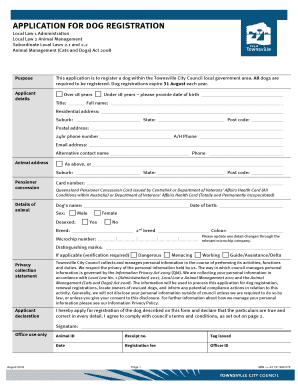
Townsville dog registration
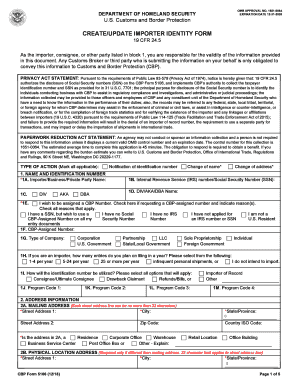
CBP Form 5106. CREATE/UPDATE IMPORTER IDENTITY FORM
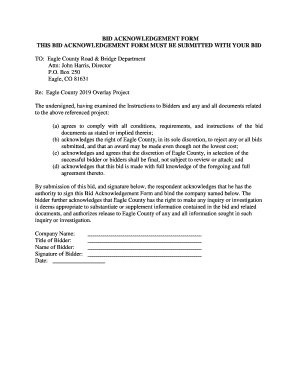
BID ACKNOWLEDGEMENT FORM THIS BID ACKNOWLEDGEMENT FORM MUST ...

Texas Commission on Environmental Quality BACKFLOW PREVENTION ...
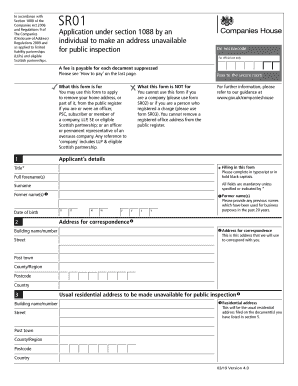
Sr01 form

Truck dispatch spreadsheet template
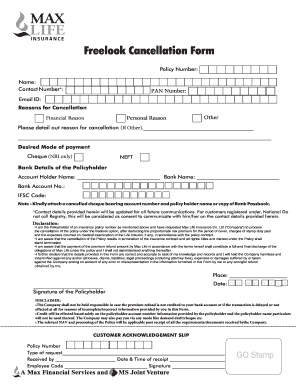
Max life insurance surrender online
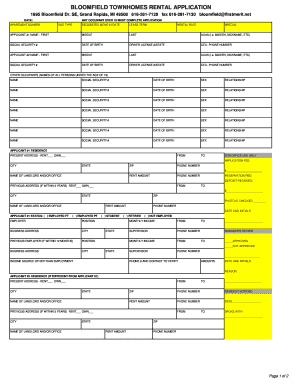
BLOOMFIELD TOWNHOMES RENTAL APPLICATION
Guide form iccrc online
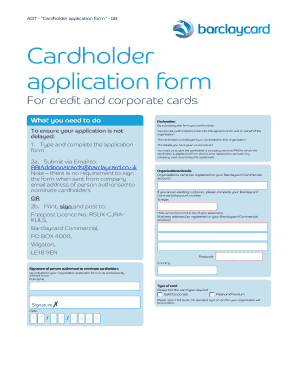
AGT - "Cardholder application form" - GB
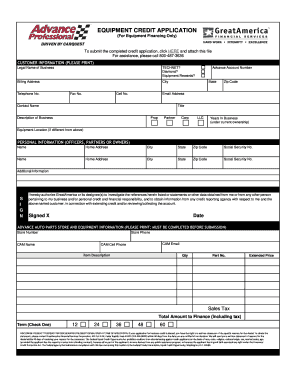
(For Equipment Financing Only)
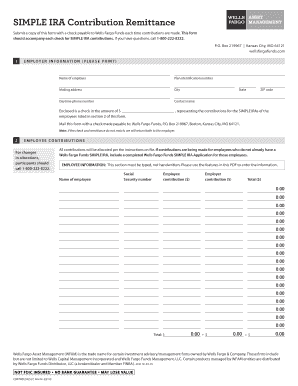
Form simple ira contribution

8050 5

University fmla form certification
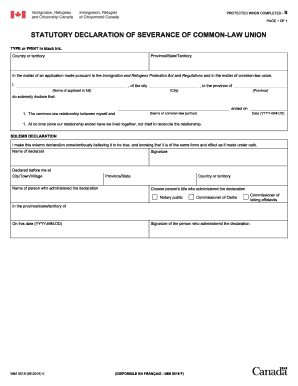
Imm 5519
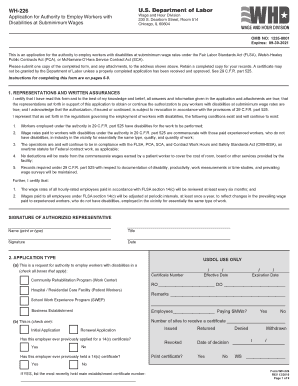
Wage paid certificate

Ds 3179
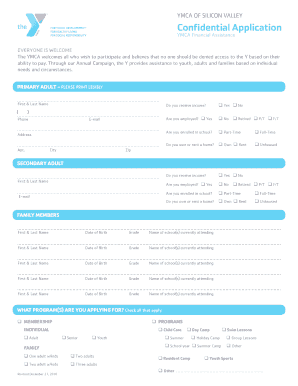
Confidential application assistance

Pennsylvania mortgage form
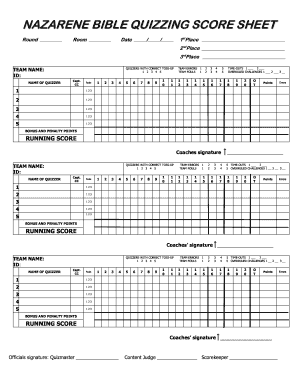
Nazarene bible quizzing score sheet - USA / Canada Region

Va form 10 0500
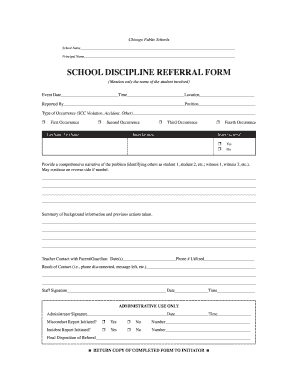
Schools referral form

5583f documents

High School Girls Basketball Team Rules - Tulpehocken Area School ...
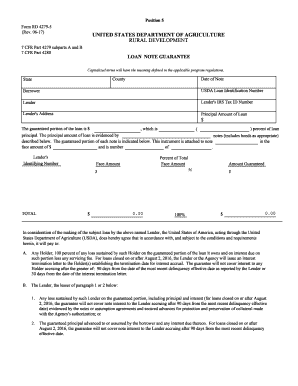
Form loan guarantee

Jersey form

Imm 5467
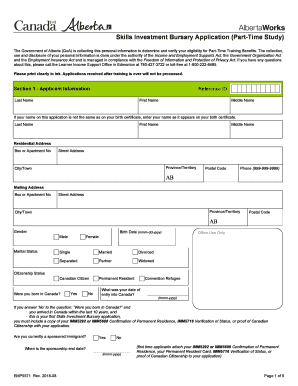
Skills Investment Bursary Application (Part-Time Study). This is an application form that is used by Albertans to apply for Skills Investment Funding through Community and Social Services.
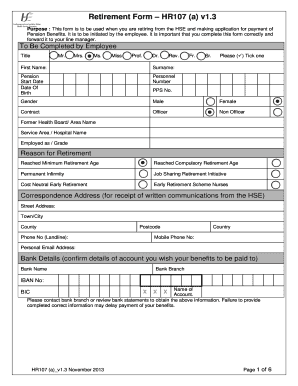
Retirement form hr107a

Generator preventive maintenance checklist excel

Skjema for bankopplysninger - U.S.A. / Bank information form. NAV 95-00.06
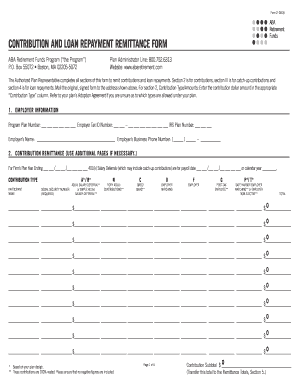
Form remittance

Finding scale factor worksheet
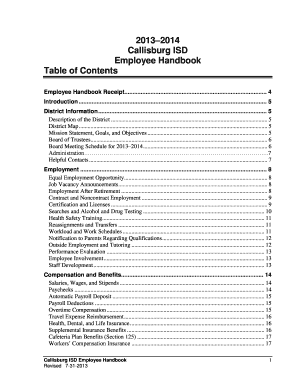
Saisd employee handbook

The magic of rainbows
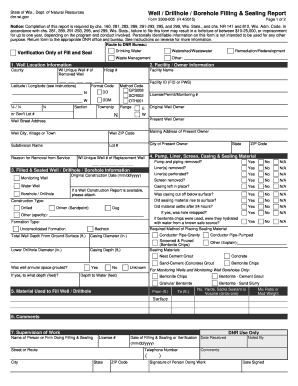
Dnr filling blank

Arizona payment form
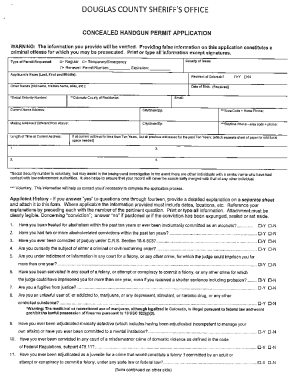
Douglas county concealed permit
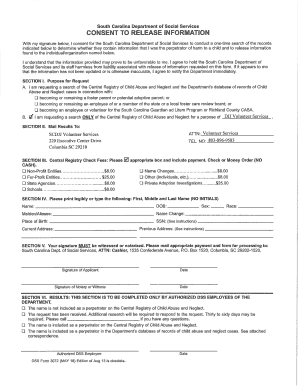
Dss form 3072

Wisconsin form 2450 032 fillable

Pmc transcript
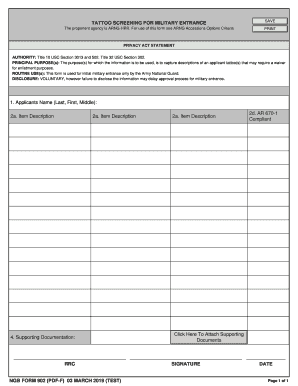
Ngb form 902

W2 request

Nursing addendum
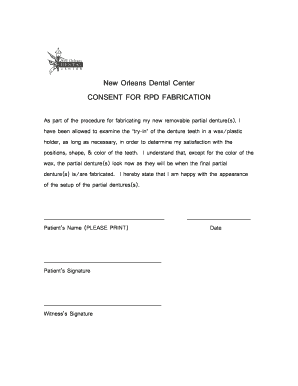
Denture consent form
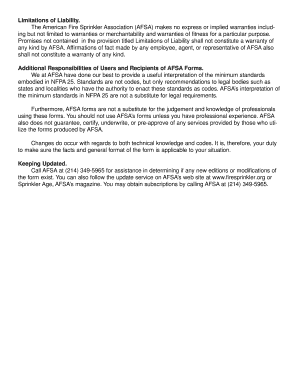
Form 107A. Report of Inspection
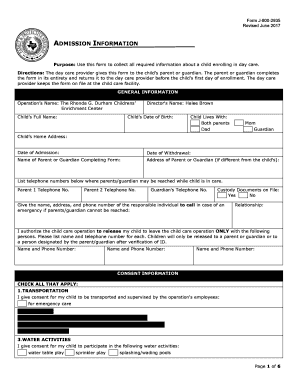
Form j 800 2935
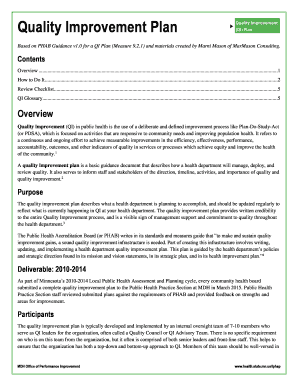
Quality improvement project examples pdf
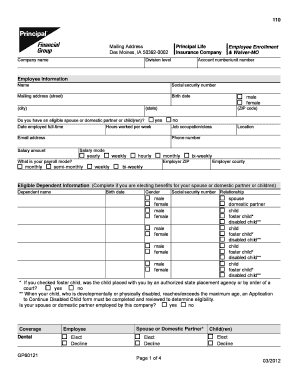
& Waiver-MO
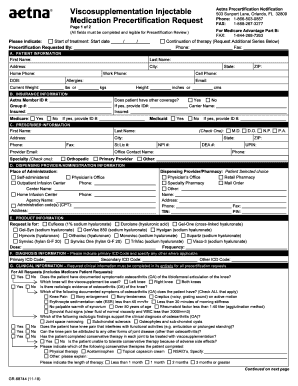
Viscosupplementation injectable medication request form
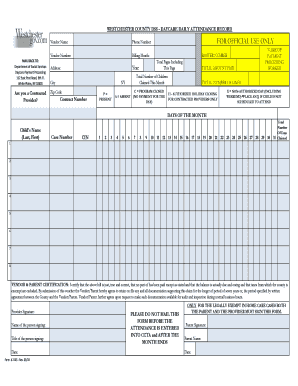
WESTCHESTER COUNTY DSS - DAYCARE DAILY ATTENDANCE RECORD ...
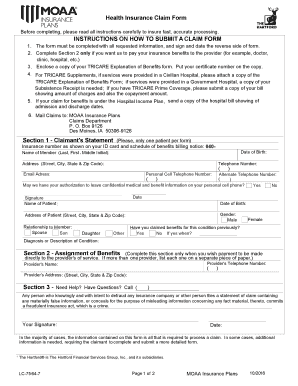
Moaa claim form

470 3372
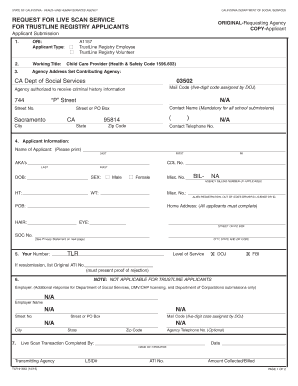
Cdss live scan form
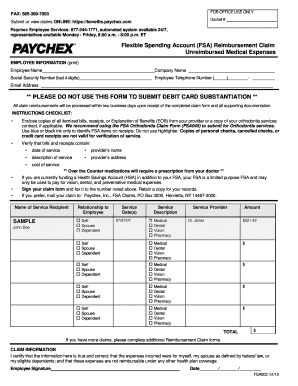
Paychex fsa claim form
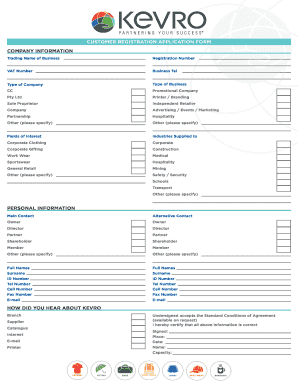
Kevro reseller registration

Bothwell patient portal
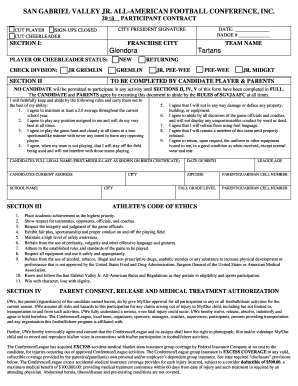
San Gabriel Valley Jr. All-American Football Conference Inc.

Credit Card Authorization Form Group and Catering Event.doc

Examples of newton's second law in toy story 2
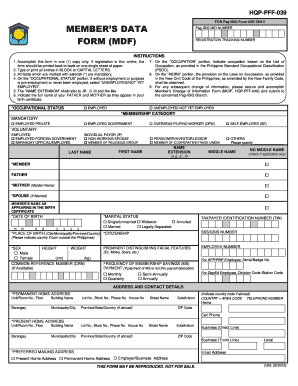
MEMBER'S DATA FORM (MDF)

Bmv 5756 change of address form
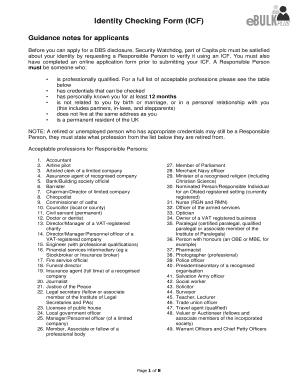
Identity Checking Form (ICF) - ofsteddbsapplication.co.uk

Barber operator application
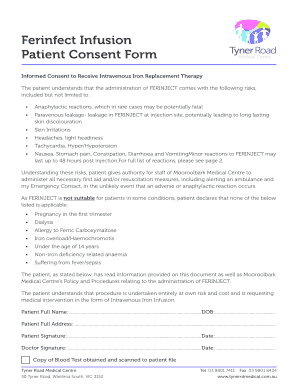
Iron infusion consent form pdf

Shout out form.docx
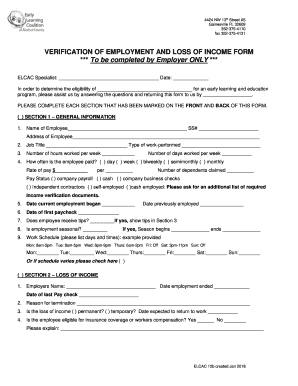
VERIFICATION OF EMPLOYMENT AND LOSS OF INCOME FORM
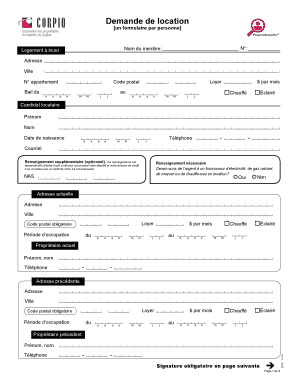
Demande de location
Super Size Me Answers Sgswgxd Ebook - colortic engecolornet Super Size Me Answers Sgswgxd
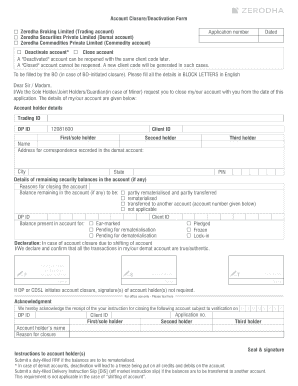
Closure.cdr
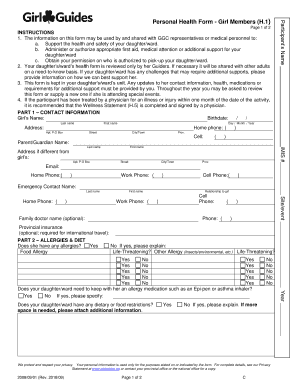
Girl guides health form
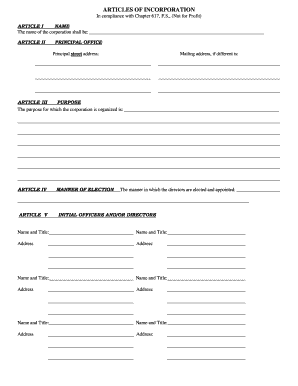
ARTICLES OF INCORPORATION In compliance with Chapter 617, F.S ...
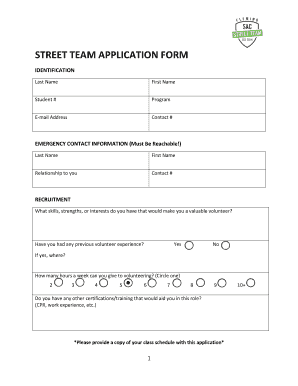
STREET TEAM APPLICATION FORM

Cd 405
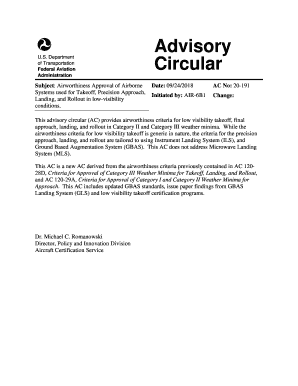
Ac 20 191
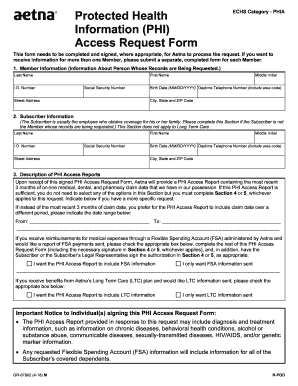
Aetna request for clinical information for snf rehab ltach update form
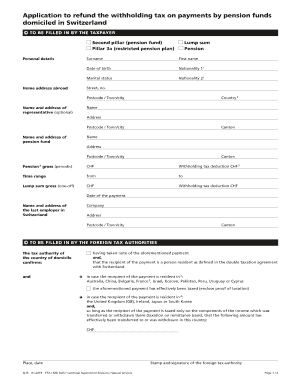
Form Q-IS. Application to refund the withholding tax on payments by pension funds domiciled in Switzerland.
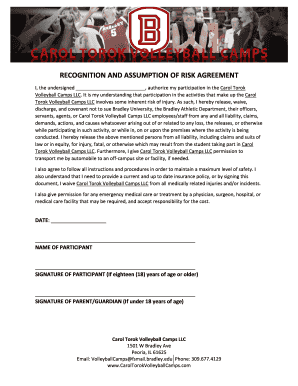
RECOGNITION AND ASSUMPTION OF RISK AGREEMENT.docx
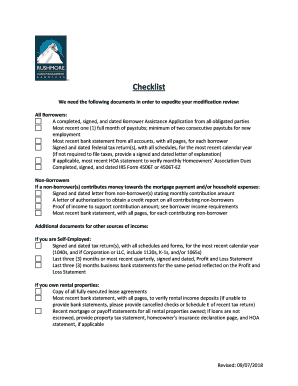
Rushmore borrower assistance loan
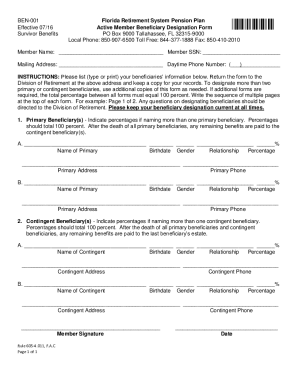
Florida beneficiary form
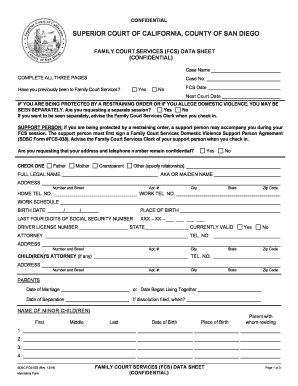
Fcs data sheet
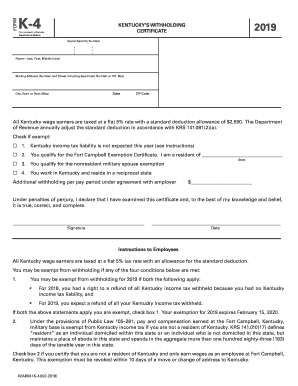
Kentucky 4 form
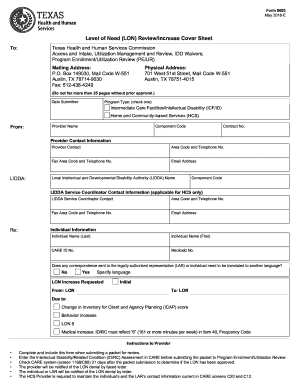
Form 8603
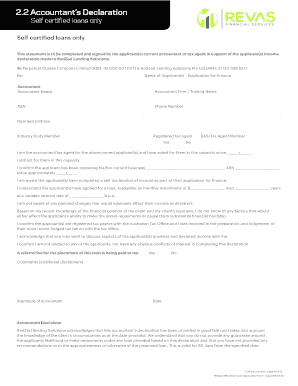
Cpa letter for mortgage template

Colorado wildlife refund form
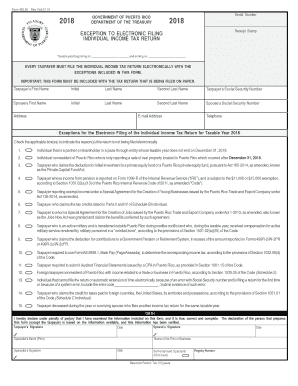
Puerto rico tax return form 482

Nj framing checklist
Benefit from the DocHub online library of fillable PDF forms
Searching the PDF forms doesn't have to be a tedious and time-consuming process. With the DocHub online library, it has become easier to find the fillable PDF forms and modify them in your browser. The service allows you to adjust the document to your needs using powerful editing tools.
You can use online document editing features to modify almost any type of document with ease. You just need to find the template of your choice, open it in the editor, and use the toolbar to make the necessary corrections.
Follow this guide to get your document done with DocHub:
- Find the PDF template you need.
- Click the Get Form button to open the file in the editor.
- Use the toolbar to fill out and edit the document.
- Easily add and highlight text, insert images, checkmarks, and symbols.
- Drop new fillable fields, and rearrange or delete pages from your file.
- Save changes and download your record.
DocHub empowers everyone to streamline document editing, signing, and distribution, and form completion. Create an account and benefit from our well-organized PDF Forms library and comprehensive editor.