
Get any PDF form from the DocHub library of ready-made templates - Page 1778
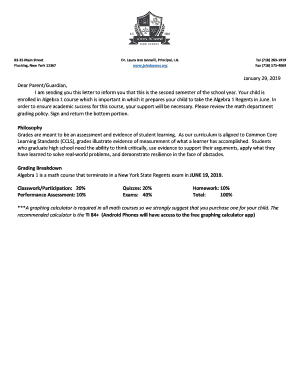
Laura izzo iannelli

Hrsa hemophilia child hrsa
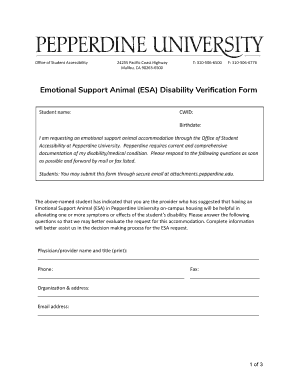
Page 1 of Emotional Support Animal (ESA) Disability Verification Form - Google Docs
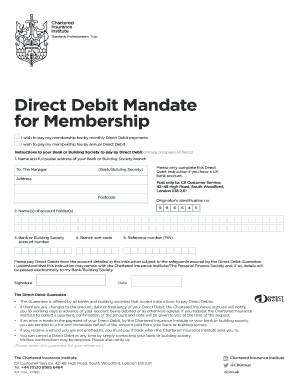
I wish to pay my membership fee by annual Direct Debit
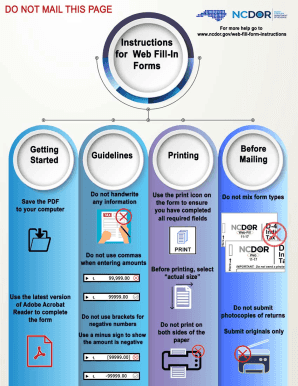
Omb standard form 270

Court ventura continuance
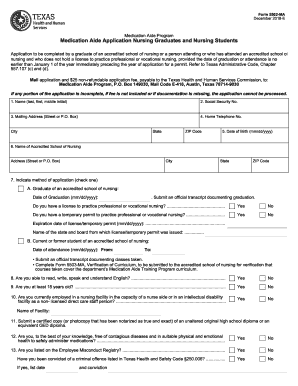
How to renew med aide license in texas
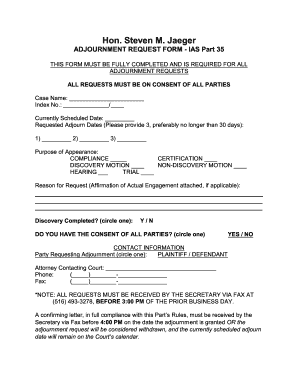
Hon. Steven M. Jaeger
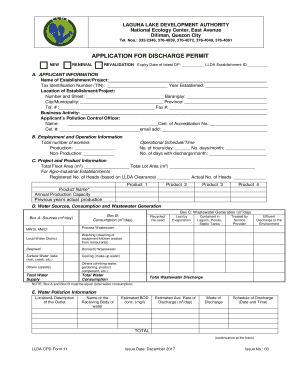
Llda application discharge form
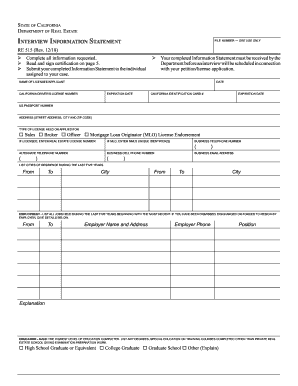
Re 515
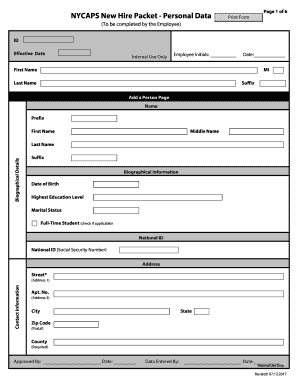
Nycaps
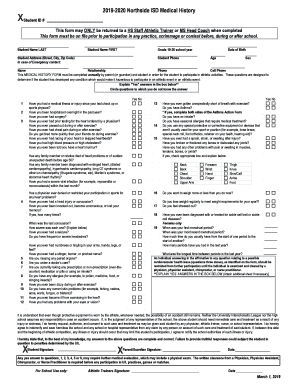
Nisd sports physical form
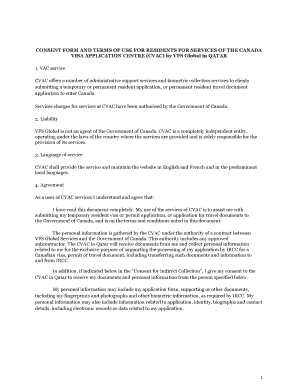
Qatar consent form download
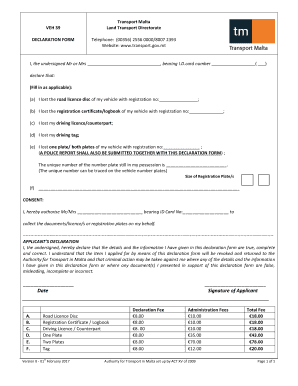
Lost logbook malta

Labor workers compensation
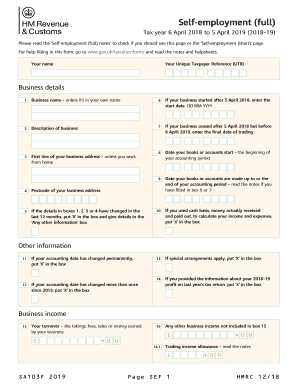
SA103F Self-employment (full) 2019. If you're self-employed, have more complex tax affairs and your annual business turnover was 73,000 or more, use the full version of the Self-employment supplementary page when filing a tax return for the tax year

M 911
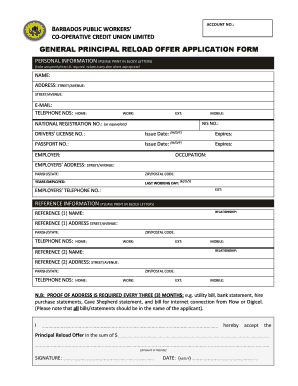
Barbados public workers credit union forms
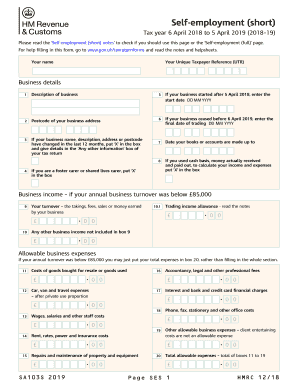
Self-employment (Short) (2019). If you 're self-employed, have relatively simple tax affairs and your annual business turnover was below 73,000, use the SA103S(2019) short version of the Self-employment supplementary pages when filing a tax return fo
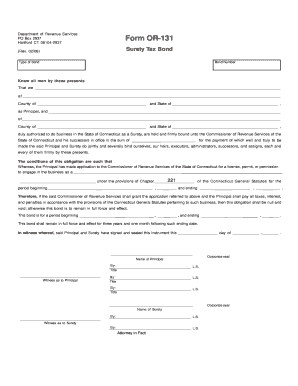
Form OR-131
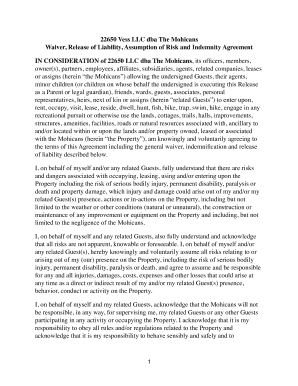
The Mohicans Waiver, Release of Liability, Assumption of Risk and Indemnity Agreement
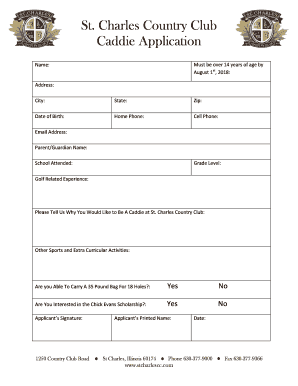
St. Charles Country Club Caddie Application
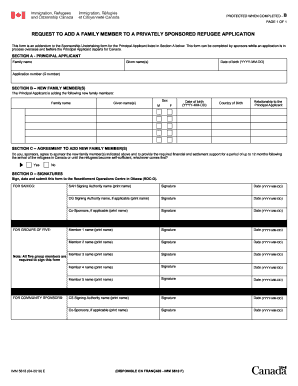
Canada request private

Bille of sale form
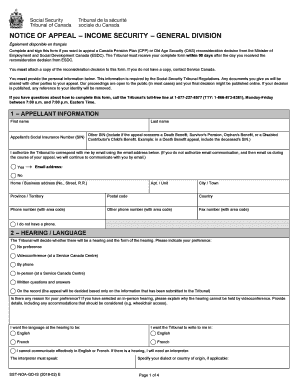
Old age security pension canada 2019
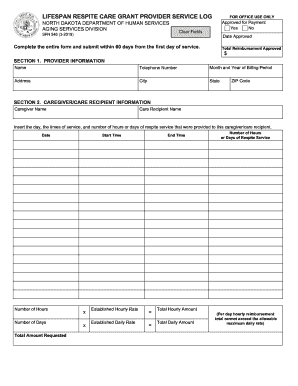
LIFESPAN RESPITE CARE GRANT PROVIDER SERVICE LOG
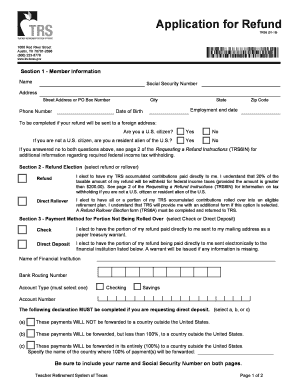
Trs gov forms
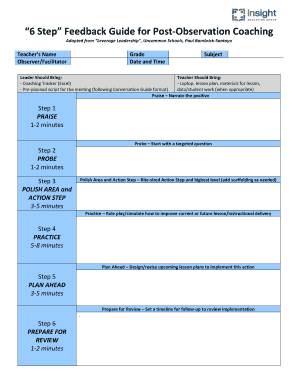
6 Step Feedback Guide for Post-Observation Coaching
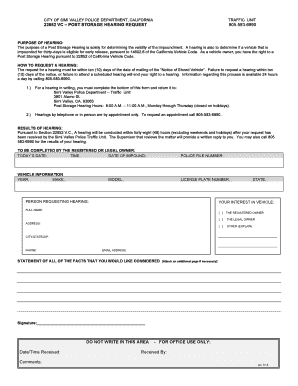
Post Storage Hearing Request Form
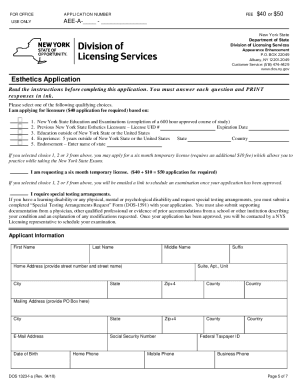
New york esthetics application

Police history statement
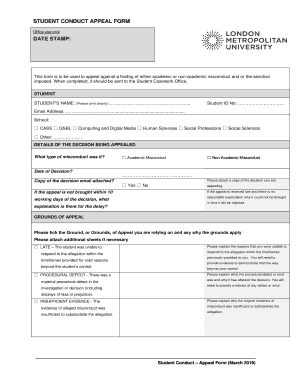
Student conduct appeal form date stamp - London Met Student Zone

State of maine rew 5 form

Cbt intake form

W147q form
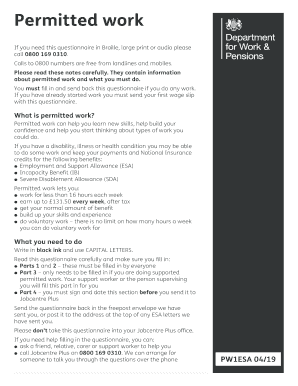
Pw1 form
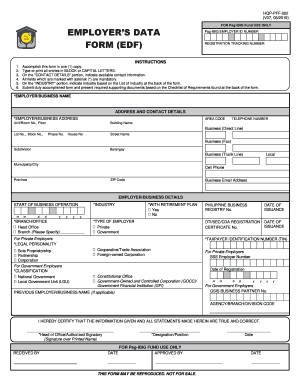
Pag ibig employer registration form 2022
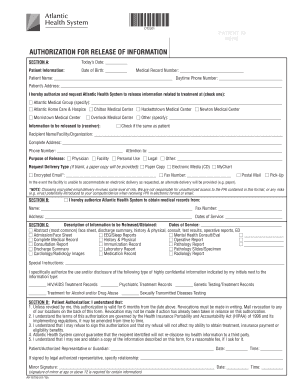
Atlantic health release of information
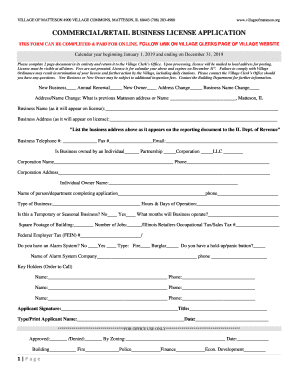
Business License - Village of Matteson

Tx swp3
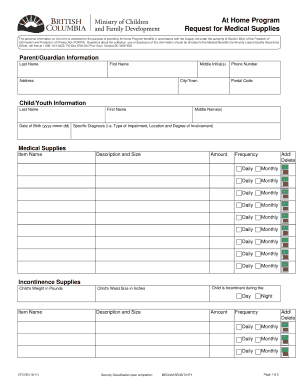
Request for Medical Supplies

Vilas county zoning application form
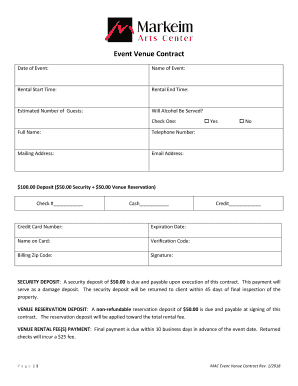
Venue contract
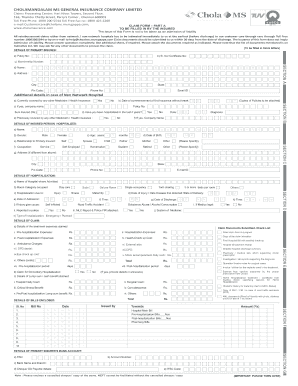
Chola claim form

Jd cl 12 self represented parties form

548 form
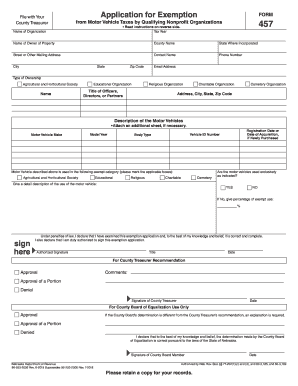
Nebraska dor exemption
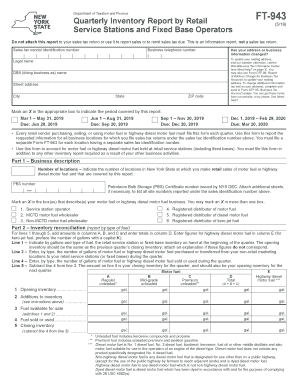
Ft 943 fill in

Tbor 1
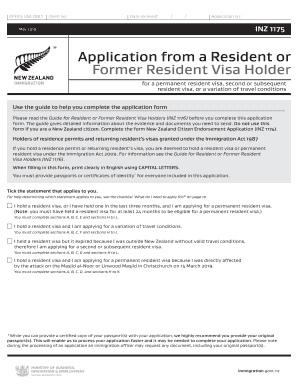
Inz1175
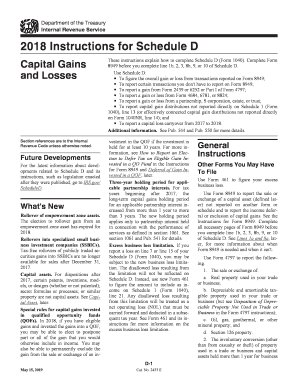
For schedule 2017
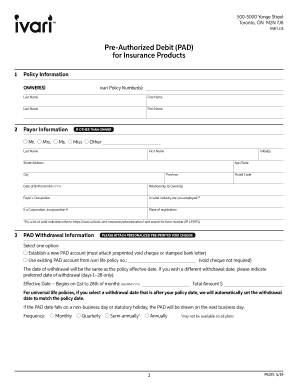
Ivari form
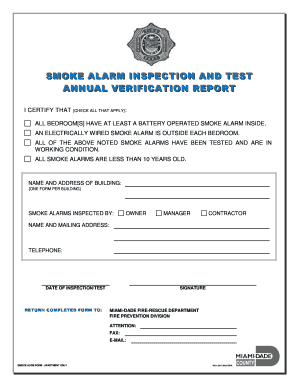
Smoke alarm form
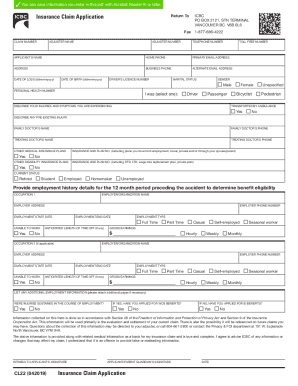
Icbc claim application
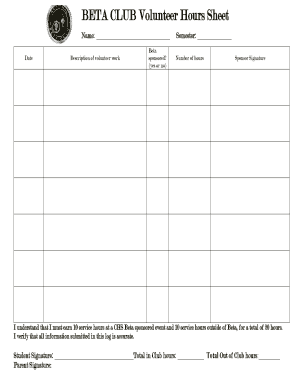
Beta club hours sheet
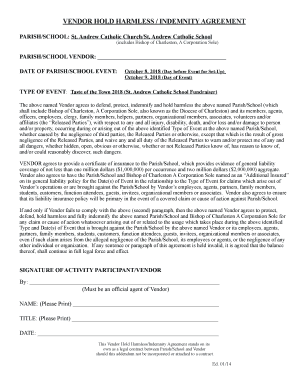
VENDOR HOLD HARMLESS / INDEMNITY AGREEMENT

Controlled substance inventory template
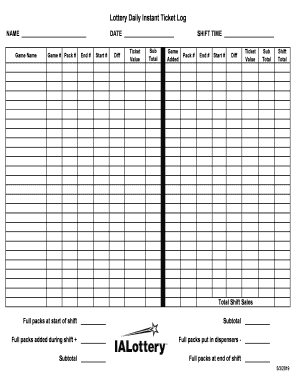
Lottery Daily Instant Ticket Log

I-9 Form and List of acceptable documents for I-9 Verification
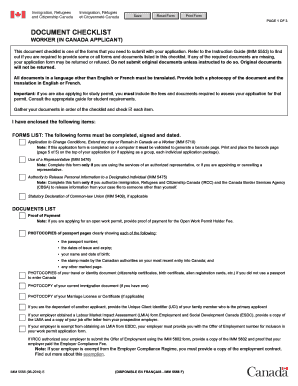
Imm 5556
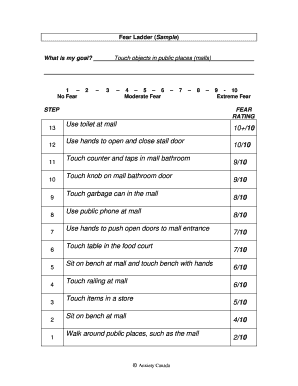
Fear Ladder Form Final
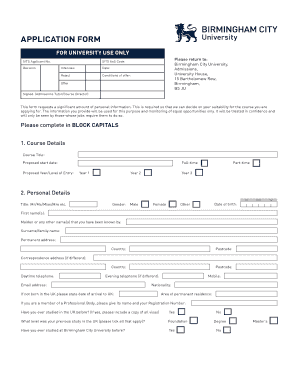
Birmingham city university application form

Formulaire a 0520 bf

Cvsr info

Vocational Training Opportunities Scheme - VTOS - Cork Education ...

Money order research request form
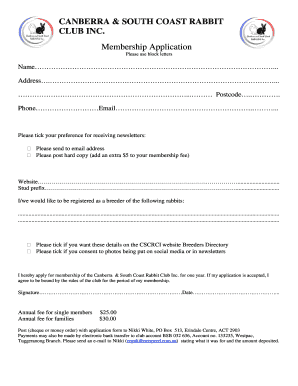
CANBERRA RABBIT CLUB INC. Membership Application - NetSpeed

California employment status
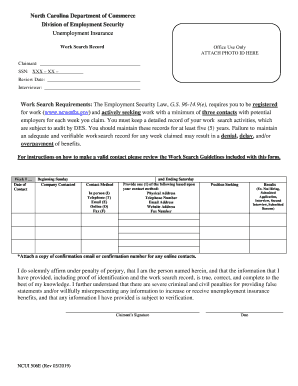
9(e), requires you to be registered

Daily journal for bs pdf

OPRA Request Form - Medford Township
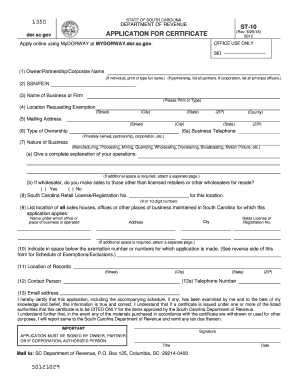
Sc st 10

Physical and chemical properties worksheet pdf

Form CT-3-A/BC

Rwm 700 online

Aged pension application form sa369

Commercial rent tax nyc 2020
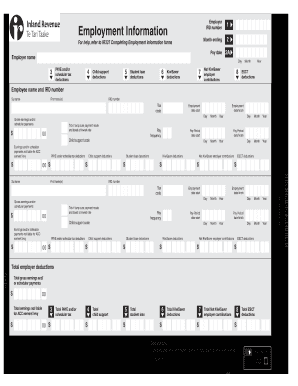
Ir348
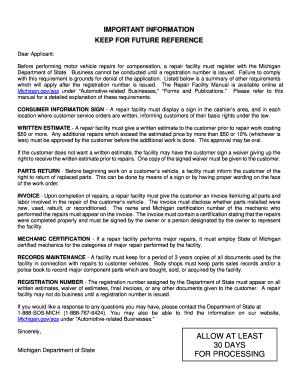
Michigan repairs registration
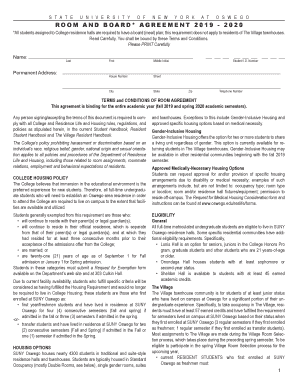
Room and board agreement

Centennial college diploma certificate sample
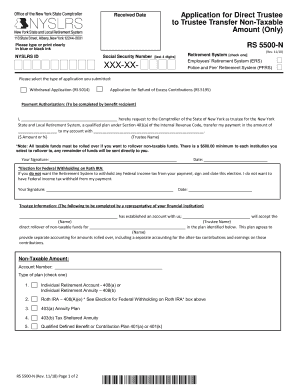
Application for Direct Trustee to Trustee Transfer Non-Taxable Amount (Only) (RS5500-N). To request the direct transfer of member contributions or voluntary (excess) contributions to a qualified plan, when the contribution amount that you are withdra
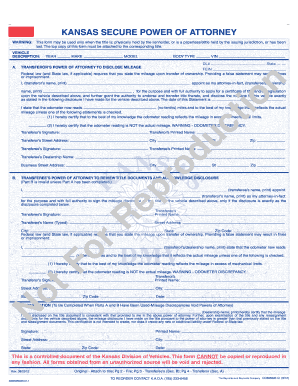
Kansas secure power of attorney
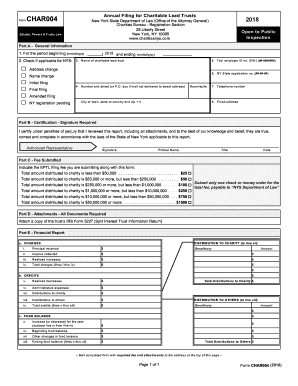
Char004
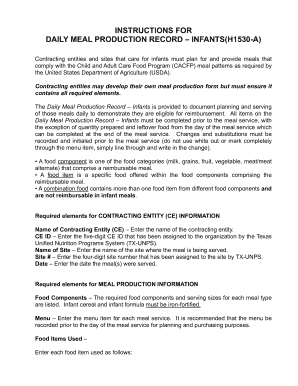
Texas meal production record
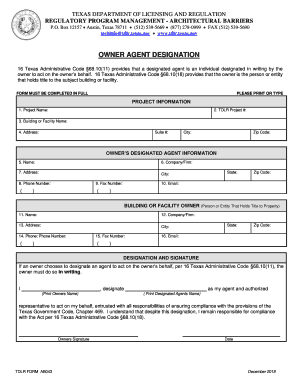
Owner designation architectural
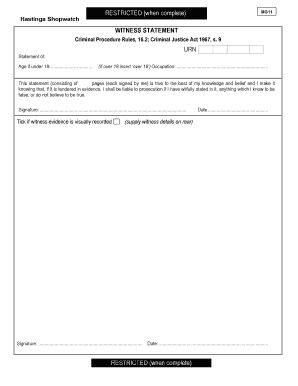
Hastings Shopwatch MG11 blank
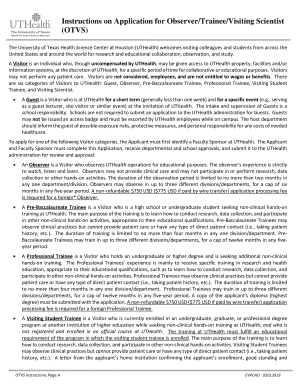
Otvs
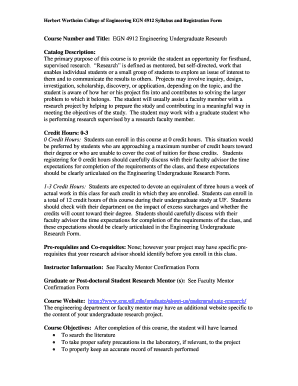
Egn 4912
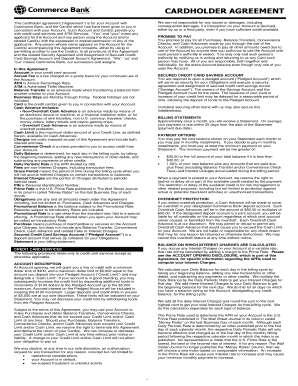
Avid prepaid card
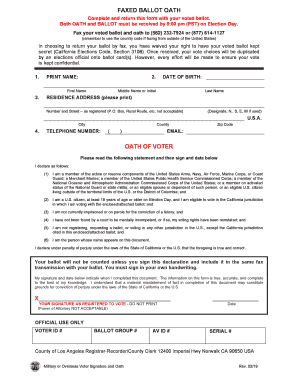
California faxed ballot oath

Miemss emt extension

Designating petition
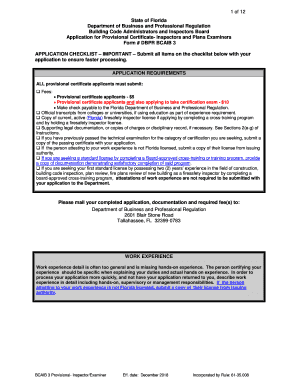
Dbpr bcaib form
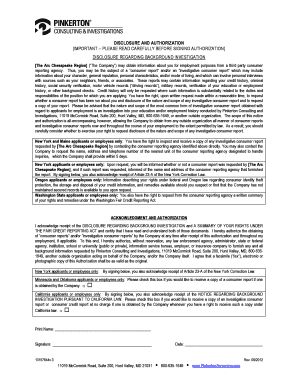
Pinkerton authorization form
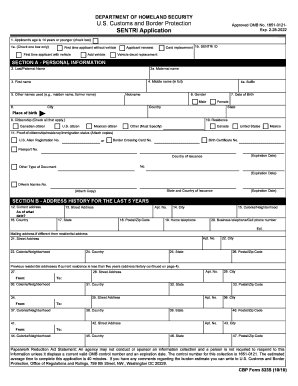
Sentri

CG7302.PDF. EFT/ACH Member Payment Enrollment Form

Share the season
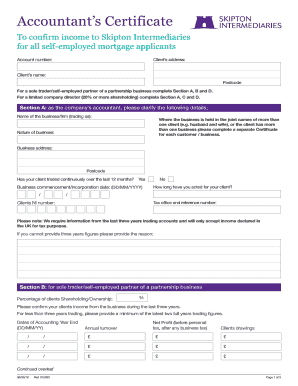
Skipton intermediaries

Pennsylvania mv 1
Benefit from the DocHub online library of fillable PDF forms
Searching the PDF forms doesn't have to be a tedious and time-consuming process. With the DocHub online library, it has become easier to find the fillable PDF forms and modify them in your browser. The service allows you to adjust the document to your needs using powerful editing tools.
You can use online document editing features to modify almost any type of document with ease. You just need to find the template of your choice, open it in the editor, and use the toolbar to make the necessary corrections.
Follow this guide to get your document done with DocHub:
- Find the PDF template you need.
- Click the Get Form button to open the file in the editor.
- Use the toolbar to fill out and edit the document.
- Easily add and highlight text, insert images, checkmarks, and symbols.
- Drop new fillable fields, and rearrange or delete pages from your file.
- Save changes and download your record.
DocHub empowers everyone to streamline document editing, signing, and distribution, and form completion. Create an account and benefit from our well-organized PDF Forms library and comprehensive editor.