
Get any PDF form from the DocHub library of ready-made templates - Page 1780
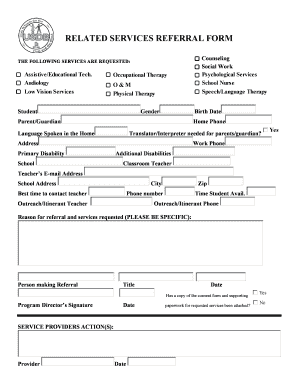
RELATED SERVICES REFERRAL FORM - usdb.org
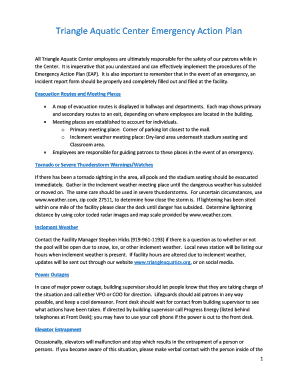
Triangle Aquatic Center Emergency Action Plan

Entrance assessment form

Medical Records Request - Athens Orthopedic Clinic

Diabetes school eap

REVIEW Vowel Sounds with r

Public health locator form printable
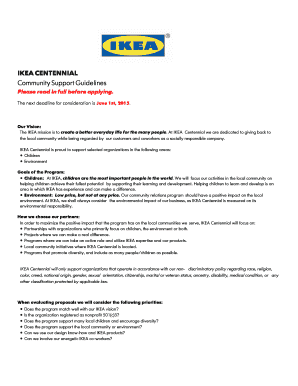
Ikea application form online
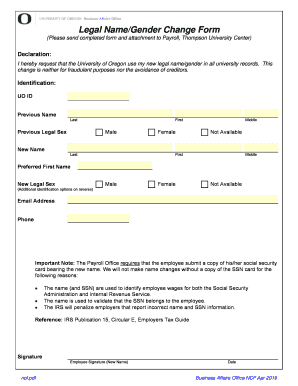
Uo name change form
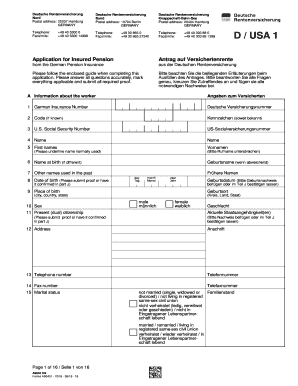
A9040
3926
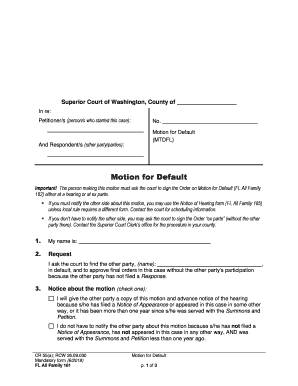
All family 161
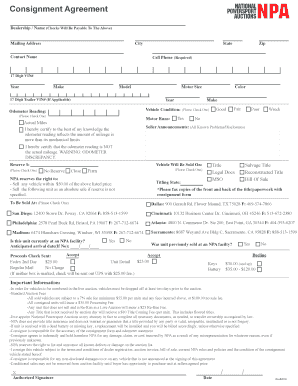
Consignment agreement for motor vehicles
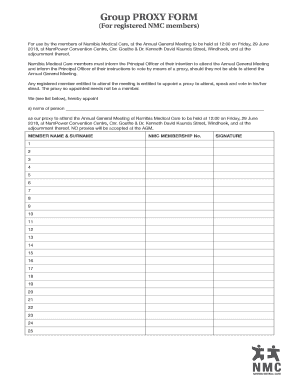
Group PROXY FORM - cms.my.na
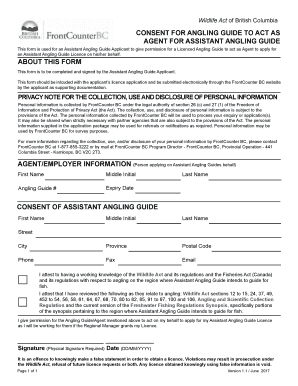
Assistant Angling Guide Consent Form - FrontCounter BC

Overnight Hiking Trip Intention Form Grampians National Park
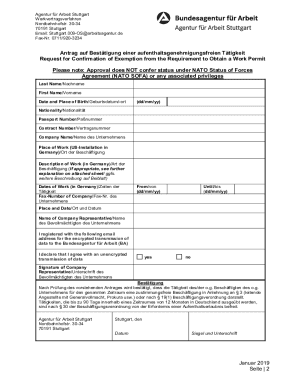
Baco 90
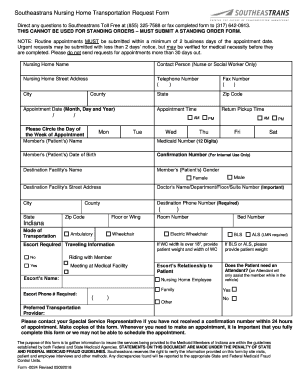
Southeastrans standing order form
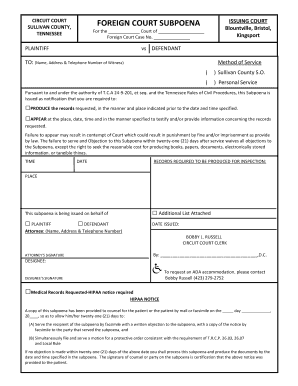
FOREIGN COURT SUBPOENA

Ga7 form
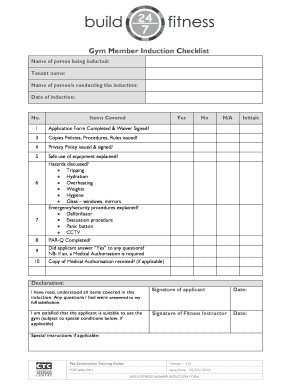
Gym induction pdf
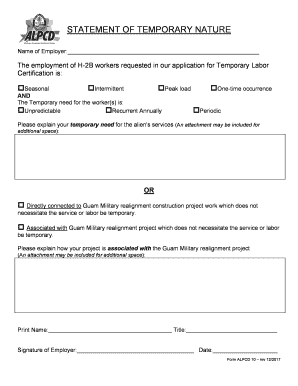
Guam employer
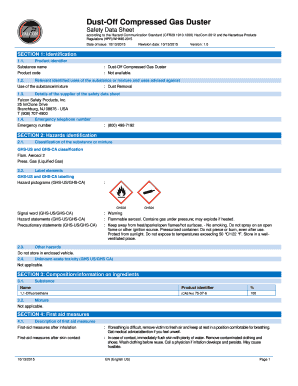
Falcon dust off compressed gas sds

Affidavit to Start Contempt Proceedings Based on a Chapter 236A Protective Order

Licence application form guidance
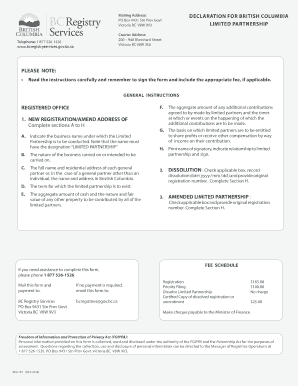
REG 791 - Declaration for BC Limited PartnershipV2.indd
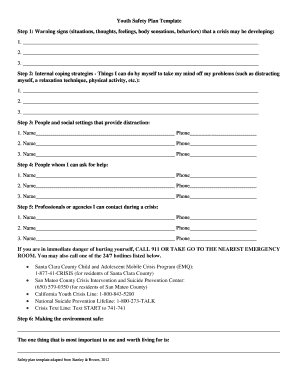
Youth Safety Plan Template
New store opening checklist excel

TENANCY APPLICATION FORM - charlestown.century21.com.au
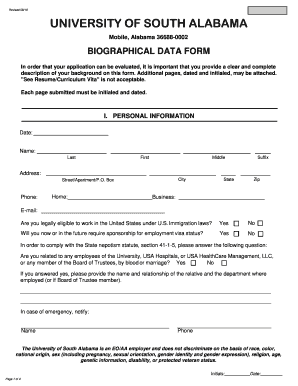
South biographical form sample
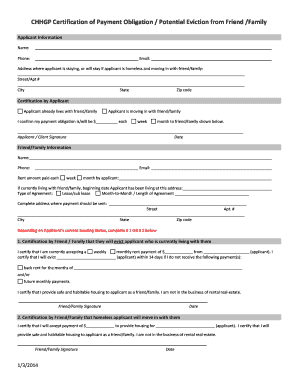
CHHGP Certification of Payment Obligation. Consolidated Homeless Housing Grant Program

Printable hydrafacial consent form

AGENT APPLICATION - Realtor Association of Sarasota and Manatee

Parke county tml license

Consent for Treatment of a Minor - clinixusa.com

Letter of authorization
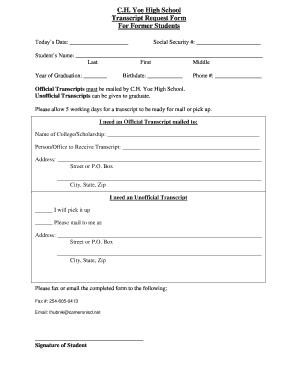
C.H. Yoe High School Transcript Request Form For Former ...
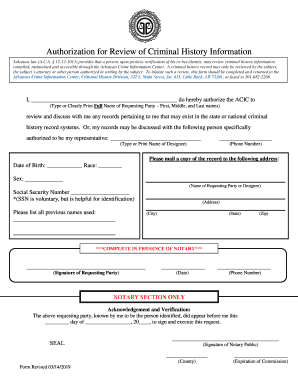
Arkansas authorization review criminal
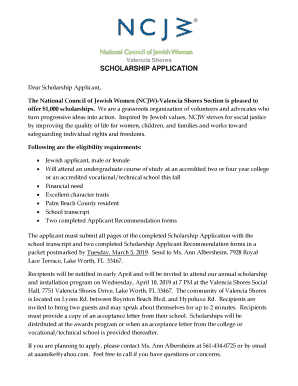
Valencia Shores SCHOLARSHIP APPLICATION
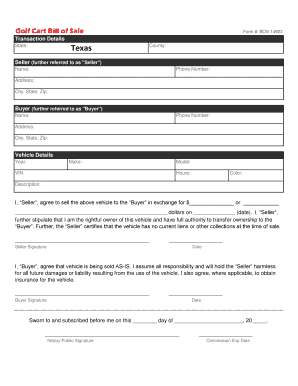
Form #: BOS-14923

Nac application form
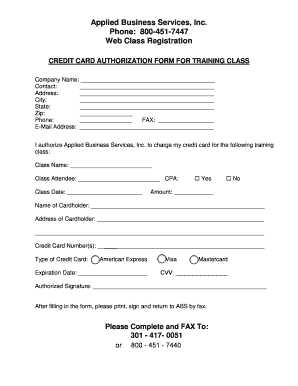
Credit card authorization form
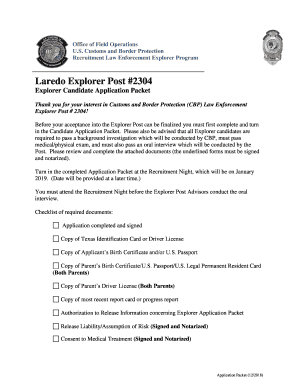
CBP EXPLORER POST #1801
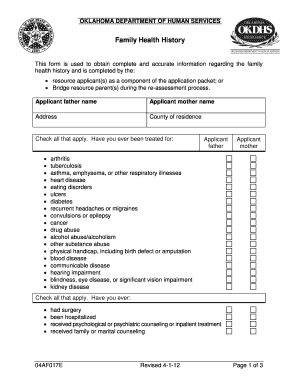
Form 04AF017E (DCFS-42). Family Health History

Steyr and Merkel Firearm Repair Request Form

Lupus donation receipt

20 Year Limited Warranty

Catc form
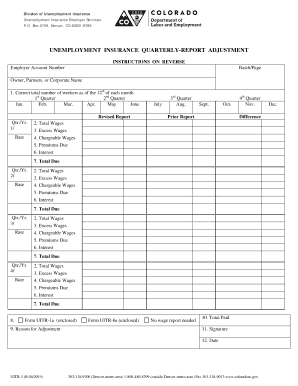
Uitr 3
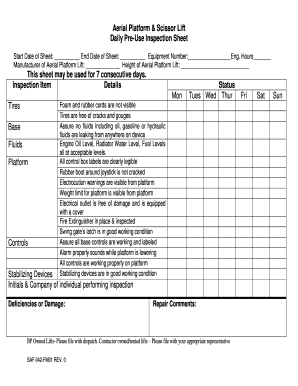
Aerial Platform Lift
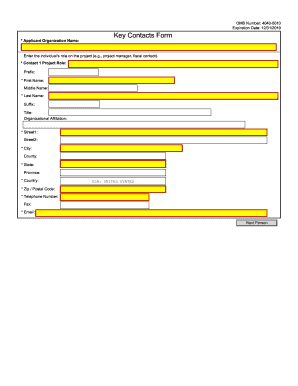
Key Contacts Form - GRANTS.GOV
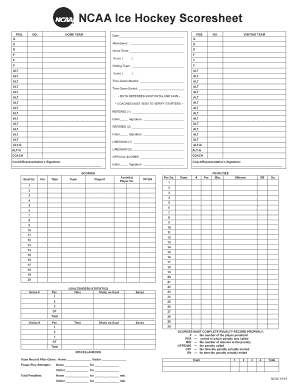
Ncaa hockey scoresheet
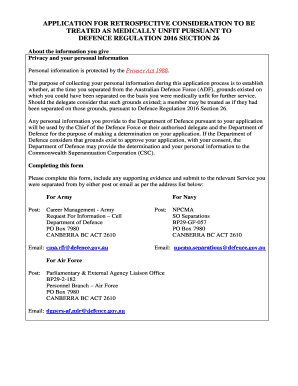
APPLICATION REQUEST FOR RETROSPECTIVE CONSIDERATION TO BE TREATED AS MEDICALLY UNFIT UNDER DEFENCE (PERSONNEL) REGULATIONS
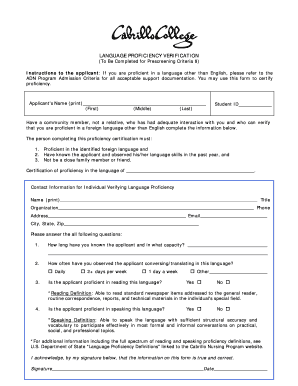
Language verification

Cms564
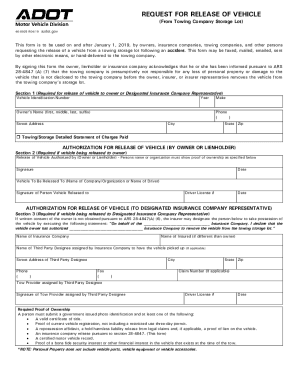
Adot release form

SPECTATOR WAIVER ONLY - NOT AUTHORIZED TO PLUNGE.doc
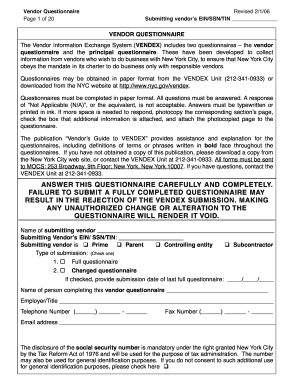
Revised 2/1/06
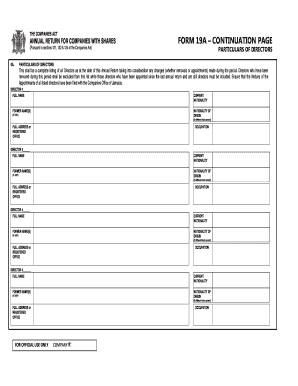
FORM 19A - DIRECTORS CONTINUATION PAGE

Eres fairfield

OCC Speaker Request Form

AGAWAM PUBLIC SCHOOL ENROLLMENT PACKET GRADES K - 12

Girl Scout Bronze Award - Girl Scouts of Eastern Pennsylvania
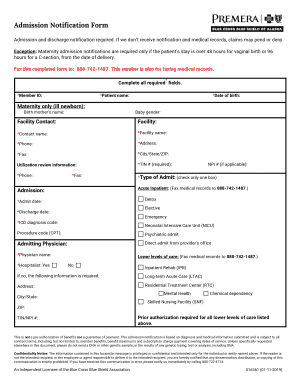
Admission Notification Form PBCBS AK - premera.com
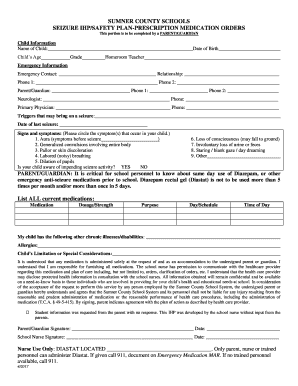
SEIZURE IHP SAFETY PLAN
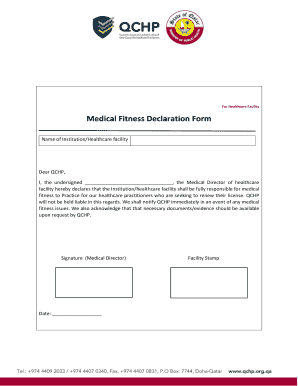
Medical fitness declaration form
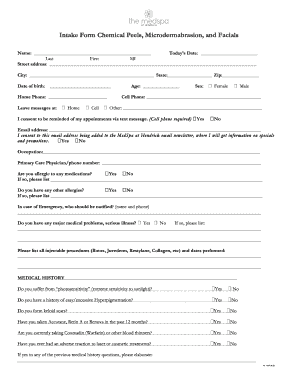
Intake Form Chemical Peels, Microdermabrasion, and Facials
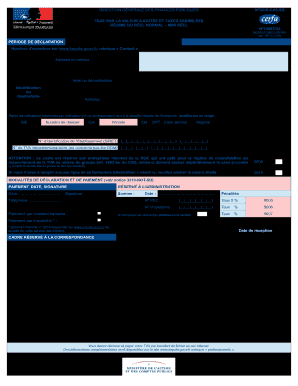
Cerfa 3310 a

Scales of Prompting by Communication Partner

HAYDEN DAYS VENDOR APPLICATION FORM

Scoring Rubric for Oral Presentations
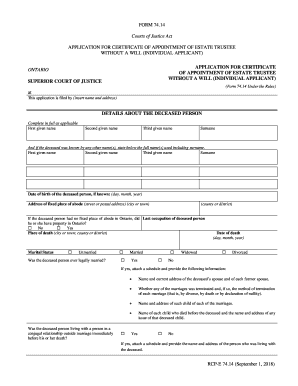
Form 74 14
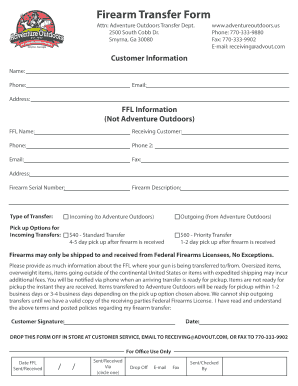
Attn: Adventure Outdoors Transfer Dept
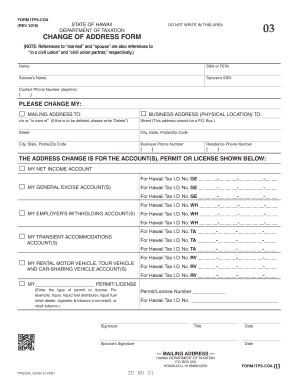
Hawaii itps coa
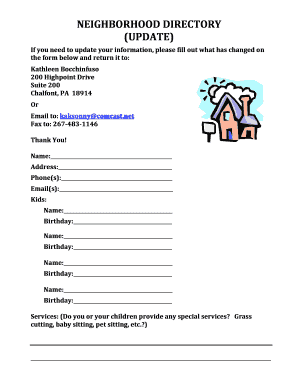
Neighborhood directory template

Msp 107
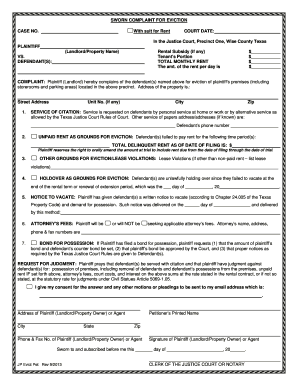
Sworn complaint eviction
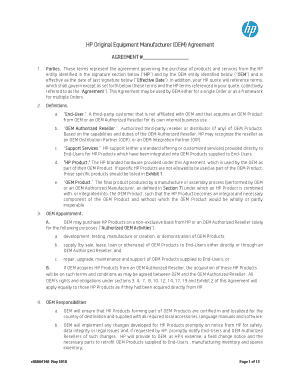
Original equipment manufacturer agreement
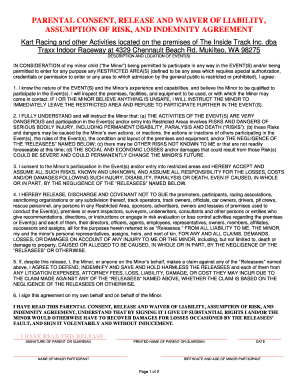
Traxx waiver

Trophy lakes waiver

AFFIDAVIT TO CANCEL REGISTERED TRADE NAME STATE OF GEORGIA ...
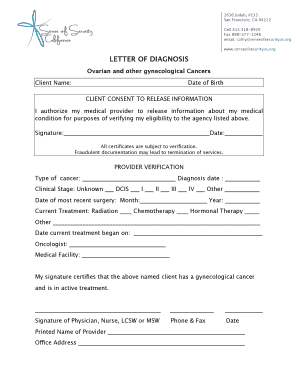
Letter of Diagnosis
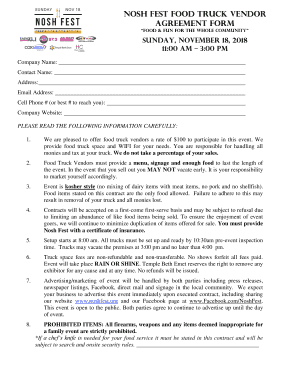
Nosh Fest FOOD TRUCK VENDOR AGREEMENT Form

Mentor sacco account
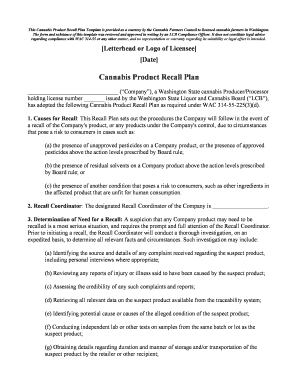
State of California Cannabis Cultivation Department of Food ...
Defy invitations
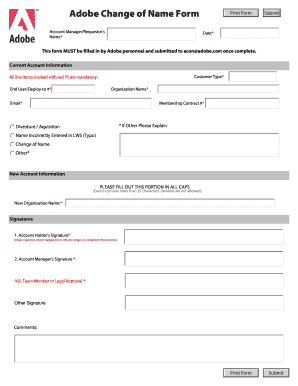
Adobe Change of Name Form - Edugeek

Golf cart bill of sale
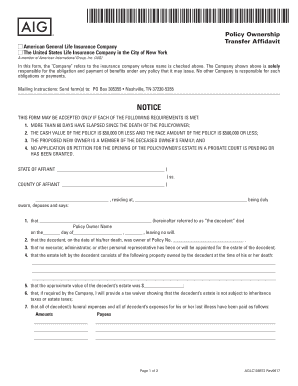
Transfer Affidavit
Lds baptism program template google docs
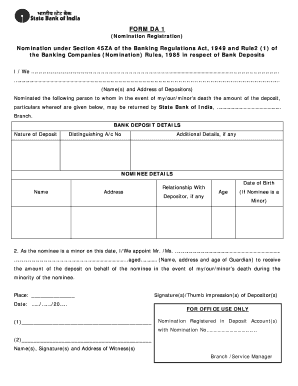
Form da 1 nomination sbi
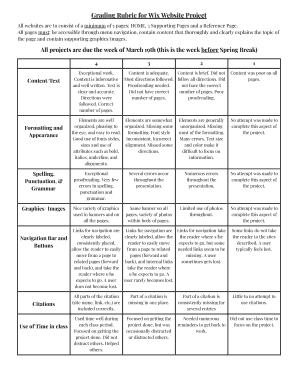
Grading Rubric for Wix Website Project

What i love about you pdf

Tmp outline
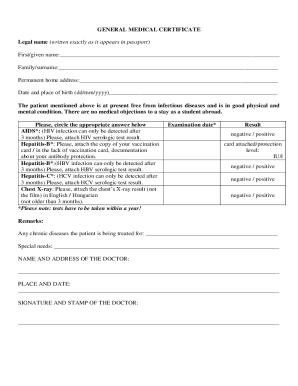
Medical certificate template pdf format free australia fake doctors note ...
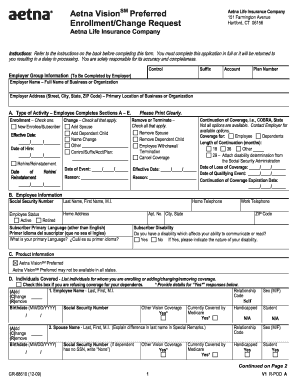
CERTIFICATE OF INSURANCE HARTFORD LIFE AND ... - Imala.com
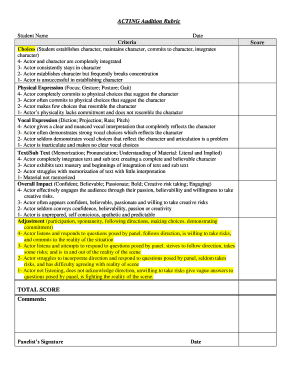
Acting audition rubric

Texas motor packet register
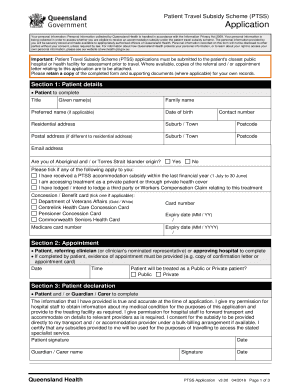
Ptss forms qld
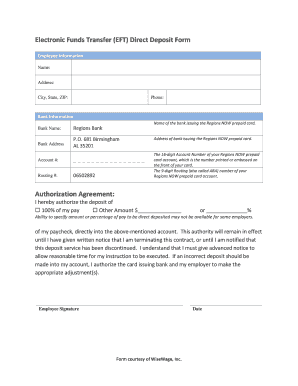
Electronic Funds Transfer (EFT) Direct Deposit Form
Benefit from the DocHub online library of fillable PDF forms
Searching the PDF forms doesn't have to be a tedious and time-consuming process. With the DocHub online library, it has become easier to find the fillable PDF forms and modify them in your browser. The service allows you to adjust the document to your needs using powerful editing tools.
You can use online document editing features to modify almost any type of document with ease. You just need to find the template of your choice, open it in the editor, and use the toolbar to make the necessary corrections.
Follow this guide to get your document done with DocHub:
- Find the PDF template you need.
- Click the Get Form button to open the file in the editor.
- Use the toolbar to fill out and edit the document.
- Easily add and highlight text, insert images, checkmarks, and symbols.
- Drop new fillable fields, and rearrange or delete pages from your file.
- Save changes and download your record.
DocHub empowers everyone to streamline document editing, signing, and distribution, and form completion. Create an account and benefit from our well-organized PDF Forms library and comprehensive editor.