
Get any PDF form from the DocHub library of ready-made templates - Page 1779
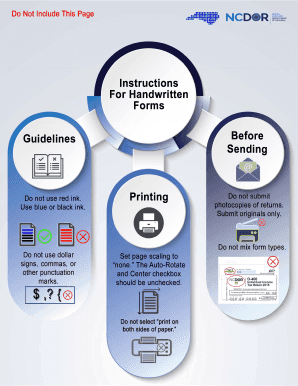
Nc k1
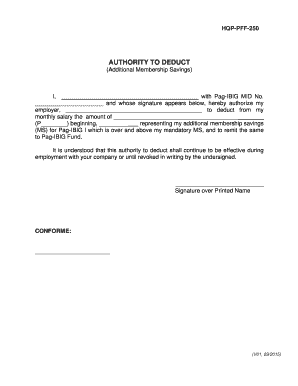
Authorization letter to deduct pag ibig loan
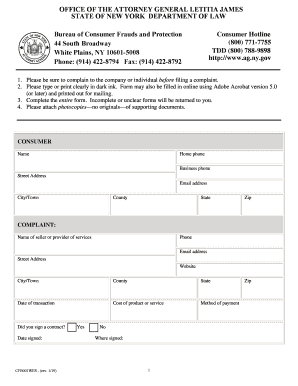
Ny ag complaint

Ct 941

Public procurement commission application form

San jacinto college transcript request

Wisconsin disabled veteran plate
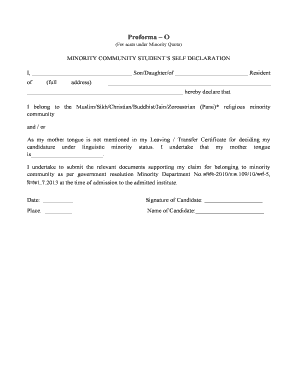
Proforma o

A1 qrt

Route 33 CrossFit Liability Waiver Form

Mobile Food Unit Variance Request Template for a Central ...

6043 form

NON-BINDING ESTIMATE ONLY
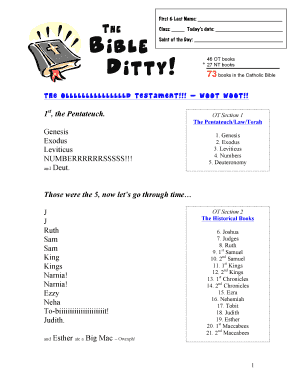
Bible ditty
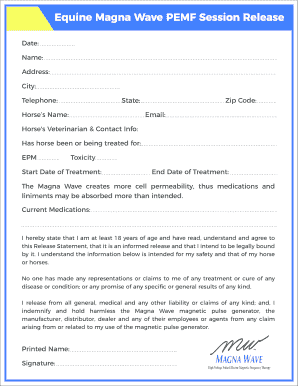
Magnawave pemf
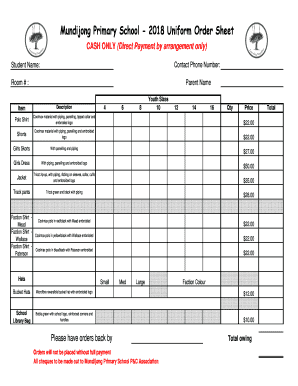
Uniform Price Order Form 2018 - mundijongps.wa.edu.au

Daily weight log
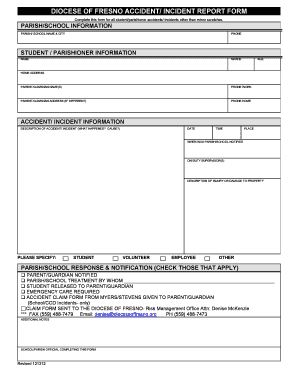
DIOCESE OF FRESNO ACCIDENT REPORT FORM
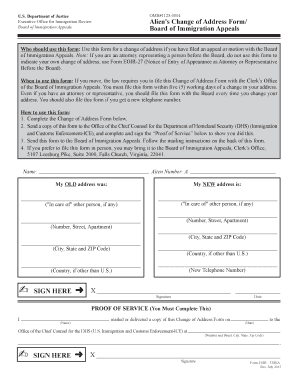
Fillable eoir 33
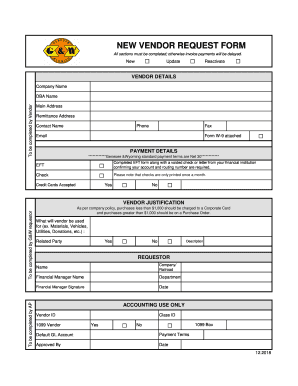
Vendor information update request

Pleading guilty by letter mauritius form

Palco biweekly
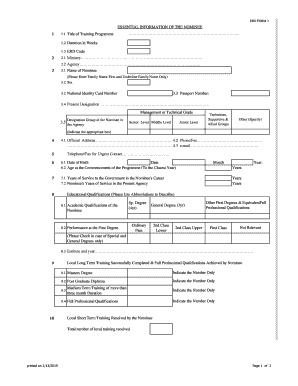
Erd form
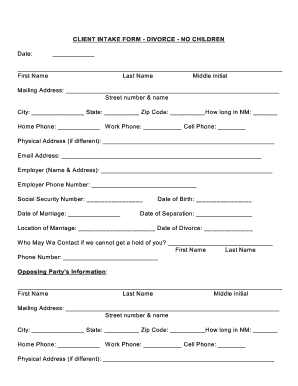
CLIENT INTAKE FORM - DIVORCE - NO CHILDREN
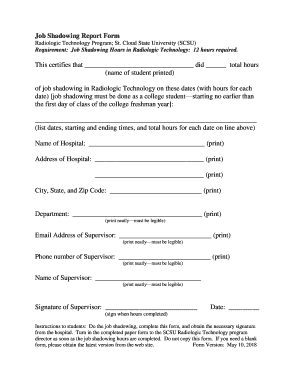
Job shadow report
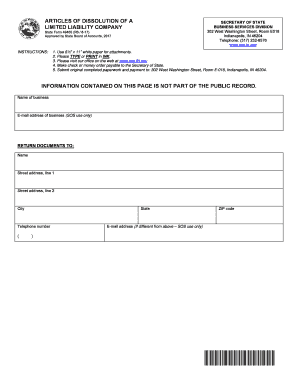
Form 49465
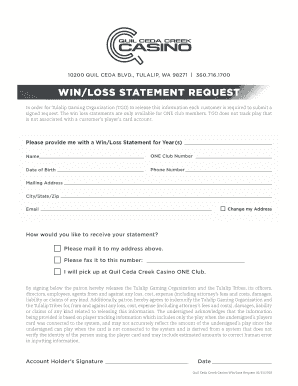
WIN/LOSS STATEMENT REQUEST - Quil Ceda Creek Casino
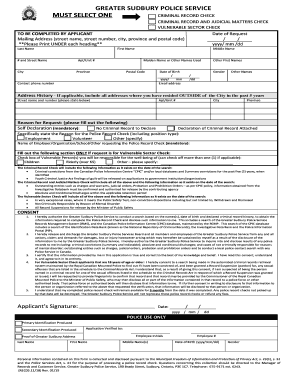
CRIMINAL RECORD AND JUDICIAL MATTERS CHECK

Authority letter for collection of ielts trf

Security Deposit Assignment Form - rlwa.com
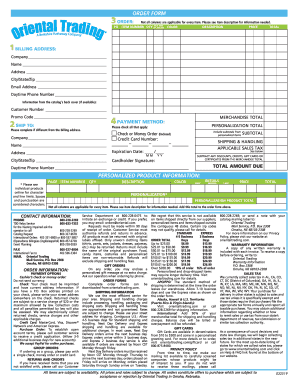
Oriental trading order form
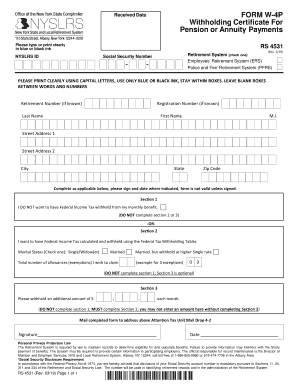
W 4p form

Unit 7 polynomials and factoring worksheet answers

Individual Course Drop Request - asub.edu
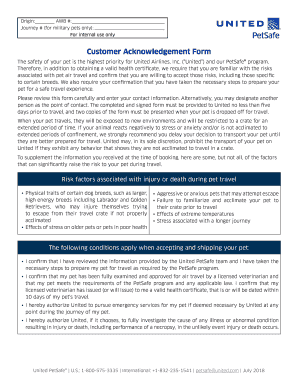
Customer acknowledgement
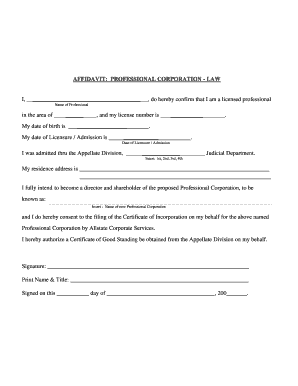
AFFIDAVIT: PROFESSIONAL CORPORATION - LAW
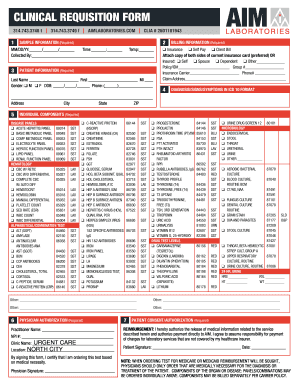
Clinical requisition form - Aim Laboratories

ACCOUNT VERIFICATION/AUTHORIZATION FORM RED STAG CASINO
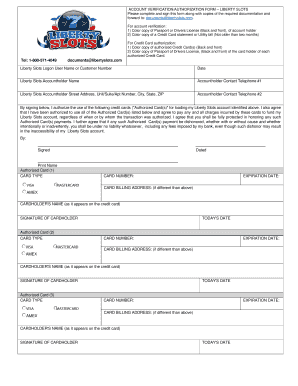
ACCOUNT VERIFICATION/AUTHORIZATION FORM LIBERTY SLOTS
Return to work program sample

Affidavit for applicants for employment with a licensed operation
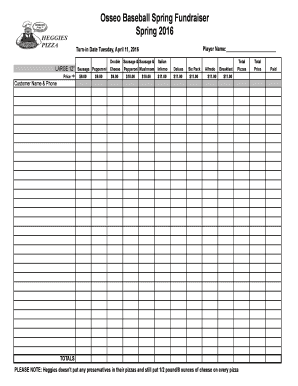
2016 Heggies Pizza Order Form Spring.xls
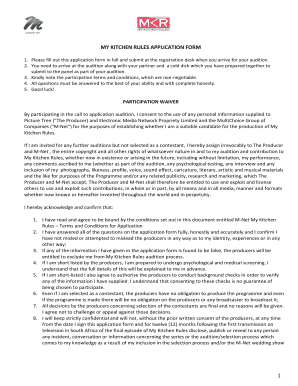
My kitchen rules application
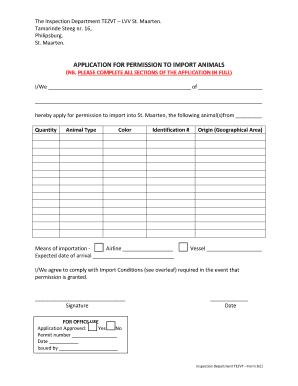
Application for permission to import animals - Les Pays-Bas et vous
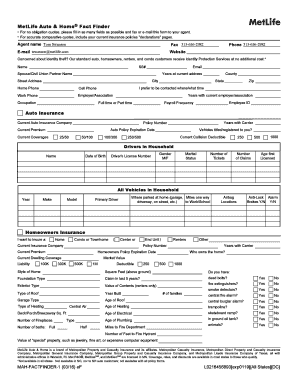
MAH-FACTFINDER-1. MetLife Auto & Home Fact Finder
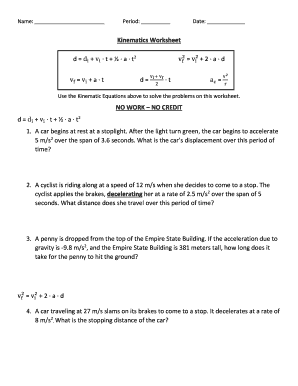
Kinematics worksheet
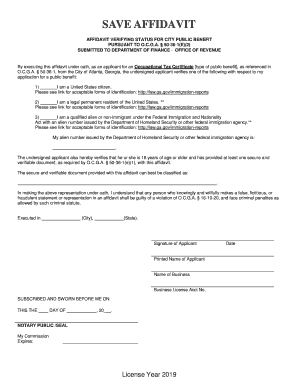
Save Affidavit form.ai
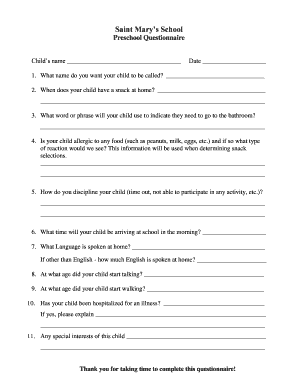
Preschool Questionnaire
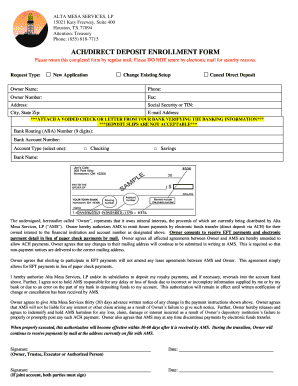
15021 Katy Freeway, Suite 400
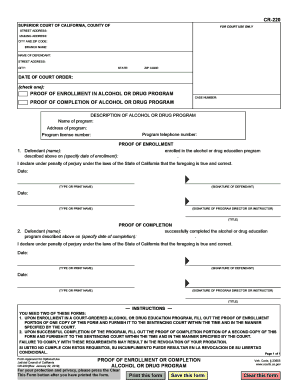
Completion drug program

The unemployed ok
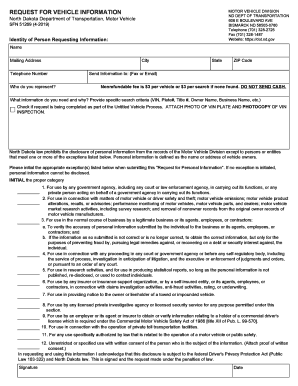
Sfn 51269
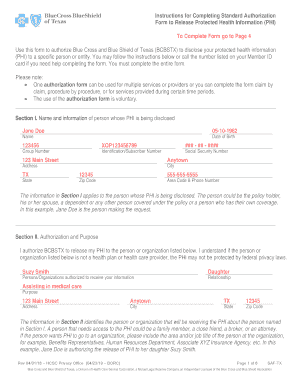
Bcbstx standard
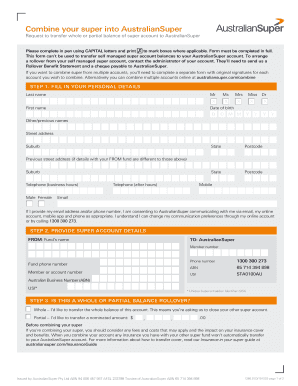
Australia combine australiansuper

Foc 50
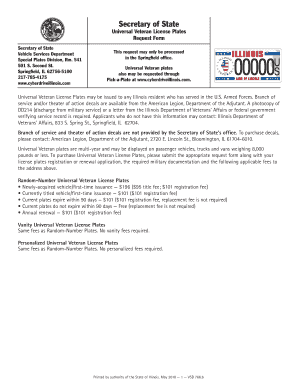
Universal cyberdrive illinois

Vsd sox form download

Va state form st 11
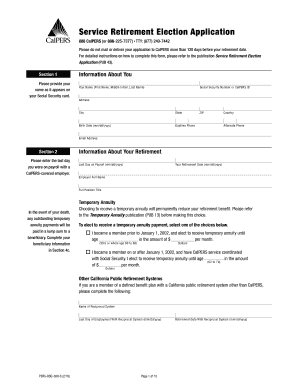
Calpers retirement forms

Nj cbt 100s form

Annual resale certificate
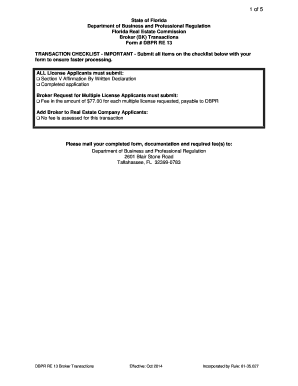
Dbpr re 13
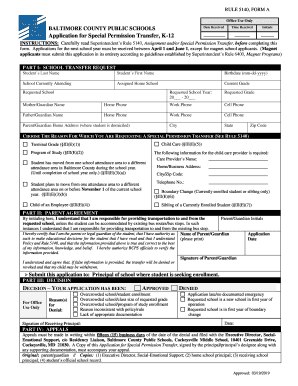
Rule 5140

I131 pdf fillable form
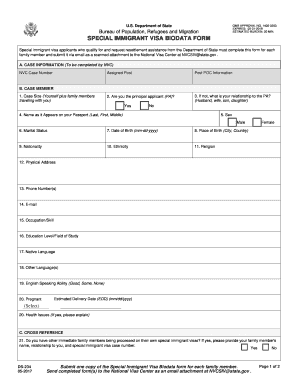
Immigration bio data form 2020 pdf
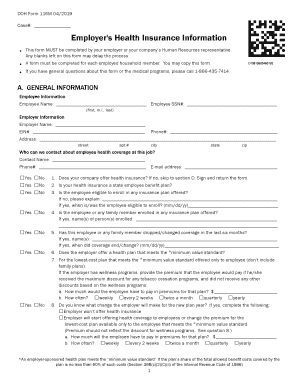
Utah form 116m

Wind mitigation reports
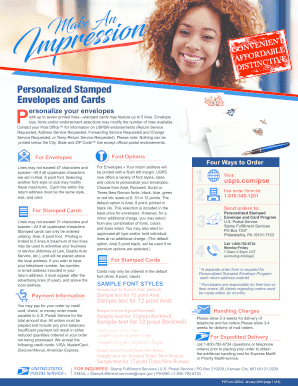
Personalized stamped envelopes order form
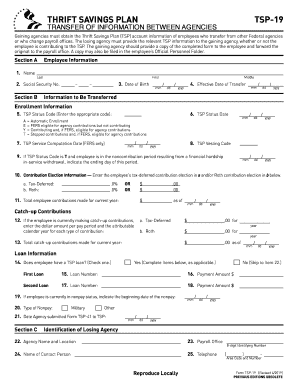
Tsp information agency
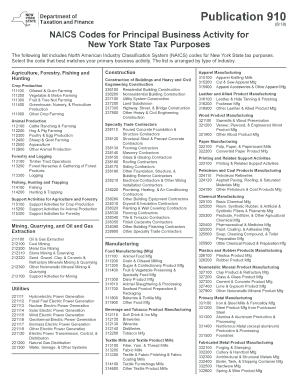
Publication 910
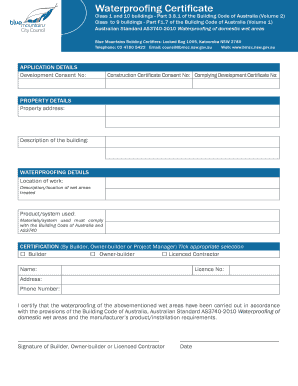
Waterproofing certificate template victoria
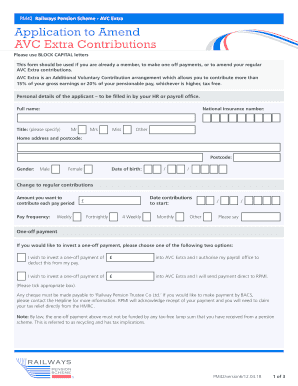
Application to Amend AVC Extra Contributions - Railways Pension ...
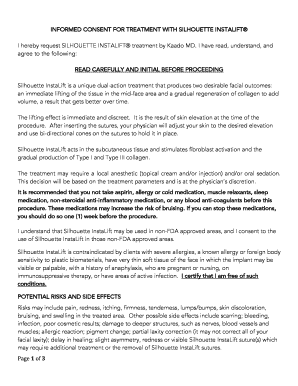
Silhouette Instalift Consent sf.docx
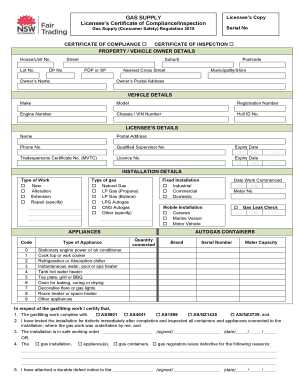
Nsw fair trading gas certificate of compliance
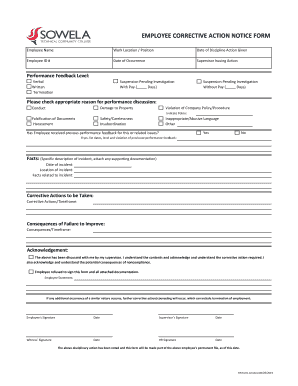
EMPLOYEE CORRECTIVE ACTION NOTICE FORM
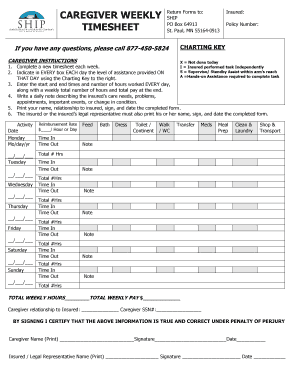
Caregiver Weekly Timesheet
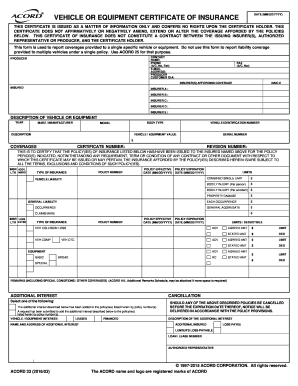
Vehicle or equipment certificate of insurance
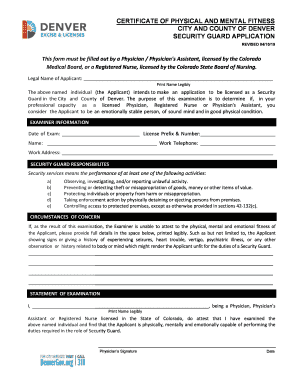
Psychological fitness certificate
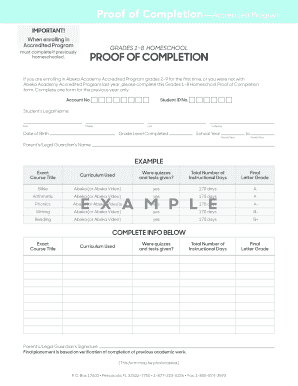
Abeka proof of completion
Bams bz
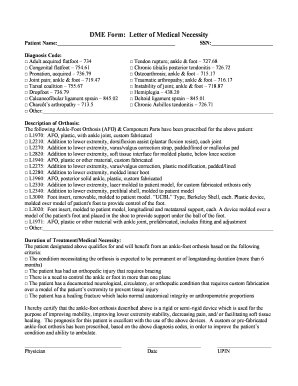
Dme letter medical necessity
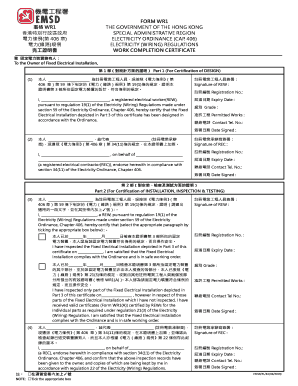
Work certificate
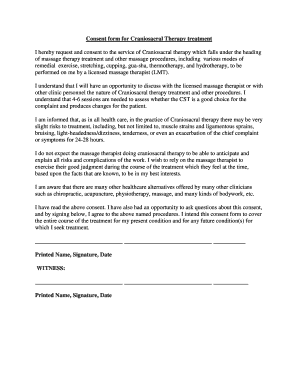
Consent form for Craniosacral Therapy treatment
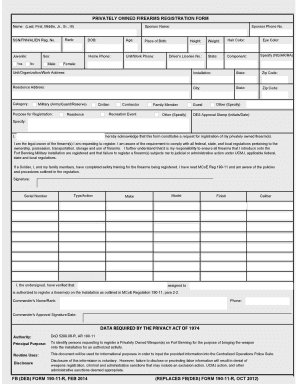
190 11 r
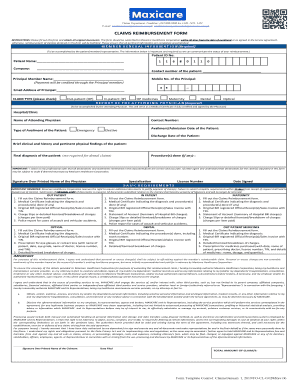
Maxicare reimbursement policy

R7c collision statement
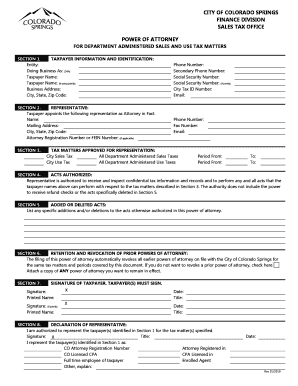
Power of attorney city of colorado springs finance division sales tax ...

Rebate Form - airstream.com

Amateur Radio Licence Application Form - OfW346
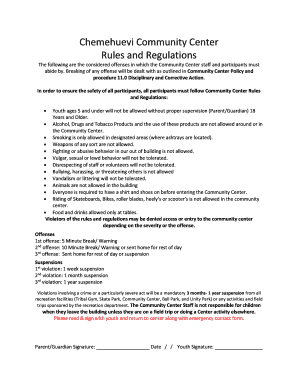
Chemehuevi Community Center Rules and Regulations
Good health form

PAYMENT AFFIDAVIT

Use the figure at the right to answer problems 1 8

Hrsc ups
Rcbc application form
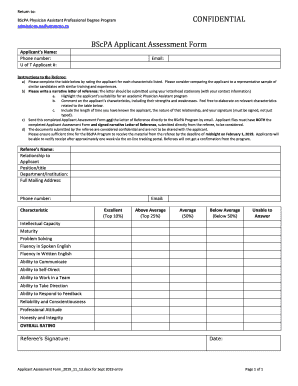
BScPA Applicant Assessment Form - paconsortium.ca

Oklahoma intrastate

SHERIDAN WYOMING ELKS - LODGE #520

MEMBERSHIP ROSTER FORM - birdvilleschools.net

DBT Adolescent Diary Card.doc
Benefit from the DocHub online library of fillable PDF forms
Searching the PDF forms doesn't have to be a tedious and time-consuming process. With the DocHub online library, it has become easier to find the fillable PDF forms and modify them in your browser. The service allows you to adjust the document to your needs using powerful editing tools.
You can use online document editing features to modify almost any type of document with ease. You just need to find the template of your choice, open it in the editor, and use the toolbar to make the necessary corrections.
Follow this guide to get your document done with DocHub:
- Find the PDF template you need.
- Click the Get Form button to open the file in the editor.
- Use the toolbar to fill out and edit the document.
- Easily add and highlight text, insert images, checkmarks, and symbols.
- Drop new fillable fields, and rearrange or delete pages from your file.
- Save changes and download your record.
DocHub empowers everyone to streamline document editing, signing, and distribution, and form completion. Create an account and benefit from our well-organized PDF Forms library and comprehensive editor.