




01. Edit your pa foreign registration statement online
Type text, add images, blackout confidential details, add comments, highlights and more.

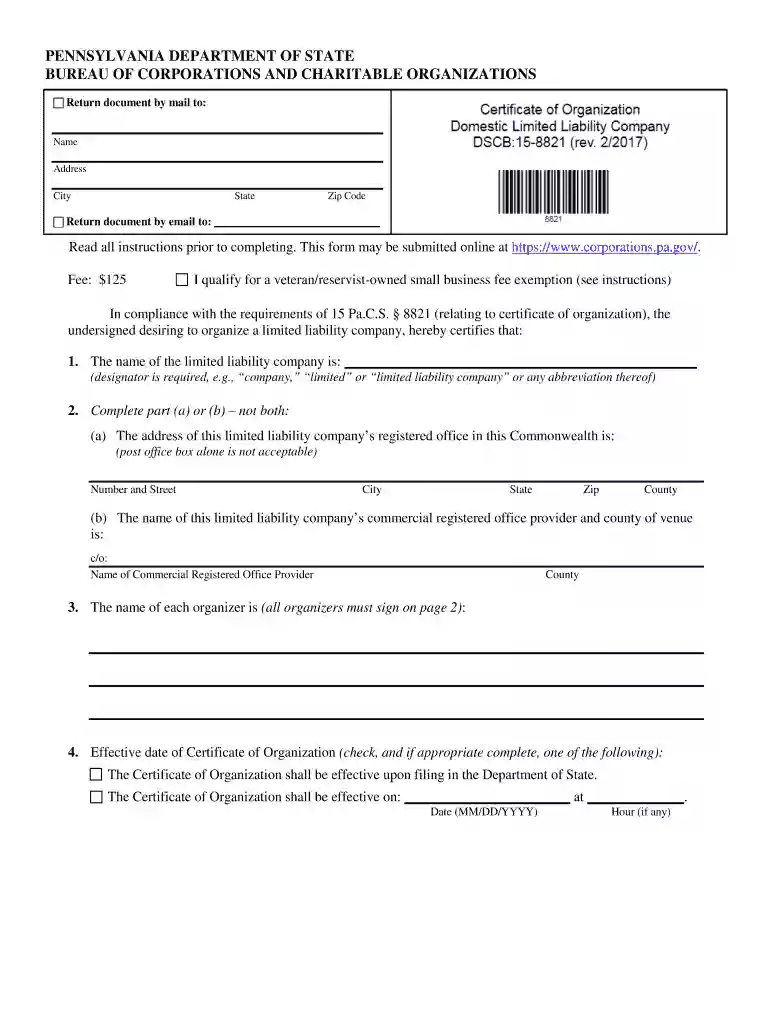
Type text, add images, blackout confidential details, add comments, highlights and more.

Draw your signature, type it, upload its image, or use your mobile device as a signature pad.

Send pennsylvania foreign llc via email, link, or fax. You can also download it, export it or print it out.

Start using our platform today to streamline your document editing and submission process for free!
We've got more versions of the pa foreign registration statement form. Select the right pa foreign registration statement version from the list and start editing it straight away!
| Versions | Form popularity | Fillable & printable |
|---|---|---|
| 2017 | 4.8 Satisfied (149 Votes) |
At DocHub, your data security is our priority. We follow HIPAA, SOC2, GDPR, and other standards, so you can work on your documents with confidence.
(4) The securities which are the subject of a registration statement designated as Form F-10 by the Securities and Exchange Commission are offered and soldRead more
These Consolidated Financial Statements were prepared in conformity with accounting principles generally accepted in the. United States of America (GAAP).Read more
The nonrefundable filing fee for this form is $250. Checks should be made payable to the Department of State. Checks must contain a commercially pre-printedRead more


