




Here's how it works



How to use or fill out Casual Employment Application Form - Outdoor Staff - Hilltops Council with DocHub

- Click ‘Get Form’ to open the Casual Employment Application Form in our editor.
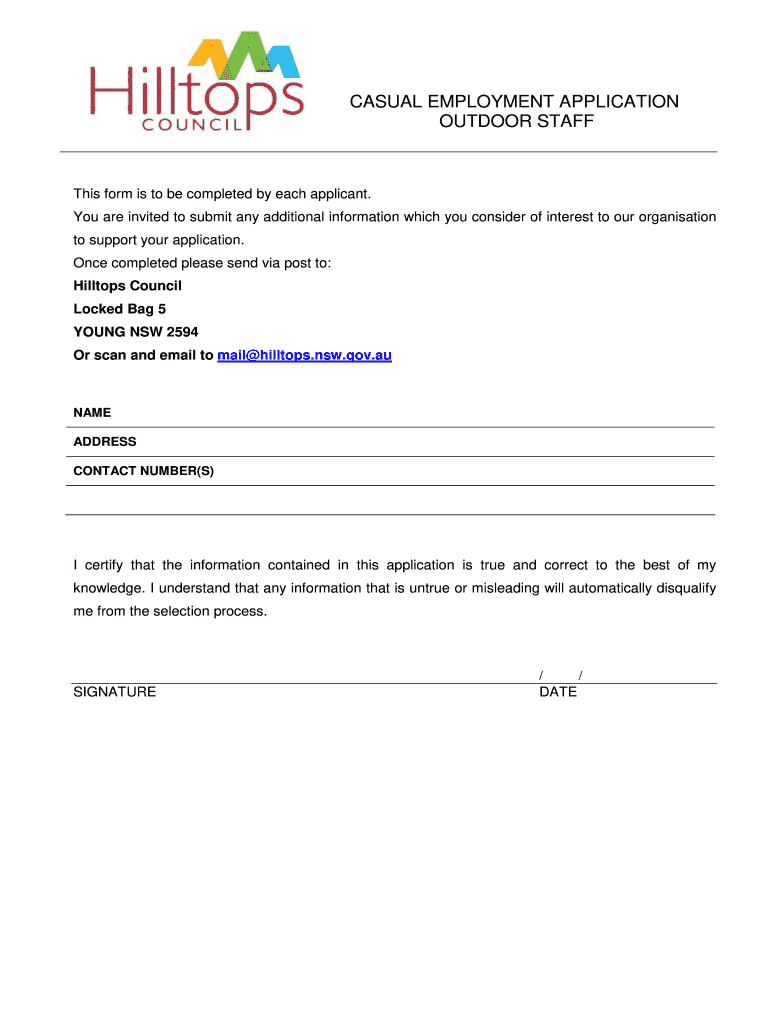
- Begin by entering your personal details in the 'NAME', 'ADDRESS', and 'CONTACT NUMBER(S)' fields. Ensure all information is accurate as it is crucial for the application process.
- In the 'QUALIFICATIONS' section, check the boxes next to any relevant certificates you hold. Fill in the 'Licence/Certificate No.' for each applicable qualification, including compulsory certificates required for employment.
- Provide additional information in the 'GENERAL' section. This can include relevant work experience and any other qualifications that support your application.
- Finally, certify your application by signing and dating it at the bottom of the form. This confirms that all provided information is true and correct.
Start filling out your application today using our platform for free!
It's free
Got questions?
What do I need to sign my Casual Employment Application Form - Outdoor Staff - Hilltops Council electronically?
Electronic document approval requires a software solution that complies with data security and eSignature regulations. DocHub is a perfect tool for that, as it meets all the aforementioned requirements. Whatever method you like to sign your Casual Employment Application Form - Outdoor Staff - Hilltops Council in DocHub, your electronic signature will be legally binding and court-admissible.
How to fill out and sign Casual Employment Application Form - Outdoor Staff - Hilltops Council online?
You may easily complete, edit, and even eSign your Casual Employment Application Form - Outdoor Staff - Hilltops Council using DocHub. Create a new profile and start your free trial. After that, you may add the file with the form and simply make all the necessary edits. No need to print on paper or use a third-party application to sign it, as you can place your electronic signature on your document quicker through DocHub.
Security and compliance
At DocHub, your data security is our priority. We follow HIPAA, SOC2, GDPR, and other standards, so you can work on your documents with confidence.
Learn more




