
Get any PDF form from the DocHub library of ready-made templates - Page 1714
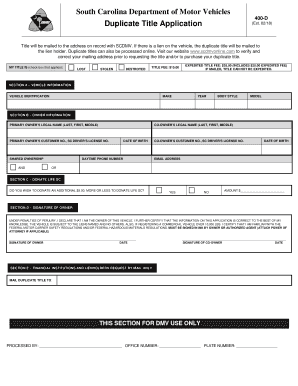
Scdmv form 400
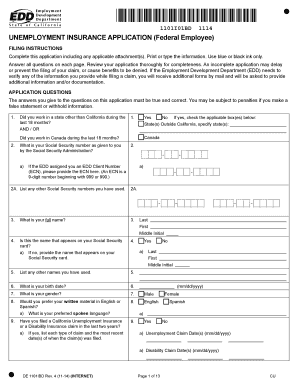
Unemployment Insurance Application (Federal Employee) DE 1101IBD

Claim for an annual lump sum payment of Family Tax BenefitA payment to help families with the cost of raising children for the 20172018 financial year
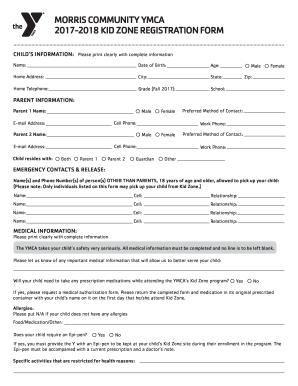
Morris community ymca 2017-2018 kid zone registration form

DEFENSE FINANCE AND ACCOUNTING SERVICE MILITARY ...
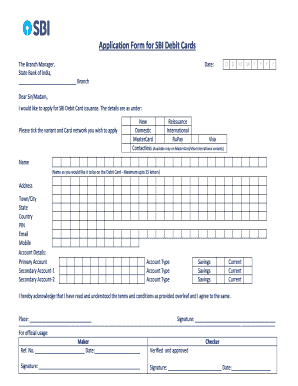
Sbi atm card apply form 2022
I agree this form to allow Four Points by Sheraton Oran to have a third party expenses charged to
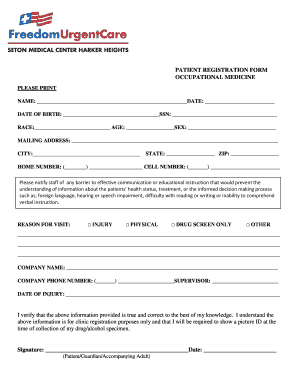
Patient Registration Form Occupational Medicine - Freedom Urgent ...

Dallas county sheriff's office dallas county jail civilian application for ...
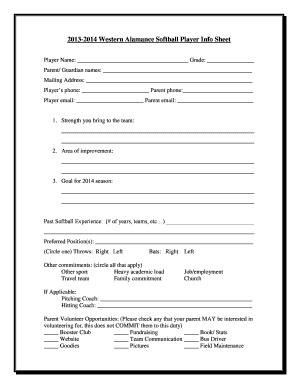
Softball player info sheet
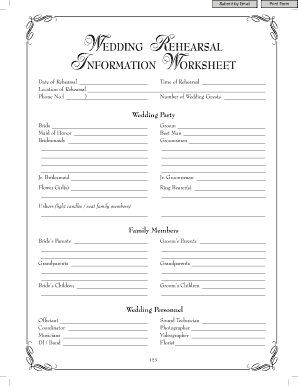
Wedding rehearsal outline
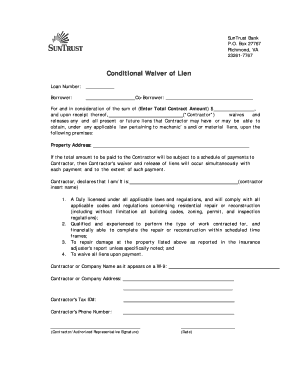
SunTrust Contractor Conditional Waiver of Lien - SunTrust Bank
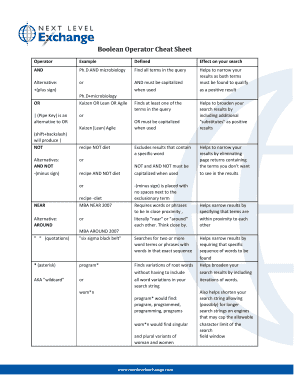
Boolean Operator Cheat Sheet
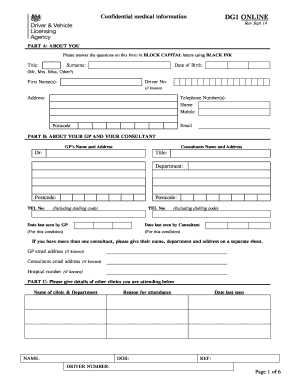
Dg1 form
Colorado mesa university
PNPM-DPL-DS-5-1-04
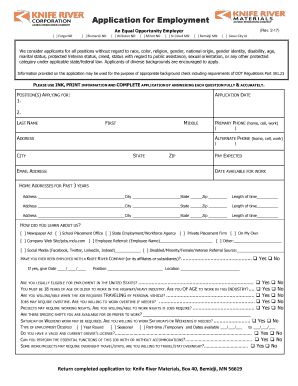
Heavy Equipment Operator(s) - Jobs at MDU - MDU Resources ...
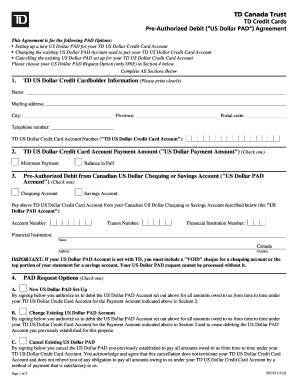
Td pre authorized debit pad form

2018 Outdoor Bazaar Information, Rules & Application

Eviction notice
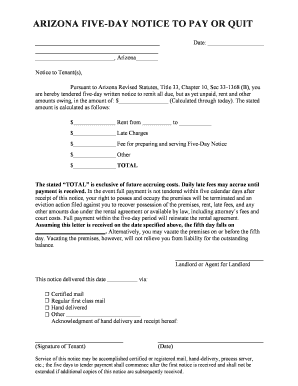
5 day notice arizona
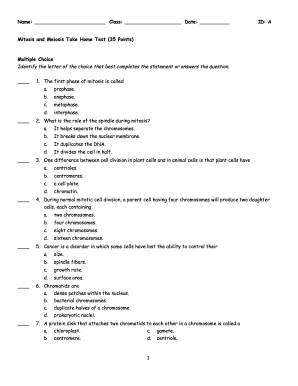
Mitosis and meiosis test answer key
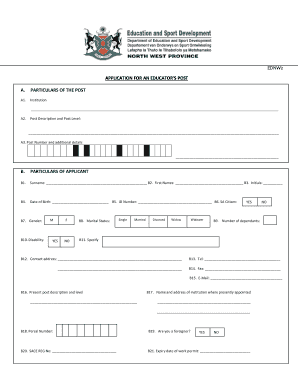
Ednw 2 form download
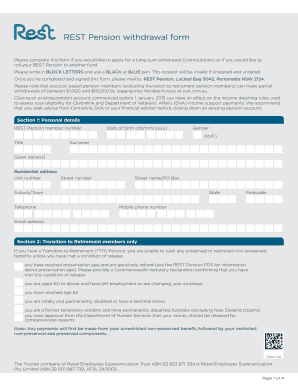
Rest online withdrawal form
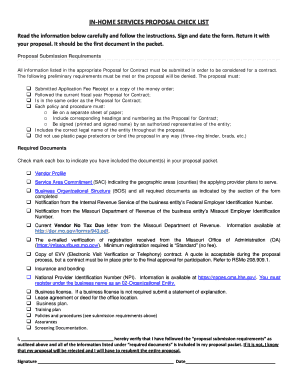
Ihs proposal

Alpha kappa alpha graduate chapter letter of invitation

Jog-A-Thon & Field Day T-Shirt Order Form - Fuerte PTA
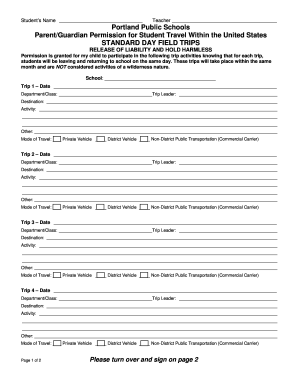
Standard field trips permission sample
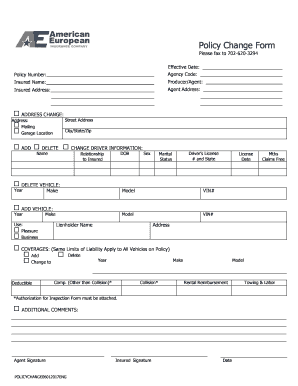
Claro insurance
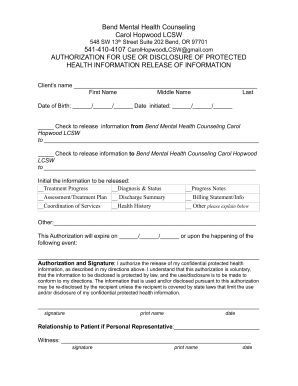
Bend Mental Health Counseling Carol Hopwood LCSW ...
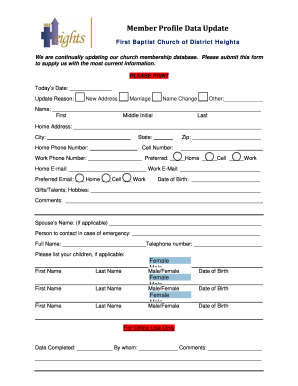
Baptist church membership form
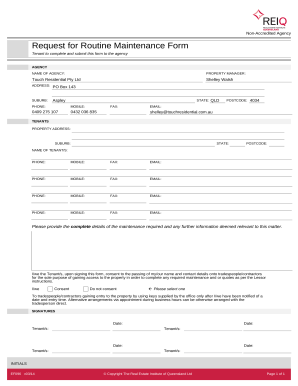
Request for Routine Maintenance Form - Touch Residential
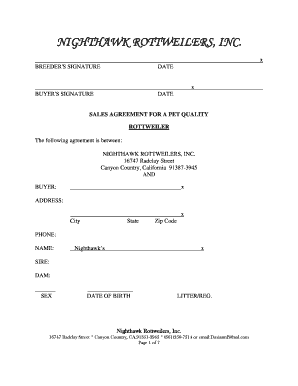
Nighthawk rottweilers
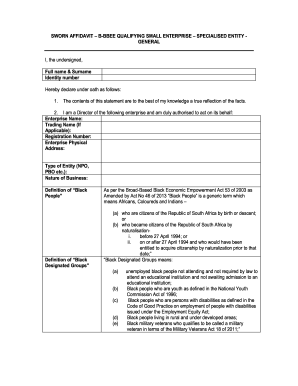
SWORN AFFIDAVIT B-BBEE QUALIFYING SMALL ENTERPRISE SPECIALISED ENTITY GENERAL
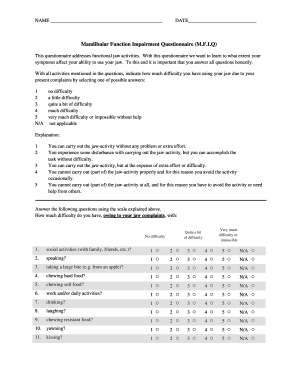
Mandibular function impairment questionnaire

Appendix forms formule
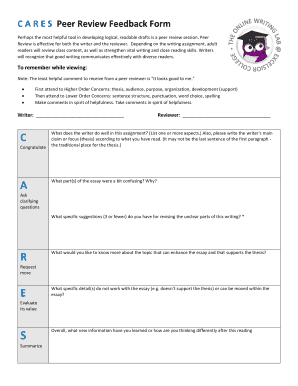
Cares peer review
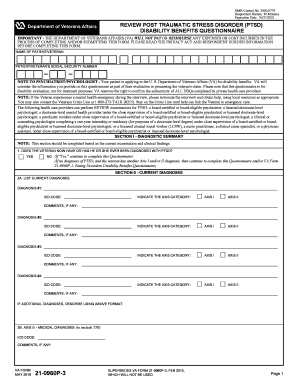
Va form 21 0960p 3
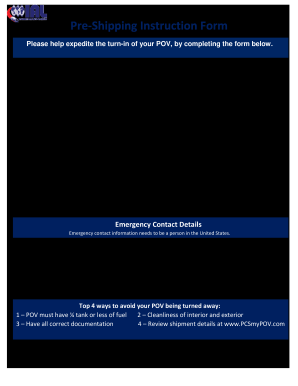
Pre-Shipping Instruction Form

Florida Supreme Court Approved Family Law Form 12.983(c), Answer to Petition and Counterpetition to Determine Paternity and for Related Relief (11/15). Florida Supreme Court Approved Family Law Form 12.983(c)

Self employment affidavit

Aircraft accident incident report
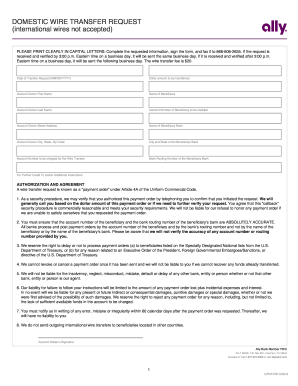
Ally Bank Domestic Wire Transfer Form

Temperature log for refrigerator
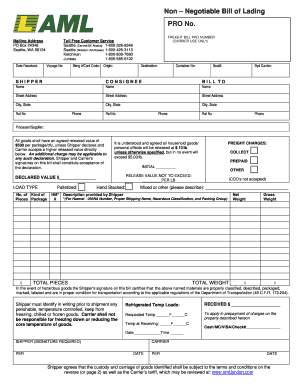
Aml bill of lading
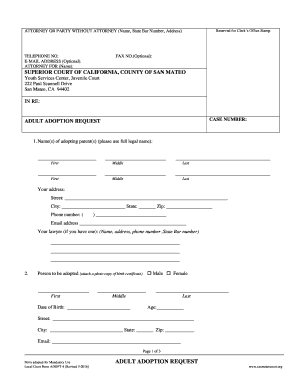
Youth Services Center, Juvenile Court
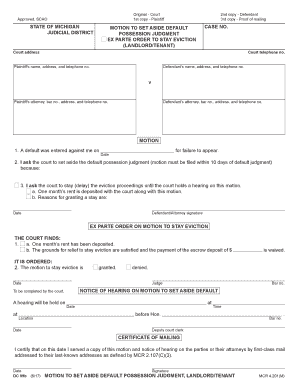
Scao michigan aside
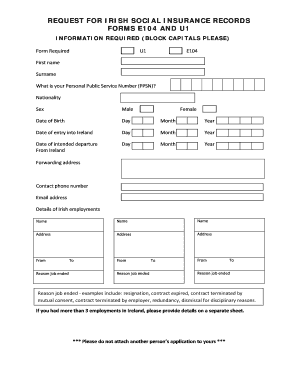
U1 form ireland
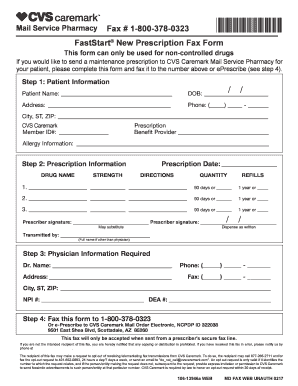
Cvs caremark fax form

2530 hud

Tens certification
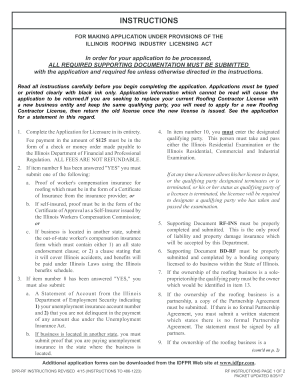
Rf ins form

Waiver withdrawal
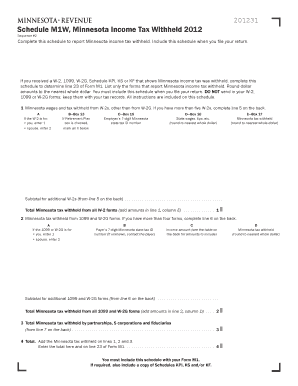
2012 M1W, Minnesota Income Tax Withheld

J1 waiver indian embassy new york
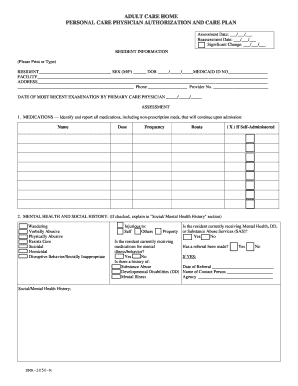
Dma-3050R. Adult Care Home Personal Care Physician Authorization and Care Plan
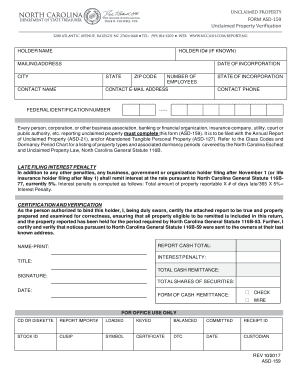
Asd 159 form

Tmhp

Administration letters
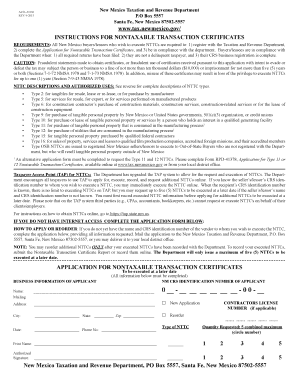
Uniform sales and use tax certificate
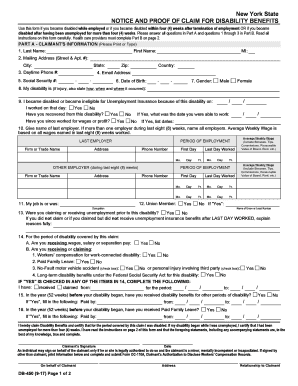
DB-450.pdf
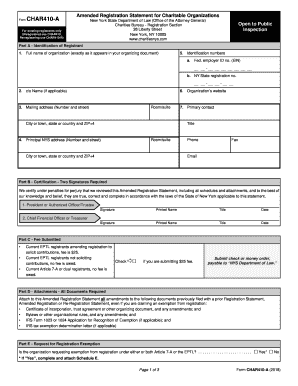
G yes york download
CCHT Recertification Nephrology Nursing Certification Commission

English language form general
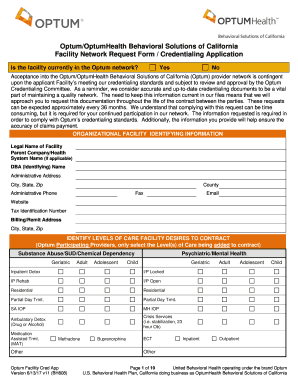
Ca optum request
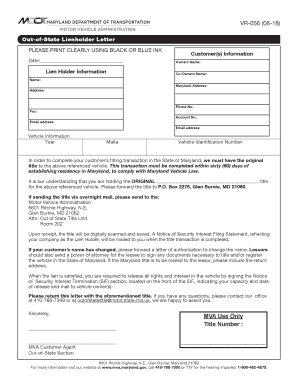
Mva letter

De 1snp
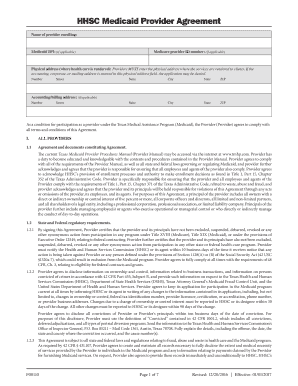
Medicaid agreement form
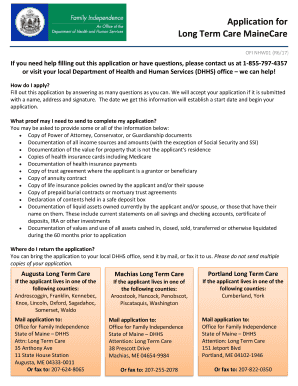
Maine application assistance
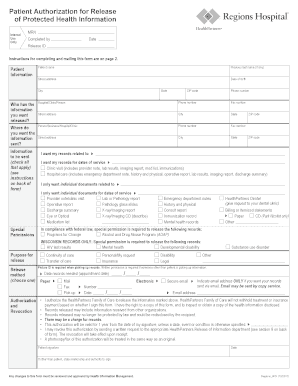
Regions medical records
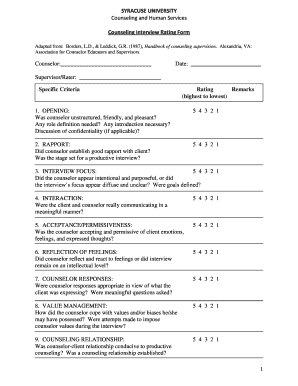
Counseling Interview Rating Form

Wire transfer authorization form
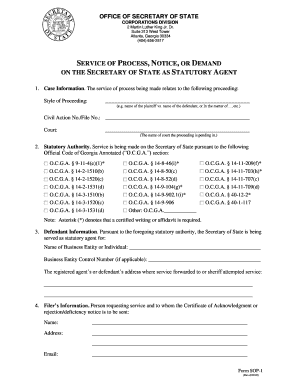
Georgia sos state service

Georgia inactive status
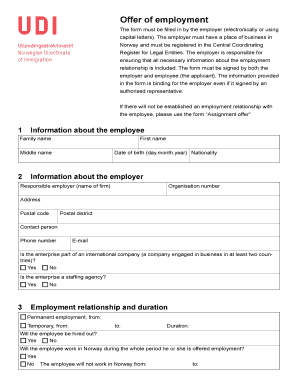
Udi arbeidstilbud
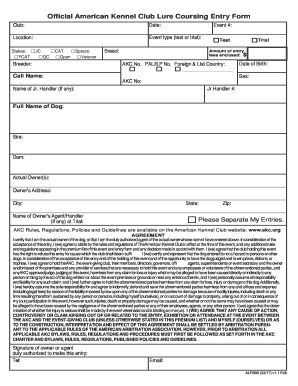
Official lure entry

$10 Fee per Official Transcript

Sd eform 0864

PC-371 REV
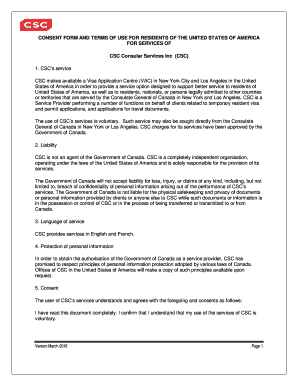
Certificate of consent csc 2022
U.S. Air Force form af131. Free download
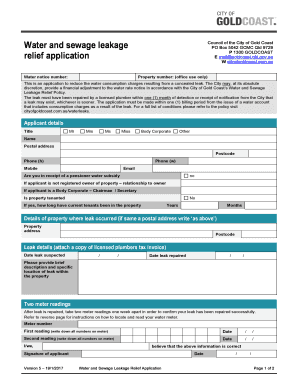
Leak relief form

Intent colorado
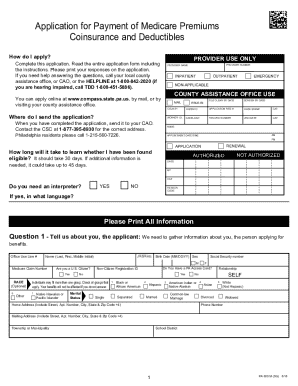
Pa 600 m

Transportation Grade

Dhs 3531
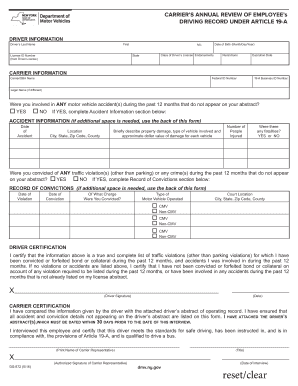
Ds 872
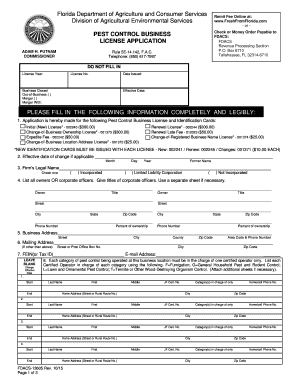
Code city spid online

Date you intend to open :

Mo form 4601
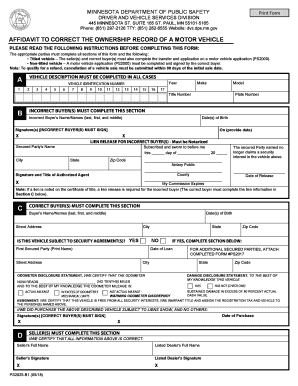
Affidavit ownership
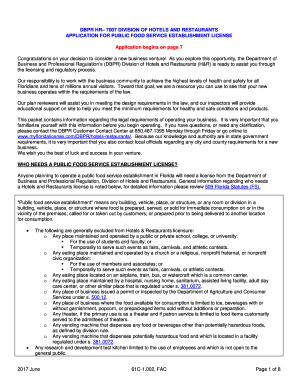
Address any dbpr

Yonkers property tax
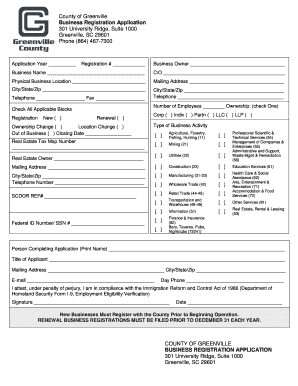
Greenville business registration
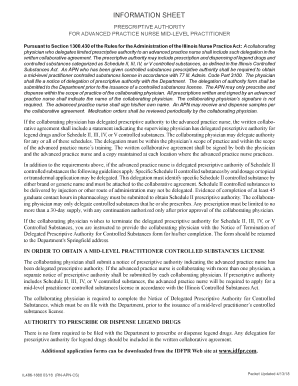
Il486 1881

This record is part of the student's permanent record and shall be transferred from one school to another as defined in Section 72-6262 (d) of the Kansas School Immunization Law (amended 1994
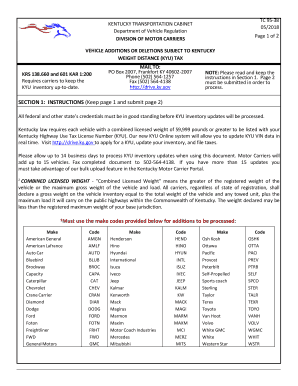
Ky weight distance

Treasury direct form 5446

FIELDS IN RED OR MARKED WITH AN * ARE MANDATORY

Llc 35 15
Benefit from the DocHub online library of fillable PDF forms
Searching the PDF forms doesn't have to be a tedious and time-consuming process. With the DocHub online library, it has become easier to find the fillable PDF forms and modify them in your browser. The service allows you to adjust the document to your needs using powerful editing tools.
You can use online document editing features to modify almost any type of document with ease. You just need to find the template of your choice, open it in the editor, and use the toolbar to make the necessary corrections.
Follow this guide to get your document done with DocHub:
- Find the PDF template you need.
- Click the Get Form button to open the file in the editor.
- Use the toolbar to fill out and edit the document.
- Easily add and highlight text, insert images, checkmarks, and symbols.
- Drop new fillable fields, and rearrange or delete pages from your file.
- Save changes and download your record.
DocHub empowers everyone to streamline document editing, signing, and distribution, and form completion. Create an account and benefit from our well-organized PDF Forms library and comprehensive editor.