
Get any PDF form from the DocHub library of ready-made templates - Page 1713
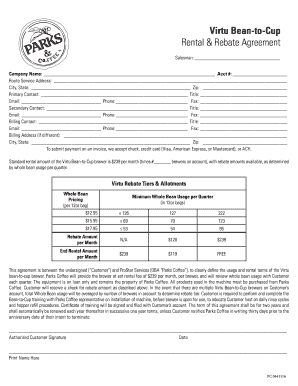
Virtu Bean-to-Cup Rental & Rebate Agreement - Parks Coffee
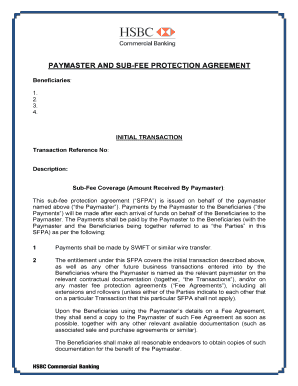
Paymaster agreement form
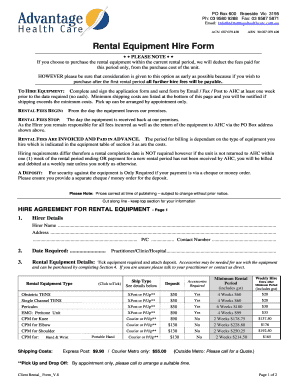
Rental Equipment Hire Form - Advantage Health Care

Youth Transitional Living Program Application
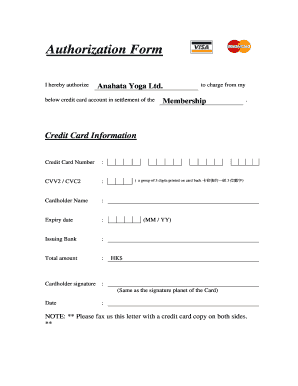
Credit card autopay Authorization Form.doc

Instrument check out form
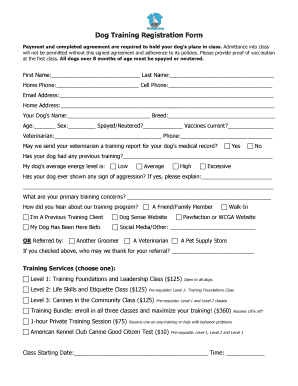
Dog training application form
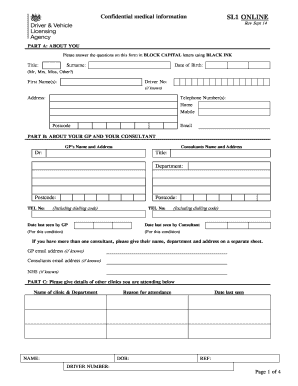
Sl1 form
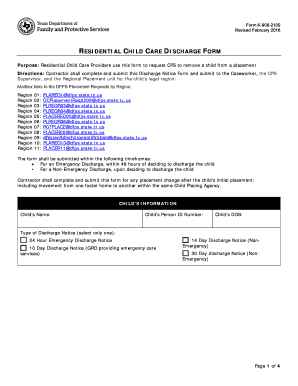
Dfps discharge form
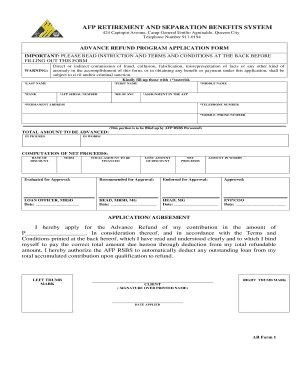
Rsbs form
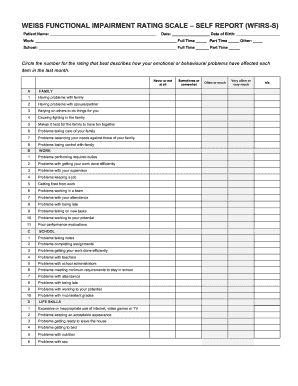
Weiss functional impairment rating scale
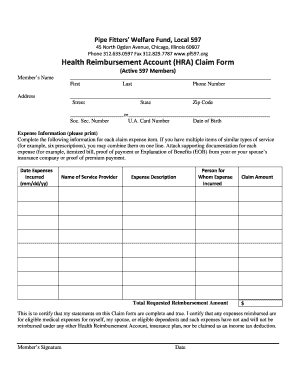
Pipe Fitters' Welfare Fund, Local 597
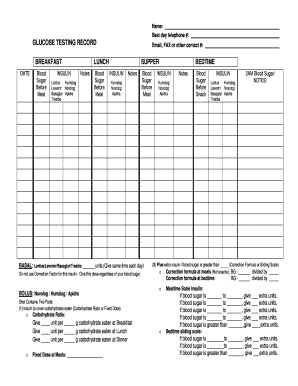
Standard glucose testing record sheet. diabetes patientuse

2012 District of Columbia Child Care Market Rates ... - osse - DC.gov
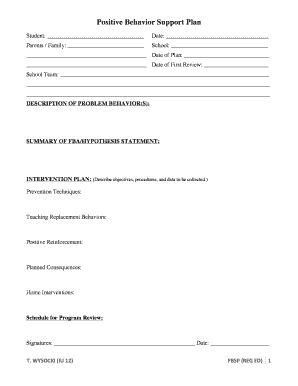
Pbsp template
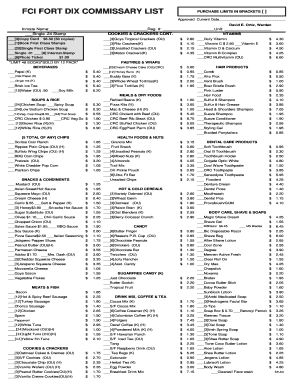
Fort dix commissary list
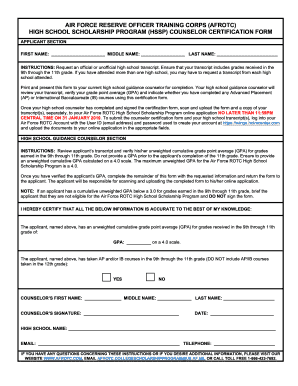
AFROTC HSSP COUNSELOR CERTIFICATION FORM (Autosaved).docx
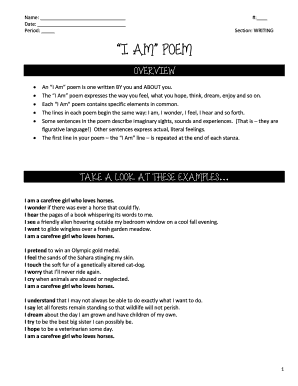
I AM POEM

Check in check out sheet template

Incident Report - Tenant Related Incident.doc

Rwa membership form
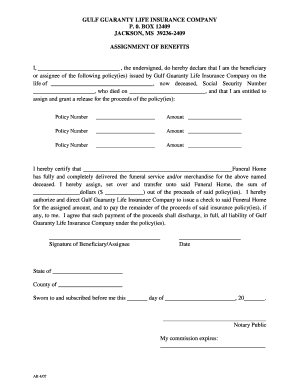
Assignment of benefits
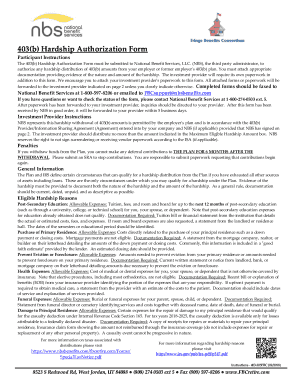
Hardship authorization form
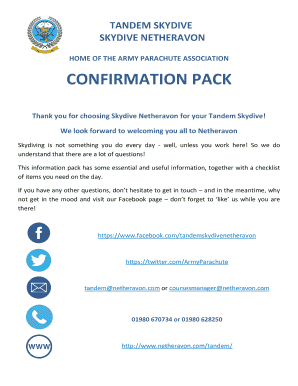
Skydiving confirmation email
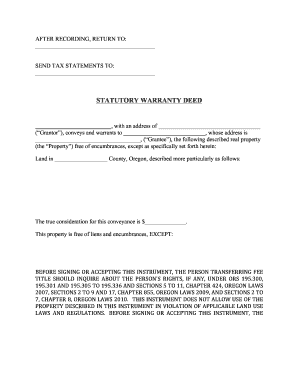
Statutory warranty deed

Primm abc child care

Mvu use motor vehicle form

Final Decree of Divorce / Decreto Final de Divorcio SET B. Divorce - (Set B) with Children, no prior orders

QML REF NO

Mn lg1004 gambling

North dakota damage disclosure statement

Agreement to Terminate Fixed Term Tenancy - Seaside Real Estate
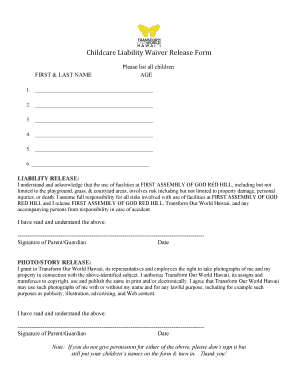
Childcare liability waiver
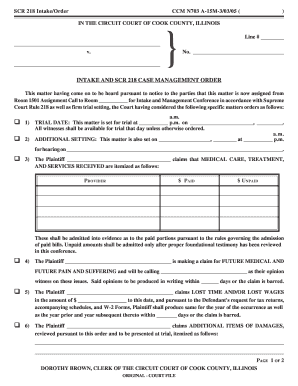
Scr 218
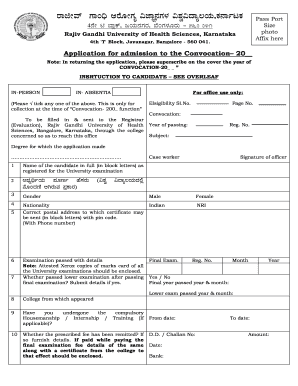
Convocation certificate download

Holley by the sea hoa rules
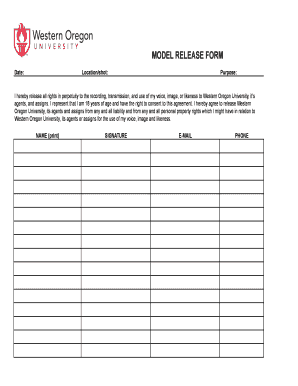
Group release form

Juvederm consent form allergan
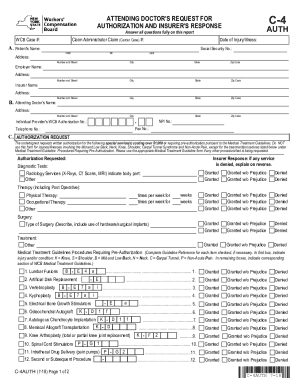
Workers compensation c 4 form
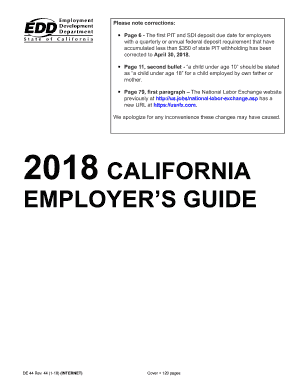
Ca de44
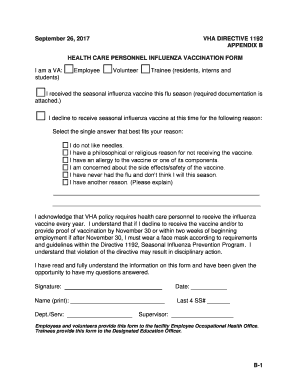
Va form 10 9050
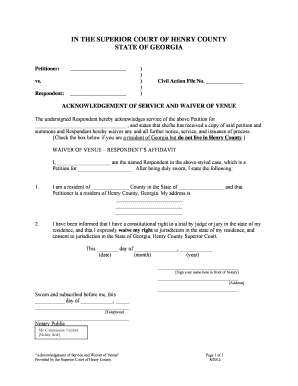
ACKNOWLEDGEMENT OF SERVICE AND WAIVER OF VENUE

MOTORHOME RENTAL AGREEMENT

Form nstc 158

Student health record form 14
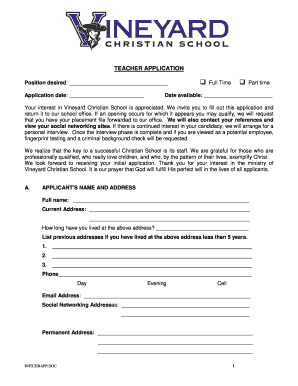
Initial teacher application - Vineyard Christian School
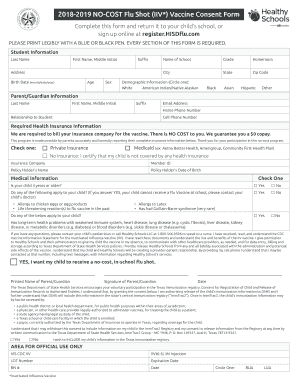
Flu consent 2021 2022
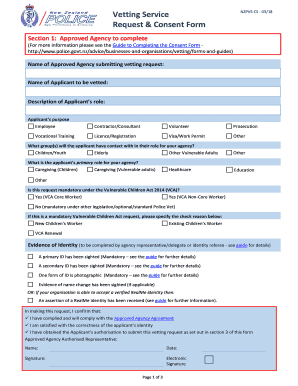
Vetting Service Request & Consent Form - First Foundation

Downtime form

Tenant Registration Form - Dove Valley Ranch HOA Located in ...

MARINA MANAGEMENT AGREEMENT
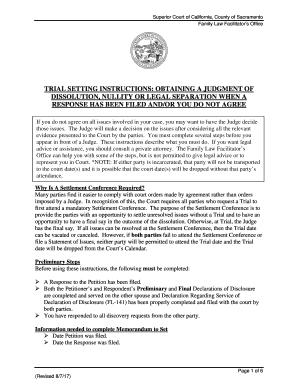
Memorandum to set fl e lp 625
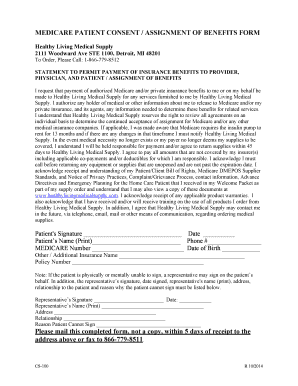
Medicare Patient Consent and AOB Form - revised 12-2014
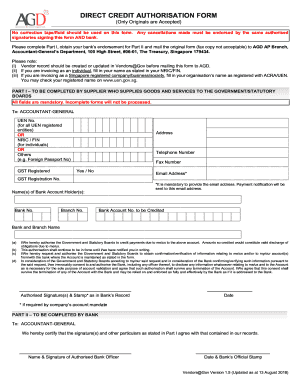
Direct credit authorisation form
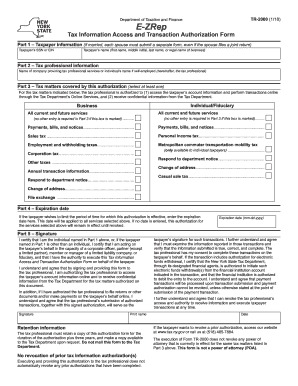
Tr 2000
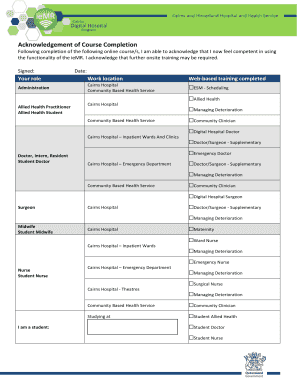
Acknowledgement of Course Completion Form
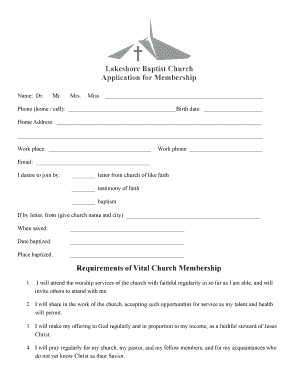
Baptist church membership form
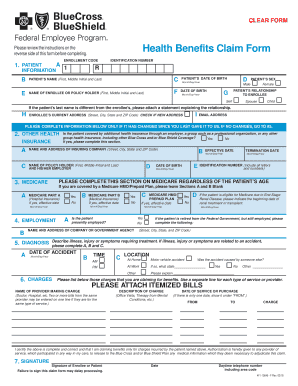
Bcbs federal claim form

Maryland form ac
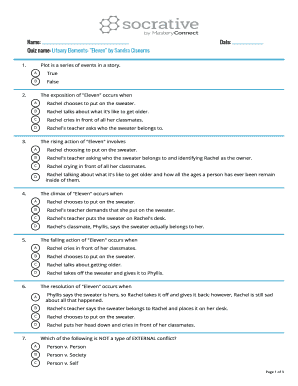
Eleven'' by sandra cisneros questions and answers pdf
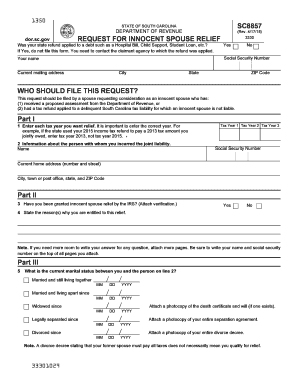
South carolina spouse relief
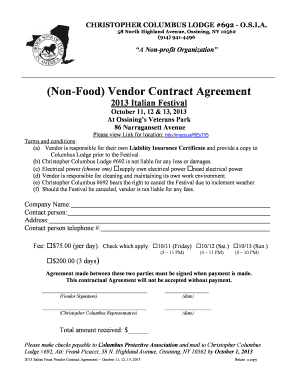
(Non-Food) Vendor Contract Agreement
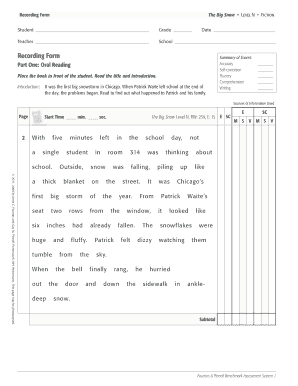
The big snow fountas and pinnell
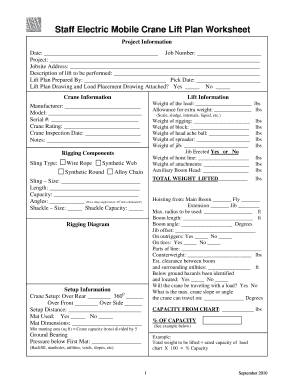
Mobile crane lift plan
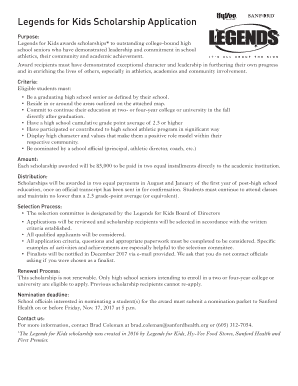
Legends for Kids Scholarship Application - Hy-vee/Sanford Legends ...
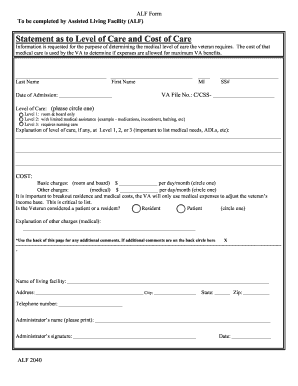
ALF 2040.doc

Commercial lease contract form
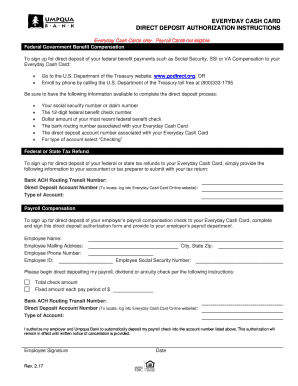
Everyday cash card direct deposit authorization ... - Umpqua Bank

Army profile request form

Equitable distribution worksheet

Employee termination report form

Application for Disability benefits Canada Pension Plan. ISP1151E
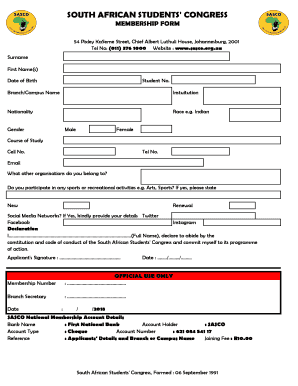
Sasco membership form 2022 pdf download

Cimb maintenance form
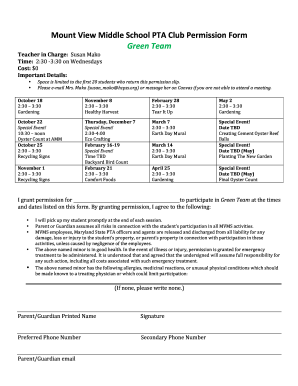
Middle permission template
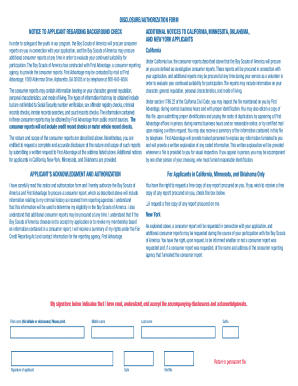
Bsa adult application
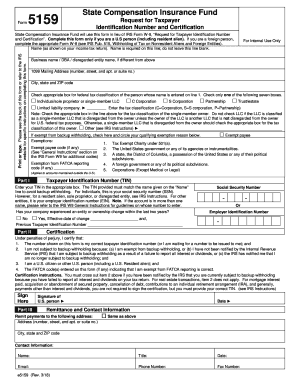
Form 5159 irs

Operations with irrational numbers worksheet pdf

BLANK INVOICE TEMPLATE - d2myx53yhj7u4b.cloudfront.net

Hdfc ach mandate

American Carpatho-Russian Orthodox Diocese of North AmericaAn ...
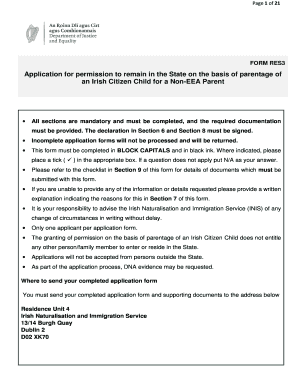
Res3
Nurse educator handbook
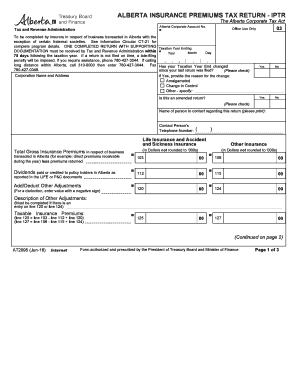
ALBERTA INSURANCE PREMIUMS TAX RETURN - IPTR
Mexican power of attorney form
Illuminati join application form

IELTS TRF Re-print Application Form
Ta recoupment waiver

Bcal 3970
Blank Checks Template for Kids
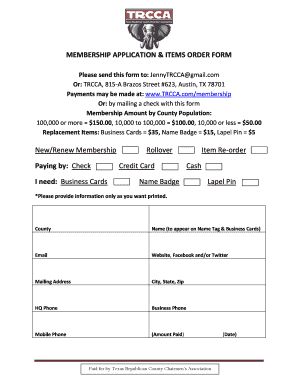
MEMBERSHIP APPLICATION & ITEMS ORDER FORM
Pa par asr use form
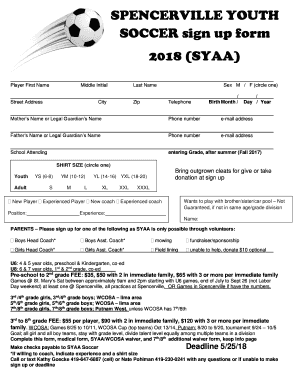
SPENCERVILLE YOUTH SOCCER sign up form 2018 (SYAA)
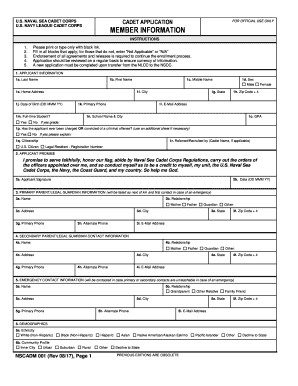
Sea cadet corps admission form 2022
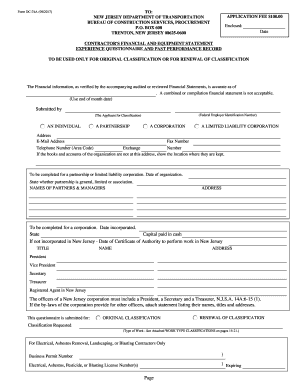
Form dc 74a
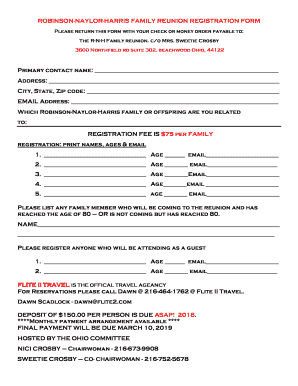
Family reunion registration form
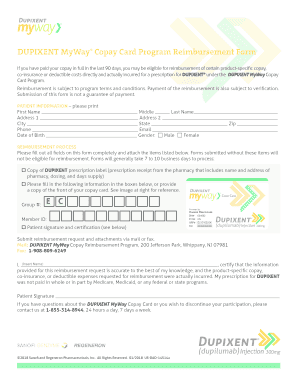
Dupixent reimbursement form
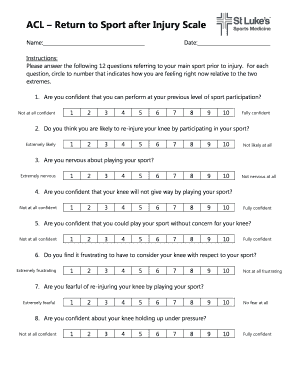
ACL Return to Sport after Injury Scale
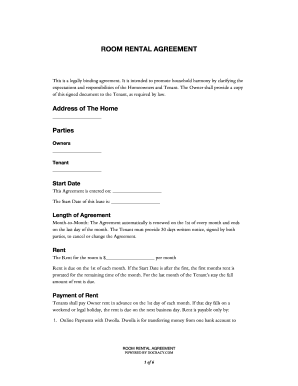
It is intended to promote household harmony by clarifying the
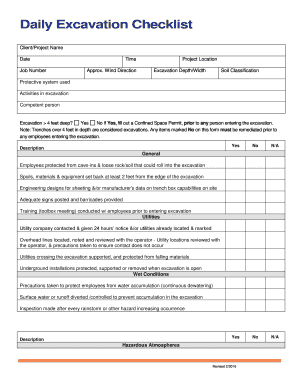
Daily excavation checklist
Benefit from the DocHub online library of fillable PDF forms
Searching the PDF forms doesn't have to be a tedious and time-consuming process. With the DocHub online library, it has become easier to find the fillable PDF forms and modify them in your browser. The service allows you to adjust the document to your needs using powerful editing tools.
You can use online document editing features to modify almost any type of document with ease. You just need to find the template of your choice, open it in the editor, and use the toolbar to make the necessary corrections.
Follow this guide to get your document done with DocHub:
- Find the PDF template you need.
- Click the Get Form button to open the file in the editor.
- Use the toolbar to fill out and edit the document.
- Easily add and highlight text, insert images, checkmarks, and symbols.
- Drop new fillable fields, and rearrange or delete pages from your file.
- Save changes and download your record.
DocHub empowers everyone to streamline document editing, signing, and distribution, and form completion. Create an account and benefit from our well-organized PDF Forms library and comprehensive editor.