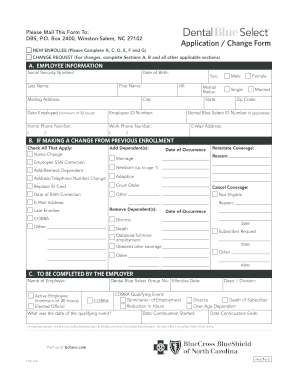
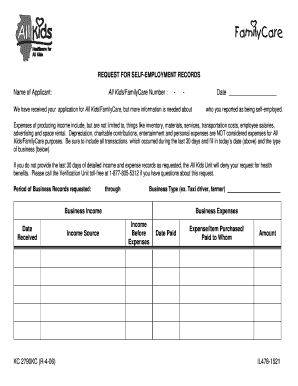
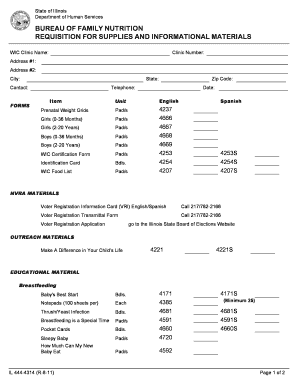
Appendix forms formule 2026

Get Form
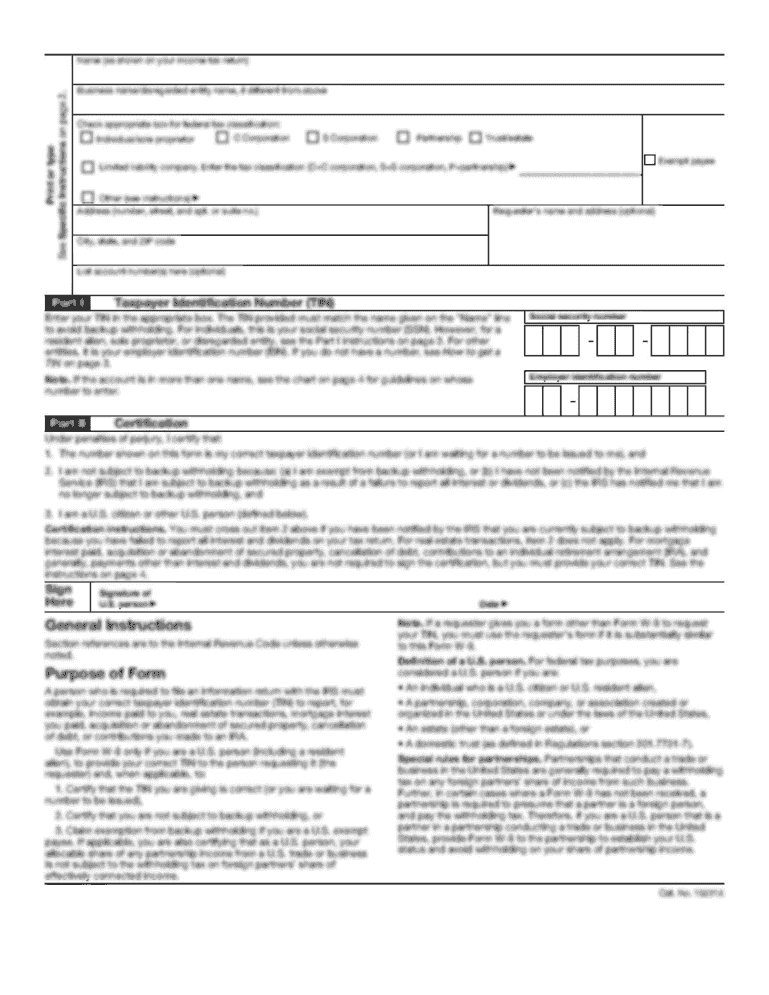
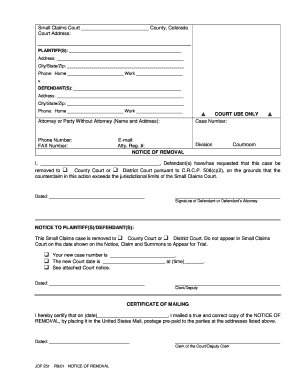
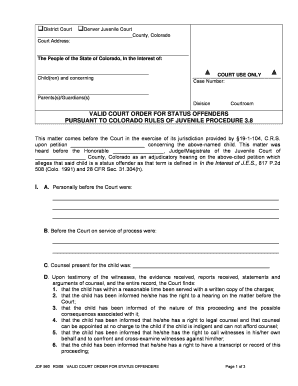
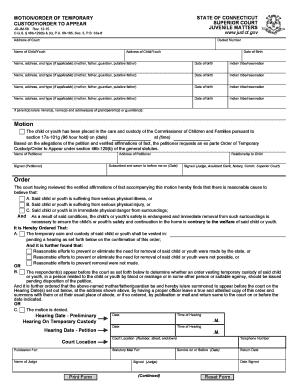
appendix forms formule Preview on Page 1

Here's how it works

01. Edit your form online
Type text, add images, blackout confidential details, add comments, highlights and more.
02. Sign it in a few clicks
Draw your signature, type it, upload its image, or use your mobile device as a signature pad.
03. Share your form with others
Send it via email, link, or fax. You can also download it, export it or print it out.

How to use or fill out appendix forms formule with our platform

Form edit decoration
9.5
Ease of Setup
DocHub User Ratings on G2
9.0
Ease of Use
DocHub User Ratings on G2
  1. Click ‘Get Form’ to open the appendix forms formule in the editor.
  2. Begin by entering the Claim Number and Court details at the top of the form. Ensure accuracy as this information is crucial for your case.
  3. In the 'Applicant' and 'Respondent' sections, fill in the names and addresses of all parties involved. This includes email addresses and phone numbers for effective communication.
  4. Check the appropriate box indicating what you are seeking to change, whether it’s an agreement for support or a court order.
  5. Complete each section regarding custody, child support, or spousal support as applicable. Be specific about amounts and dates to avoid confusion.
  6. Review your entries carefully before saving or submitting. Use our platform's tools to ensure everything is filled out correctly.

Start using our platform today for free to streamline your document editing and form completion!

See more appendix forms formule versions

We've got more versions of the appendix forms formule form. Select the right appendix forms formule version from the list and start editing it straight away!
Versions Form popularity Fillable & printable
2021 4.8 Satisfied (120 Votes)
2018 4.3 Satisfied (196 Votes)
2010 4.3 Satisfied (193 Votes)
be ready to get more

Complete this form in 5 minutes or less

Get form

Got questions?

We have answers to the most popular questions from our customers. If you can't find an answer to your question, please contact us.
Contact us
Appendices Label. Your appendices should have a clear labelling system (Appendix 1, Appendix 2, Appendix 3) and each item in an appendix should have a descriptive title saying what it is (Appendix 1: Flowchart of purchasing decision-making process). Refer to. References.
Heres a list of whats commonly included in an appendix: tables and charts. figures and graphs. maps. images. audio or video clips. detailed textual descriptions. spreadsheets. lists too long for the main text.
Appendices can consist of figures, tables, maps, photographs, raw data, computer programs, musical examples, interview questions, sample questionnaires, etc.
Some items that often compose the contents of an appendix include: Figures: Figures are anything outside of the main body of your text that you can refer to. These can be drawings, photographs or mathematical equations as examples.
Appendicitis happens when your appendix becomes infected and swollen. This is often caused by something getting stuck in your appendix, such as a small piece of undigested food or hard poo. Appendicitis is common. It can happen at any age, but its most common in children over 10 years old and young adults.

Security and compliance

At DocHub, your data security is our priority. We follow HIPAA, SOC2, GDPR, and other standards, so you can work on your documents with confidence.

Learn more
ccpa2
pci-dss
gdpr-compliance
hipaa
soc-compliance
be ready to get more

Complete this form in 5 minutes or less

Get form

People also ask

If there isnt already an Appendix Figure label, then create one: Click the New Label button, and enter Appendix Figure. Then click OK. With the Appendix Figure label selected, click the Numbering: Format button. Set Chapter starts with style: to Heading 7 (This is our Appendix number/letter)

Related links