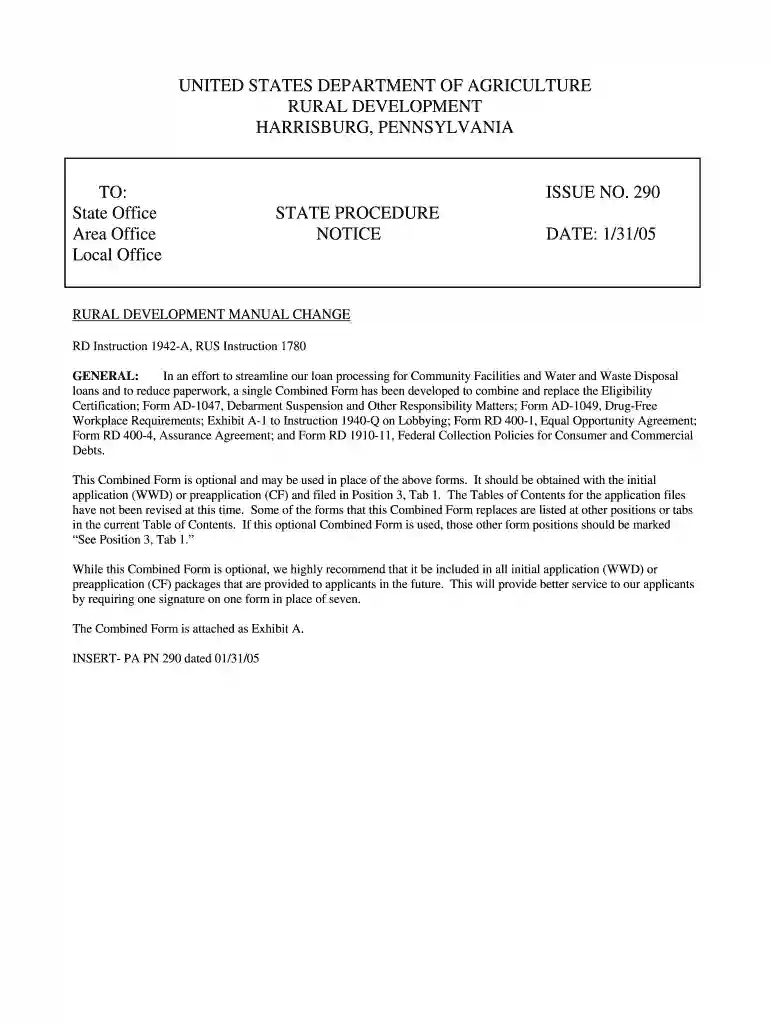
Usda certification 2026

Get Form
loan form process Preview on Page 1

Here's how it works

01. Edit your loan form process online
Type text, add images, blackout confidential details, add comments, highlights and more.

02. Sign it in a few clicks
Draw your signature, type it, upload its image, or use your mobile device as a signature pad.

03. Share your form with others
Send usda certification via email, link, or fax. You can also download it, export it or print it out.

How to use or fill out USDA Certification with our platform

Form edit decoration
9.5
Ease of Setup
DocHub User Ratings on G2
9.0
Ease of Use
DocHub User Ratings on G2
  1. Click ‘Get Form’ to open the USDA Certification in the editor.
  2. Begin by filling out the applicant's information at the top of the form, ensuring accuracy as this is crucial for compliance.
  3. In the Eligibility Certification section, confirm that your organization cannot finance the project independently and check any relevant boxes regarding outstanding judgments.
  4. Proceed to complete the Debarment and Suspension section. Certify that neither you nor your principals are debarred or suspended from federal transactions.
  5. Fill out the Drug-Free Workplace Requirements by detailing your organization's commitment to maintaining a drug-free environment.
  6. Complete the Lobbying certification if applicable, ensuring no federal funds have been used for lobbying activities.
  7. Review all sections for completeness and accuracy before signing. Use our platform’s tools to add your signature electronically.

Start using our platform today to streamline your USDA Certification process for free!

See more usda certification versions

We've got more versions of the usda certification form. Select the right usda certification version from the list and start editing it straight away!
Versions Form popularity Fillable & printable
2005 4.8 Satisfied (164 Votes)
be ready to get more

Complete this form in 5 minutes or less

Get form

Got questions?

We have answers to the most popular questions from our customers. If you can't find an answer to your question, please contact us.
Contact us
What is the USDA Process Verified Program? The USDA Process Verified Program (PVP) provides a voluntary service where a company sets their own standard, then applies to the PVP to have their standard checked by USDA for compliance.
Products sold, labeled, or represented as organic must have at least 95 percent certified organic content. Products sold, labeled, or represented as made with organic must have at least 70 percent certified organic content.
USDA certified organic foods are grown and processed according to federal guidelines addressing, among many factors, soil quality, animal raising practices, pest and control, and use of additives.
USDA-accredited docHubing agents are authorized to docHub operations to the USDA organic standards. Most docHubing agents are directly accredited by the USDA National Organic Program (NOP). Others are authorized through recognition agreements between the U.S. and foreign governments.
Certification costs may range from a few hundred to several thousand dollars. Before you apply, ask your certifier for a fee structure and billing cycle. Typically, there is an application fee, annual renewal fee, assessment on annual production or sales, and inspection fees.

Security and compliance

At DocHub, your data security is our priority. We follow HIPAA, SOC2, GDPR, and other standards, so you can work on your documents with confidence.

Learn more
ccpa2
pci-dss
gdpr-compliance
hipaa
soc-compliance
be ready to get more

Complete this form in 5 minutes or less

Get form