




01. Edit your nj subpoena duces tecum online
Type text, add images, blackout confidential details, add comments, highlights and more.

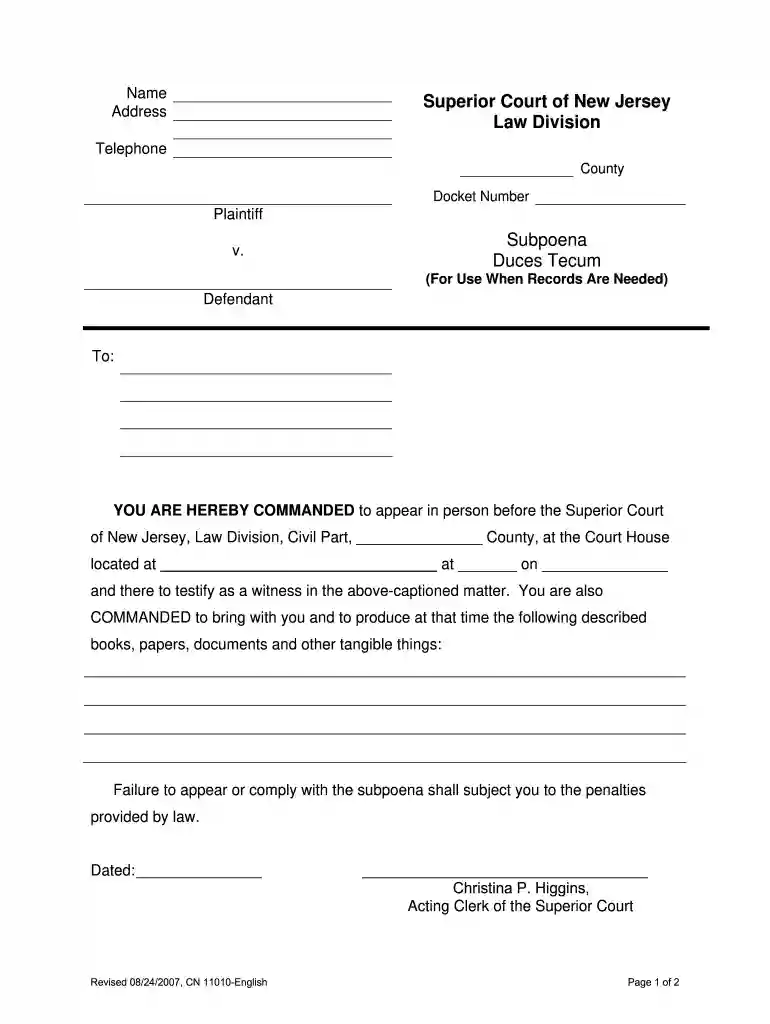
Type text, add images, blackout confidential details, add comments, highlights and more.

Draw your signature, type it, upload its image, or use your mobile device as a signature pad.

Send subpoena duces tecum nj via email, link, or fax. You can also download it, export it or print it out.

Start using our platform today to streamline your document editing and ensure a smooth process!
We've got more versions of the nj subpoena duces tecum form. Select the right nj subpoena duces tecum version from the list and start editing it straight away!
Yes, a typed name is recognized as a legitimate electronic signature when you add it to your paperwork using a compliant solution like DocHub. Simply import your new jersey subpoena duces tecum to our editor, click Sign in the top tool pane → Create your signature → Type your name in the appropriate tab, and choose how it will look on your document.
You may complete and eSign your Subpoena Duces Tecum - New Jersey Courts - judiciary state nj on the internet, even on a tight deadline. All you need to access top-notch editing instruments on any device is a DocHub account, that you can sign up in a few moments. Once you sign up, upload your file or find what you are searching for in our catalog, complete it using the editing instruments you need, and place your electronic signature on it at the end.
At DocHub, your data security is our priority. We follow HIPAA, SOC2, GDPR, and other standards, so you can work on your documents with confidence.
Failure to appear or comply with the command of this Subpoena will subject you to the penalties provided by law. Dated. Michelle M. Smith, Clerk of the SuperiorRead more
A party or attorney responsible for issuing and serving a subpoena must take reasonable steps to avoid imposing undue burden or expense on a person subject toRead more


