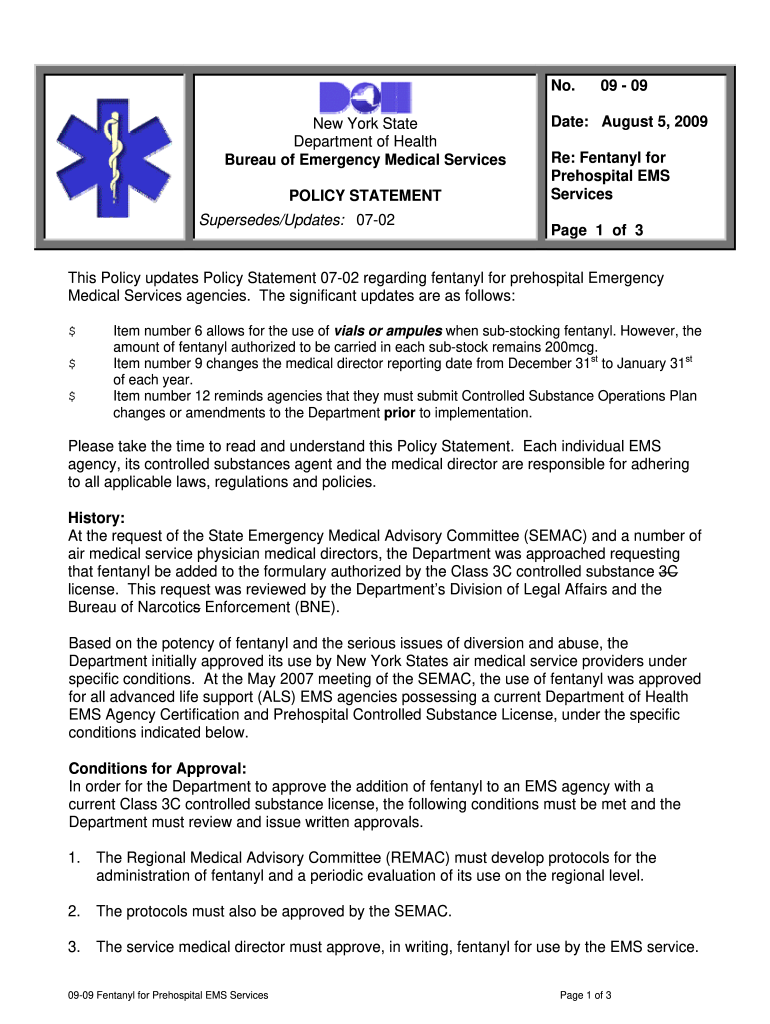
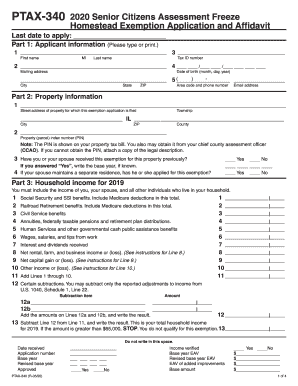
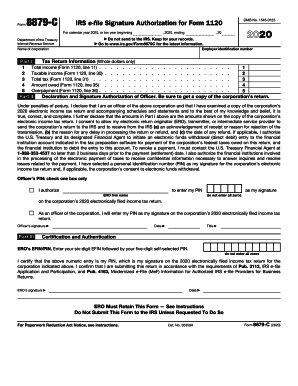
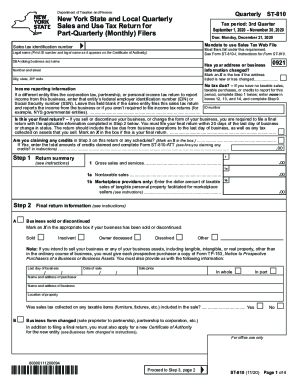
Handling documents with our comprehensive and intuitive PDF editor is simple. Adhere to the instructions below to fill out Nydoh 5222 online quickly and easily:
Take advantage of DocHub, the most straightforward editor to quickly handle your documentation online!
| Versions | Form popularity | Fillable & printable |
|---|---|---|
| 2009 | 4.8 Satisfied (129 Votes) |
According to eSignature regulations, documents approved electronically have the same validity as those approved with pen and paper. You can electronically sign almost any business and private paperwork. Four types of documents still require handwritten signatures only - wills and testamentary trusts, court orders and other court forms, state statutes regulating divorce, adoption, or other family law, and notice of cancellation of utility services. If you adhere to the rules and use a safe and compliant software solution, like DocHub, you can eSign your nydoh 5222 without printing it.
If you are using Chrome, there are two easy ways to modify your nydoh 5222 online. First, visit the DocHub site, add your document, and modify it utilizing our toolbar. You may also set up our Chrome extension and modify any document by dragging and dropping it in your web browser window.
At DocHub, your data security is our priority. We follow HIPAA, SOC2, GDPR, and other standards, so you can work on your documents with confidence.
Learn more