
Get any PDF form from the DocHub library of ready-made templates - Page 1638
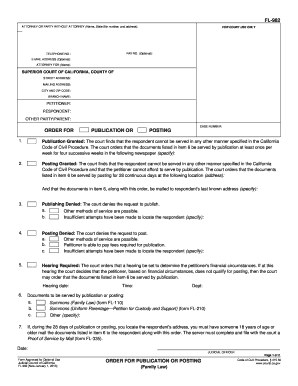
Fl 982
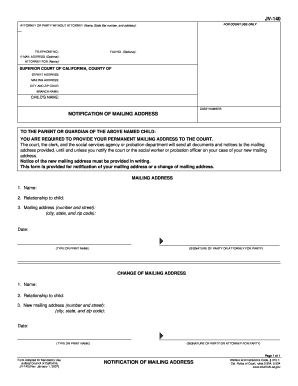
Jv 140
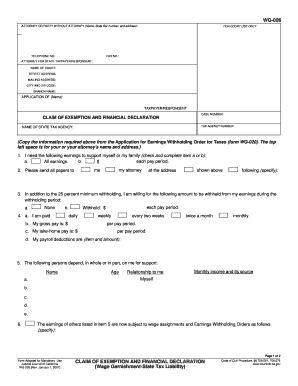
California financial declaration
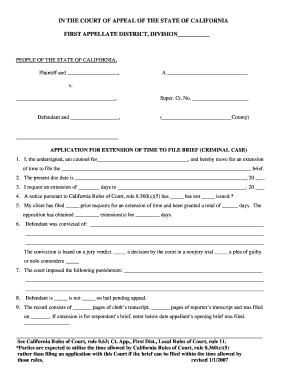
Ca extension court case form
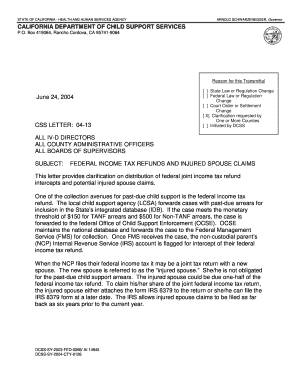
Css injured spouse claim
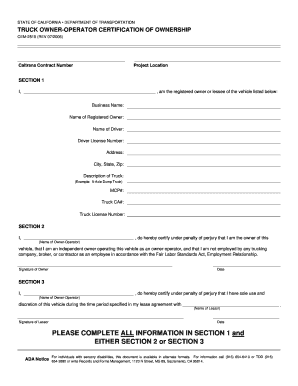
Cem 2510
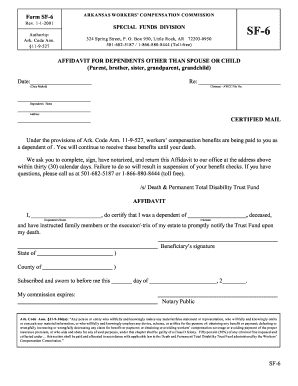
Fwisd affidavit of residency
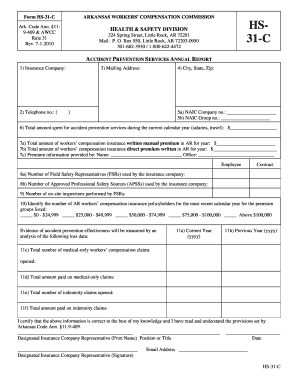
Arkansas hs form sample
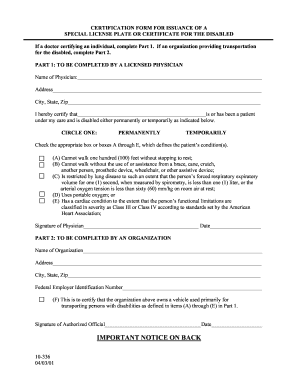
Were do i get a 10 336 form 2001
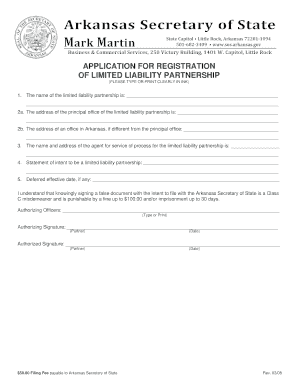
Arkansas registration limited
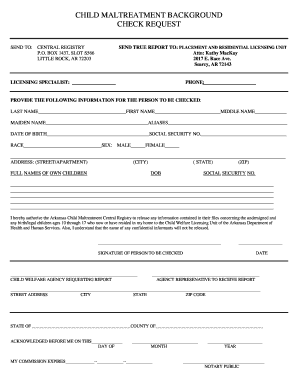
Child maltreatment background
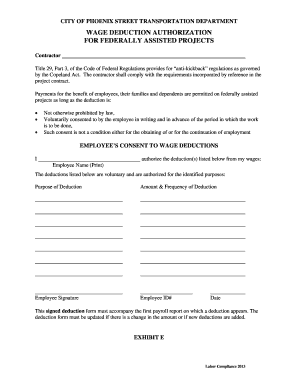
Wage dduction authorization for federally assisted projects
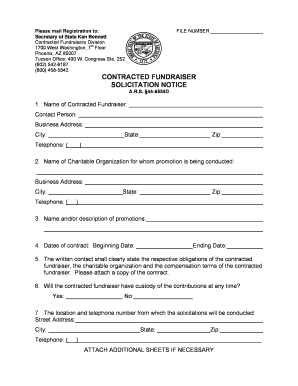
Service az sold notice
Death certificate
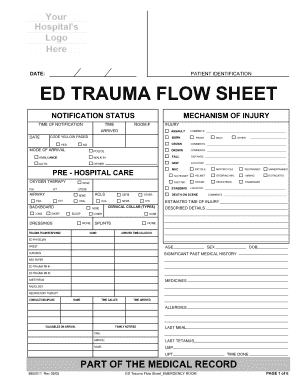
Trauma flow sheet
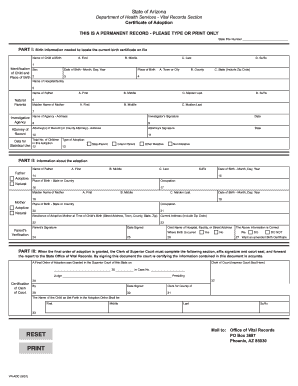
Certificate of Adoption - Arizona Department of Health Services - azdhs

Game fish letter gift
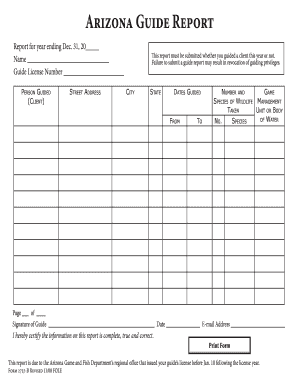
Aform 2727 b
Azgfd paperwork
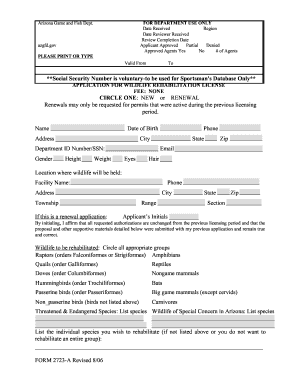
FOR DEPARTMENT USE ONLY Date Received Region Date Reviewer Received Review Completion Date Applicant Approved Partial Denied Approved Agents Yes No # of Agents Arizona Game and Fish Dept - azgfd
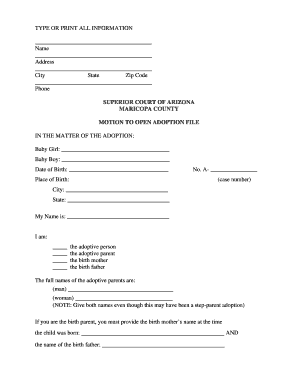
TYPE OR PRINT ALL INFORMATION - supreme state az
Us epa form 3320 1 instructions 1988
About house arrest format
Alaska 940
Alaska civ
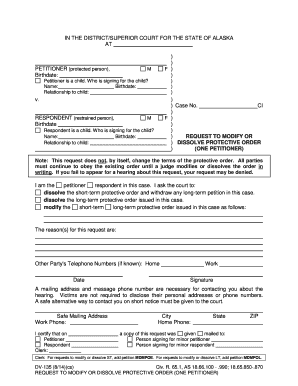
Dv 135 2011 form

Ak notice completion
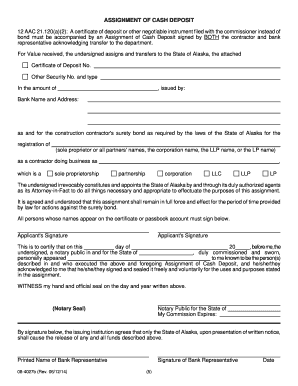
Alaska assignment
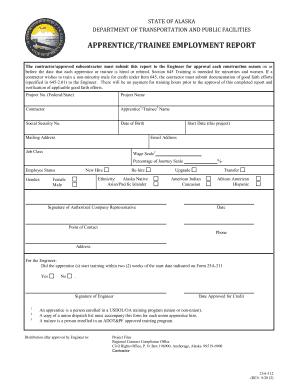
Form 25A-312 - Alaska Department of Transportation & Public ... - dot state ak
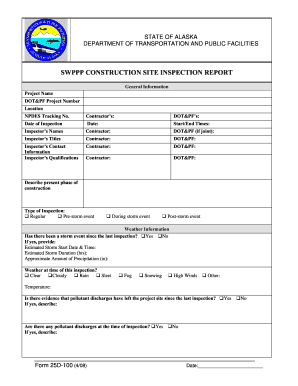
Swppp construction site inspection report - Alaska Department of ... - dot state ak
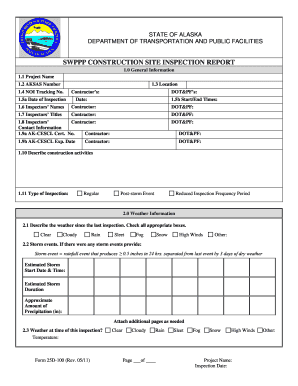
Swppp form 25d 100 2011
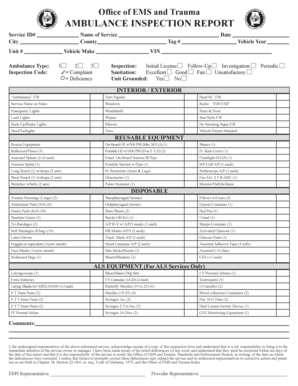
Office of EMS and Trauma AMBULANCE INSPECTION REPORT - adph

Presentation attendance sheet
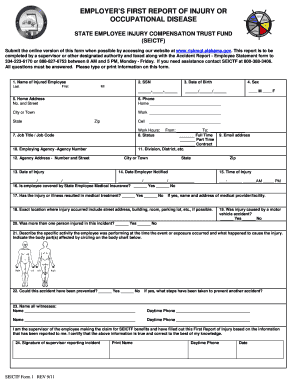
Report of industrial injury or occupational disease
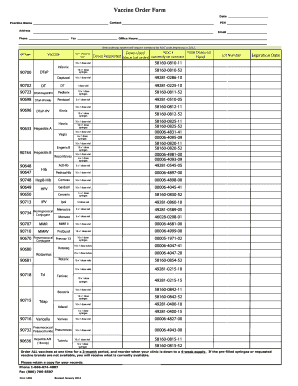
90698 ndc number
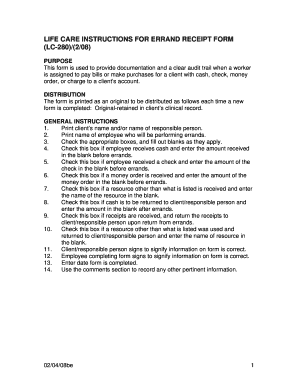
Errand service forms

Alabama j

Wetumpka health department

Bylaws amendment sample
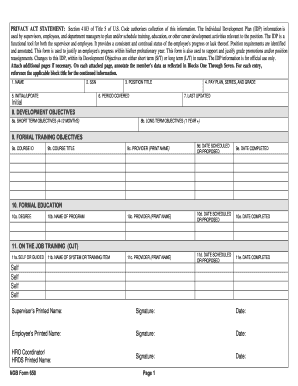
Form 650

Imfrf form
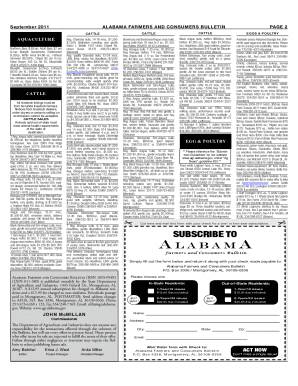
Alabama market bulletin current issue

Bcbs of alabama authorization for disclosure of protected health information form

Ahsaa concussion form
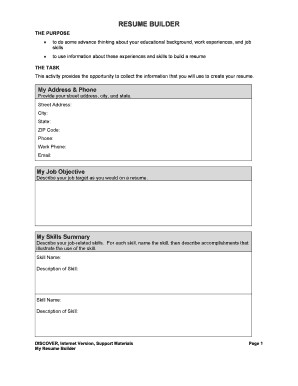
High school resume builder
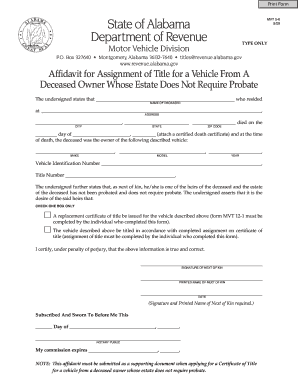
No Will Affidavit - Baldwin County Alabama
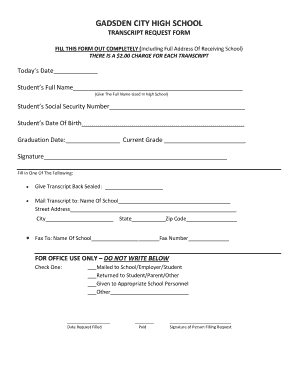
Gadsden city high school calendar

Madison county schools section 504 form f
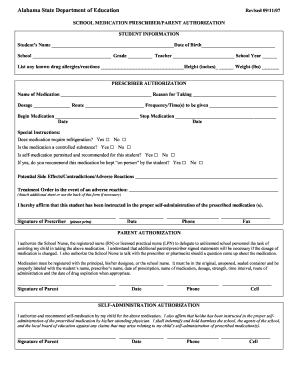
Alabama school medication form
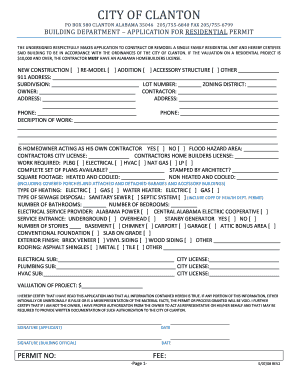
Residential Bulding Permit Application - the City of Clanton, Alabama
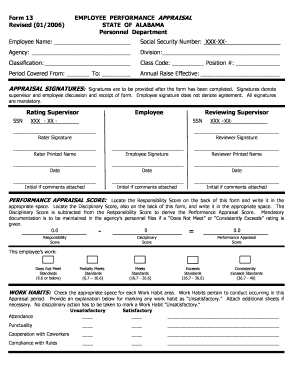
Appraisal form filling

Al ogb organization
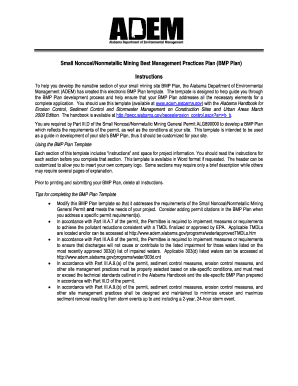
Bmp template

Alabama form cpt 2014
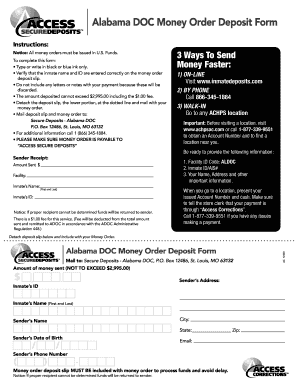
Accesscorrections com alabama
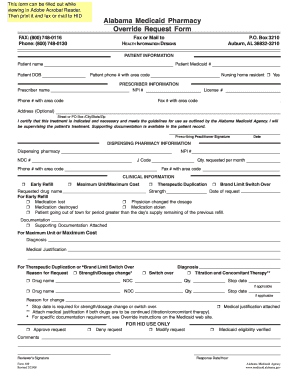
Alabama form override
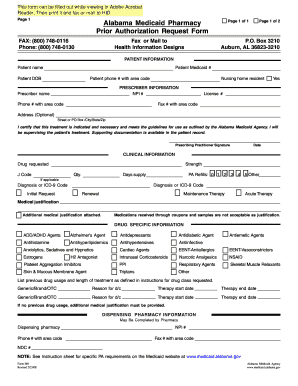
What does a typical prior authorization form look like for prescription medicine 2008
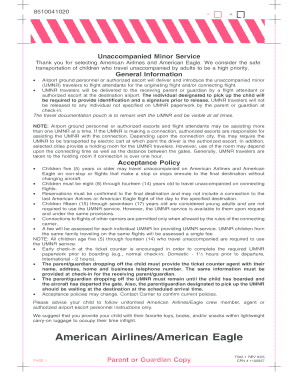
American eagle airlines flights schedules
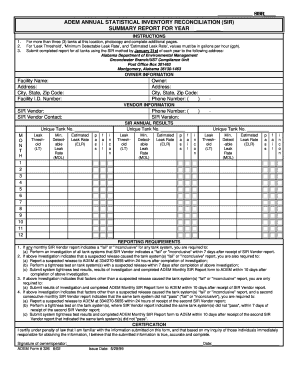
Adem sir
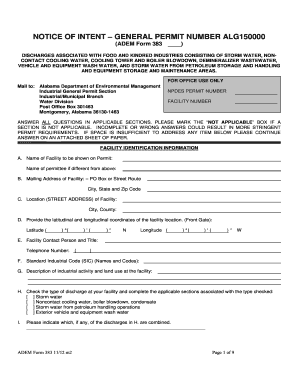
Form 383 - ALG150000 - Alabama Department of ... - adem alabama
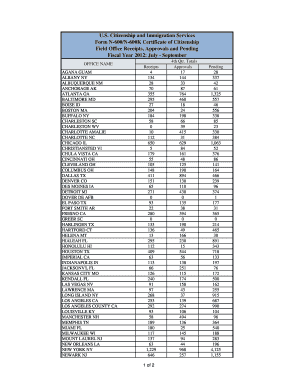
Homeland security immigration services citizenship
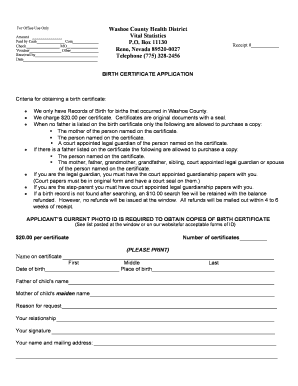
Reno nevada birth certificate
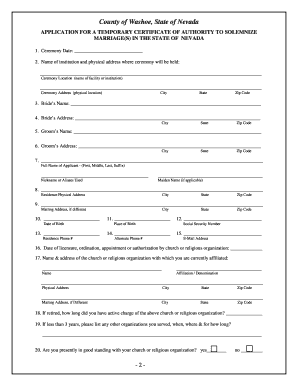
Temporary Certificate of Authority - Washoe County, Nevada - washoecounty
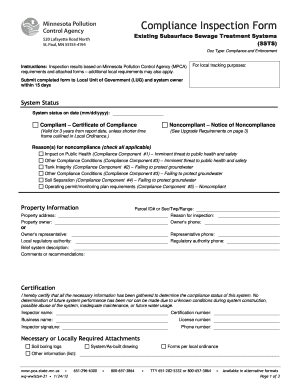
Compliance inspection form for existing ssts
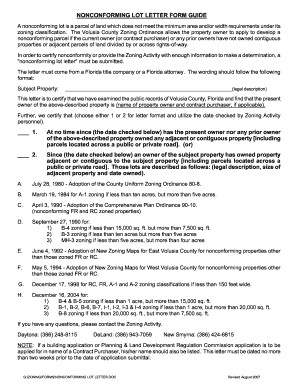
Non conforming lot letter
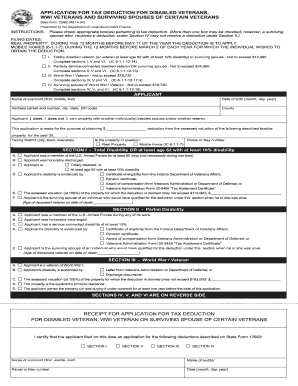
Indiana state form 12662
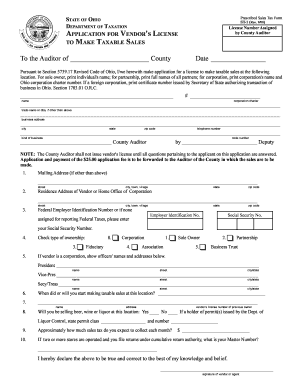
Athens county auditor form
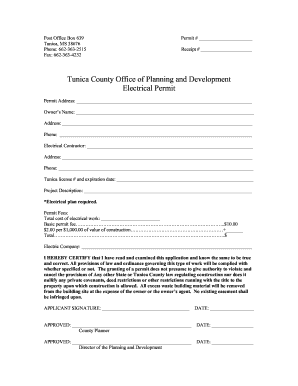
Tunica electrical permit

Homestead Exemption Application - Tulsa County - tulsacounty
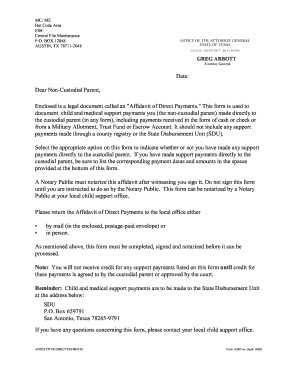
Custodial direct payments
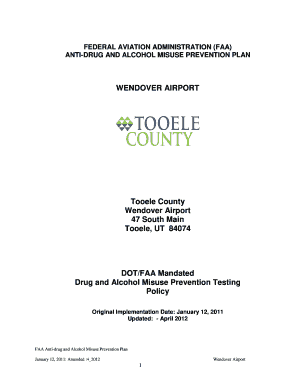
Faa anti-drug and alcohol misuse prevention plan - Tooele County - co tooele ut
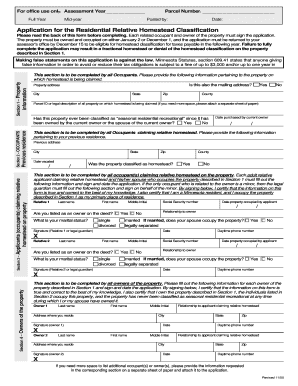
Relative Homestead Application - Stearns County, Minnesota - co stearns mn

Lucie notice commencement
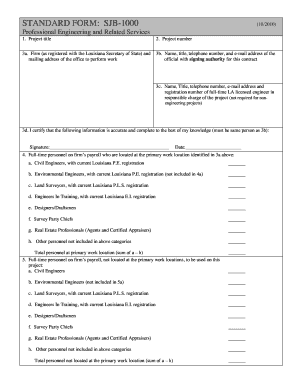
Sjb1000 standard form
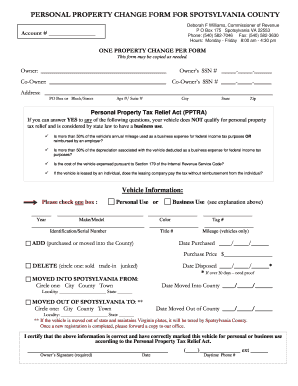
Spotsylvania property form search
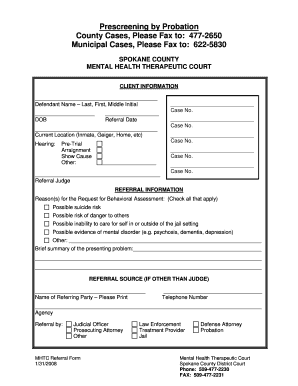
Inmate roster spokane

School work release form
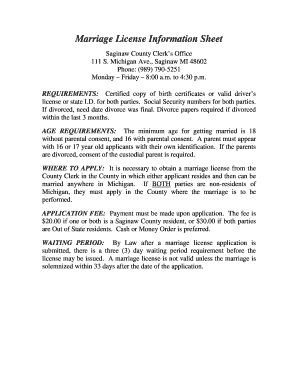
Saginaw county marriage license
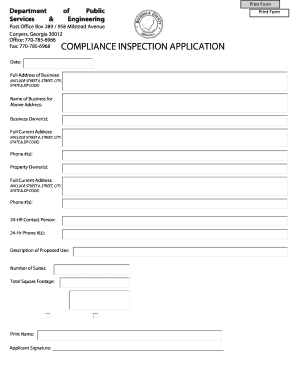
COMPLIANCE INSPECTION APPLICATION - Rockdale County - rockdalecounty
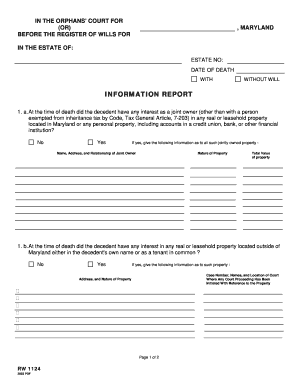
RW1124.PDF. Information Report - princegeorgescountymd
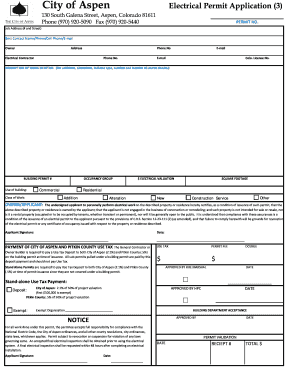
City of aspen electrical permit application
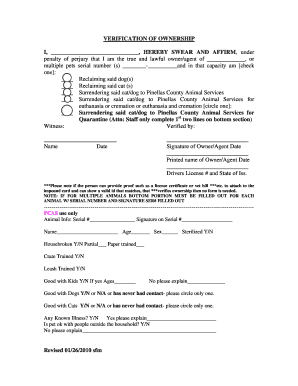
Pet transfer of ownership document

AMENDMENT OF CONTRACT OF PURCHASE

(VAR Form 230)(Rev. 08/11). - Virginia Association of Realtors
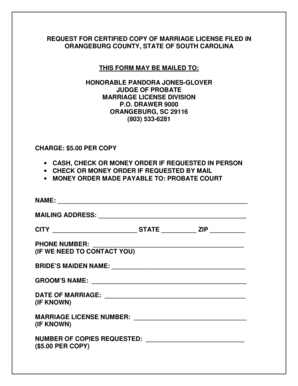
Blank south carolina marriage license
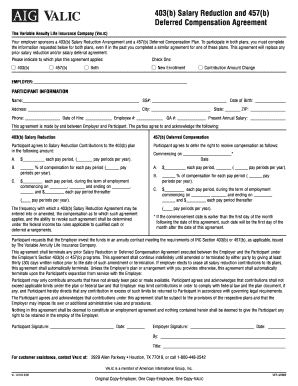
Valic payroll deduction forms

Okaloosa county notice of commencement

FIA-1920-Release of Information Authorization
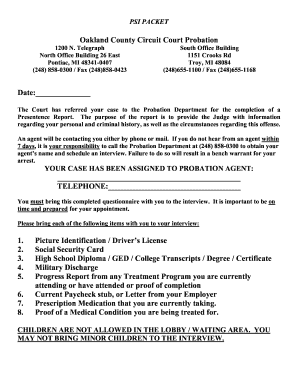
Psi packet
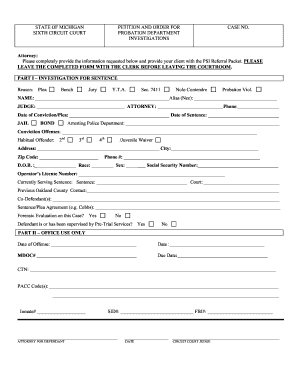
Michigan probation referral form
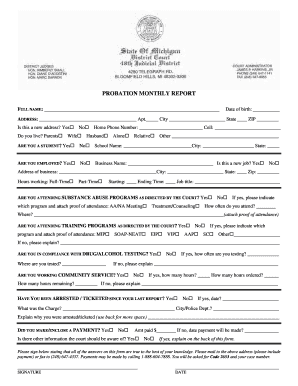
Us probation report forms greeneville tn
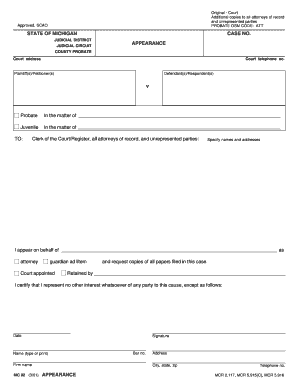
Appearance for case mi form
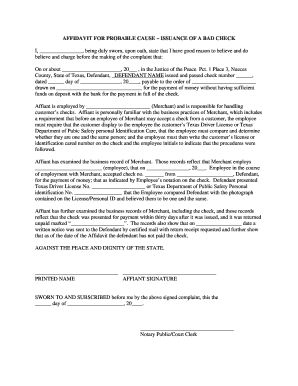
Affidavit probable cause check

Texas eviction nueces

Nueces county divorce forms
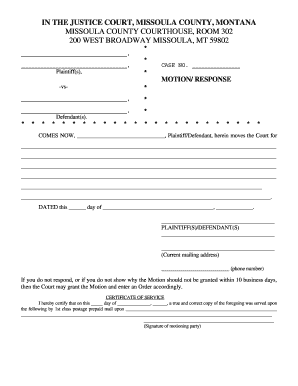
Fillable forms response to motion missoula
Motion to amend parenting plan montana

Montana packet r
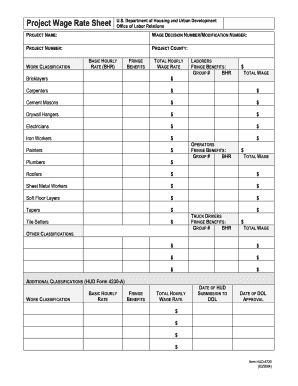
Hud 4720 form
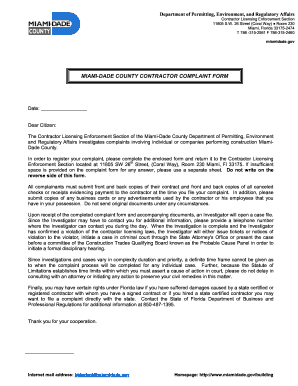
Contractor Compliant form
Benefit from the DocHub online library of fillable PDF forms
Searching the PDF forms doesn't have to be a tedious and time-consuming process. With the DocHub online library, it has become easier to find the fillable PDF forms and modify them in your browser. The service allows you to adjust the document to your needs using powerful editing tools.
You can use online document editing features to modify almost any type of document with ease. You just need to find the template of your choice, open it in the editor, and use the toolbar to make the necessary corrections.
Follow this guide to get your document done with DocHub:
- Find the PDF template you need.
- Click the Get Form button to open the file in the editor.
- Use the toolbar to fill out and edit the document.
- Easily add and highlight text, insert images, checkmarks, and symbols.
- Drop new fillable fields, and rearrange or delete pages from your file.
- Save changes and download your record.
DocHub empowers everyone to streamline document editing, signing, and distribution, and form completion. Create an account and benefit from our well-organized PDF Forms library and comprehensive editor.