
Get any PDF form from the DocHub library of ready-made templates - Page 1637

Colorado family dsrp
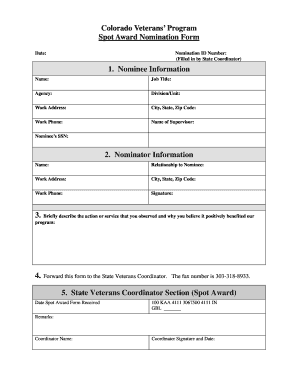
Spot award template
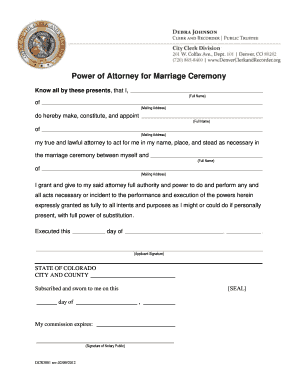
Power of attorney for marriage sample

Denver revised municipal code 20 69 form
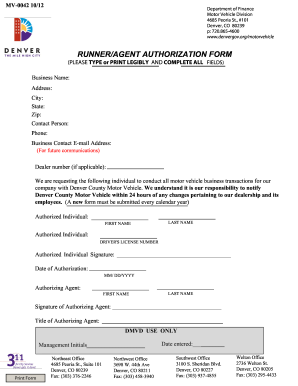
Denver dealer runner authorazation form

Income verification eligibility form
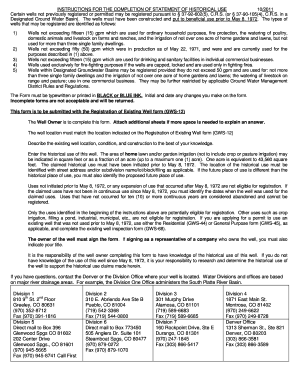
Gws 12a historical use
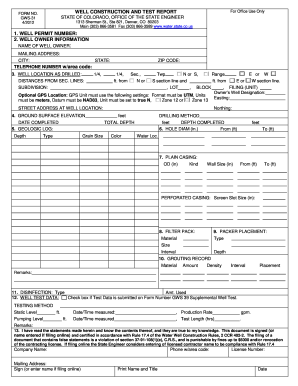
Form gws 31 4 2012
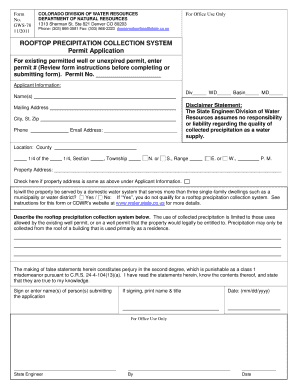
COLORADO DIVISION OF WATER RESOURCES GWS-78 (11/2011 ...

Cdow refund license form
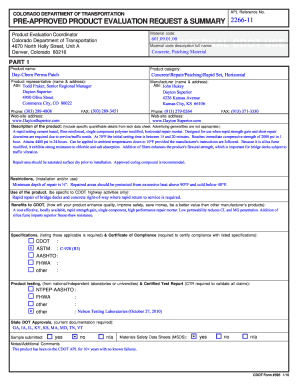
COLORADO DEPARTMENT OF TRANSPORTATION PRE-APPROVED PRODUCT EVALUATION REQUEST and - coloradodot
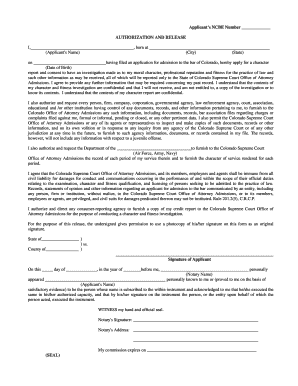
AUTHORIZATION AND RELEASE (SEAL) - Colorado Supreme Court

Expert witness disclosure form
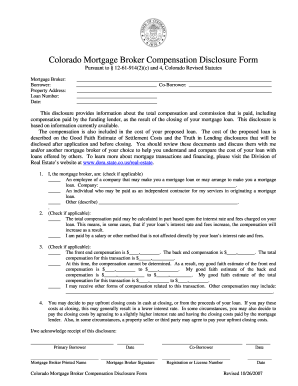
Broker compensation disclosure template

Construction Material Limited Impact (110) - Colorado Division of ...
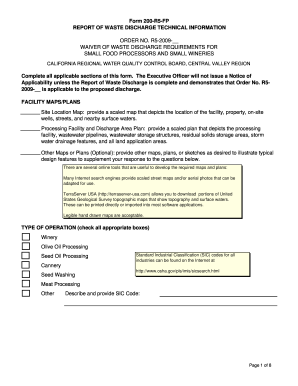
Waste discharge requirements form 200

Notice renewal deficiency

Certified license history request re293

Re851a 2013 form
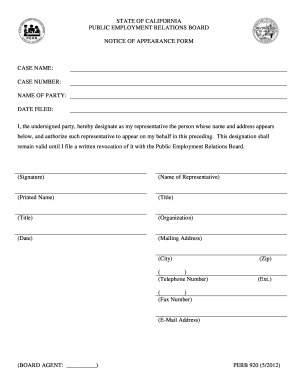
Perb
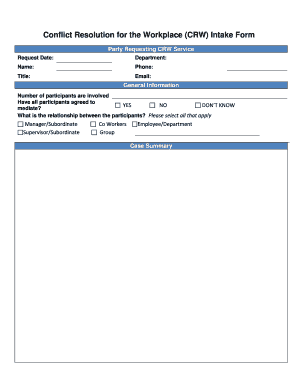
Conflict Resolution for the Workplace (CRW) Intake Form - perb ca
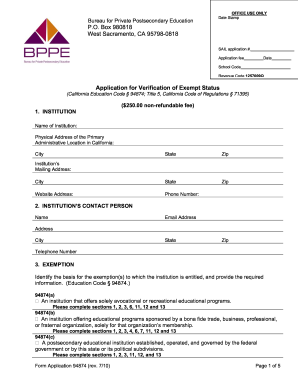
4th quarter 2018 bppe strf form
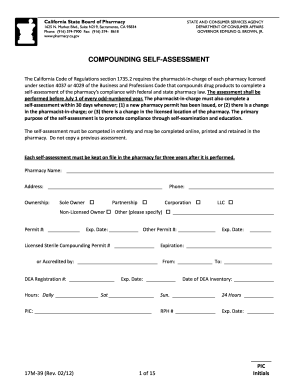
California self assessment

California employment
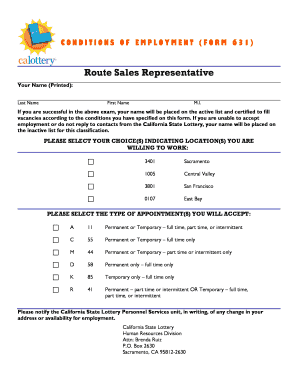
Form 631
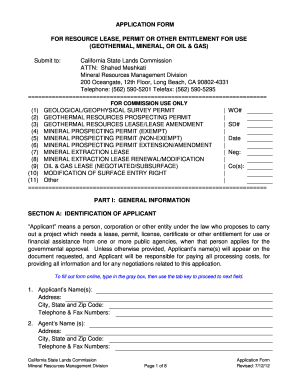
APPLICATION FORM - State Lands Commission - State of California - slc ca

Bcia 8705
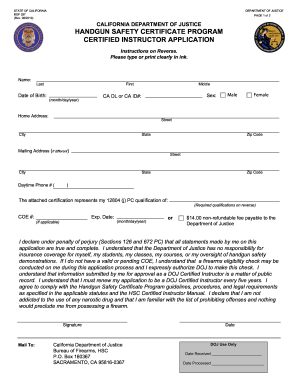
Form FD037, pdf - State of California - oag ca
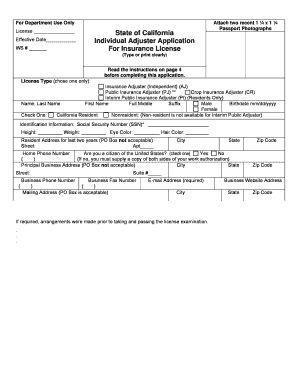
Form lic 041a

Job description form

Statement of error

Designation of trust hcd 2006 form
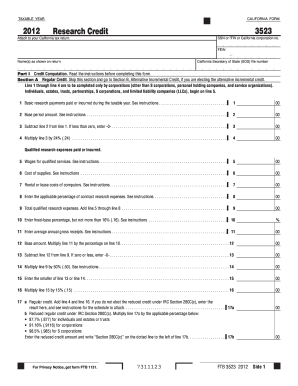
Ca form 3523 2012

28-005 Corp Officer Designation.doc. Invitation, Registration and Agenda - cdfa ca
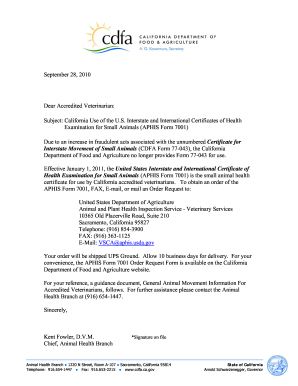
Form 7001 movement form
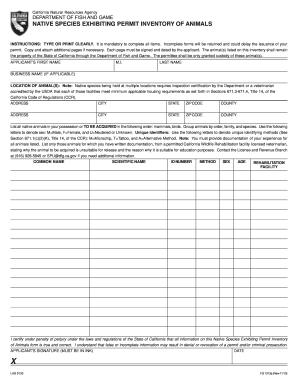
Fg 1313a
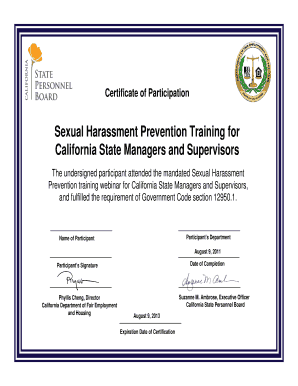
California harassment training powerpoint
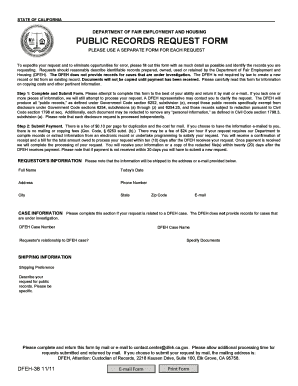
Public records
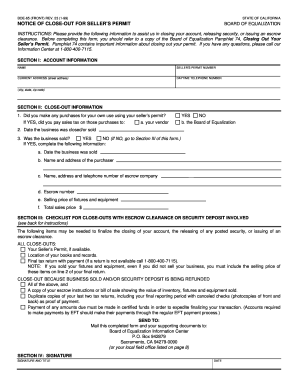
NOTICE OF CLOSE-OUT FOR SELLER'S PERMIT - California State ... - boe ca

Index sri worksheet
Solicitud de o matricula
Dl 925

SCIF Form 5159 - State Compensation Insurance Fund
California request form coastal commission
Pers oss 138 2009 form

Hm188 form

Calema report child abuse
CalEMA Form (2-900) - California Emergency Management Agency ...
Local eoc position task book - California Emergency Management ... - calema ca

Board of behavioral sciences

Responsibility statement for supervisors of a marriage and family therapist trainee or intern rev 1205 2007 form
Dwc ca form 102322 2008

Workers comp mileage form

Dwc compromise and release

Injured workers notification of qme appointment form

Masshealth authorized representative form
Abc 227

2001 CA TP-201.1D

Request ph form

609 form
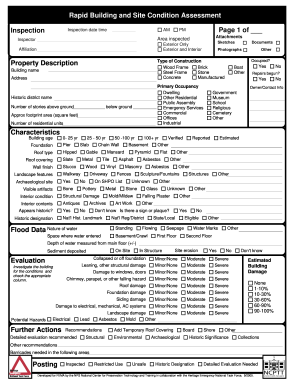
Building & Site Assessment Form Final to PDF.fp5 - National Center ... - parks ca

Cdcr cadet handbook
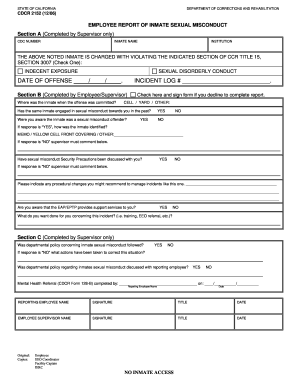
Cdcr 2152
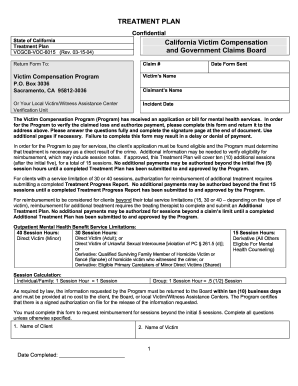
Calvcb forms
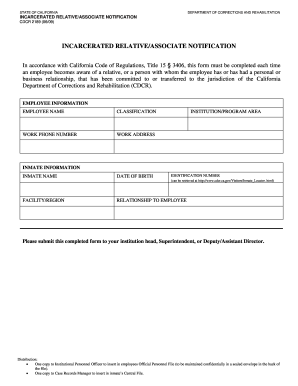
Form cdcr 2189

Form 1432
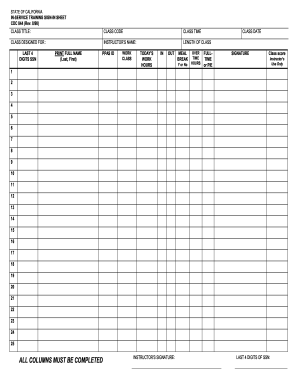
Document to be included in the inservice training form
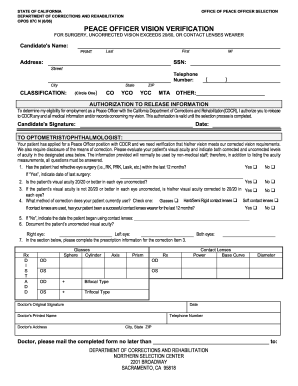
Peace Officer Vision Verification Form for Surgery - California ... - cdcr ca
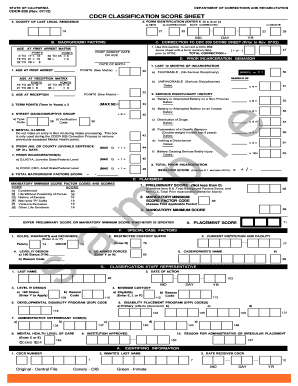
Cdcr classification score sheet
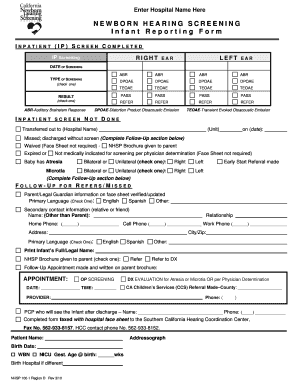
NHSP 100-1 Region D. NHSP 100-1 Region D
Medi-cal supplemental cost report schedules - Department of Health ... - dhcs ca
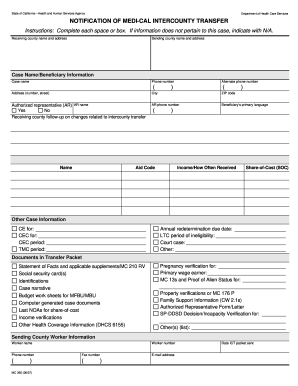
Inter county transfer medi cal form
Mc 194

Notice lic 613a

Lic855

Get - dss cahwnet

Lic 9106
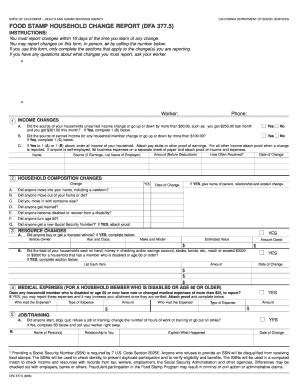
Dfa 3775 form
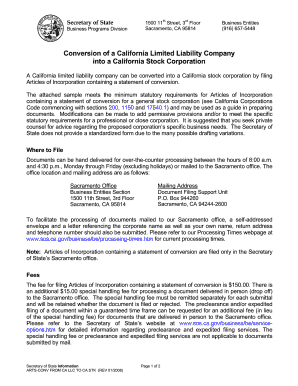
California arts stk
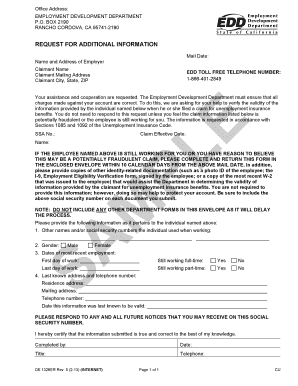
Po box 2190 rancho cordova ca

Lic 610b
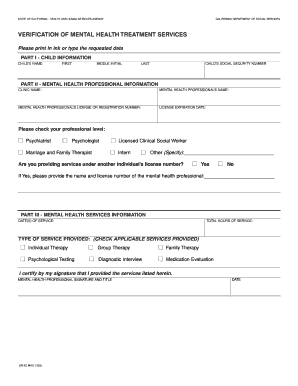
SR 2C MHV (1/03) - California Department of Social Services - State ... - cdss ca
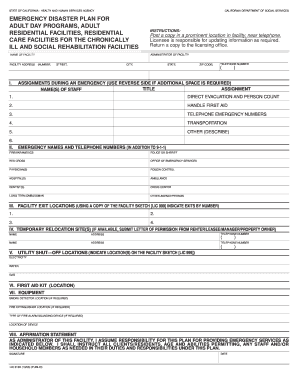
Emergency disaster plan for adult day programs, adult residential ... - cdss ca

LIC 301B (8/07) - Reference Request - California Department of ... - cdss ca

Ori a0448
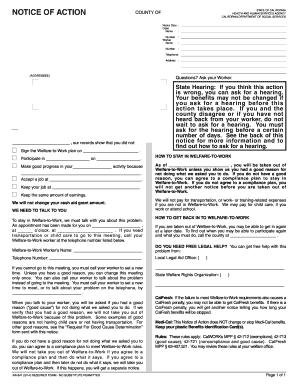
NA 841 (10/06) - Notice Of Action - California Department of Social ... - cdss ca
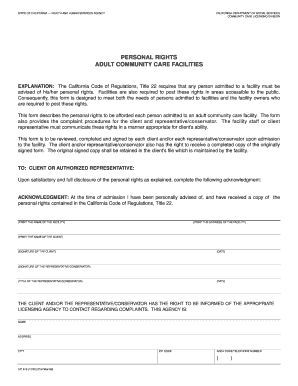
Lic 613

Child support agency form
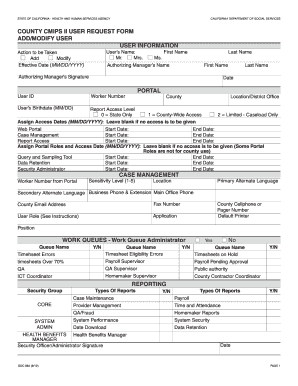
Cdss user request form
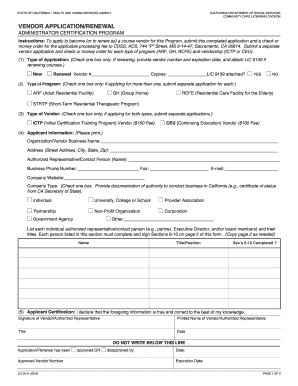
Lic9141 2004 form

Jv 618
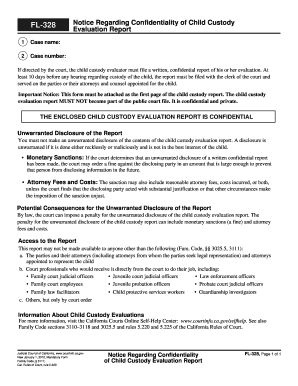
California notice regarding

GC-400(PH)(2)/ GC-405(PH)(2) Non-Cash Assets on Hand at Beginning of Account Period Standard and Simplified Accounts. Judicial Council forms

400 schedule c standard form
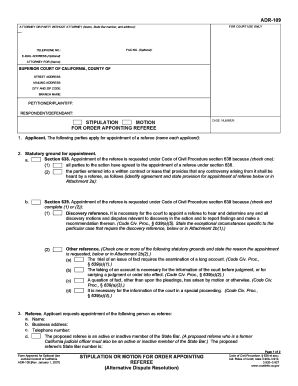
Adr 109
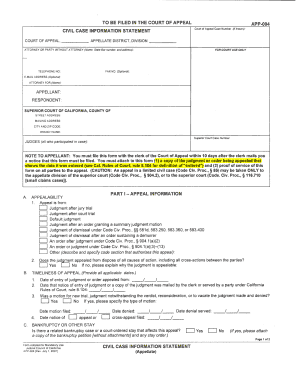
Appellate form app 004 2007

Fl 190 instructions form
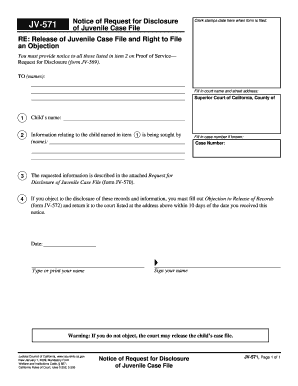
Juvenile proof of service california

Fl 687

Jv 451
Benefit from the DocHub online library of fillable PDF forms
Searching the PDF forms doesn't have to be a tedious and time-consuming process. With the DocHub online library, it has become easier to find the fillable PDF forms and modify them in your browser. The service allows you to adjust the document to your needs using powerful editing tools.
You can use online document editing features to modify almost any type of document with ease. You just need to find the template of your choice, open it in the editor, and use the toolbar to make the necessary corrections.
Follow this guide to get your document done with DocHub:
- Find the PDF template you need.
- Click the Get Form button to open the file in the editor.
- Use the toolbar to fill out and edit the document.
- Easily add and highlight text, insert images, checkmarks, and symbols.
- Drop new fillable fields, and rearrange or delete pages from your file.
- Save changes and download your record.
DocHub empowers everyone to streamline document editing, signing, and distribution, and form completion. Create an account and benefit from our well-organized PDF Forms library and comprehensive editor.