
Get any PDF form from the DocHub library of ready-made templates - Page 1639
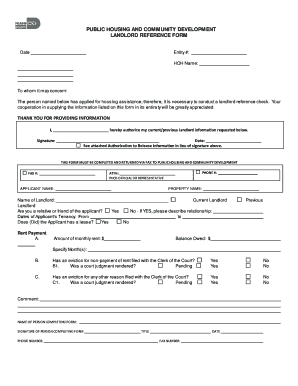
Public housing and community development landlord reference form ... - miamidade
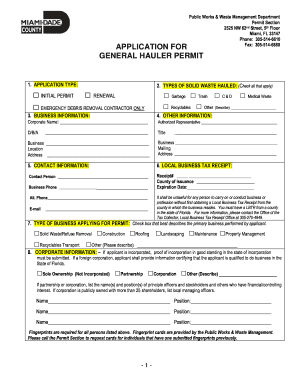
Application for general hauler permit - Miami-Dade Portal - miamidade
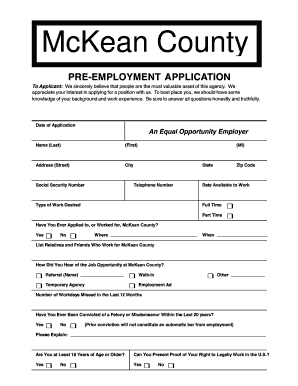
Job application - McKean County, Pennsylvania - mckeancountypa
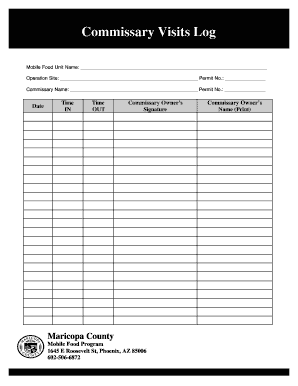
Commissary Visits Log - Maricopa County - maricopa

Personal fact sheet
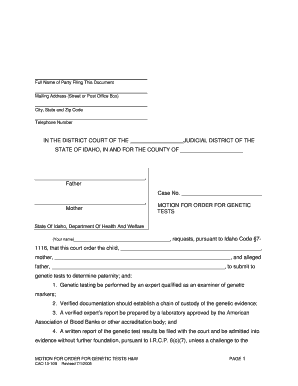
Idaho motion for genetic testing form
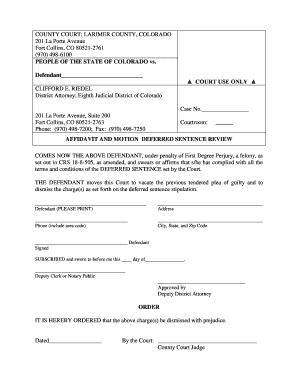
Affidavit in a sentence
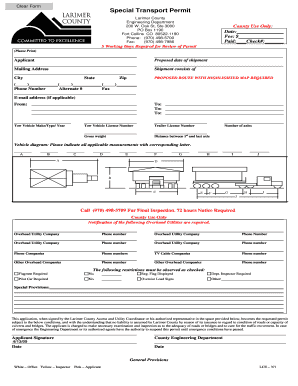
Special transport permit

Sample nuisance abatement letter
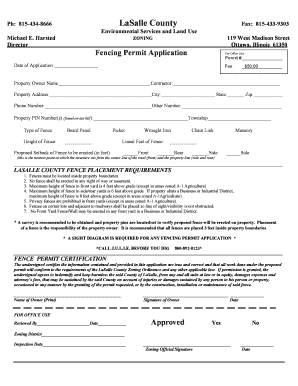
Lasalle county fence permit
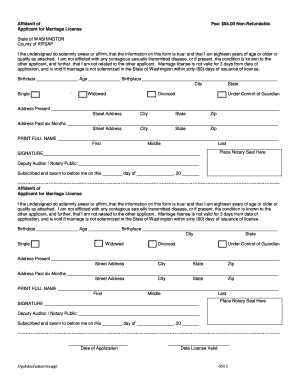
Kitsap county marriage license
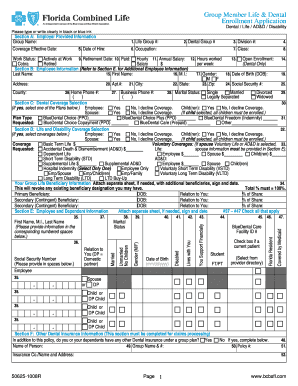
50625 1008r form
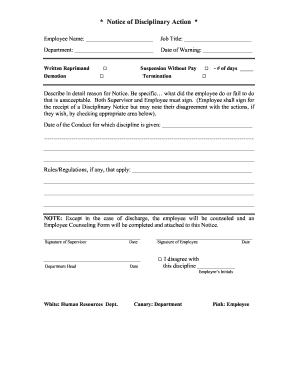
Az beneficiaries notice word templates
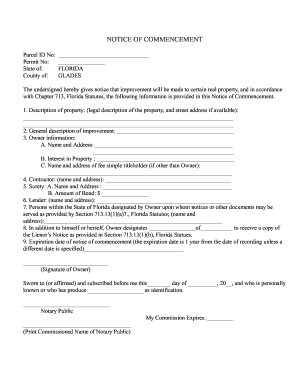
NOTICE OF COMMENCEMENT - Glades County

Image of subpoena texas form

Non suit forms

Nokids.Temporary Orders.doc - co galveston tx
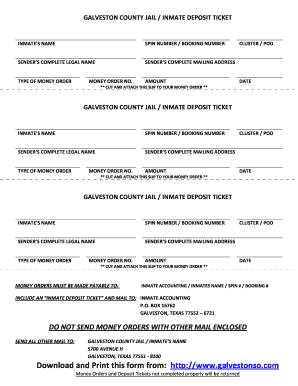
Galveston county inmate inquiry

Tx registration sake online
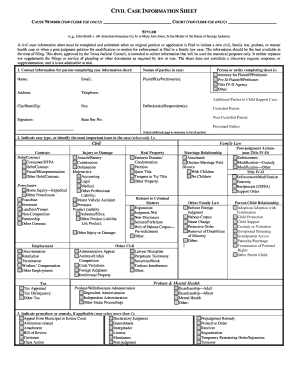
Texas civil information

Order appointing guardian ad litem form in tx

Qp0518
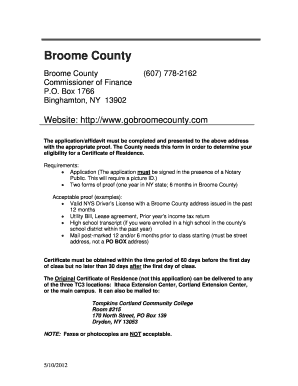
Broome residency

AP-133 Texas Application for Fuels Tax License - Texas Comptroller ... - window state tx

Ev request form pdf
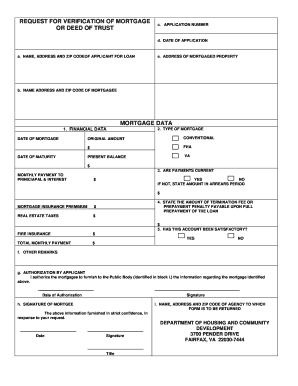
Verification of mortgage form
Fairfax county coversheet generator
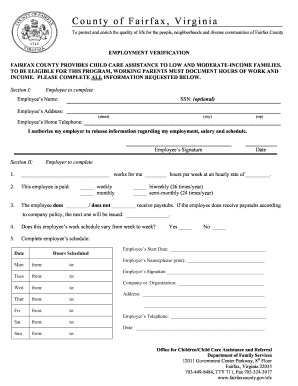
Employment verification fairfax
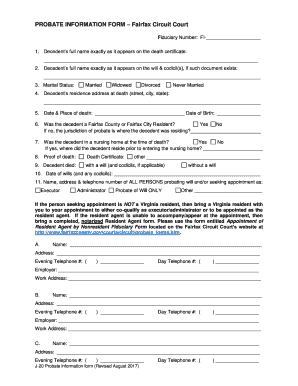
Virginia j 20
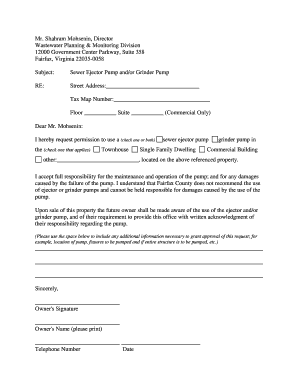
Ejector/Grinder Pump Request Form - Fairfax County Government - fairfaxcounty

Magnet housing
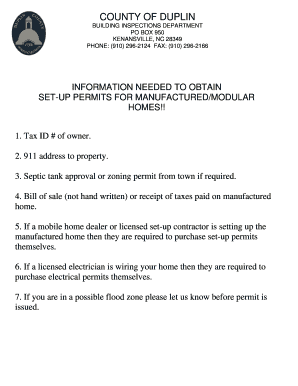
Duplin county inspections
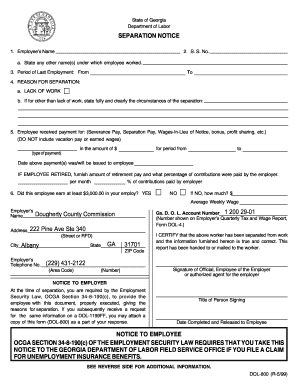
Separation Notice - City of Albany, Georgia - albany ga
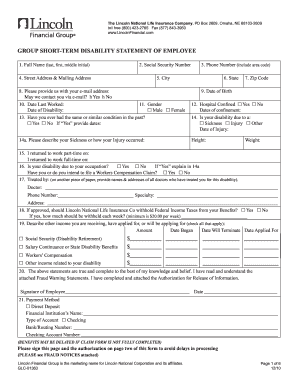
Lincoln financial group glc 01363 form
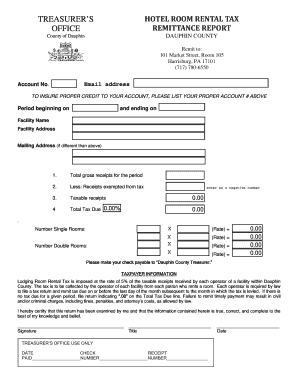
Hotel Tax Remittance Form - Dauphin County - dauphincounty
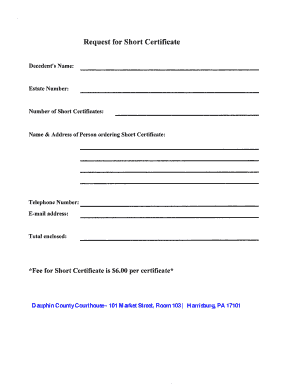
What does a pennsylvania short certificate look like
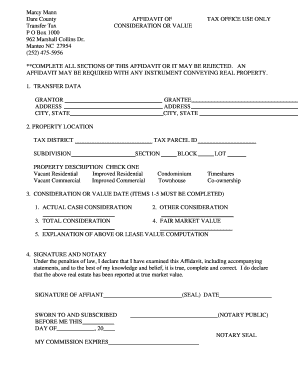
Affidavits of Value or Consideration - Dare County

Crowley rodeo entry fees form
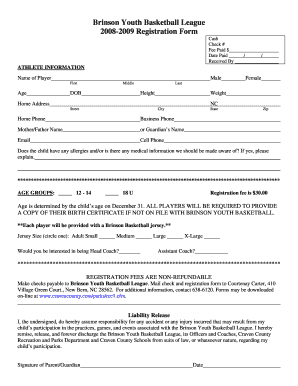
Brinson Youth Basketball League 2008-2009 Registration Form
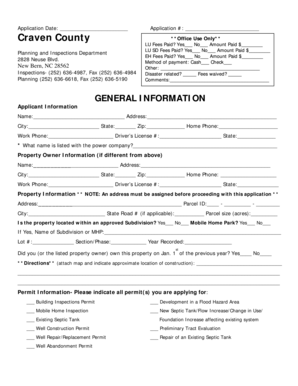
General Information - Craven County Government
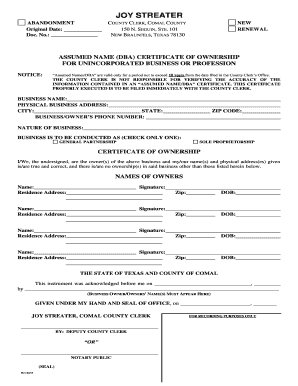
Comal county dba
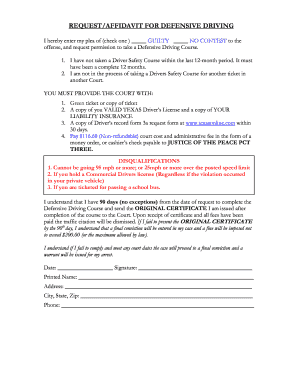
Request defensive
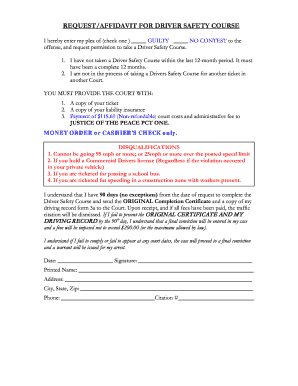
Affidavit driver safety
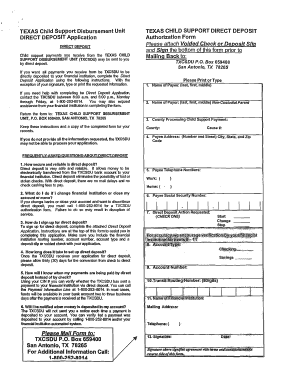
How do i change my direct deposit for child support in texas
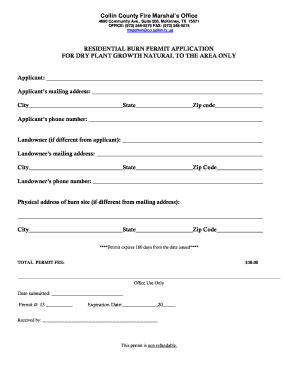
Collin county fire marshal

Collin county alarm
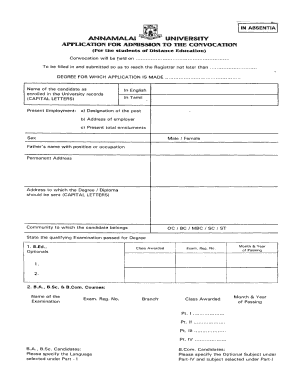
Annamalai university degree certificate
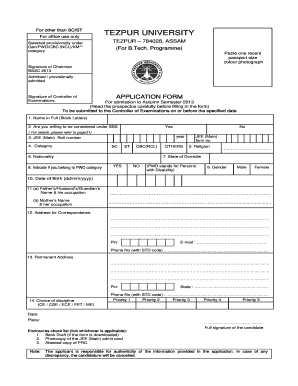
Tezpur enrollment form
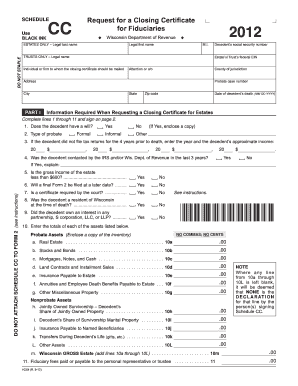
Closing certificate fiduciaires 2012 form

Maryland form 1 2014
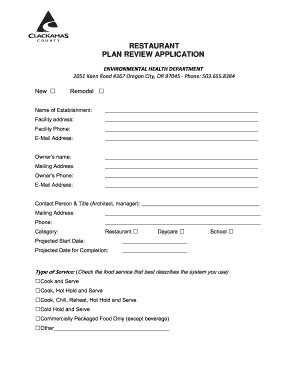
Oregon clackamas plan review

Citrus county fl variance application form

CSD-SUP Form 1 - Department of Accounting and General Services ...
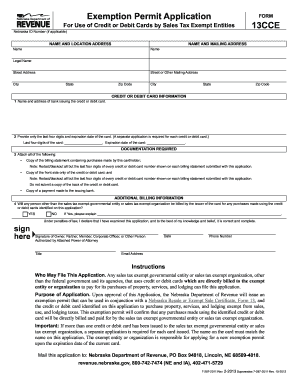
Cce form

Birth certificate nevada
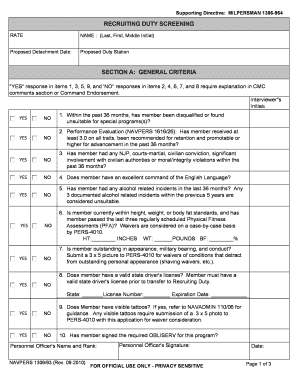
Milpersman 1306 964
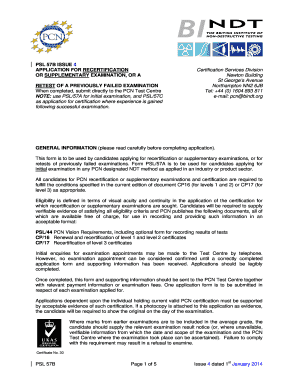
Bindt form 57b 2014

Pennsylvania pv application

Dd form 2875 revised may 2014
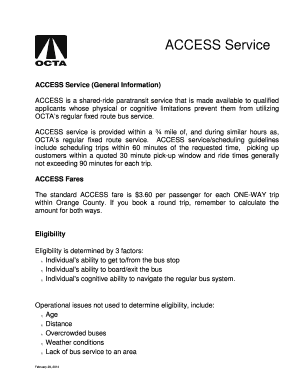
Oc access application
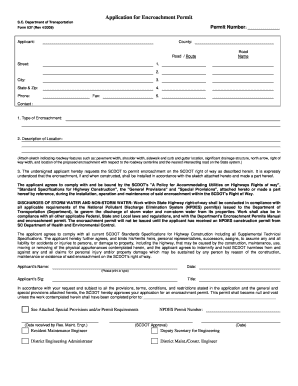
Scdot encroachment permit

Good fellow online application

County harmless agreement

Brevard county subcontractor authorization form

BREVARD COUNTY LAND DEVELOPMENT WAIVER APPLICATION

Bremer county building and zoning

Cinemark employee w2

Players iid download
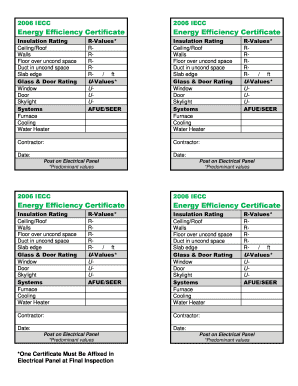
Form 16 energy efficiency

Cuny employee tuition waiver

Form AWI-VPK 02 Eligibility Certificate.doc

Aag1 hm hmrc form

Supervision data form florida 2007

Bexar worthless information form

Bernalillo County Vendor Master Request Form VMRF Vendor ... - bernco
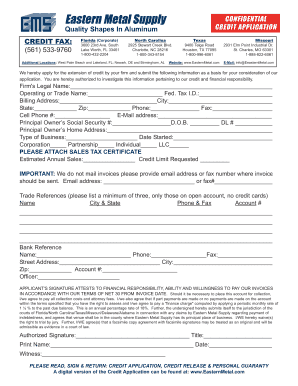
Credit Application - Eastern Metal Supply
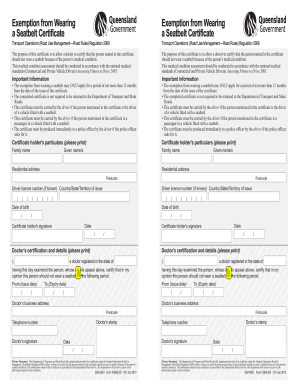
Exemption from Wearing a Seatbelt Certificate - support transport qld gov
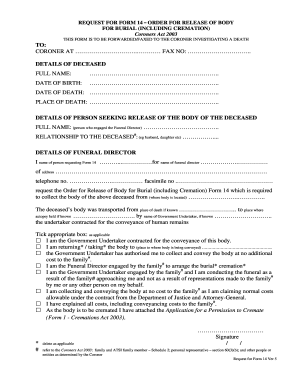
Request 14
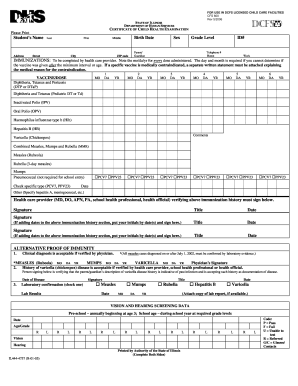
Cfs 600 pdf 2006 form

Notice north coast control board
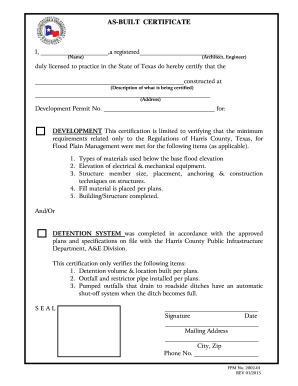
Built certificate form template
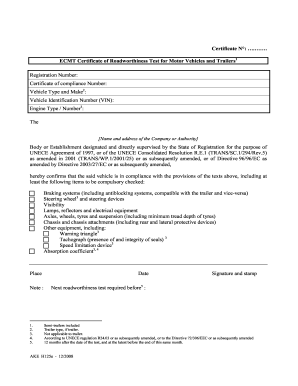
Certificate
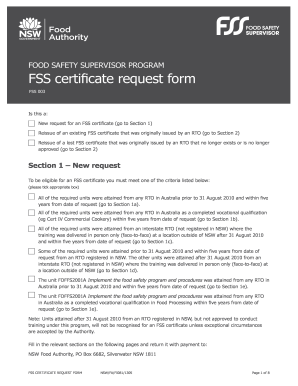
Fss certificate
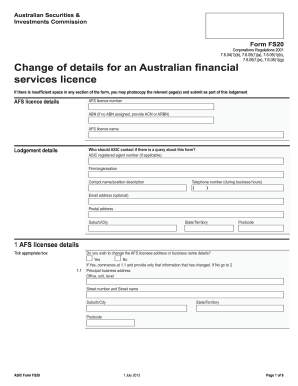
Asic fs20 online 2013 form
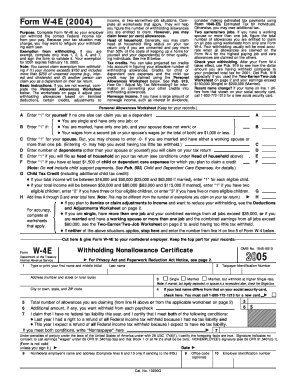
W4e
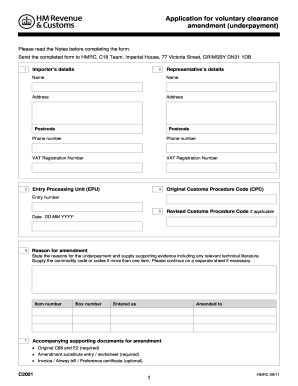
C2001 application 2011 form
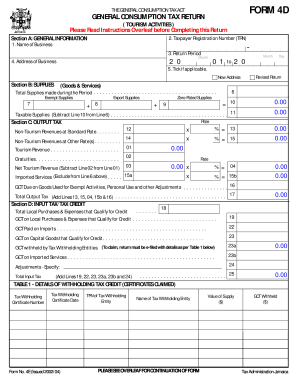
Tax administration jamaica forms
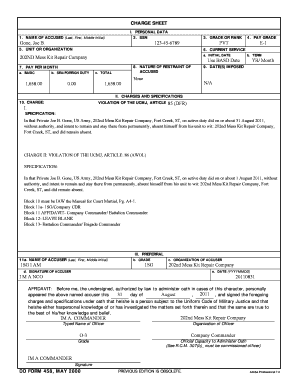
Dd 458

Australian prescription template
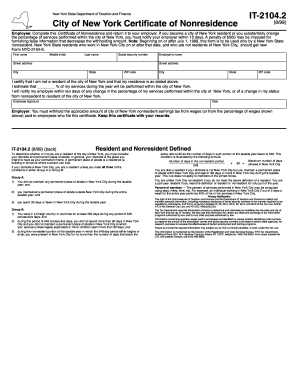
It 2104 2 1999 form
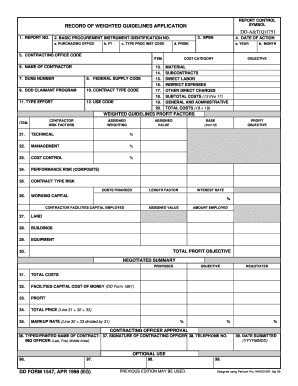
Weighted guidelines calculator
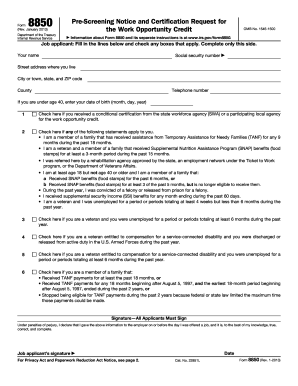
B Received SNAP benefits (food stamps) for at least 3 of the past 5 months, but is no longer eligible to receive them
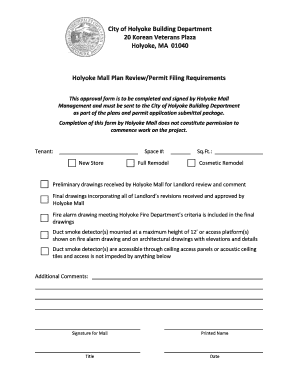
Holyoke building department
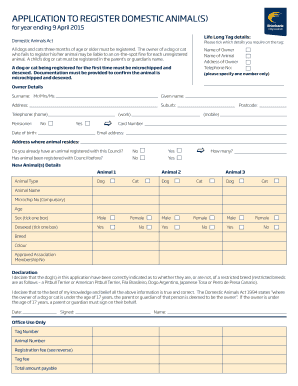
Brimbank council pet registration
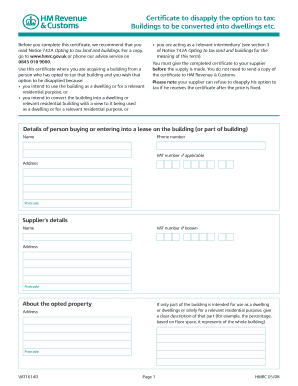
Vat1614d
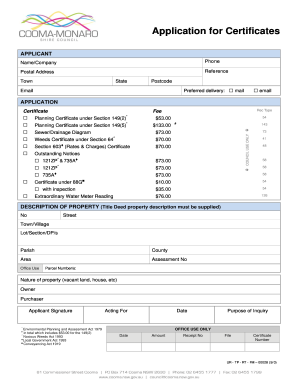
Centrelink medical form sa332a
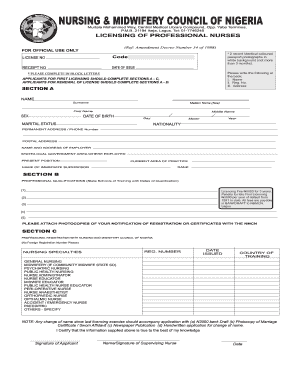
Hunter council of nigeria verification form

Adph vaccine information sheet
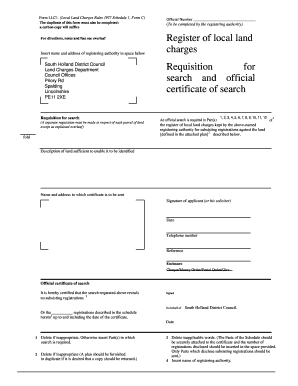
LLC1 and Con29 Forms (PDF, 34KB) - South Holland District Council - sholland gov
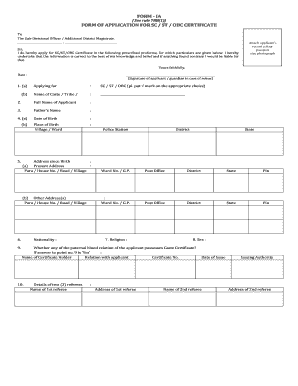
Sc certificate download
Benefit from the DocHub online library of fillable PDF forms
Searching the PDF forms doesn't have to be a tedious and time-consuming process. With the DocHub online library, it has become easier to find the fillable PDF forms and modify them in your browser. The service allows you to adjust the document to your needs using powerful editing tools.
You can use online document editing features to modify almost any type of document with ease. You just need to find the template of your choice, open it in the editor, and use the toolbar to make the necessary corrections.
Follow this guide to get your document done with DocHub:
- Find the PDF template you need.
- Click the Get Form button to open the file in the editor.
- Use the toolbar to fill out and edit the document.
- Easily add and highlight text, insert images, checkmarks, and symbols.
- Drop new fillable fields, and rearrange or delete pages from your file.
- Save changes and download your record.
DocHub empowers everyone to streamline document editing, signing, and distribution, and form completion. Create an account and benefit from our well-organized PDF Forms library and comprehensive editor.