




01. Edit your form online
Type text, add images, blackout confidential details, add comments, highlights and more.

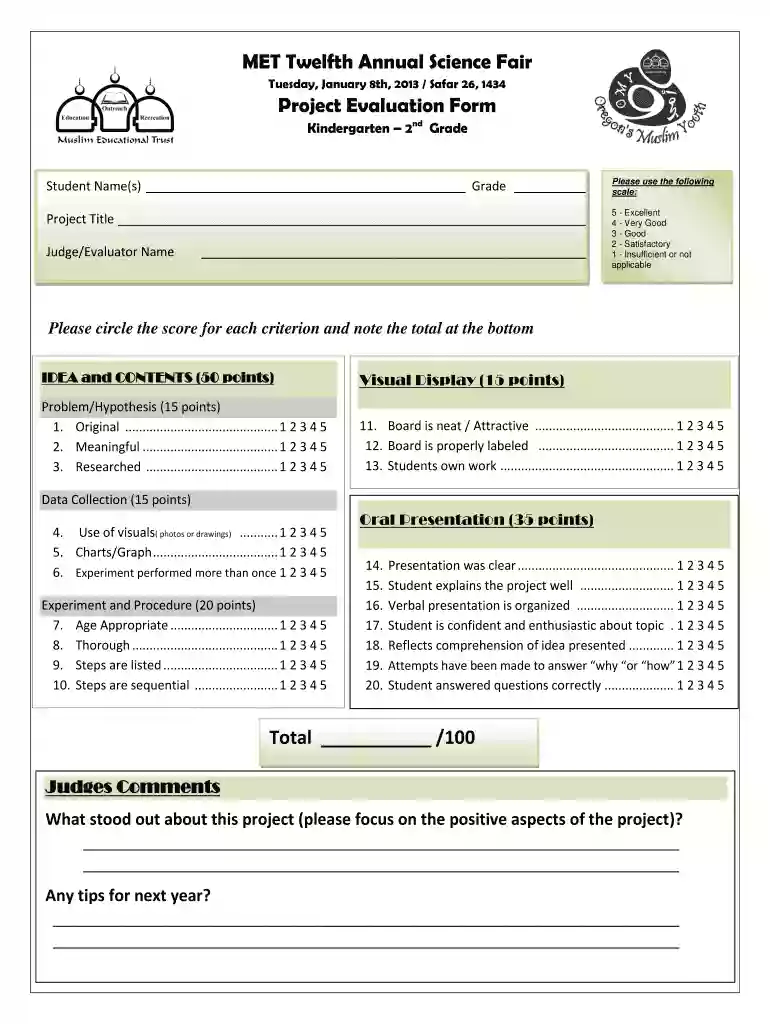
Type text, add images, blackout confidential details, add comments, highlights and more.

Draw your signature, type it, upload its image, or use your mobile device as a signature pad.

Send it via email, link, or fax. You can also download it, export it or print it out.

Start using our platform today to effortlessly complete your Science Fair Judging Form K-2 online for free!
We've got more versions of the Science Fair Judging Form K-2 form. Select the right Science Fair Judging Form K-2 version from the list and start editing it straight away!
At DocHub, your data security is our priority. We follow HIPAA, SOC2, GDPR, and other standards, so you can work on your documents with confidence.
Feb 18, 2026 Judging criteria for EXPERIMENTAL projects Judging criteria for ENGINEERING projects Research form home: how students did it RegeneronRead more
Instructional materials on this list are reviewed using specific criteria and formally adopted by the State Board of Education.Read more
Mar 13, 2026 The goals of risk assessment applied to contaminated sediments are to characterize the nature and magnitude of the current and potential threats.Read more


