
Get any PDF form from the DocHub library of ready-made templates - Page 1592
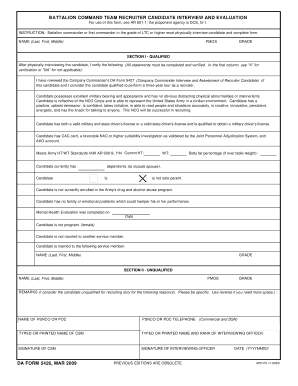
Da form 5426
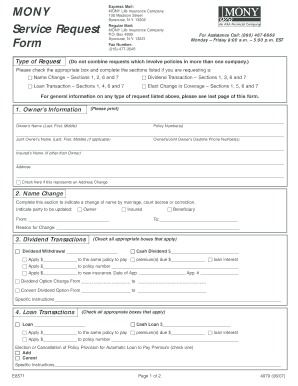
Service request form pdf
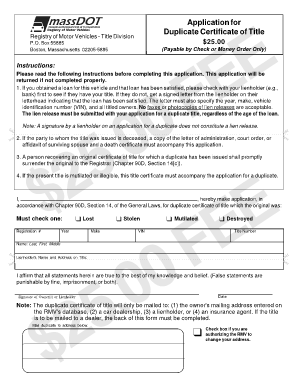
Mass duplicate title form

S employment eta form
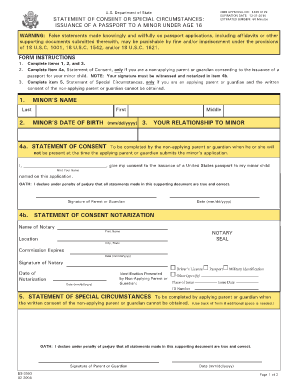
DS-3053 - Embassy of the United States Beirut, Lebanon - U.S. ... - lebanon usembassy
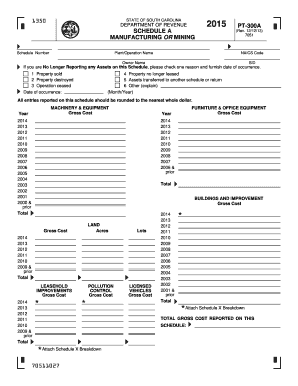
2015 PT-300 A - the South Carolina Department of Revenue - sctax

Consumer use tax nevada
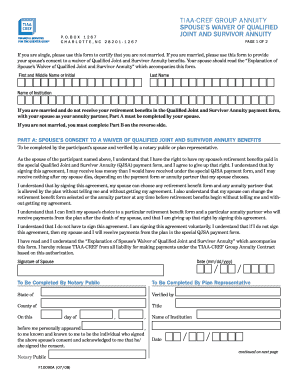
Tia cref annuity forms
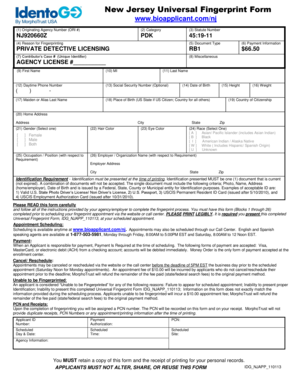
Ori number
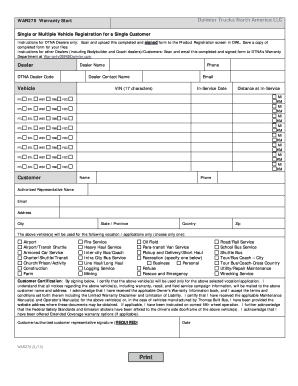
Freightliner warranty registration 2013 form

Credit repair forms pdf
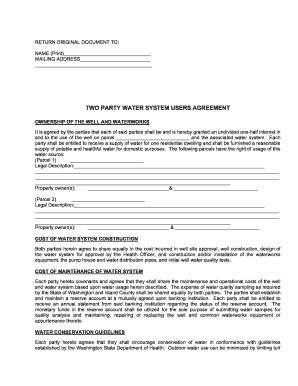
County health islandcountyeh online
Tailgate safety meeting form

What does a dermatologist invoice look like form
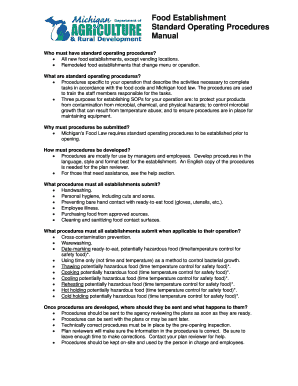
Increasing Access to Healthy Foods - State of Michigan

Ajkotecha
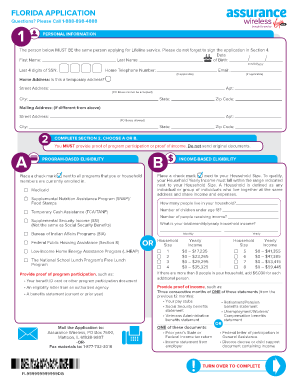
Assurance wireless application

Form MW508 - the Comptroller of Maryland

Sss retirement form 2021

J11 form
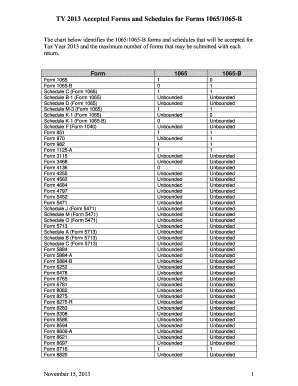
Schedule b ty

Home Contents Inventory Worksheet - NYCM.com
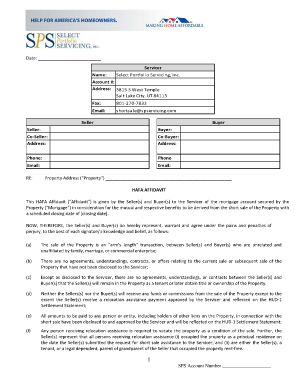
Spservicing

Adoi form
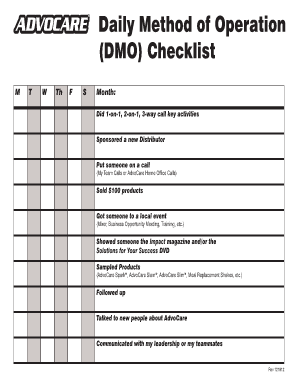
Daily method of operation pdf
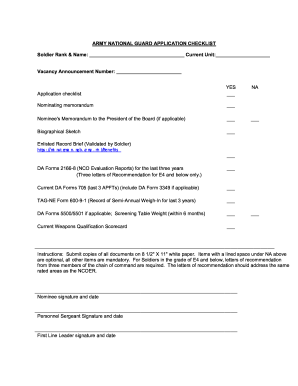
Nco application
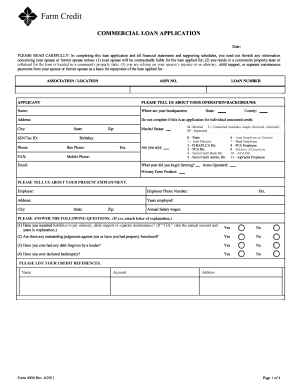
Farm credit form 4000

Residential Lease for Single Family Home and Duplex - Florida ... - floridasupremecourt
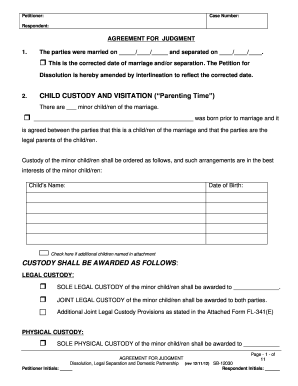
Child visitation and custody forms download san bernardino county 2012
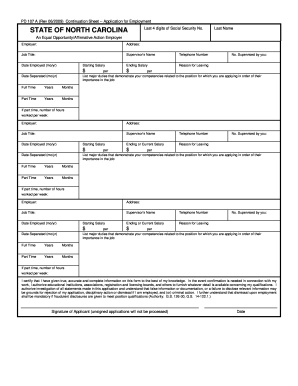
Pd 107 fillable continuance form
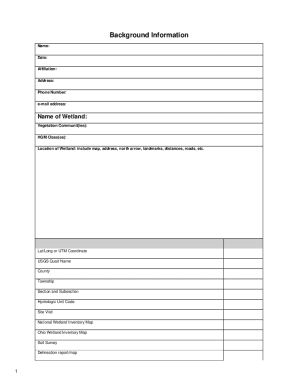
Ten page Version 5.0 ORAM form - State of Ohio - epa ohio

Payment form of pag ibig loan 2013

Dc change name

Of origin manhattancc
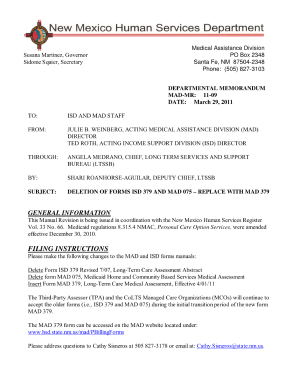
11-09 Deletion of Forms ISD 379 and MAD 075 - New Mexico ... - hsd state nm

Sc 152

Uniform summary support order

Fpl application
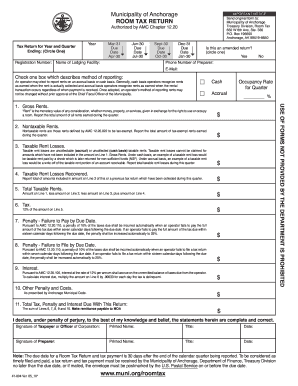
Tax Return Form - Municipality of Anchorage - muni

Gen 2 form gmc
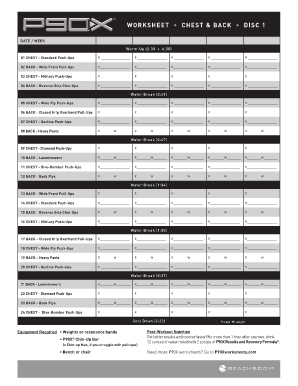
P90x legs and back worksheet

Reg 256a

Partners form
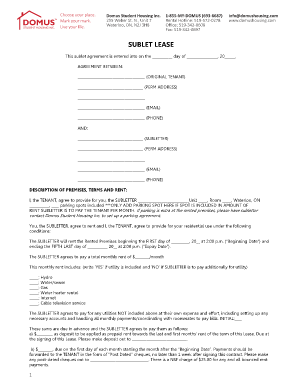
Domus sublet form
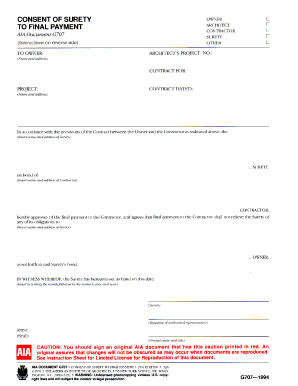
Consent of surety to final payment
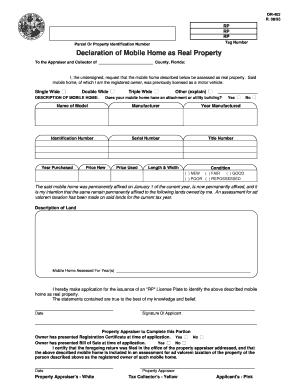
Declaration of Mobile Home as Real Property (Form DR-402) - bcpa
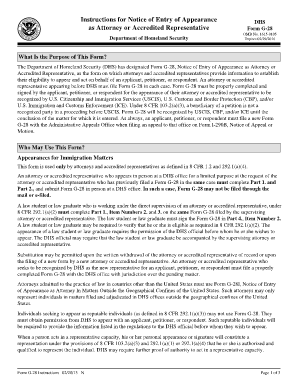
Instructions for Form G-28 - USCIS - uscis

Form preschool related printable
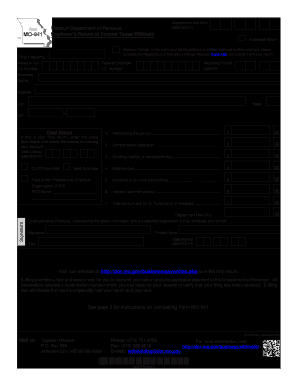
Missouri department of revenue form mo 941
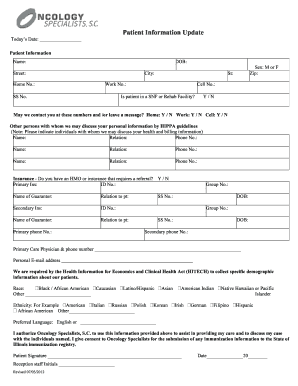
Patient facesheet update2012 (2) - Oncology Specialists

Dl 31 form

275 021 07 form
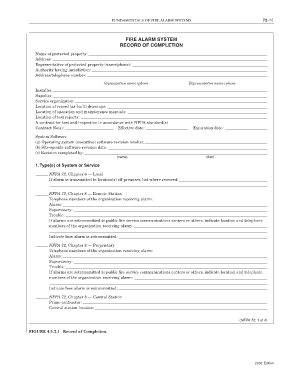
72 31 FUNDAMENTALS OF FIRE ALARM SYSTEMS FIRE ALARM SYSTEM RECORD OF COMPLETION Name of protected property: Address: Representative of protected property (name/phone): Authority having jurisdiction: Address/telephone number: Organization -
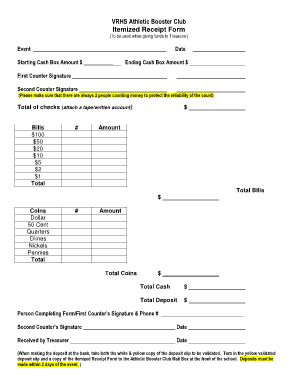
Sample Itemized Receipt Form - Vista Ridge Athletic Booster Club
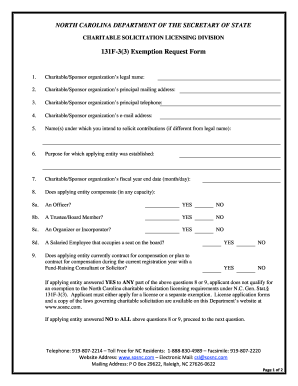
North carolina exemption request form

Arkansas inactive form board nursing

Eta h 2b application certification
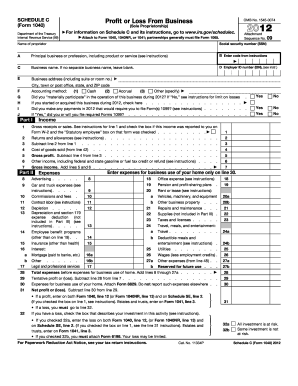
Online tax forms
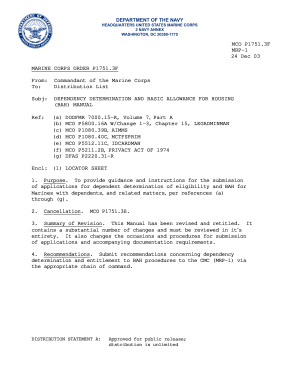
Navmc 11346
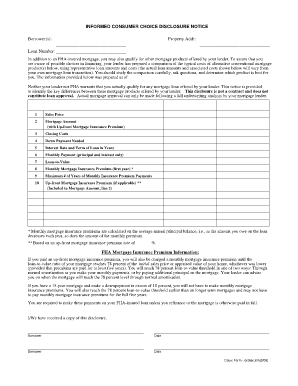
Verification of mortgage form
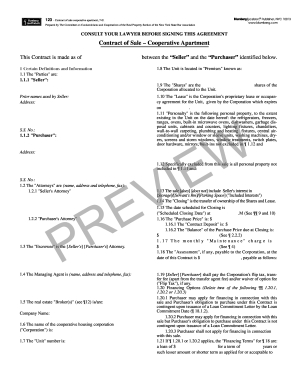
Contract of Sale - Blumberg Legal Forms Online
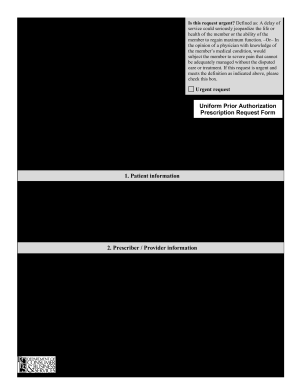
Moda prior authorization form
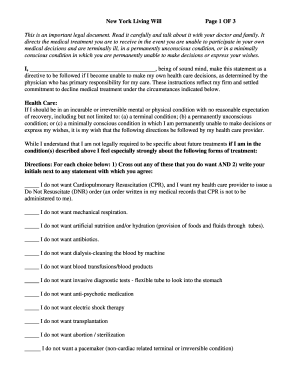
New York Living Will Page 1 OF 3 - nycourts
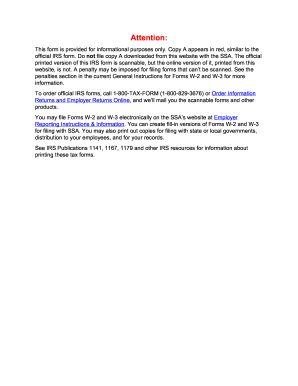
Oar150 3162023 2013 form
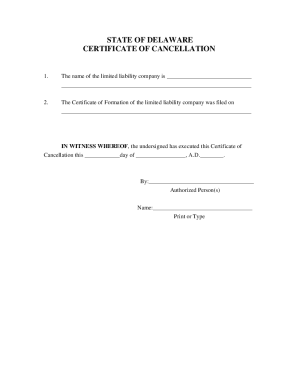
Certificate of cancellation
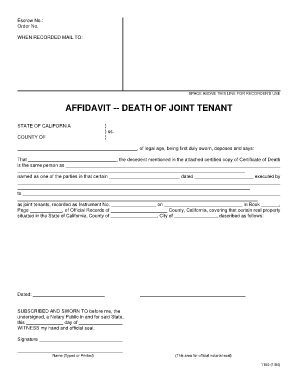
Affidavit Death of Joint Tenant (5Kb -- PDF)
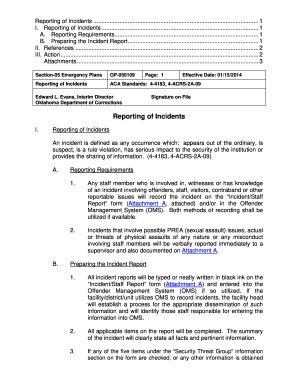
Attachment a op 050109 type and print 2014 form
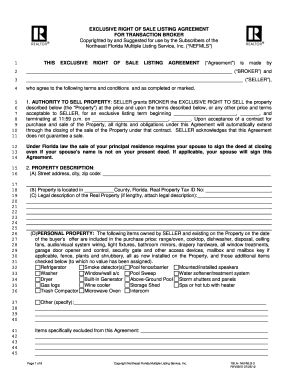
Nefar mls 2012 form

Hawksnest zipline
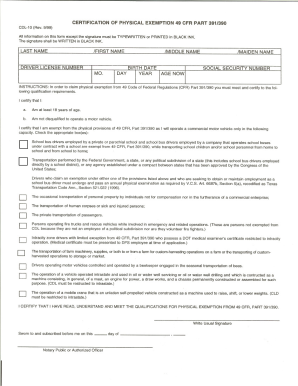
Tx cdl 7 email address 1999 form

Form i 90 pdf
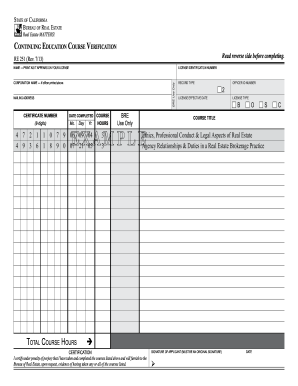
Re 251

Virginia escalator certificate edit
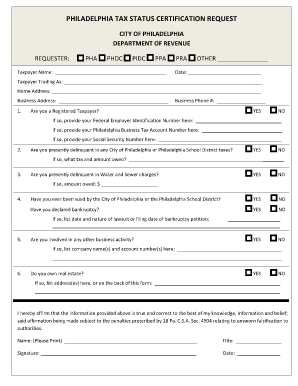
Tax clearance philadelphia
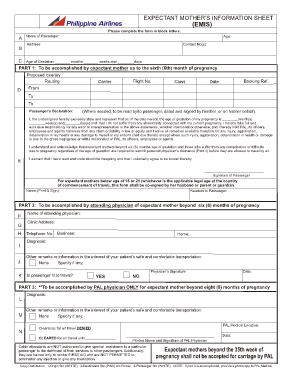
Mommy and baby information sheet

UNCONDITIONAL WAIVER AND RELEASE UPON FINAL PAYMENT

Establishment form

Application for State Emergency Relief - DHS-1514 - State of ...
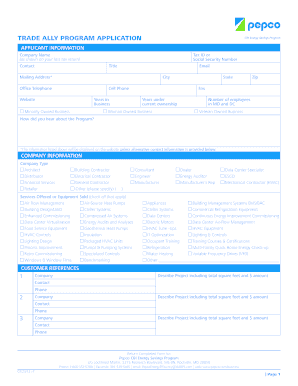
Pepco program application
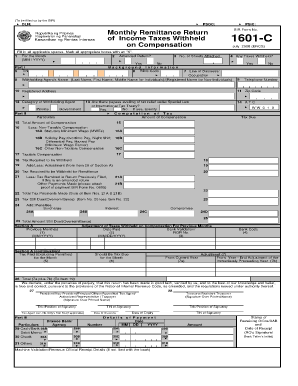
Bir form 1601 c
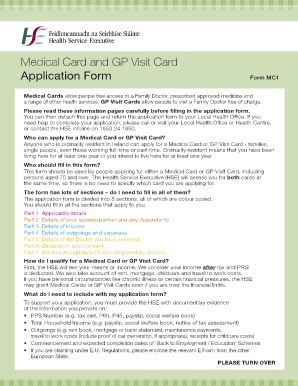
Gp application form

Dmv14
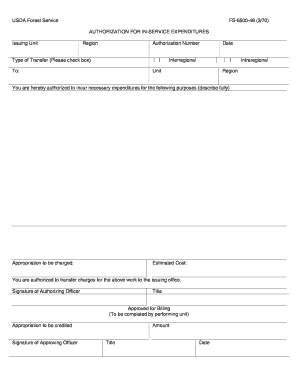
Fs 6500

Usfj form 196aej
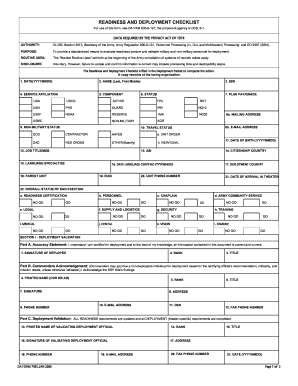
Da form 7425 2006

Army srb

Owners sale agreement and earnest money receipt
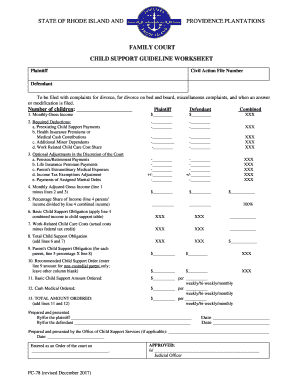
Child Support Guideline Worksheet - Rhode Island Judiciary - courts ri
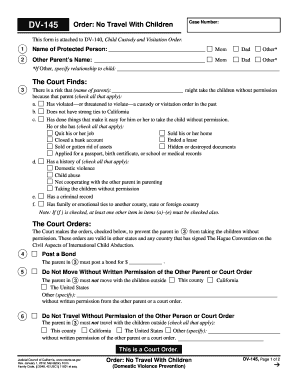
145 california courts

Mo 886 3846 7 15
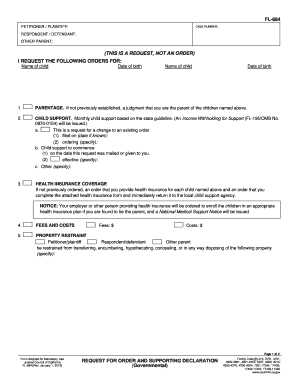
Declaration supporting
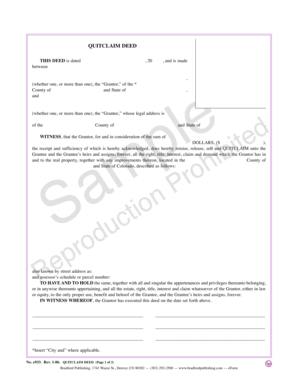
Colorado Quitclaim Deed - Bradford Publishing
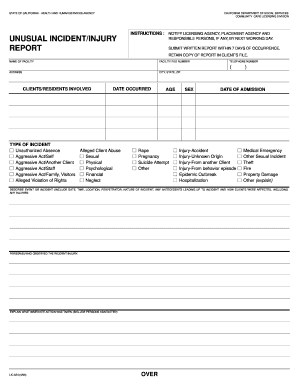
Incident report
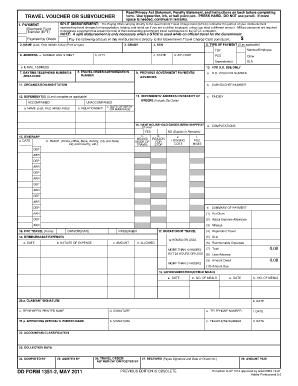
DD Form 1351-2, Travel Voucher or Subvoucher, May 2011 - usace army
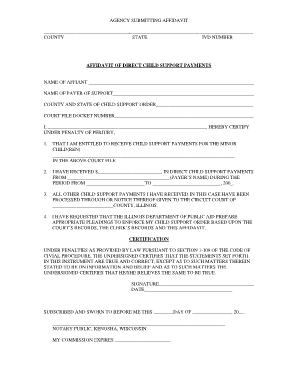
Affidavit for receiving money

Rental order form

Exclusive right to rent agreement

Form interrogatories employment
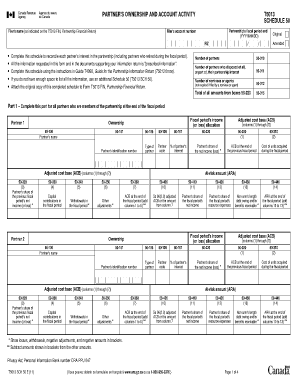
T5013 fillable

Response to cp259
Benefit from the DocHub online library of fillable PDF forms
Searching the PDF forms doesn't have to be a tedious and time-consuming process. With the DocHub online library, it has become easier to find the fillable PDF forms and modify them in your browser. The service allows you to adjust the document to your needs using powerful editing tools.
You can use online document editing features to modify almost any type of document with ease. You just need to find the template of your choice, open it in the editor, and use the toolbar to make the necessary corrections.
Follow this guide to get your document done with DocHub:
- Find the PDF template you need.
- Click the Get Form button to open the file in the editor.
- Use the toolbar to fill out and edit the document.
- Easily add and highlight text, insert images, checkmarks, and symbols.
- Drop new fillable fields, and rearrange or delete pages from your file.
- Save changes and download your record.
DocHub empowers everyone to streamline document editing, signing, and distribution, and form completion. Create an account and benefit from our well-organized PDF Forms library and comprehensive editor.