
Get any PDF form from the DocHub library of ready-made templates - Page 1519

South Carolina Department of Public Safety Law Enforcement Officer
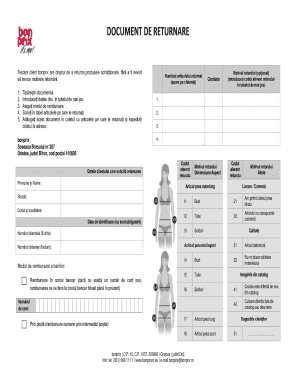
Formular retur bonprix
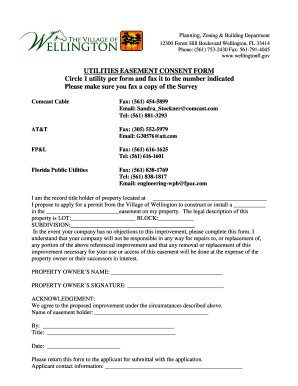
Florida easement consent village form
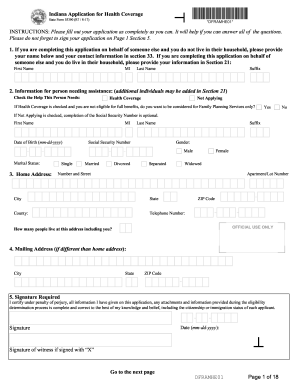
Indiana state form 55390 r7 8 17
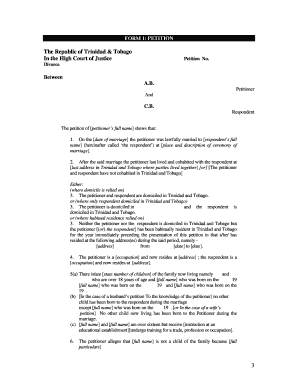
Divorce papers online trinidad

Machine shop inspection form
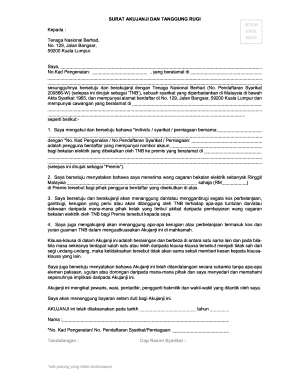
Surat akujanji dan tanggung rugi tnb
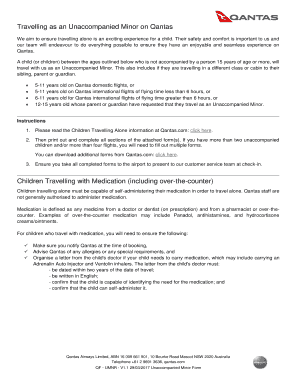
Qantas unaccompanied minor form

Color code personality test pdf
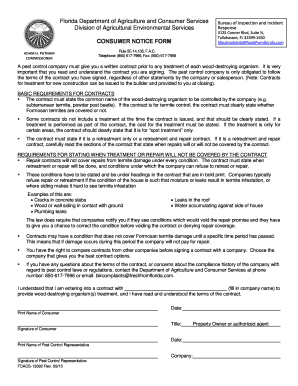
Consumer notice form
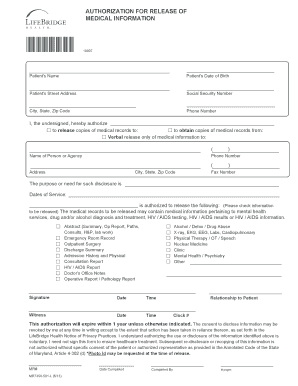
Mr7350
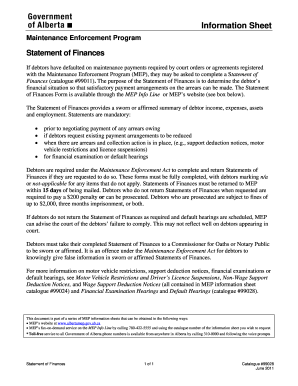
Statement of Finances. Statement of Finances #99028
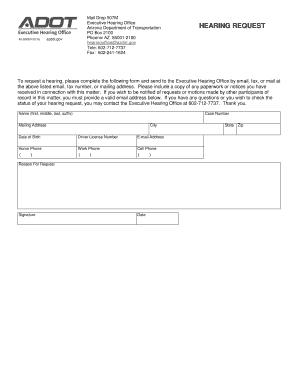
Hearing Request form
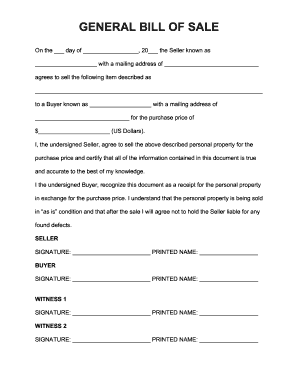
Free General (Personal Property) Bill of Sale Form - Word PDF ...

Driver assessment form
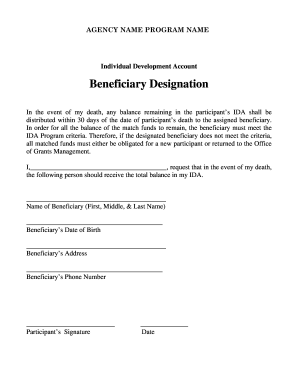
Schedule fr deah beneficiaries
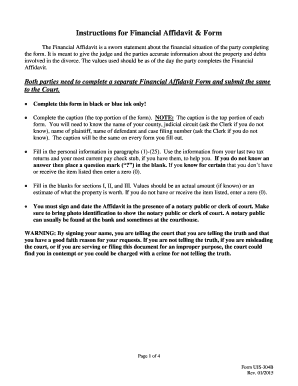
UJS 304B Financial Affidavit
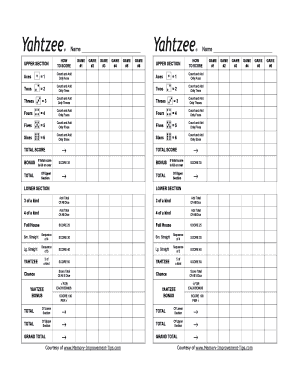
Yahtzee score card fillable
Vs 85 form
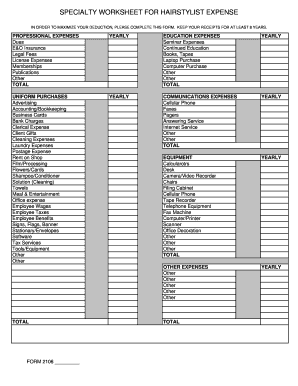
Specialty Worksheet for Hairstylist.xls
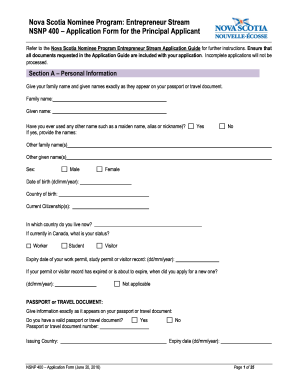
NSNP-400-English-20June2016.docx

Passport office mauritius
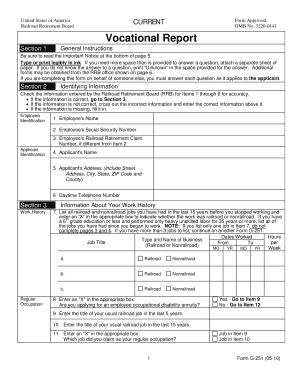
Rrb form g 251
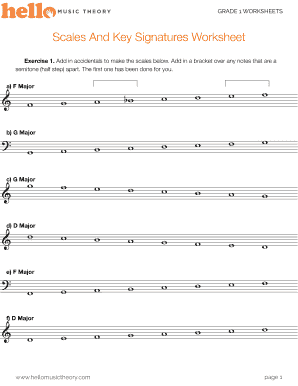
Printable key signature worksheets

Notice of objection child support - IRD

Title affidavit indiana
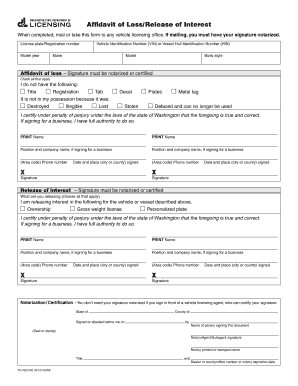
Affidavit of Loss/Release of Interest
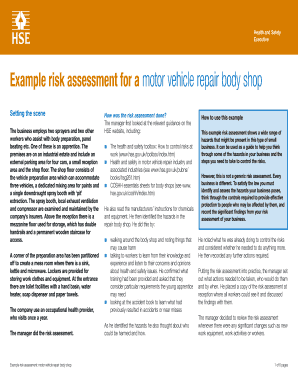
Example risk assessment for a motor vehicle repair body shop
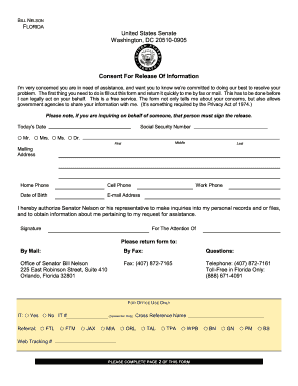
Consent for release of information form - billnelson senate
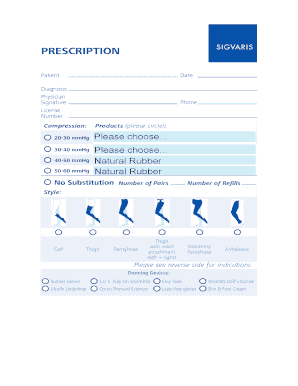
Compression:
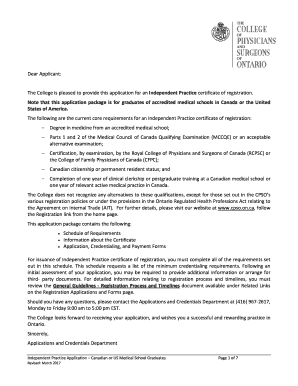
Cpso application form
Land registry forms ontario
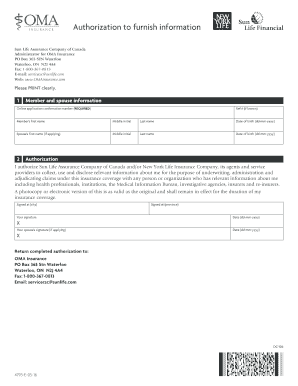
Authorization to furnish information

State Environmental Review Process (SERP) Checklist - fortress wa

Sending in proof of your no claims bonus - Autonet Insurance
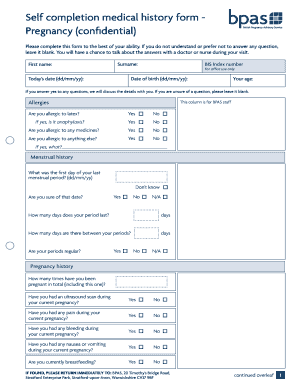
Pregnancy medical history form

Cdph lab license renewal
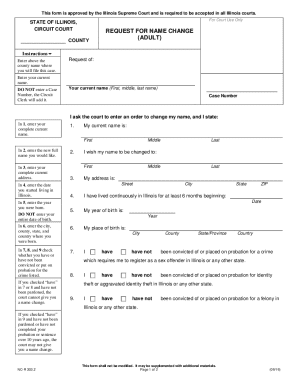
Illinois Statewide Forms - APPROVED - Name Change Suite
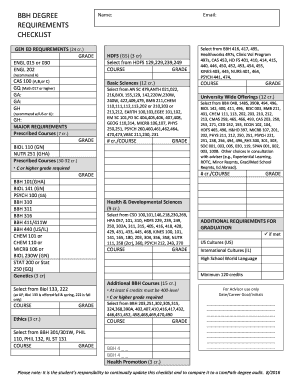
Bbh checklist

Ny manifestation form
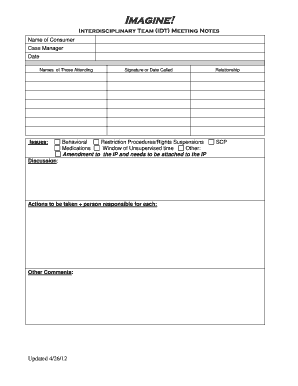
Idt meeting template
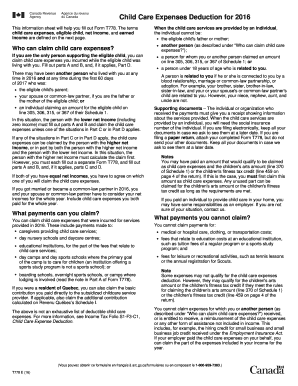
This information sheet will help you fill out Form T778 - cra-arc gc
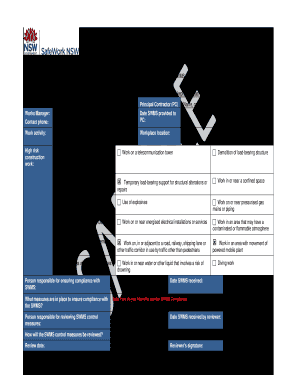
High risk construction work safe work method statement sample

Certificates - Pennsylvania Department of Health - PA.gov

Team Top 5 Grid
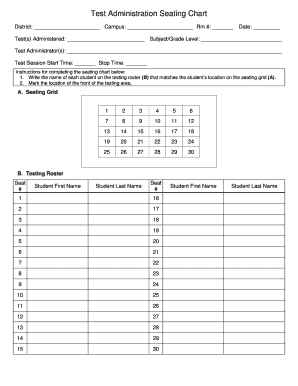
Test seating chart
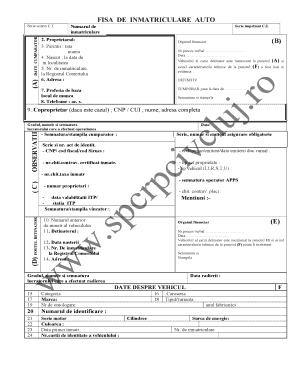
Fisa de inmatriculare

YBZ The Expedition Activity Report - V1.1.doc
Amerha 216
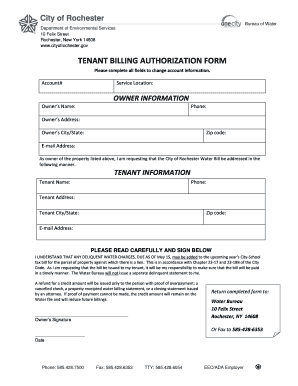
TENANT BILLING AUTHORIZATION FORM - cityofrochester

Congratulations on your decision to enroll in Rutgers University

Nyllcntrtsigf services
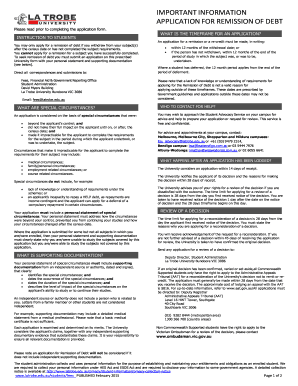
Remission of debt latrobe

Carta poder template
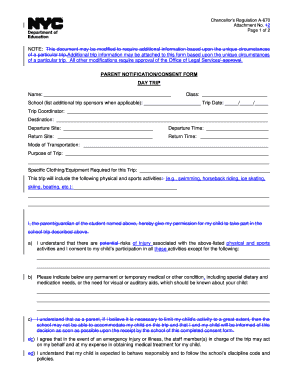
Chancellor's regulation a 670
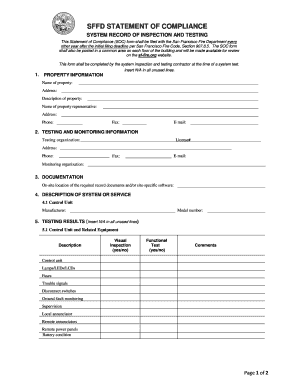
SFFD STATEMENT OF COMPLIANCE

Form 73a051 tire fee report

Fll team information sheet

Tr0031

Printable ditloids with answers

Informal brief form for the nevada supreme court
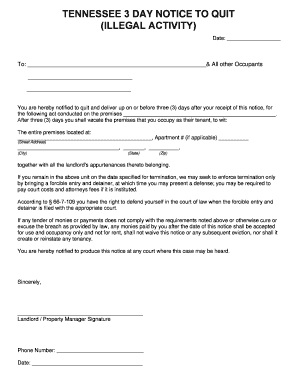
14 DAY NOTICE TO QUIT
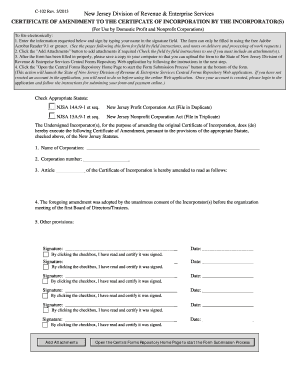
Amendment form new jersey
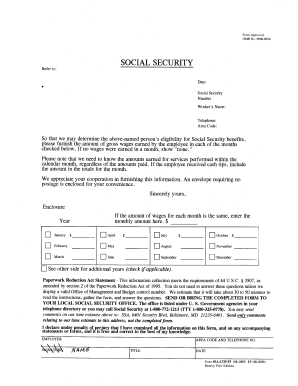
SSA-L725-F3 - reginfo
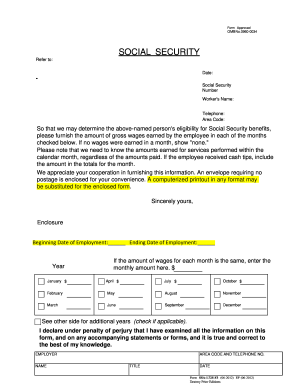
Ssa 725 form
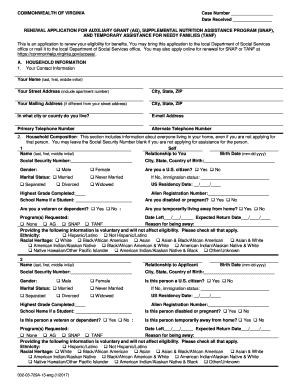
RENEWAL APPLICATION FOR AUXILIARY GRANT - Virginia ... - dss virginia
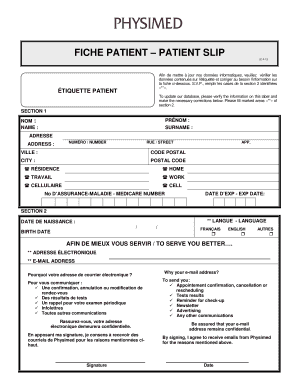
Fiche patient pdf
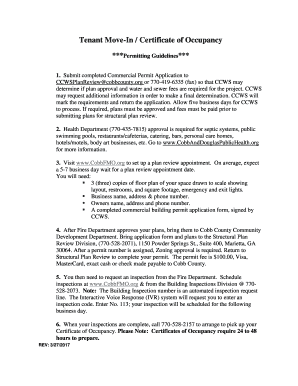
Letter of occupancy for tenants
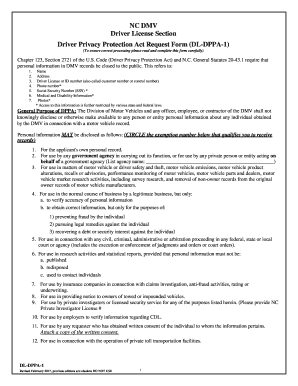
Dl dppa 1
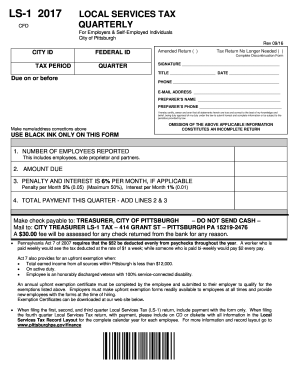
Ls 1 2020

Messaging agreement

Kansas department of labor forms
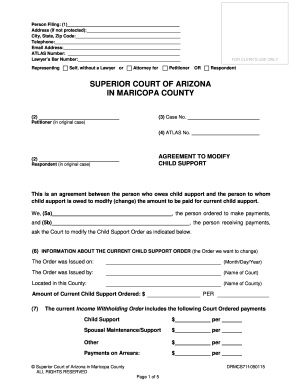
AGREEMENT TO MODIFY CHILD SUPPORTWHEN ALL PARTIES WILL SIGN AGREEMENT TO MODIFY. AGREEMENT TO MODIFY CHILD SUPPORT WHEN ALL PARTIES WILL SIGN AGREEMENT TO MODIFY - superiorcourt maricopa
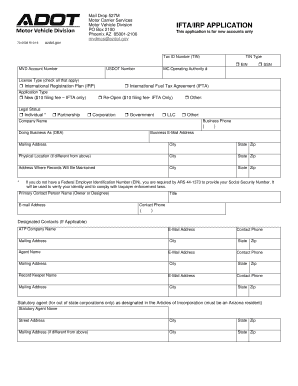
Fuel tax agreement

New york doh154 search
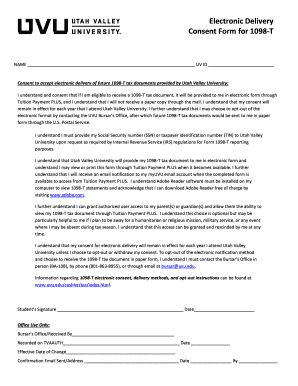
Uvu 1098 t

Forma pgc 007

HUD-90104 - portal hud

Jury duty

Amgen safety net foundation application 2022 pdf
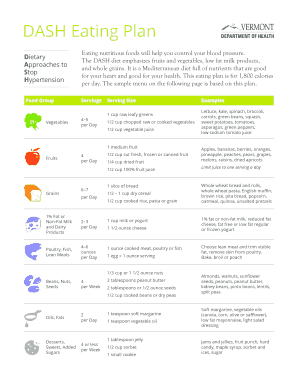
Dash diet pdf 2021
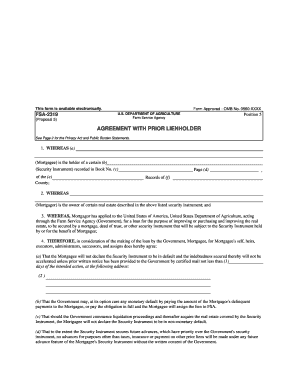
Blank lien holder agreement

Nasa certificate
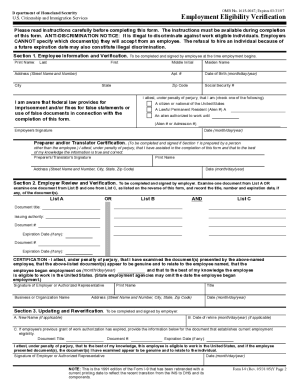
I-9, Employment Eligibility Form (PDF) - hspd12 usda
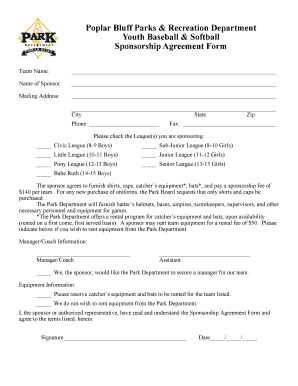
Youth Baseball Softball Sponsorship forms 2017 - poplarbluff-mo
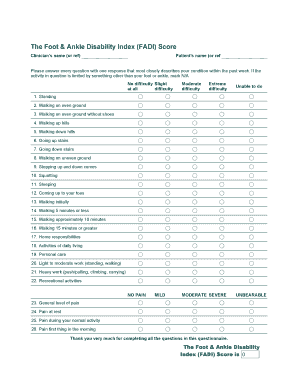
Ankle disability index

Rmit special consideration

F4 medical form online
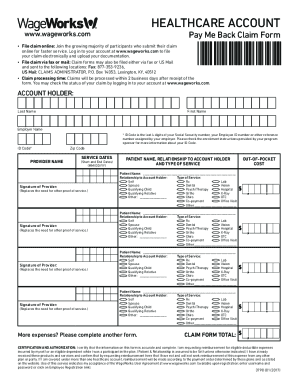
Wageworks pay me back claim
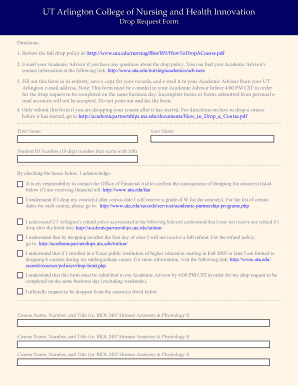
UT Arlington College of Nursing and Health Innovation

Trustaff timesheet

Costa application form
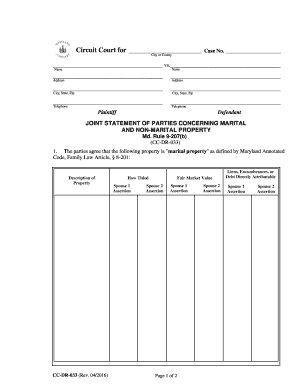
Maryland non marital b fill

KDADS Operation Red File Example - dcf ks

Discharge instruction sheet
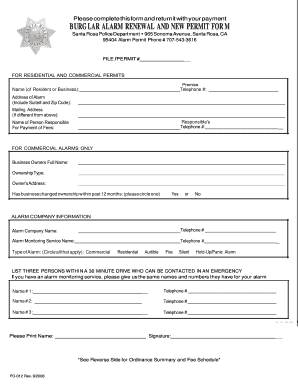
Burglar alarm renewal permit

Mc 01 summons

VA Form 21-0960H-1. HERNIAS (INCLUDING ABDOMINAL, INGUINAL AND FEMORAL HERNIAS) DISABILITY BENEFITS QUESTIONNAIRE - vba va
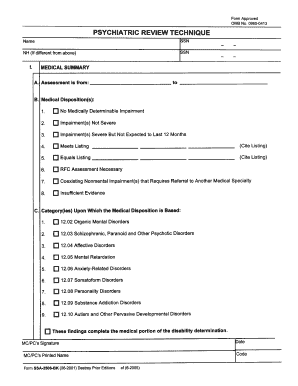
Ssa form 2506 bk
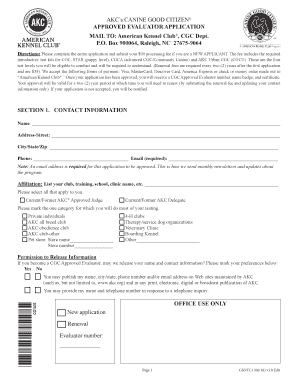
AKC CGC Approved Evaluator Application. Evaluator Application
Benefit from the DocHub online library of fillable PDF forms
Searching the PDF forms doesn't have to be a tedious and time-consuming process. With the DocHub online library, it has become easier to find the fillable PDF forms and modify them in your browser. The service allows you to adjust the document to your needs using powerful editing tools.
You can use online document editing features to modify almost any type of document with ease. You just need to find the template of your choice, open it in the editor, and use the toolbar to make the necessary corrections.
Follow this guide to get your document done with DocHub:
- Find the PDF template you need.
- Click the Get Form button to open the file in the editor.
- Use the toolbar to fill out and edit the document.
- Easily add and highlight text, insert images, checkmarks, and symbols.
- Drop new fillable fields, and rearrange or delete pages from your file.
- Save changes and download your record.
DocHub empowers everyone to streamline document editing, signing, and distribution, and form completion. Create an account and benefit from our well-organized PDF Forms library and comprehensive editor.