
Get any PDF form from the DocHub library of ready-made templates - Page 1455
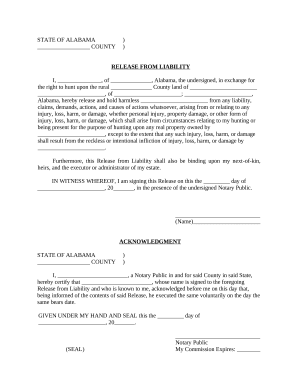
Hunting Release by Hunter to Land Owner - Alabama
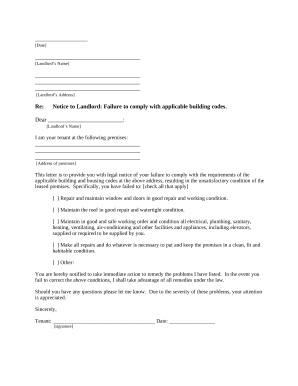
Alabama codes

Letter tenant repairs
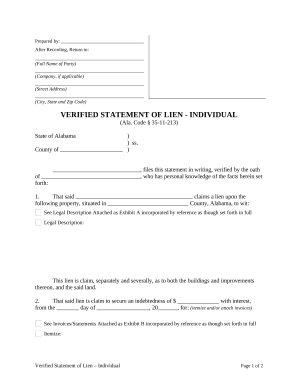
Alabama lien form
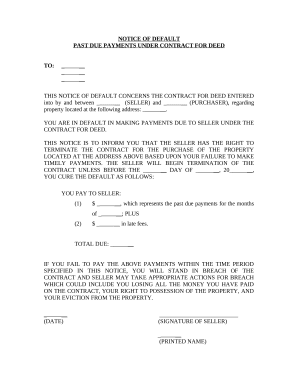
Notice default form
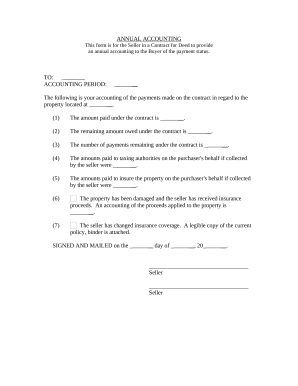
Alabama seller
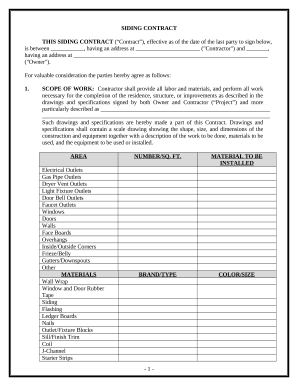
Siding Contract for Contractor - Alabama
Child Care Services Package - Alaska
Drainage Contractor Package - Alaska
Insulation Contractor Package - Alaska

Hunting Forms Package - Alaska
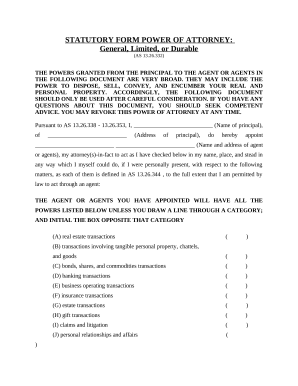
Alaska power attorney
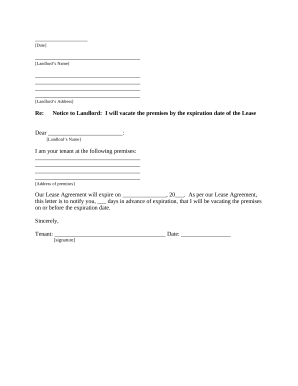
Letter from Tenant to Landlord - Variable-Day Notice to Landlord That Tenant Will Vacate Premises On or Prior to Expiration of Lease - Alaska
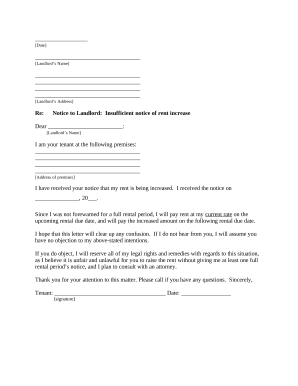
Landlord rent increase

Refrigeration Contract for Contractor - Alaska
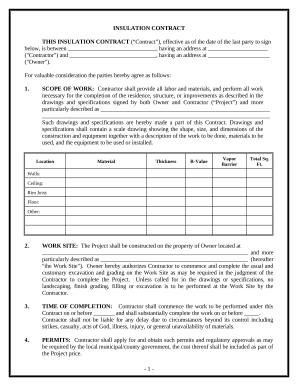
Alaska contract contractor
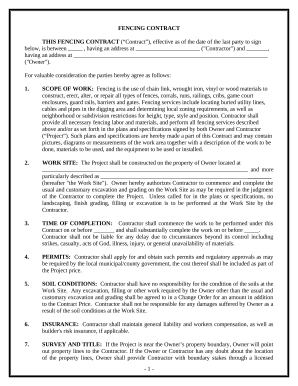
Fencing Contract for Contractor - Alaska

Trim Carpenter Contract for Contractor - Alaska
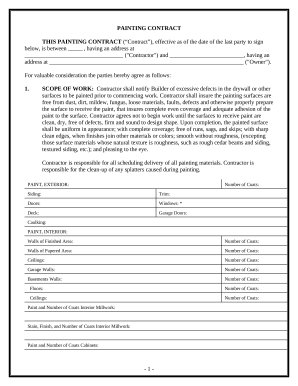
Painting Contract for Contractor - Alaska

Construction Contract Cost Plus or Fixed Fee - Alaska
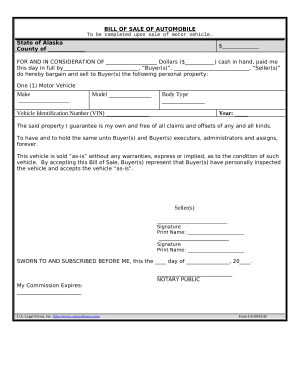
Bill of Sale of Automobile and Odometer Statement for As-Is Sale - Alaska
Georgia quitclaim deed form
Ga final divorce
Divorce maiden name
Quitclaim Deed from Corporation to LLC - Georgia
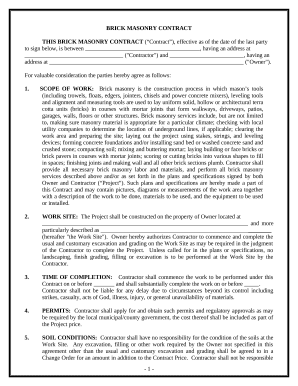
Brick Mason Contract for Contractor - Georgia

Siding contract template
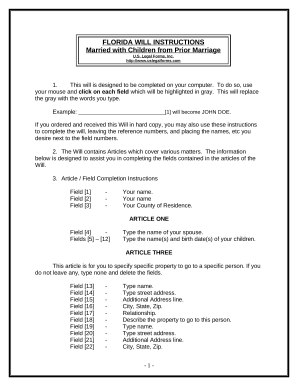
Florida simple will form for married person

Florida file
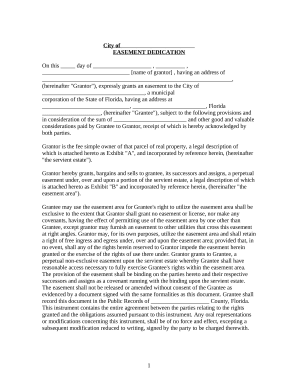
Florida easement

Florida bill sale
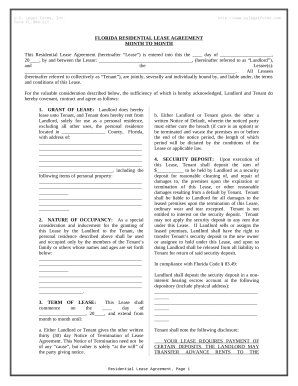
Florida lease
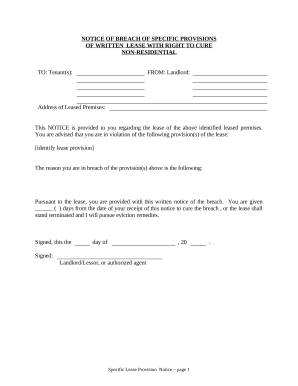
Lease landlord tenant

Notice terminate tenant
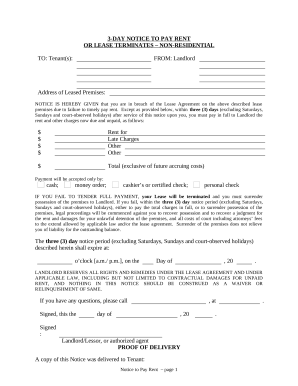
3 day notice
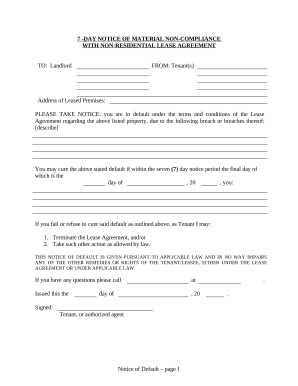
7 day Notice of Material Noncompliance with Lease or Rental Agreement - Nonresidential - 7 days to Cure from Tenant to Landlord - Florida
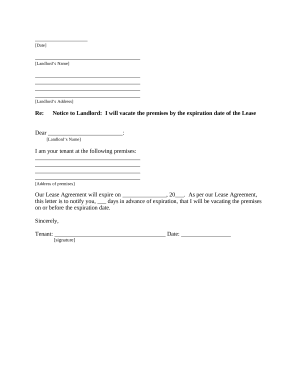
Tenant vacating premises
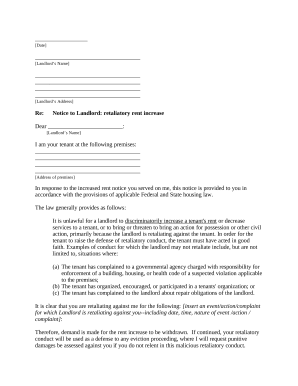
Letter tenant rent

Letter tenant damage
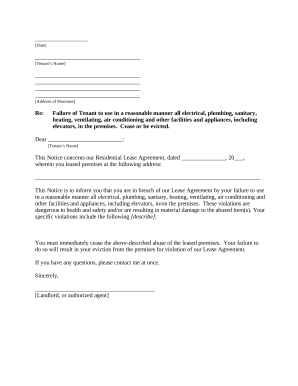
Florida landlord tenant
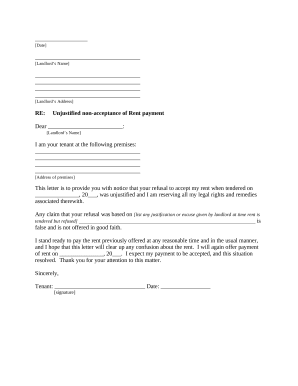
Fl letter tenant landlord
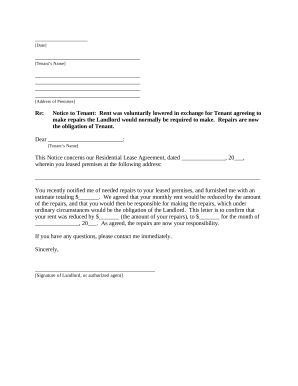
Letter landlord tenant
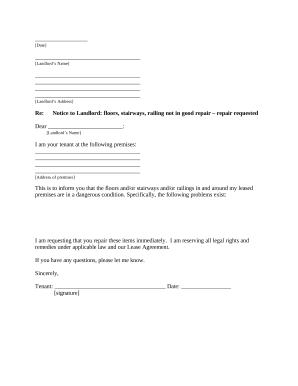
Letter tenant with

Letter tenant notice
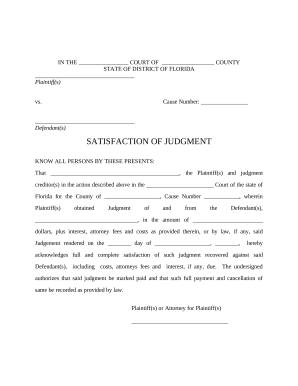
Florida satisfaction judgment

Deed time share
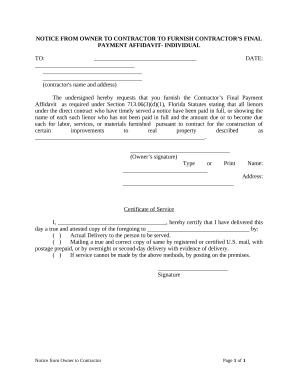
Notice contractor florida
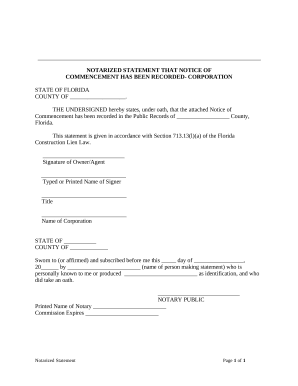
Florida notarized statement

Florida owner
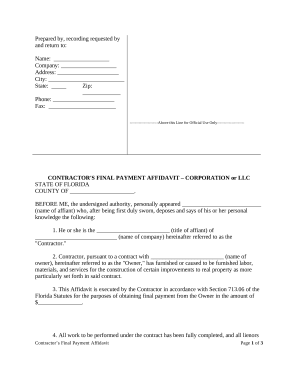
Contractor affidavit form

Notice of commencement florida
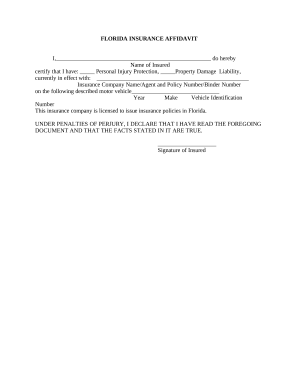
Florida insurance affidavit
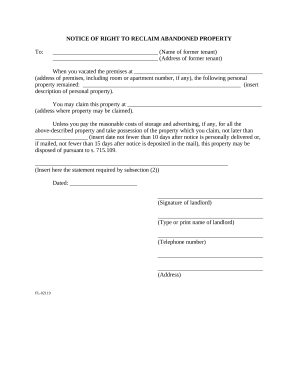
Right abandoned property
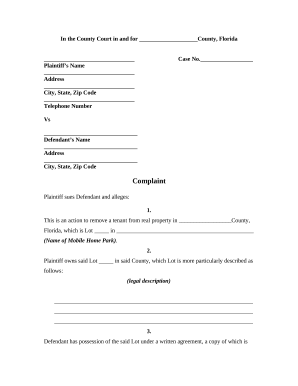
Remove tenant
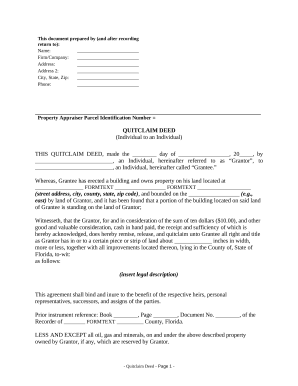
Encroachment
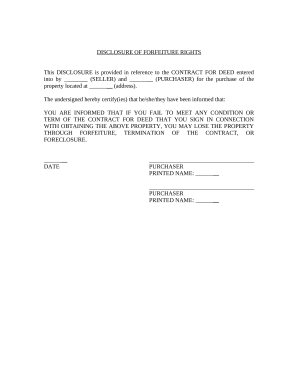
Fl seller
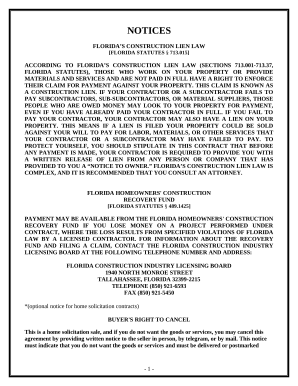
Paving Contract for Contractor - Florida

Demolition Contract for Contractor - Florida
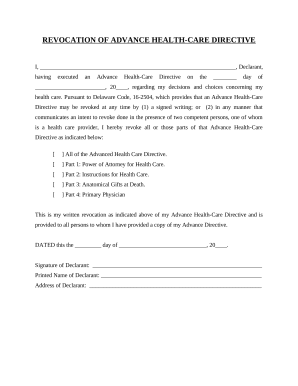
Delaware advance directive
Delaware filing

Delaware annual
Delaware certificate
Delaware child modification form
Notice termination lease

Letter from Landlord to Tenant as Notice to remove unauthorized pets from premises - Delaware

Employment or Job Termination Package - District of Columbia

Ma selling car

Ma company
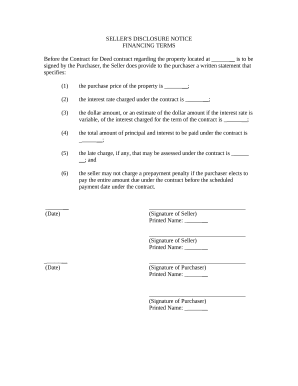
Seller disclosure agreement

Name change form
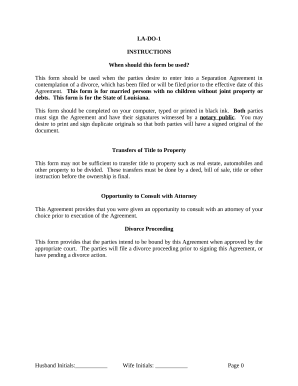
Marital Domestic Separation and Property Settlement Agreement for persons with No Children, No Joint Property or Debts where Divorce Action Filed - Louisiana
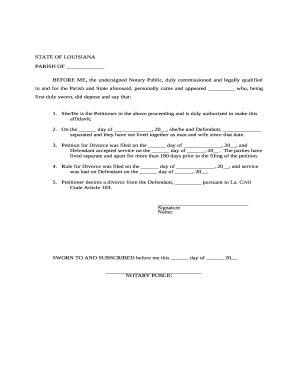
La cc 103

La civil code

Louisiana heirs

Resolution board sample
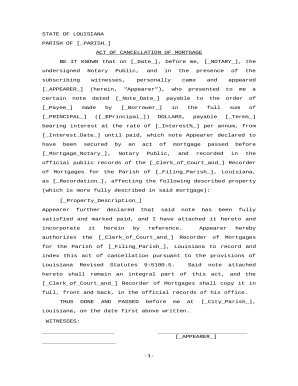
Louisiana cancellation mortgage
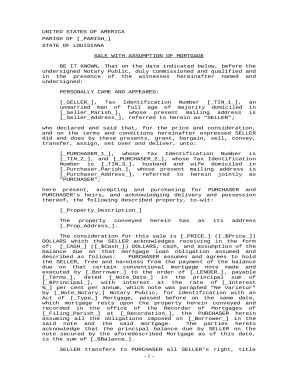
Louisiana mortgage form
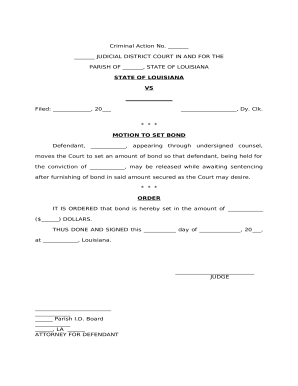
Set bond
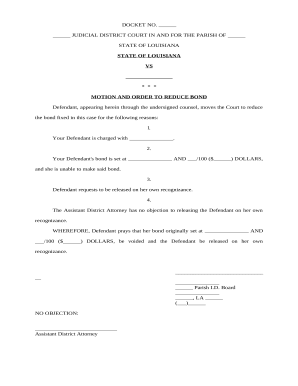
Motion and Order to Reduce Bond and release on own recognizance - Louisiana
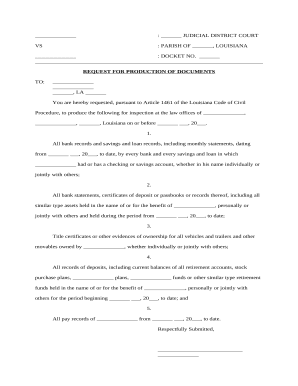
Production divorce
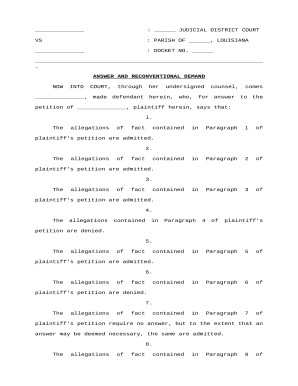
Louisiana alimony
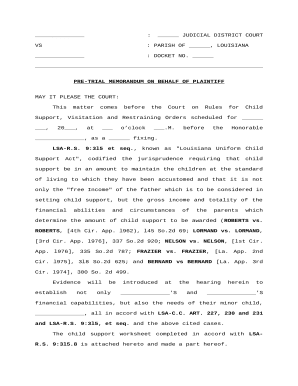
Regarding child support
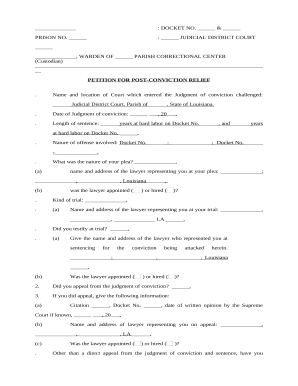
Post conviction

Plea
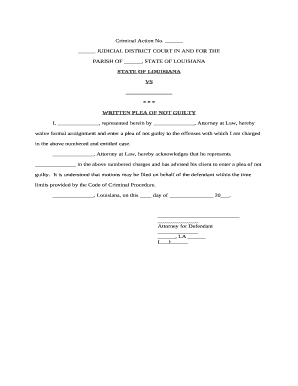
Plea not guilty
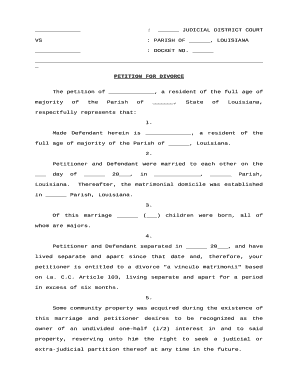
Louisiana petition divorce

Bill particulars form
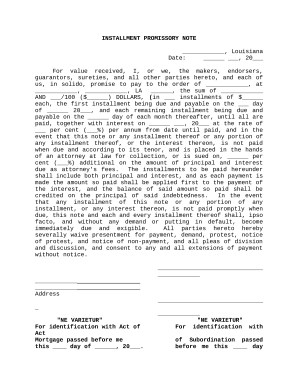
Ne varietur louisiana
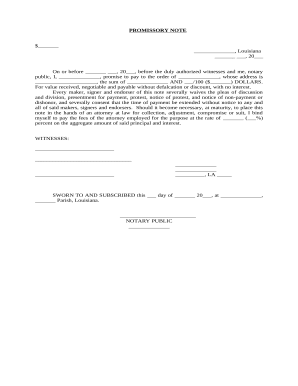
Promissory note

Minutes directors meeting
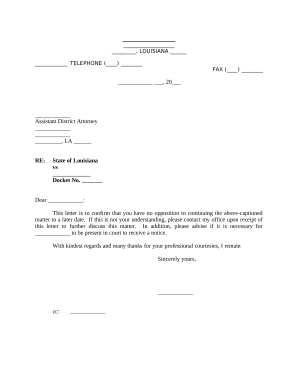
Opposing counsel
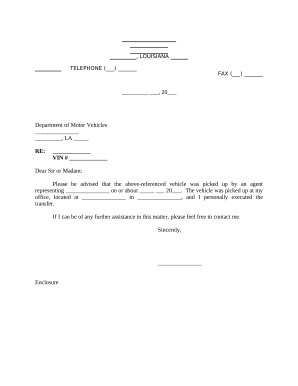
Louisiana dmv
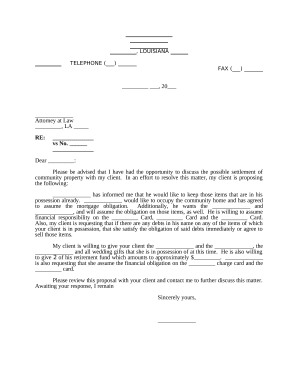
Sample letter to opposing counsel with settlement offer
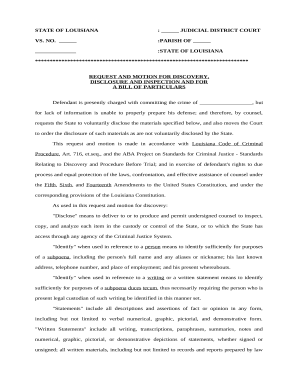
Motion bill particulars

Louisiana community property divorce

Louisiana community property form
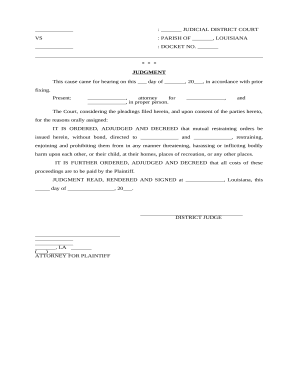
Louisiana restraining order
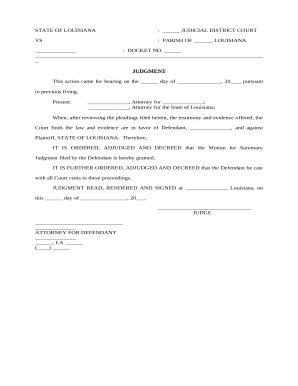
Judgment summary
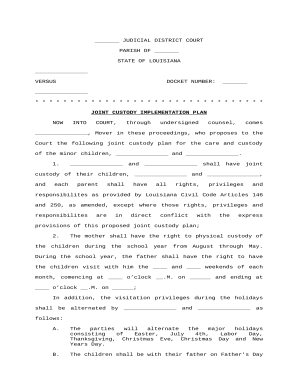
Joint Custody Implementation Plan - Louisiana
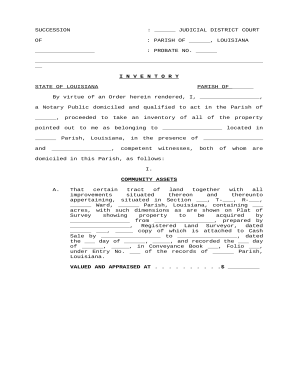
Louisiana probate
Benefit from the DocHub online library of fillable PDF forms
Searching the PDF forms doesn't have to be a tedious and time-consuming process. With the DocHub online library, it has become easier to find the fillable PDF forms and modify them in your browser. The service allows you to adjust the document to your needs using powerful editing tools.
You can use online document editing features to modify almost any type of document with ease. You just need to find the template of your choice, open it in the editor, and use the toolbar to make the necessary corrections.
Follow this guide to get your document done with DocHub:
- Find the PDF template you need.
- Click the Get Form button to open the file in the editor.
- Use the toolbar to fill out and edit the document.
- Easily add and highlight text, insert images, checkmarks, and symbols.
- Drop new fillable fields, and rearrange or delete pages from your file.
- Save changes and download your record.
DocHub empowers everyone to streamline document editing, signing, and distribution, and form completion. Create an account and benefit from our well-organized PDF Forms library and comprehensive editor.