




01. Edit your form online
Type text, add images, blackout confidential details, add comments, highlights and more.

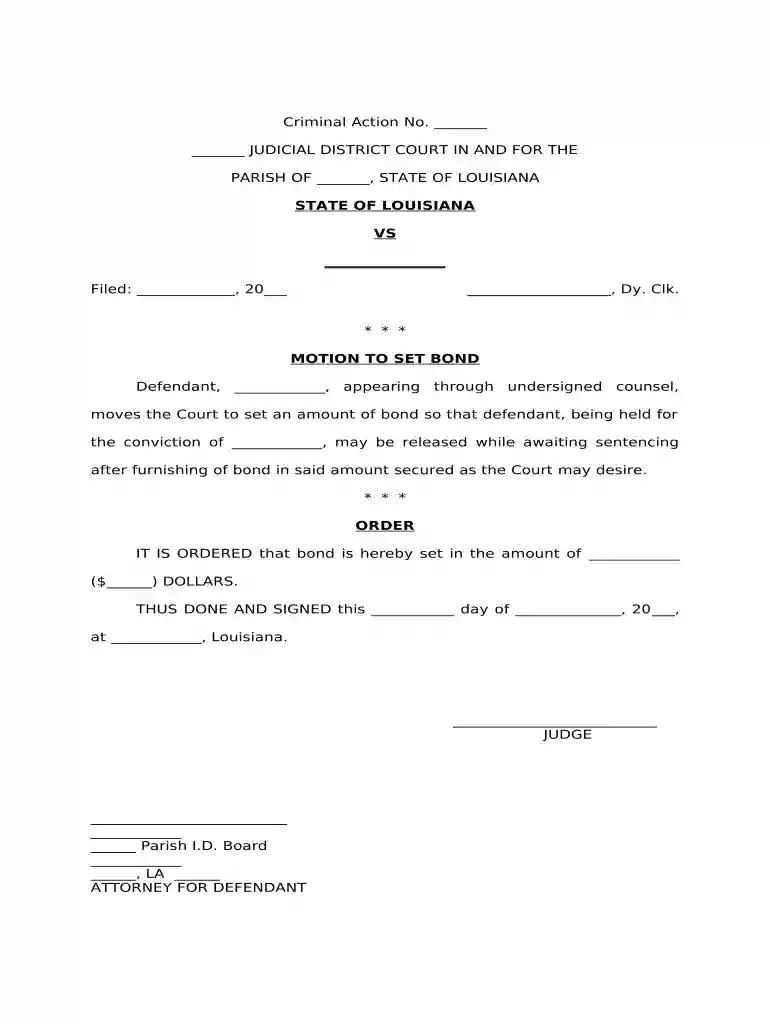
Type text, add images, blackout confidential details, add comments, highlights and more.

Draw your signature, type it, upload its image, or use your mobile device as a signature pad.

Send it via email, link, or fax. You can also download it, export it or print it out.

Start using our platform today to streamline your document editing and signing process for free!
At DocHub, your data security is our priority. We follow HIPAA, SOC2, GDPR, and other standards, so you can work on your documents with confidence.
Impose secured bond or house arrest only if lesser conditions are inadequate. G.S. 15A-. 534(b). □ When secured bond or house arrest is imposed, reasons mustRead more
Feb 16, 2024 A Guide for the Public: How CBP Sets Bond Amounts.
May 21, 2025 Evolution has shaped the way we bond with one another, especially in regards to our rather unlikely mating system: monogamy.


