




Here's how it works

01. Edit your not guilty plea online
Type text, add images, blackout confidential details, add comments, highlights and more.

02. Sign it in a few clicks
Draw your signature, type it, upload its image, or use your mobile device as a signature pad.

03. Share your form with others
Send written not guilty plea template via email, link, or fax. You can also download it, export it or print it out.
How to Use or Fill Out Plea Not Guilty with Our Platform

- Click ‘Get Form’ to open the plea not guilty document in the editor.
- In the first blank, enter your name as the defendant. This identifies you in the case.
- Next, fill in the name of your attorney in the designated field. This confirms legal representation.
- Waive formal arraignment by checking or marking the appropriate box if applicable, indicating your choice to proceed without it.
- In the section acknowledging your attorney's representation, ensure both your name and your attorney's name are correctly entered.
- Complete the date section at the bottom of the form, ensuring accuracy for legal documentation purposes.
- Finally, have your attorney sign and provide their contact information in the designated fields to finalize the document.
Start using our platform today to fill out your plea not guilty form easily and for free!
Fill out plea not guilty online
It's free
Security and compliance
At DocHub, your data security is our priority. We follow HIPAA, SOC2, GDPR, and other standards, so you can work on your documents with confidence.
Learn more


Related forms

Resignation form get
The document is a resolution from a limited liability company (LLC) formally accepting the resignation of a member from ...
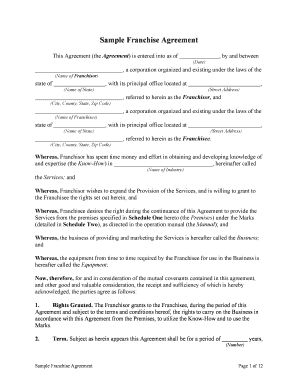
Franchise agreement
The document is a Sample Franchise Agreement between a Franchisor and a Franchisee, outlining the rights and obligations ...
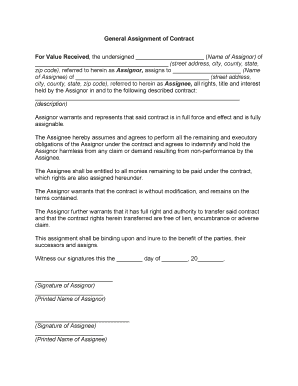
Assignment of contract
The document is a General Assignment of Contract, where the Assignor transfers all rights, title, and interest in a spec ...
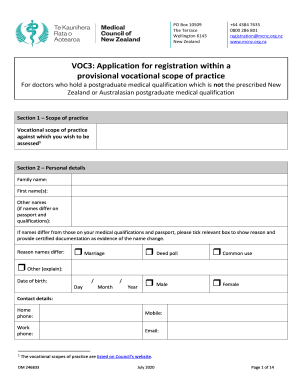
Voc3
The document is an application form (VOC3) for provisional vocational registration in New Zealand for doctors with non-p ...
5409
The 2019 Annual Report for the IRS Small Business/Self-Employed (SB/SE) division outlines its mission to assist small bu ...